NEXA Logistic Regression
- Experts
-
Park Seongcheon
 Hello,
My name is Park Sung Chan, a developer specializing in MetaTrader 5 algorithmic trading systems.
I design and research long-term, reliable automated trading models based on the structural characteristics and statistical patterns of financial markets. - Version: 1.0
- Activations: 5
(Expert Advisor)
1. Product Overview
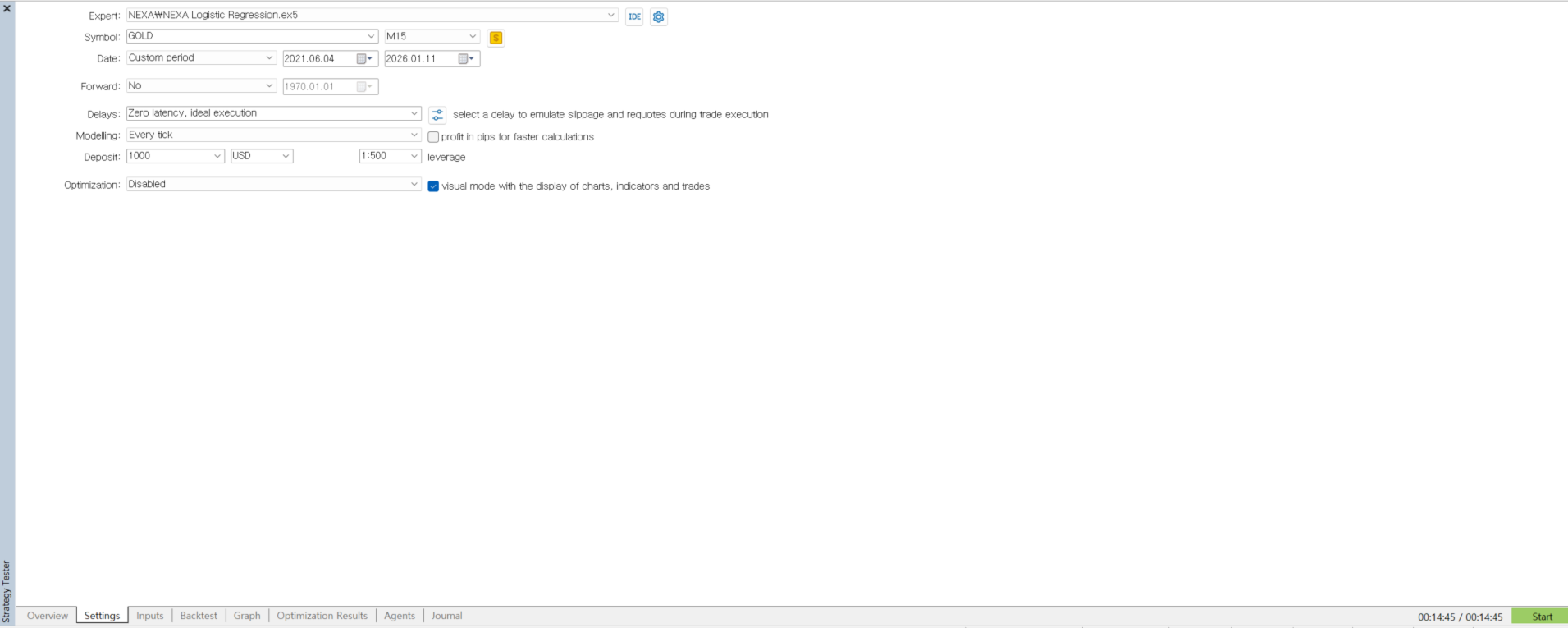
NEXA Logistic Regression EA is an automated trading program designed to operate on the M15 timeframe.
The Expert Advisor combines an EMA200 direction filter with a price-based Logistic Regression calculation to determine trading direction.
All calculations are performed strictly on closed bars, ensuring stable behavior without repainting or real-time recalculation effects.
This product is intended for users who prefer rule-based, systematic trading logic.
2. Trading Logic Summary
The EA operates according to the following process:
-
The EMA200 is used to identify the current directional context.
-
Trading is enabled only when a confirmed upward or downward breakout relative to EMA200 occurs.
-
Recent price data is processed through a Logistic Regression formula.
-
Trade signals are considered only when the calculated direction aligns with the EMA200 breakout direction.
-
Position management is applied on a per-symbol basis, with optional single-position restriction.
This structure limits trade execution to clearly defined directional conditions.
3. Timeframe and Symbol
-
Recommended timeframe: M15
-
Default trading symbol: GOLD (XAUUSD)
-
Designed primarily for single-symbol operation
4. Risk and Position Management Features
The EA includes the following management options:
-
Fixed lot size or balance-based dynamic lot calculation
-
Daily loss limit (automatic trade suspension after the specified number of losing trades)
-
One-position-only option per symbol
-
Multi-stage partial profit close functionality
-
Spread filter and time filter settings
All parameters can be adjusted directly through the input settings.
5. Chart Visualization
Optional chart elements include:
-
Current signal status display (Buy / Sell / Hold)
-
Buy and sell arrows at signal points
-
Information panel showing selected parameters
Chart visualization is independent of trading logic and can be disabled without affecting execution.
6. How to Use
-
Open a chart in the MetaTrader 5 platform.
-
Set the chart to the recommended timeframe (M15).
-
Attach NEXA Logistic Regression EA to the chart.
-
Adjust input parameters according to your trading environment.
-
Enable automated trading.
7. Important Notes
-
The product is provided only as a compiled EX5 file.
-
No DLL calls, external libraries, or WebRequest functions are used.
-
The EA does not connect to external servers or third-party systems.
-
No personal user data is collected or transmitted.
-
This product does not guarantee or imply profitability.
-
Trading results depend on market conditions and user-defined settings.
Testing on a demo account is recommended before any live use.
8. Support
Product support is provided exclusively through the MQL5.com comments and internal messaging system.
Support via external messengers, email, or third-party platforms is not offered.