Turtles EA
- Experts
-
Daniel-gheorghe Muresan
 I have 8 years of experience in trading. I am a trend follower and I trade mostly using the Turtles method.
Because the markets have changed since the 80s, I use longer periods for breakouts and trailing stops, no pyramiding, and a bigger ATR multiple as stop loss. - Version: 1.22
- Updated: 5 February 2026
- Activations: 10
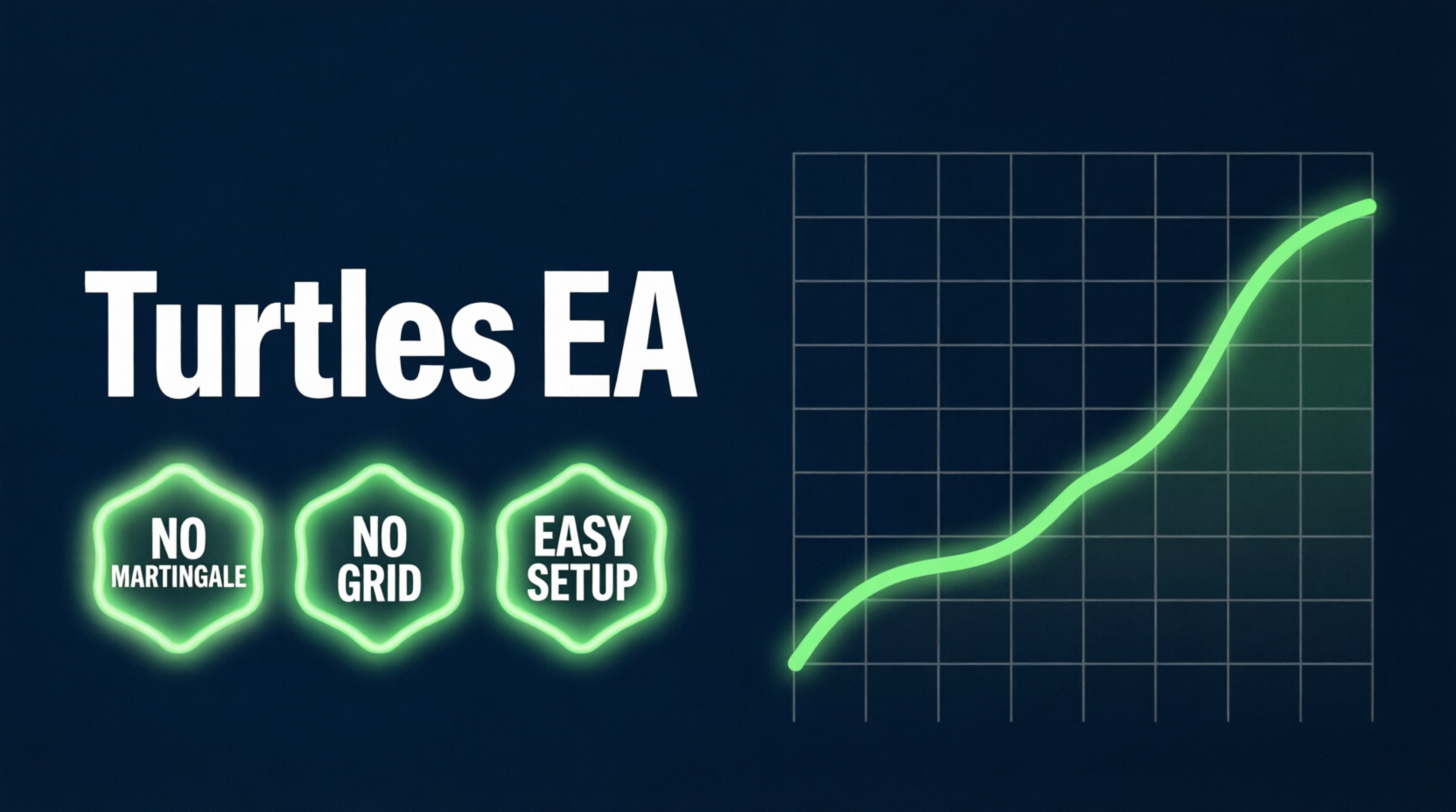
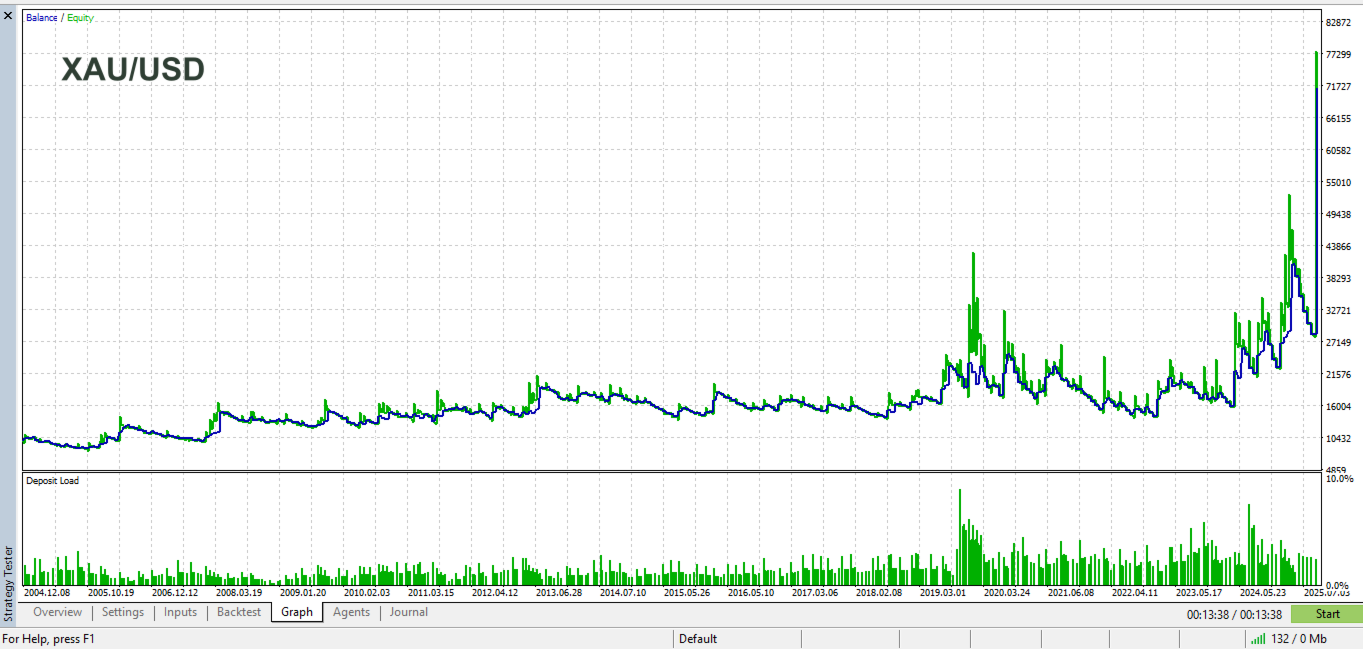
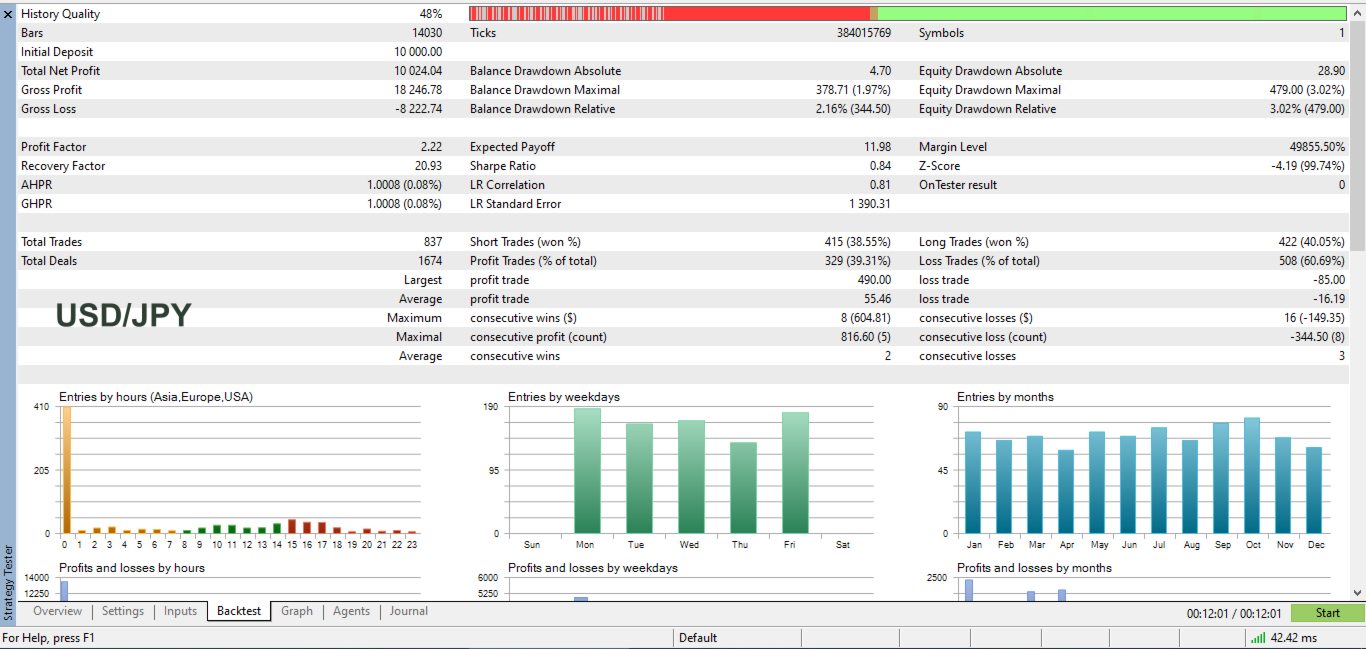
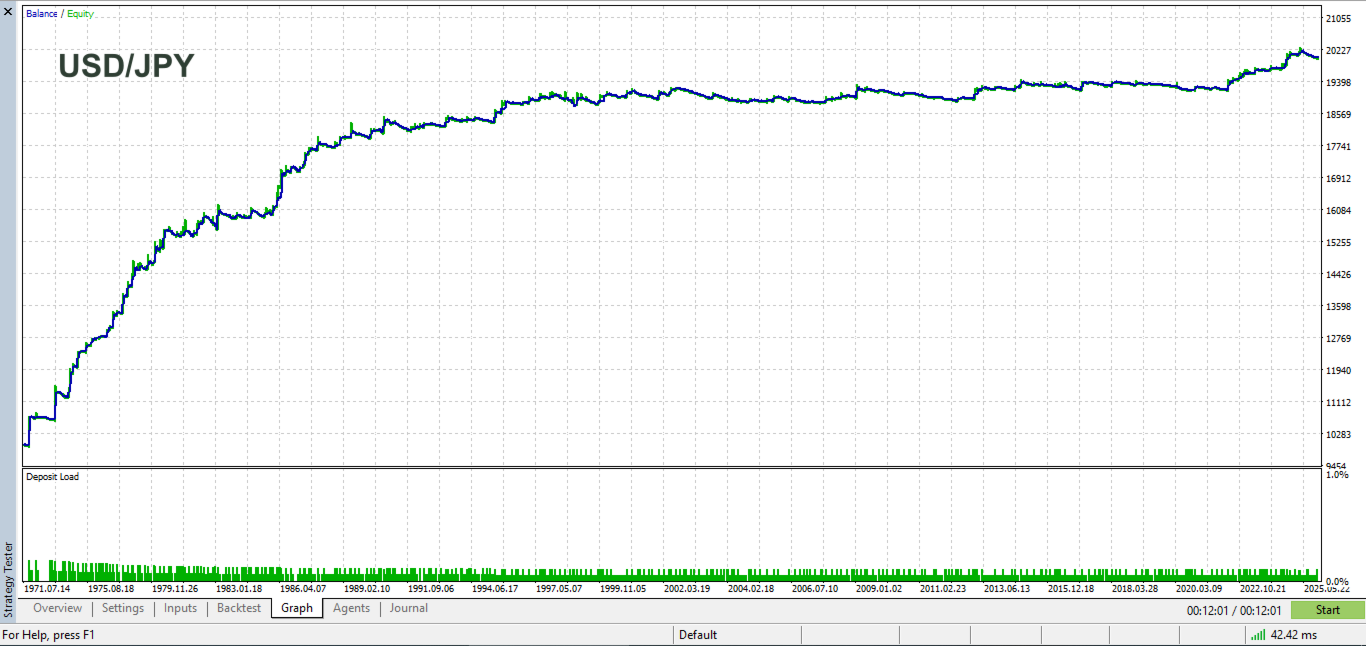
No Martingale. No Grid. Built by a trader with 8 years of experience, not just a programmer. This EA follows the classic Turtle rules and you must trade multiple markets(preferably over 20) on daily timeframe.
Input Settings Guide: How to Configure the Turtles EA
To get the best results from the Turtles EA, it is important to understand the key input parameters. This EA is designed to be highly customizable while keeping risk management strict, logical, and simple.Discounted price. The price is temporarily set to $30 to build initial trust. Once we reach 20 sales, the price will increase by $20 every 10 purchases. Final price $250. Get it now while it's cheap!
Risk Percent (%): This is the most critical setting. It determines how much of your account balance is risked on a single trade.
Recommendation: The default is 0.5%. For conservative, steady growth, keep it between 0.25% and 0.5%. Do not exceed 1% unless you fully understand the volatility of the markets you are trading.
ATR Stop Loss Multiplier: The EA uses the Average True Range (ATR) to calculate a dynamic stop loss based on current market volatility.
Recommendation: The default is 3.0. This means your stop loss will be placed exactly 3 times the current ATR value away from your entry price. This is crucial for preventing your trades from being stopped out by normal market noise.
ATR Period: The number of bars used to calculate the ATR.
Recommendation: Keep at 20 (the classic Turtle setting).
Entry & Exit Logic (The Two Systems) The EA includes two classic Turtle breakout systems. You can run them simultaneously or choose your preferred logic.
System 1 (Fast Breakout):
Entry Period: 20 (Buys when price breaks the 20 bar high, sells when it breaks the 20 bar low).
Exit Period: 10 (Closes trades early if price hits the 10-bar opposite low/high).
System 2 (Slow Breakout):
Entry Period: 55 (Buys/Sells on the longer 55-bar breakout).
Exit Period: 20 (Closes trades on the 20 bar opposite breakout).
Note: Each system only allows one open position per symbol at a time. There is no pyramiding, no averaging down, and no grid.
Drawdown Protection (Optional but Highly Recommended)
This feature monitors your account balance and automatically reduces your risk if you hit a losing streak, protecting your capital during difficult market conditions.
Enable Drawdown Protection: Set to true to activate.
Drawdown Thresholds (%): The EA will reduce your risk percentage by a set step if your account drops by these percentages from its peak.
Example: If set to 10, 20, 30, the EA will cut your risk when you are down 10%, cut it further at 20%, and cut it again at 30%. Once your balance reaches a new all time high, the risk automatically resets to your original Risk Percent.
Pro Tip for Setup:
The Turtles EA is a trend following system designed specifically for the Daily (D1) timeframe. To properly diversify your risk and catch major macroeconomic trends, it is highly recommended to apply this EA to a portfolio of 20 or more uncorrelated markets (e.g., major forex pairs, gold, indices, and commodities) simultaneously.
How the EA saves your risk management data
The EA keeps a small record of your account's risk state (peak balance reached, current risk reduction step, and current risk %) so this data survives terminal restarts, recompiles, and even VPS reboots.
Two files are created per account, named using your account login number:
- TurtleEA_Account_<login>_Persistence.bin — the live record, updated whenever your risk state changes (new balance high, or a drawdown step triggers a risk reduction).
- TurtleEA_Account_<login>_Persistence.bak — a safety backup that only stores confirmed balance milestones. Its balance value can only go up, never down, so if the main file is ever lost or corrupted, the EA can recover from the last known good peak instead of resetting to a stale or lower state.
Where to find them
Because the files are saved with the FILE_COMMON flag, they are not stored inside the individual terminal's data folder — they go in the shared "Common" folder used by all MetaTrader 5 terminals on your PC:
- In MetaTrader 5, go to File → Open Data Folder.
- From the data folder that opens, go up one level and open the Common folder (or navigate directly to it).
- Inside, open Files — that's where you'll see both the .bin and .bak files.
On Windows, this is typically:
C:\Users\<YourUsername>\AppData\Roaming\MetaQuotes\Terminal\Common\Files\
Notes for buyers
- These files contain no personal or sensitive information, only your account login number (in the filename), peak balance, and current risk step.
- If you run the EA on multiple accounts, each account gets its own pair of files (login number is embedded in the filename), so they don't overwrite each other.
- Deleting these files simply resets the EA's risk reduction memory. It will start fresh from your current balance and the InitialRiskPercent input.