Session Time Line MT4
- Indicators
- Version: 4.0
- Updated: 2 August 2026

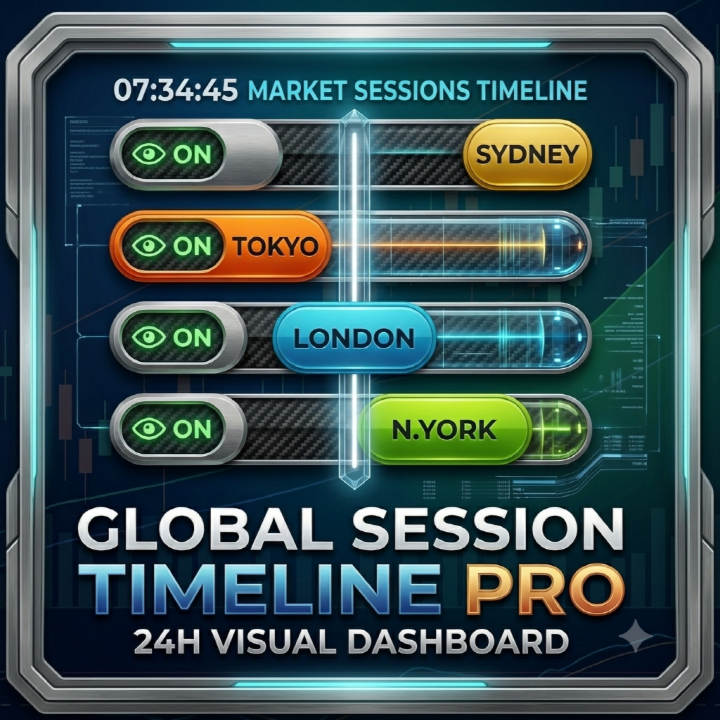
Title: Global Session Timeline Dashboard MT4
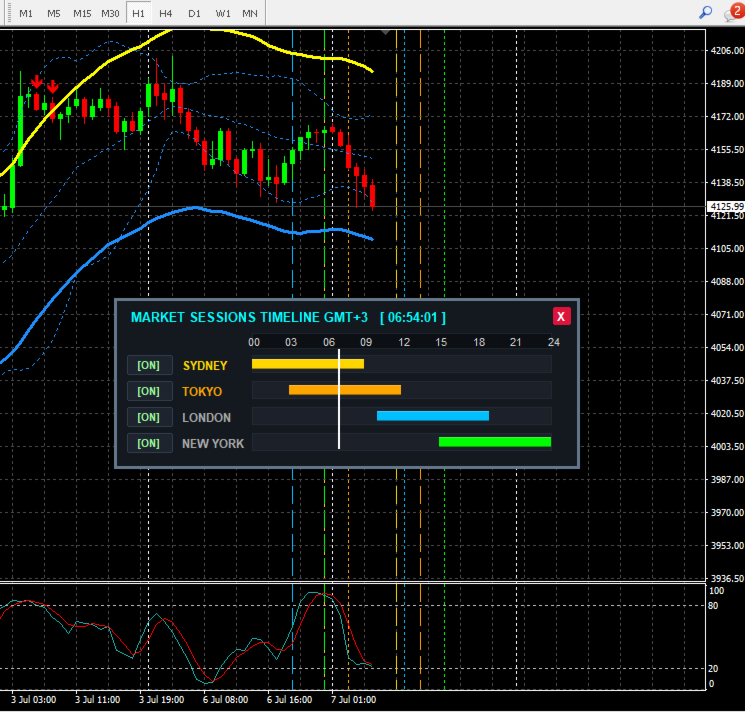
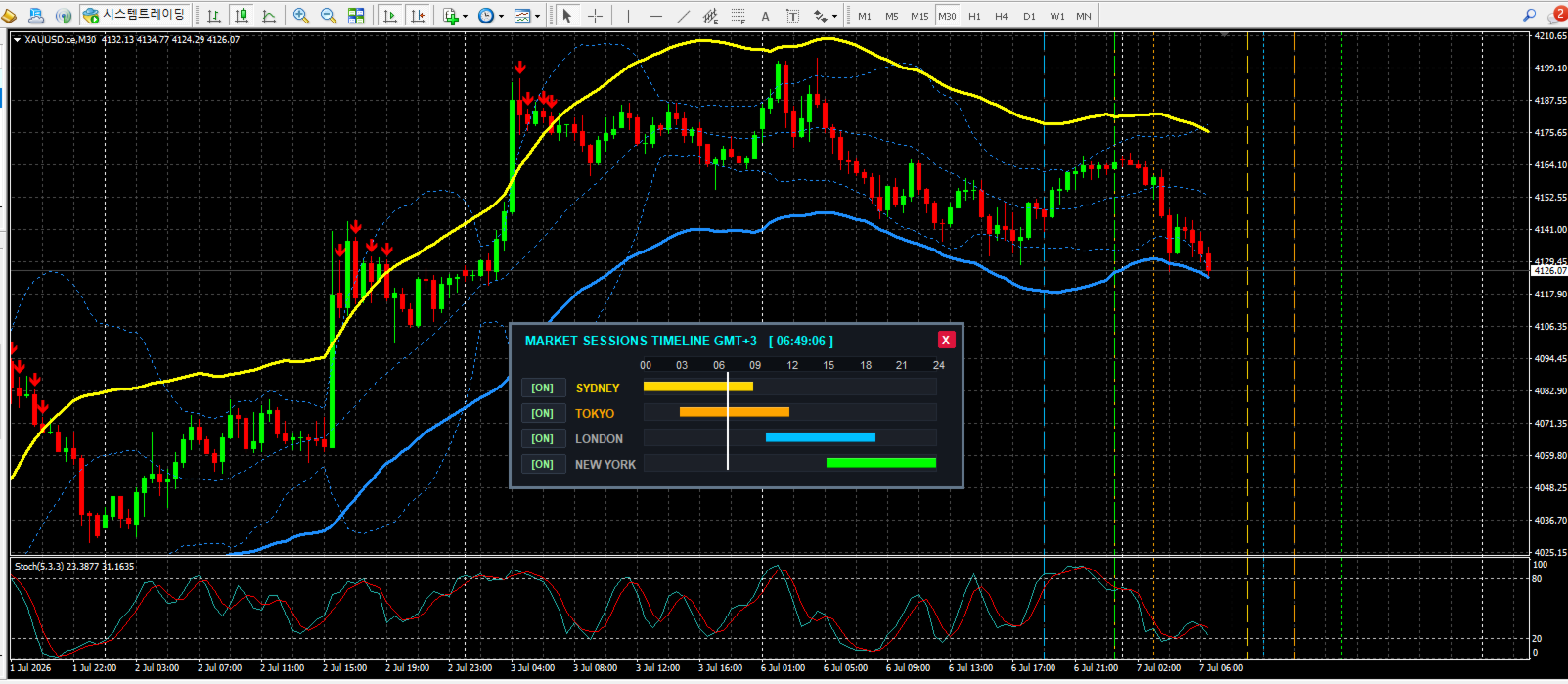
Description: Global Session Timeline Dashboard is a highly intuitive and interactive indicator designed for MetaTrader 4. It visibly displays the world's major Forex trading sessions (Sydney, Tokyo, London, New York) directly on your chart.
By tracking your broker's server time, it provides a real-time visual representation of active markets through a movable dashboard and vertical chart lines. This tool is essential for traders who rely on session overlap strategies, volatility timing, and intraday market flows.
Key Features:
-
Interactive Dashboard: A sleek, draggable on-chart panel showing the current time progression for each major market session in a visual bar format.
-
One-Click Chart Lines: Easily toggle session boundaries (Open/Close vertical lines) on and off the chart directly from the dashboard using the [ON]/[OFF] buttons. No need to constantly open indicator settings.
-
Smart State Memory: The dashboard seamlessly saves your preferred X/Y screen coordinates and button states. Your exact setup remains preserved even when switching timeframes or restarting the MT4 terminal.
-
Fully Customizable: Tailor the session open/close times and line colors to match your broker's specific time zone and your visual preferences.
-
Clean Chart Environment: Click the 'X' button on the dashboard to safely and completely remove the indicator and all its lines from the chart instantly.
Input Parameters:
-
SERVER TIME OFFSET: Your broker's current GMT offset (Used for the dashboard title display).
-
SYDNEY SESSION: Open/Close time and Color setting.
-
TOKYO SESSION: Open/Close time and Color setting.
-
LONDON SESSION: Open/Close time and Color setting.
-
NEW YORK SESSION: Open/Close time and Color setting.
Usage Note: The default times are carefully set for a standard GMT+3 broker (Typical DST broker time). If your broker operates in a different time zone (e.g., GMT+2 in winter), please adjust the session times in the input settings accordingly. Enter all times strictly in your broker's local Market Watch time (HH:MM format).