Session Time Line MT5
- Indicators
- Version: 4.0
- Updated: 2 August 2026

Title: Global Session Timeline Dashboard
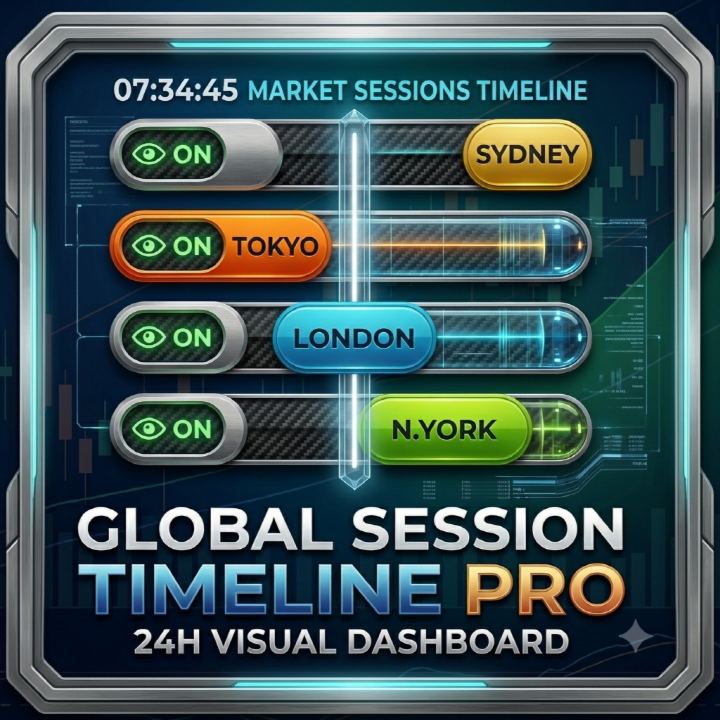
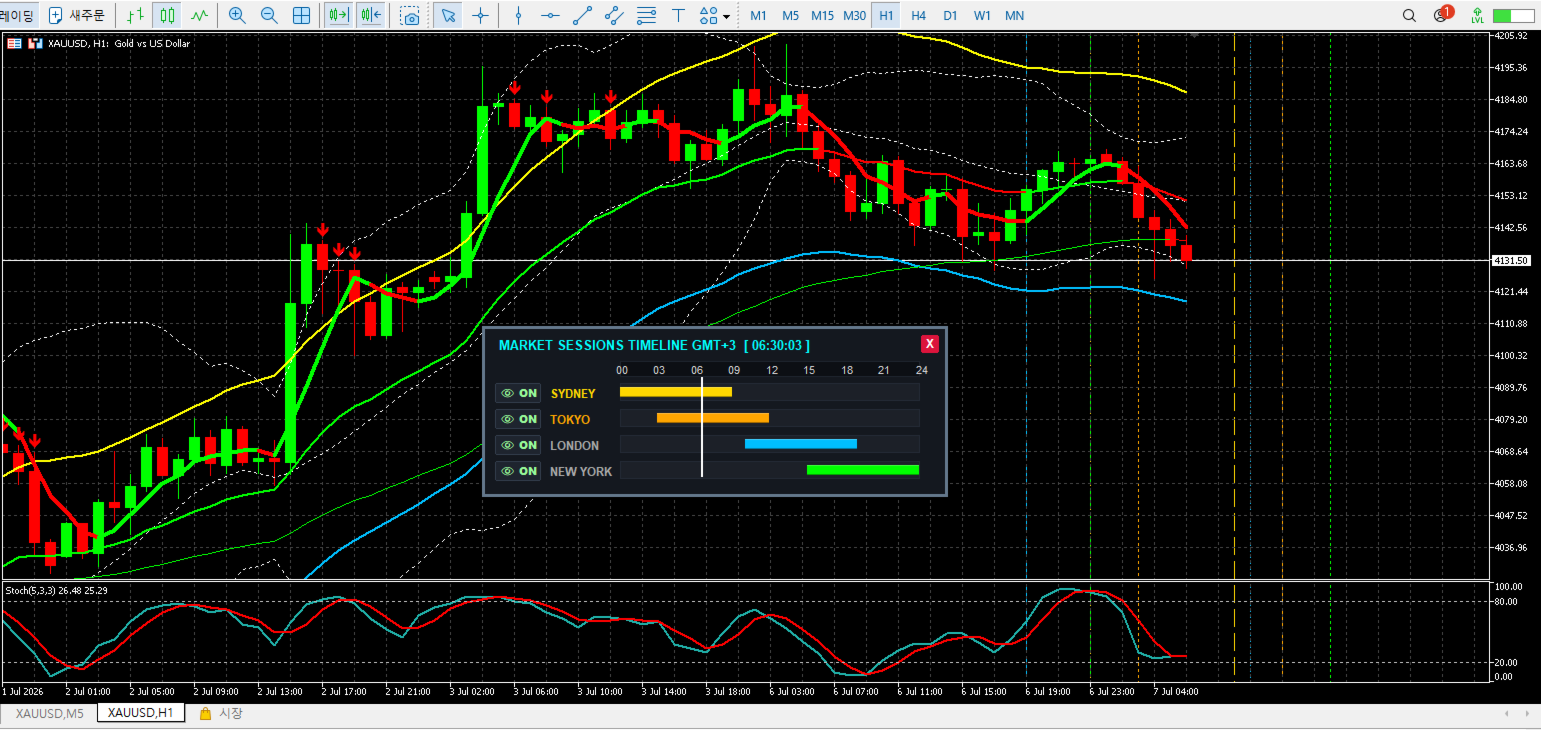
Description: Global Session Timeline is a highly intuitive and interactive indicator designed to display the world's major Forex trading sessions (Sydney, Tokyo, London, New York) directly on your chart.
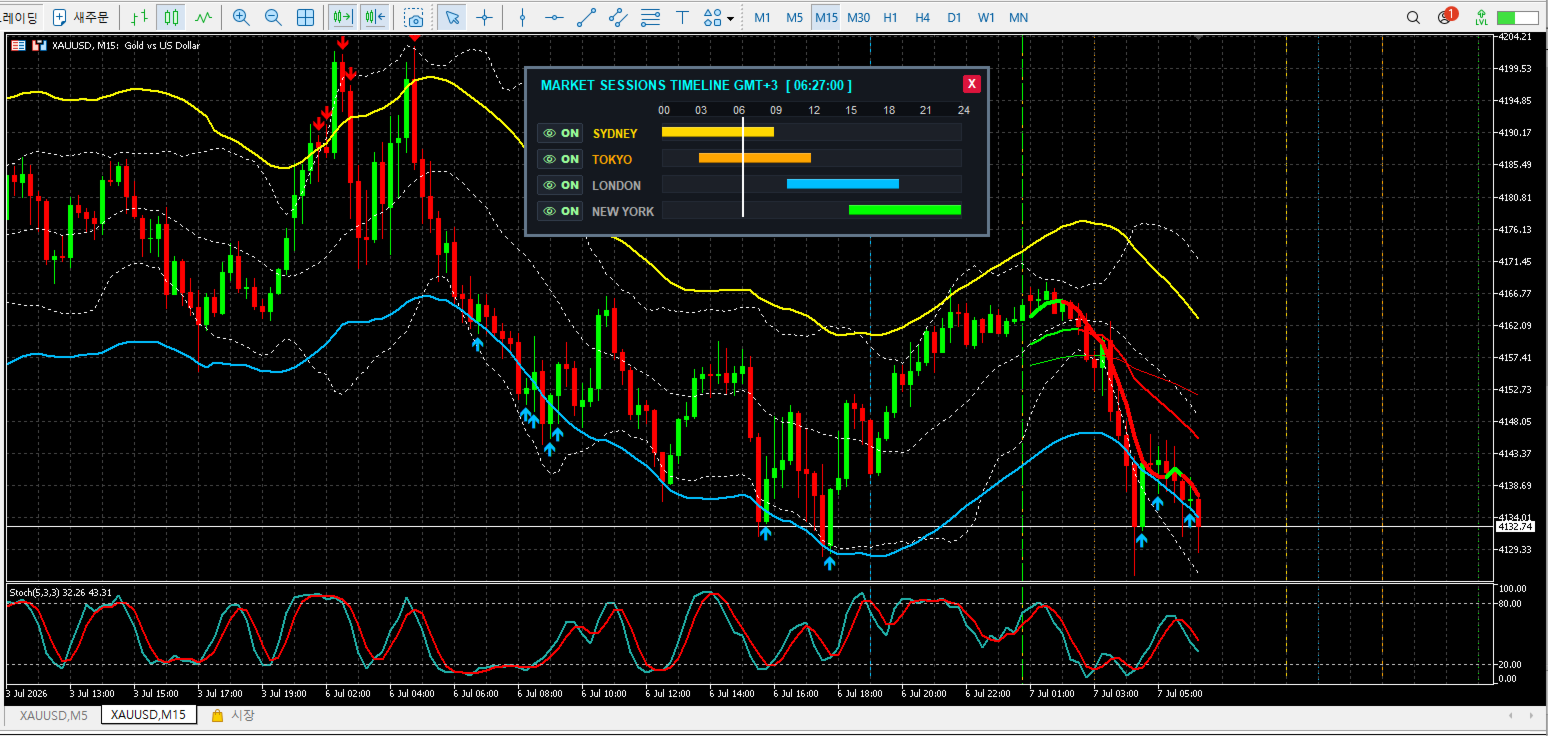
It tracks your broker's server time to provide a real-time visual representation of active markets through an interactive dashboard and chart vertical lines. This tool is essential for traders who rely on session overlap strategies, volatility timing, and intraday market flows.
Key Features:
-
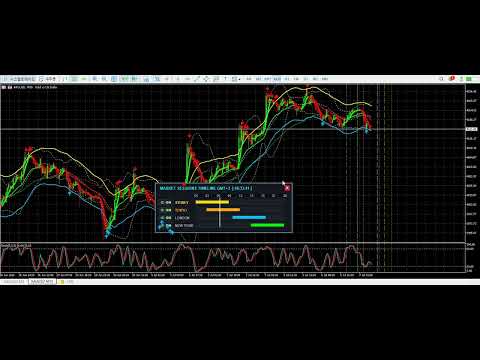
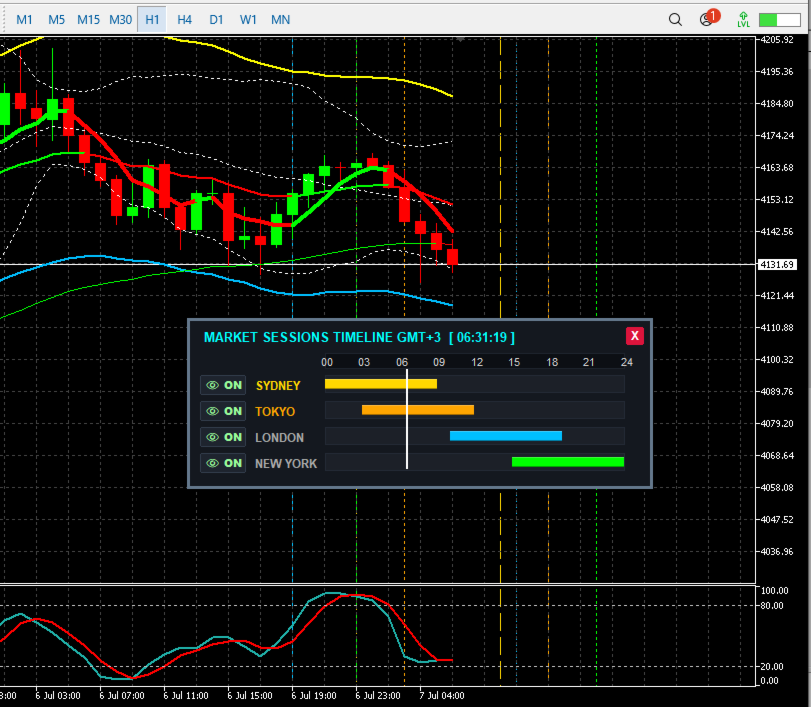
Interactive Dashboard: A sleek, draggable on-chart panel showing the current time progression for each major market session.
-
One-Click Visibility (Eye Button): Easily toggle session boundaries (Open/Close vertical lines) on and off the chart directly from the dashboard. No need to open indicator settings.
-
Smart Memory: The dashboard seamlessly saves your preferred X/Y screen coordinates and button states (ON/OFF). Your setup remains exactly as you left it, even when switching timeframes or restarting the terminal.
-
Fully Customizable: Tailor the session open/close times and line colors to match your broker's time zone and your visual preferences.
-
Clean Chart Environment: Click the 'X' button on the dashboard to safely completely remove the indicator and all its lines from the chart instantly.
Input Parameters:
-
SERVER TIME OFFSET: Your broker's current GMT offset (Used for dashboard title display).
-
SYDNEY SESSION: Open/Close time and Color setting.
-
TOKYO SESSION: Open/Close time and Color setting.
-
LONDON SESSION: Open/Close time and Color setting.
-
NEW YORK SESSION: Open/Close time and Color setting.
Usage Note: The default times are set for a GMT+3 broker (Standard DST broker time). If your broker operates in a different time zone (e.g., GMT+2 in winter), please adjust the session times in the input settings accordingly. Enter times strictly in your broker's local server time (HH:MM format).