Advanced PolyLines
- Utilities
- Version: 1.2
- Updated: 24 August 2026

Advanced PolyLines is a tool for creating and editing polylines directly on the MetaTrader 5 chart. It allows multiple segments to be connected into a single structure, making it easier to create and maintain lines used in chart analysis.
The tool was designed to simplify working with structures made up of multiple segments. Connected points can be moved together, allowing the structure to be adjusted without editing each individual line.
Main Features
Tool Interface
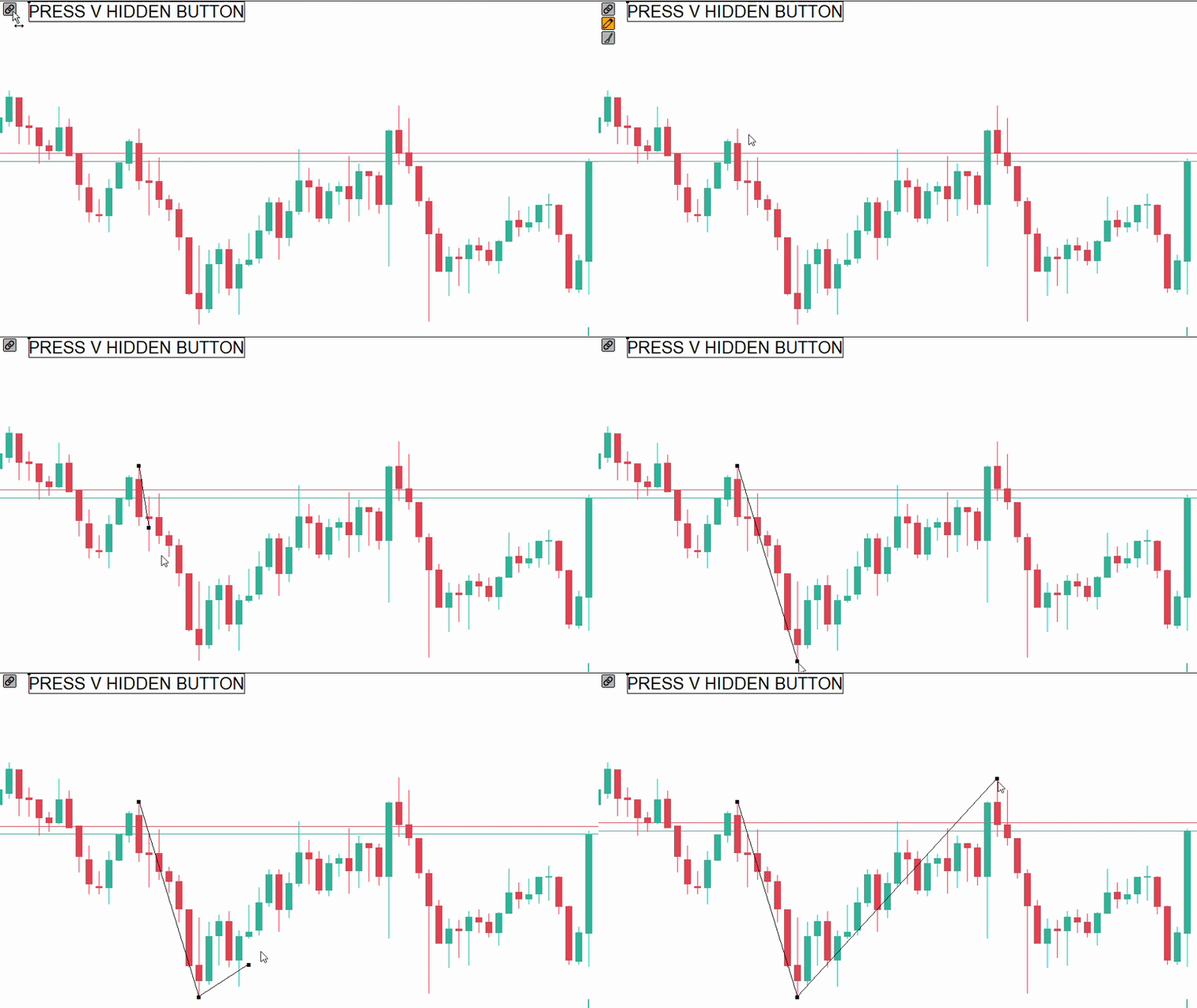
The tool provides an interface integrated into the chart for activating drawing mode, hiding the controls, and removing created polylines.
Magnetic Snap
Points can be automatically aligned with the OHLC values of candles when the cursor is close to these levels. This makes it easier to position lines directly on the Open, High, Low, or Close prices.
Joint Dragging
Points shared between segments can be moved directly on the chart. When a connection point is moved, the segments connected to it follow the movement while maintaining the structure.
Polyline Extension
New segments can be added from the available endpoints of an existing polyline, allowing an existing structure to be extended.
Style Synchronization
When the visual properties of a segment are changed through the MetaTrader 5 properties, such as color, width, or line style, the connected polyline can maintain the same visual configuration.
Support for Different Chart Periods
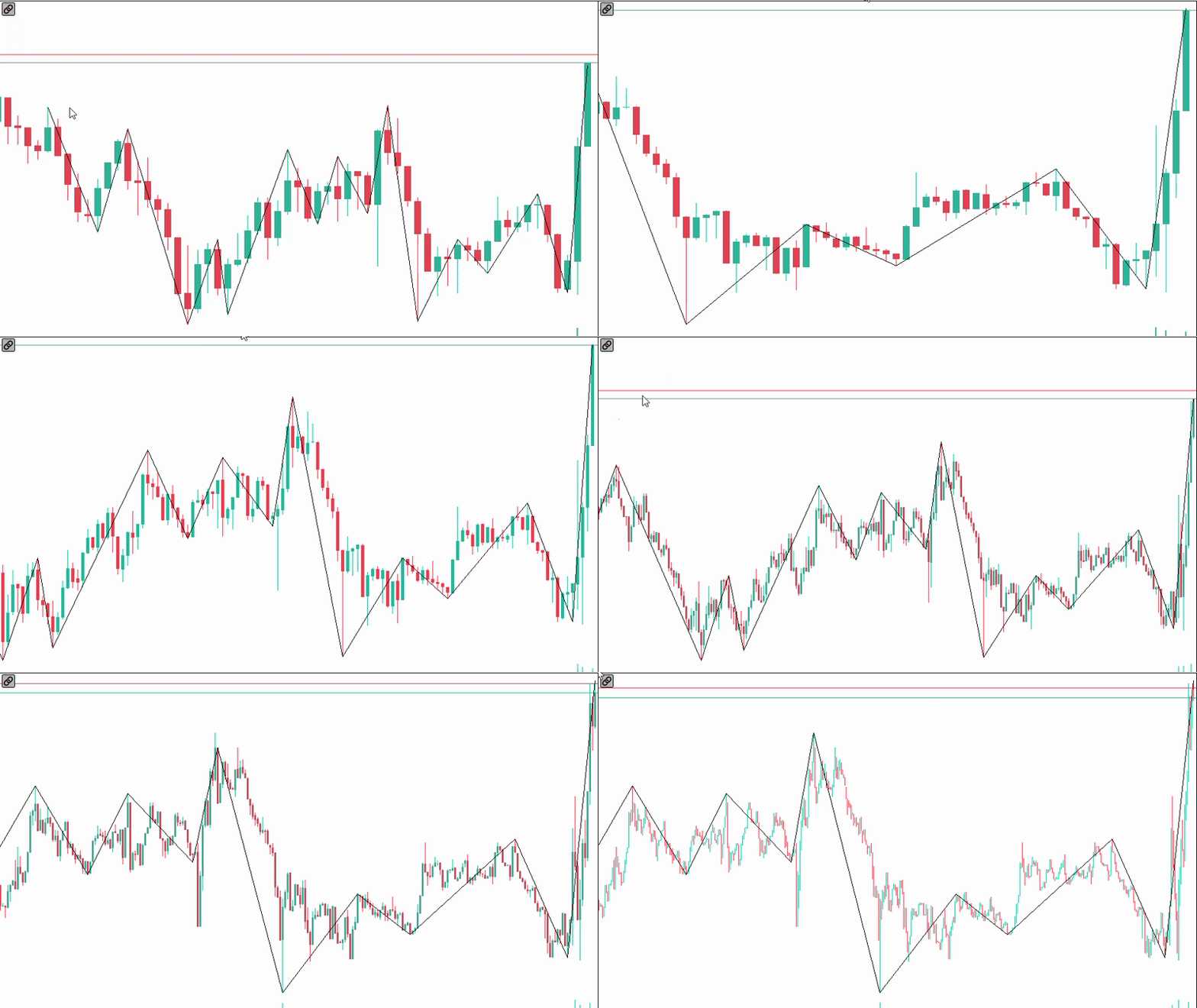
The positions of the structures remain linked to the time and price points used when they were created. This allows the same structures to be viewed and edited when switching between different chart periods.
Keyboard Shortcut
The tool interface can be hidden or displayed using a keyboard shortcut, allowing the chart to be used with a reduced visual interface.
Advanced PolyLines was designed to simplify the creation, editing, and maintenance of structures made up of multiple segments on the MetaTrader 5 chart.