
Chart Copilot
- Utilities
- Version: 2.0
- Updated: 1 October 2026
- Activations: 10

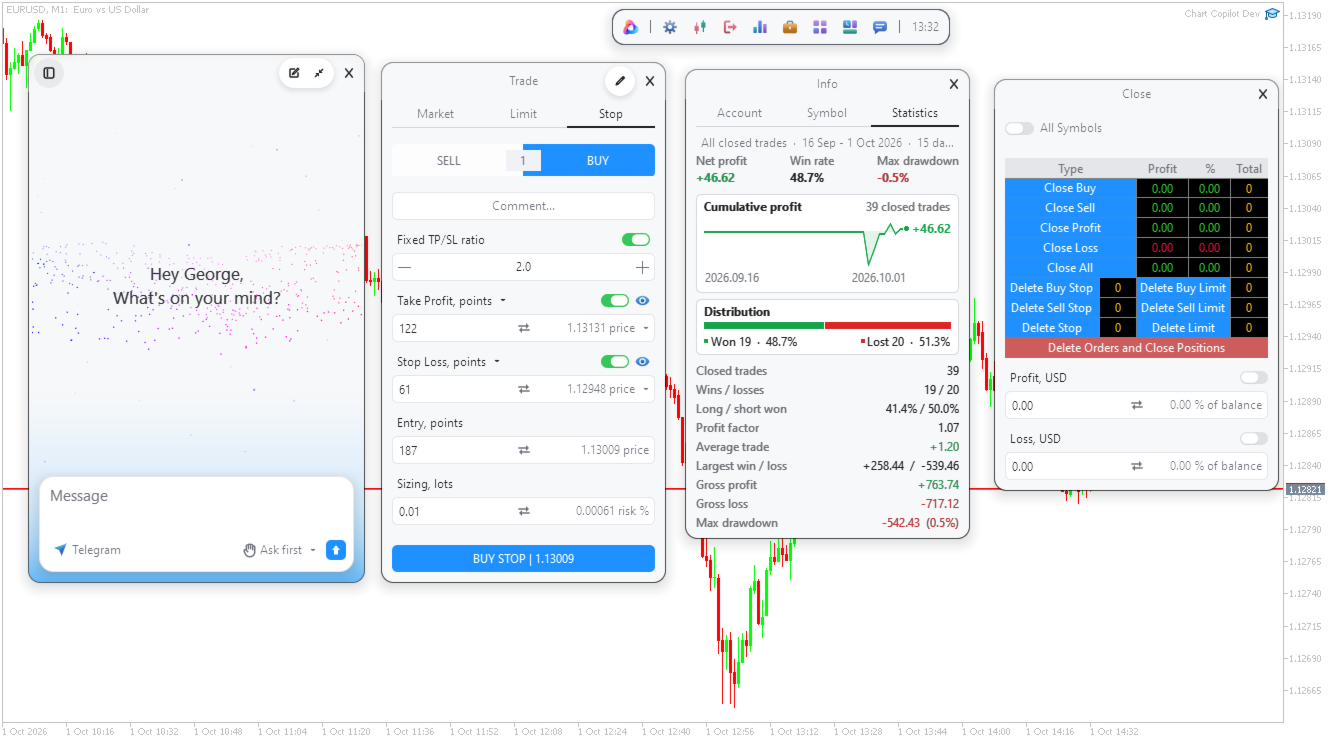
Chart Copilot is a trading assistant designed to help traders place trades faster, manage open positions and set alerts of any type directly from the chart. All of these features are accessible through the graphical panel as well as through a conversational chatbot.
Additional Material and Instructions:
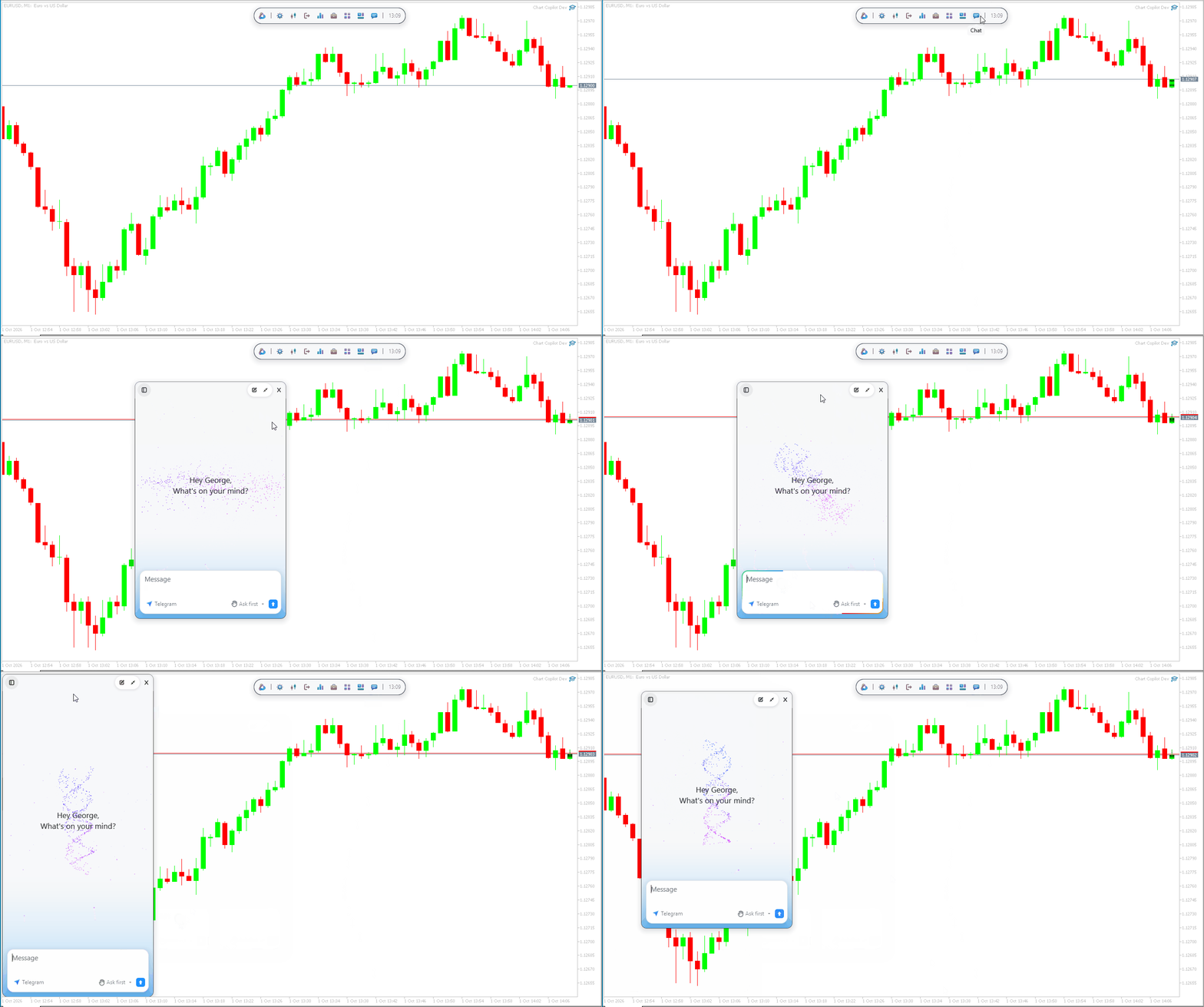
Chatbot
Chart Copilot comes with a dedicated server running a large language model – this means that there is no need to create your own API key and you will immediately be able to interact with the chatbot upon installation.
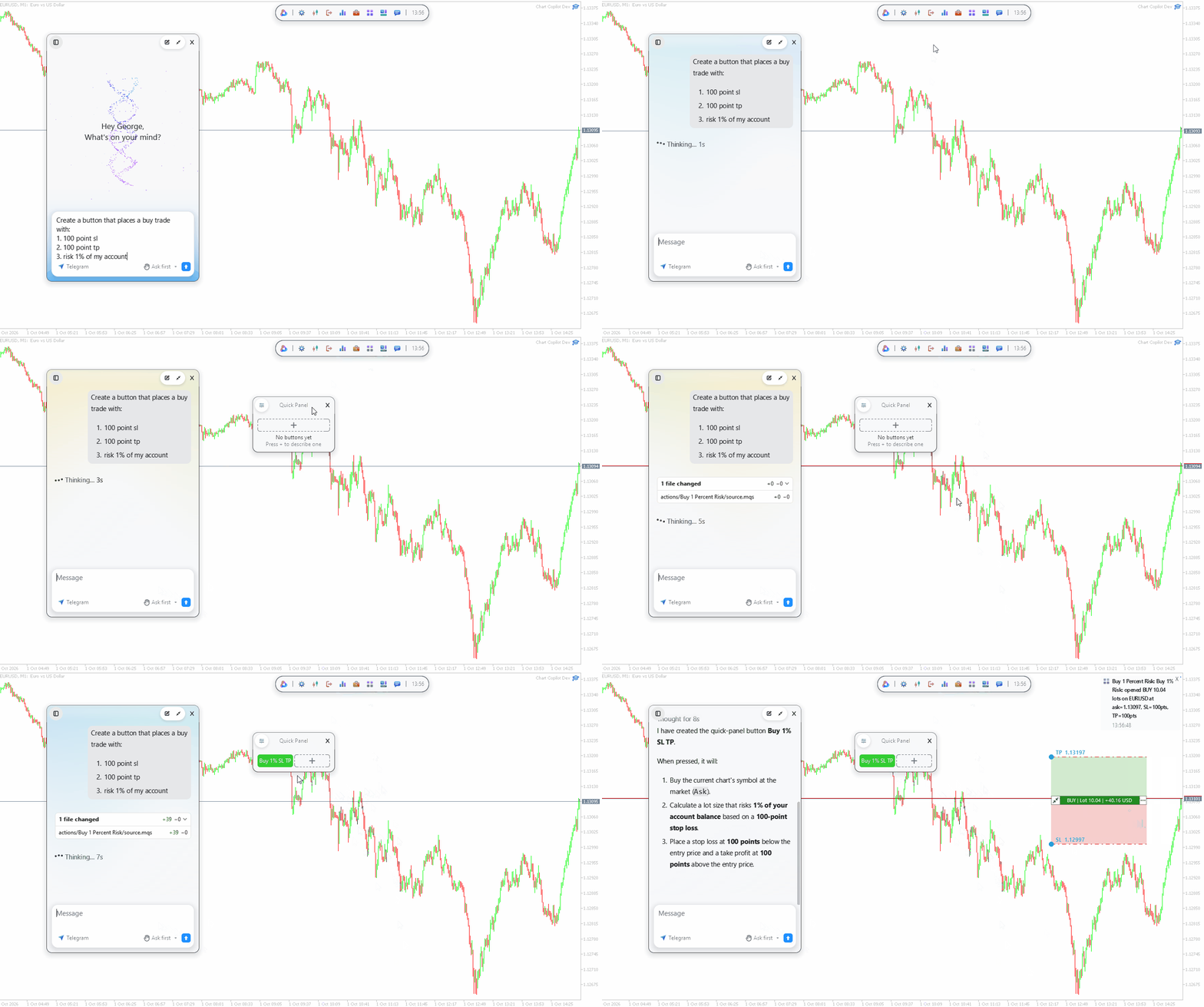
Chart Copilot differs from ordinary chatbots you are all familiar with as it can directly perform operations related to your trading. A few examples of things you can try ask is:
- Remind me 30 min before any news events which will affect volatility on my current chart
- Look at my historic trades and tell me how I can improve
- Find support and resistance levels on my chart, and alert me when price breaks them
- Place a buy stop at the high of yesterday's range, with stop loss at the low. Risk 1% of my account
- Move all my positions to break even
However, there is no limit to the flexibility. And I encourage users to be ambitious with their requests. Some other features include exporting your historic trades as a csv file (you can also request only buy trades, or a specific symbol for example). Or asking about a technical analysis – the chatbot has access to every available MT5 indicator.
Graphical Panel
If you prefer a more old-school approach to your trading, Chart Copilot is suitable.
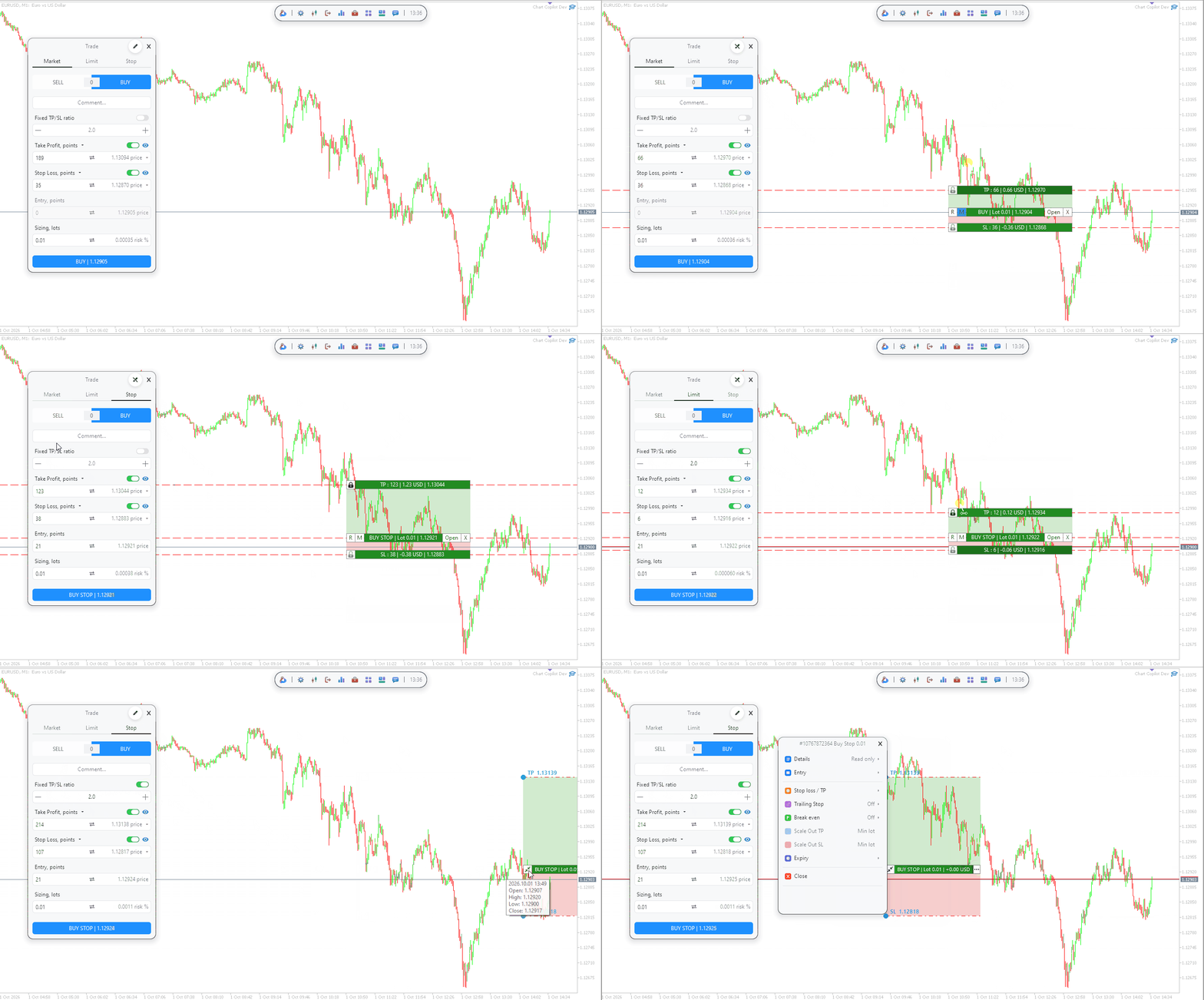
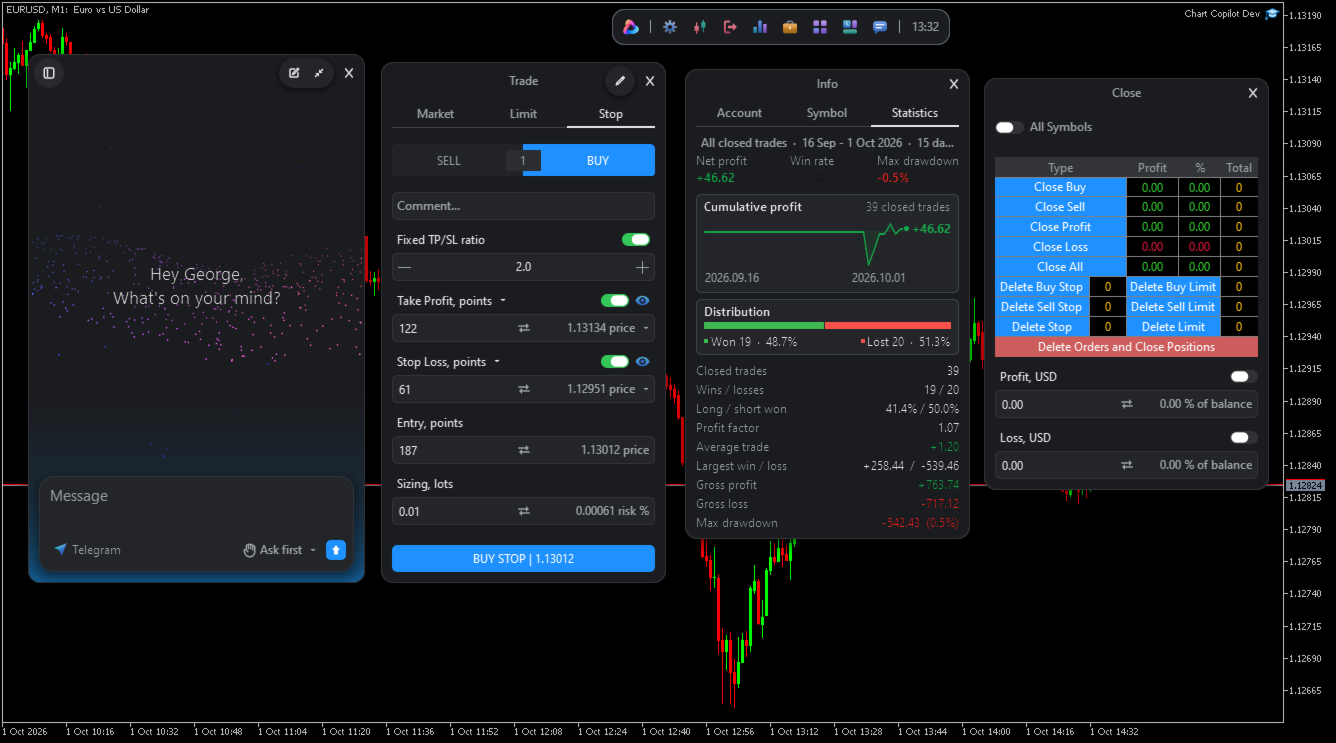
Trade Placement – A line selector can be enabled on your chart, allowing you to simply click and drag to your desired take profit, stop loss, and entry levels. Furthermore, you can set these values exactly in points, account currency or price – tremendously simplifying calculations. You can additionally hide your levels from the broker, by enabling a virtual take profit or stop loss on your orders before you place them.
Risk Management – Advanced risk management is also available. Chart Copilot allows you to fix the % of account balance you are willing to risk in a given trade, and automatically adjusts the lot size while you are choosing your stop loss. Furthermore, you can enable account protection via trailing stops and break even functions.
Partial Close – Close your positions by parts – % of lot size or fixed lot size. This means you can set multiple take profit and stop loss levels.
Other Features:
- Close or delete many trades and positions at once, or close automatically when a set profit or drawdown is reached
- Set indicator based alerts (e.g. moving average crosses)
- Receive performance, symbol and account summary statistics
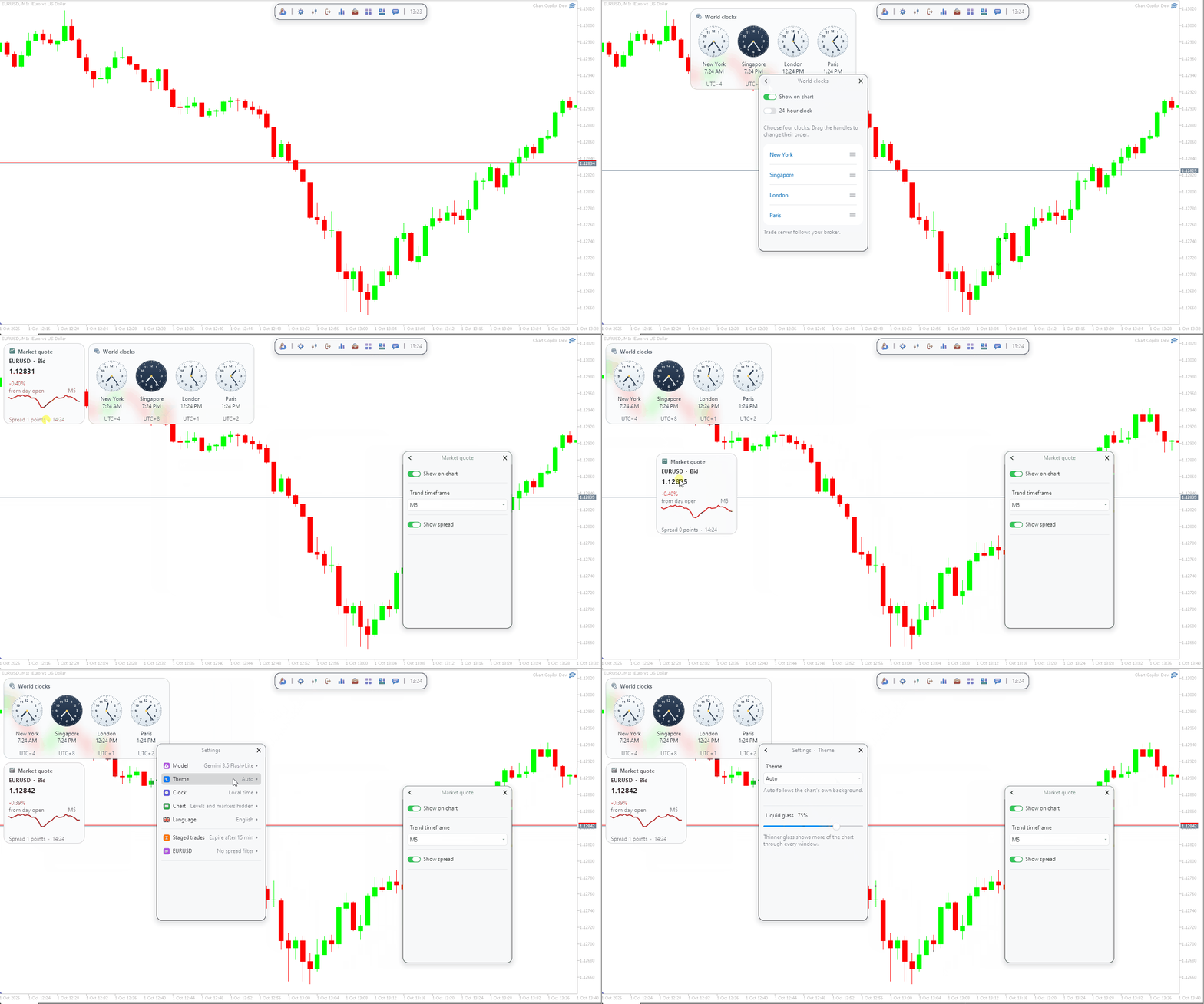
This utility works on any timeframe or symbol and requires minimal setup. If you have any questions or troubles, send me a message on the MQL5 platform.





















































User didn't leave any comment to the rating