Quick Label MT4
- Utilities
- Version: 1.0
- Activations: 5

Quick Label – Fast Text Annotation for MT4
Annotate faster. Trade smarter. Stop clicking through menus.
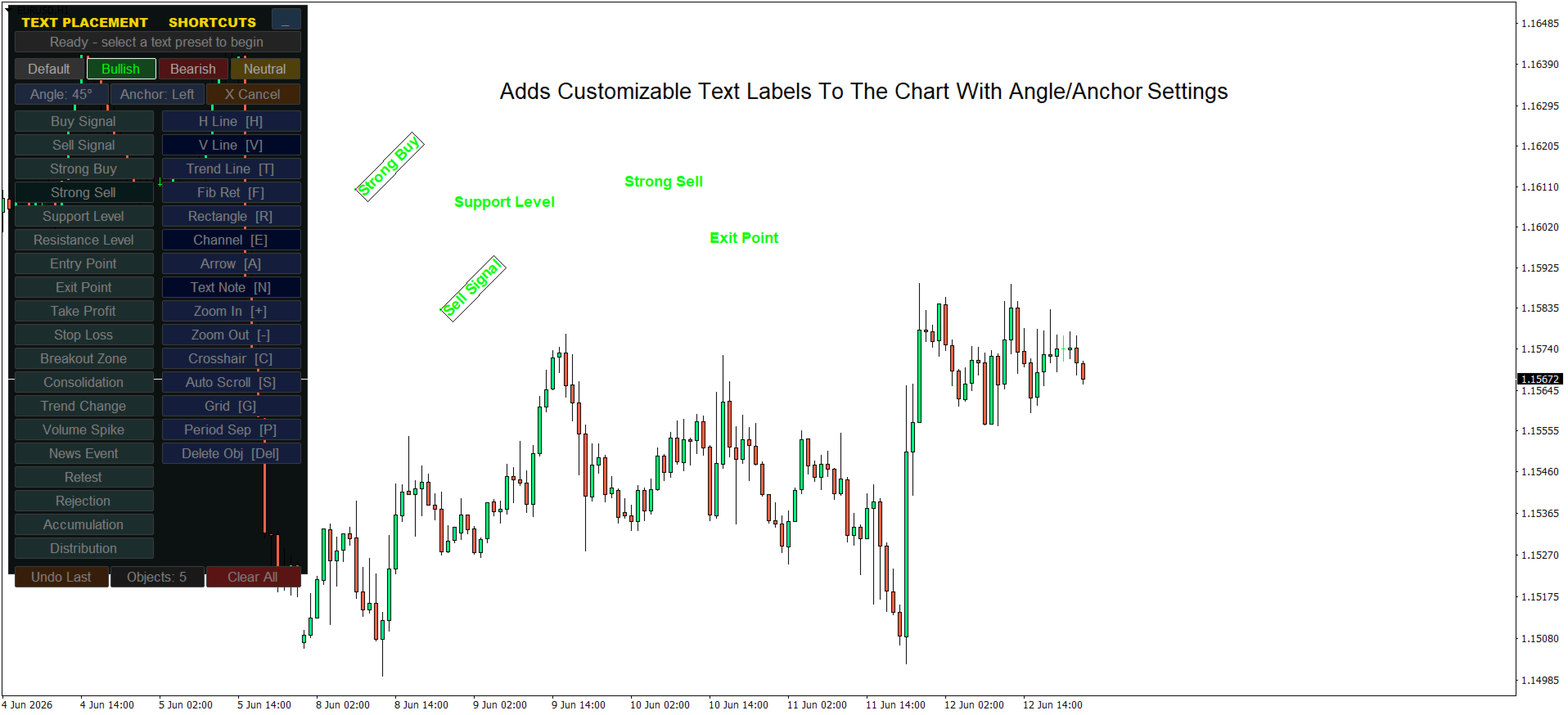
Easily place customizable text labels on your charts with a single click. Designed for traders who mark supply/demand zones, levels, or trade notes without wasting time.
Key Features
| Feature | Description |
|---|---|
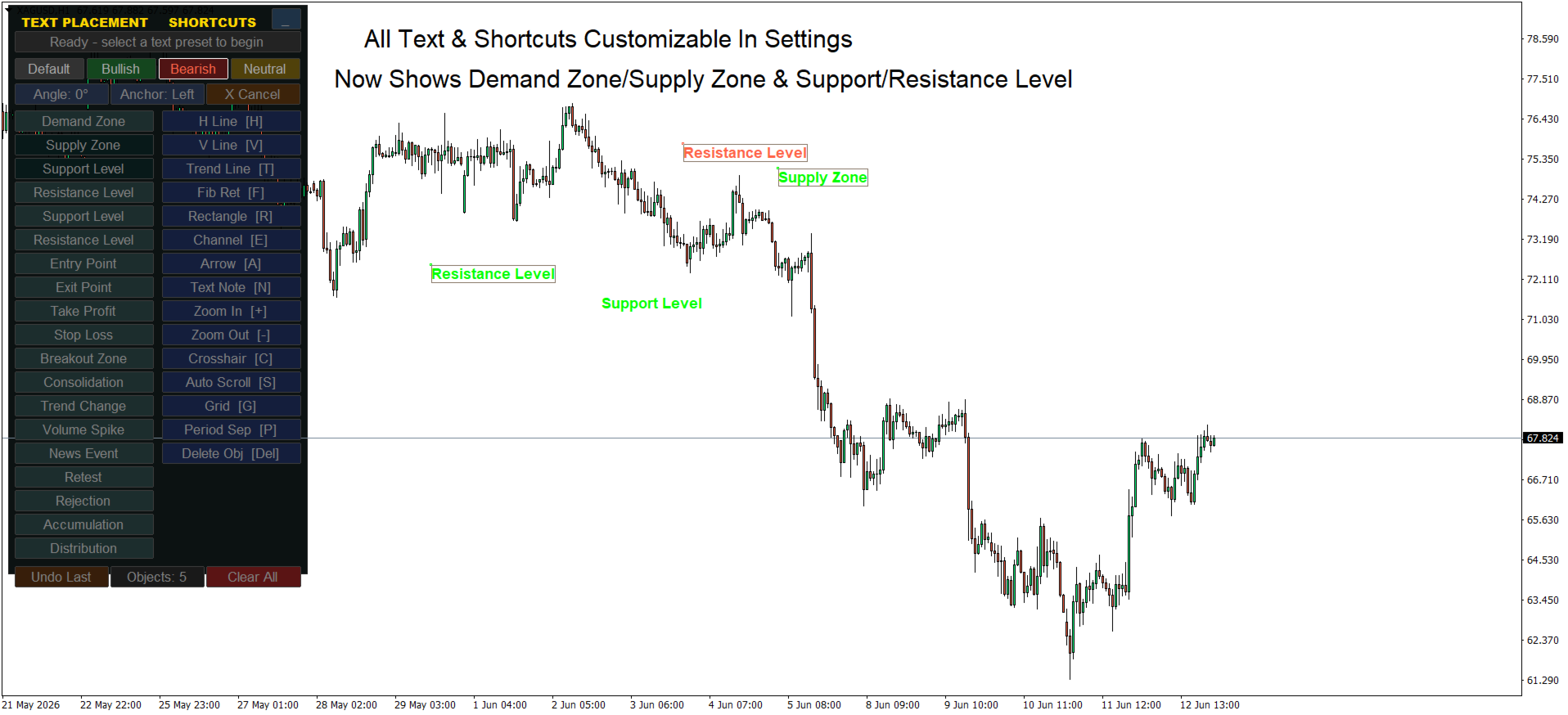
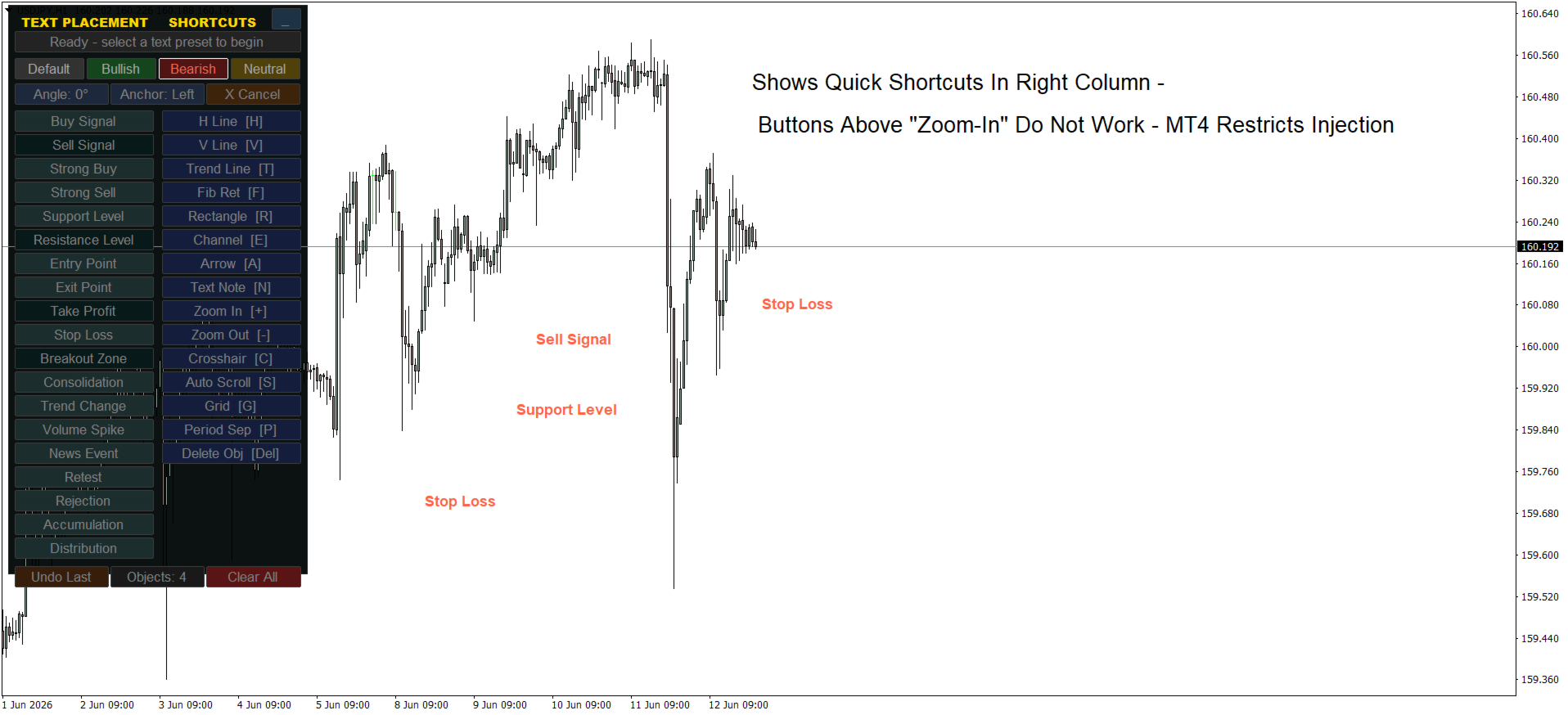
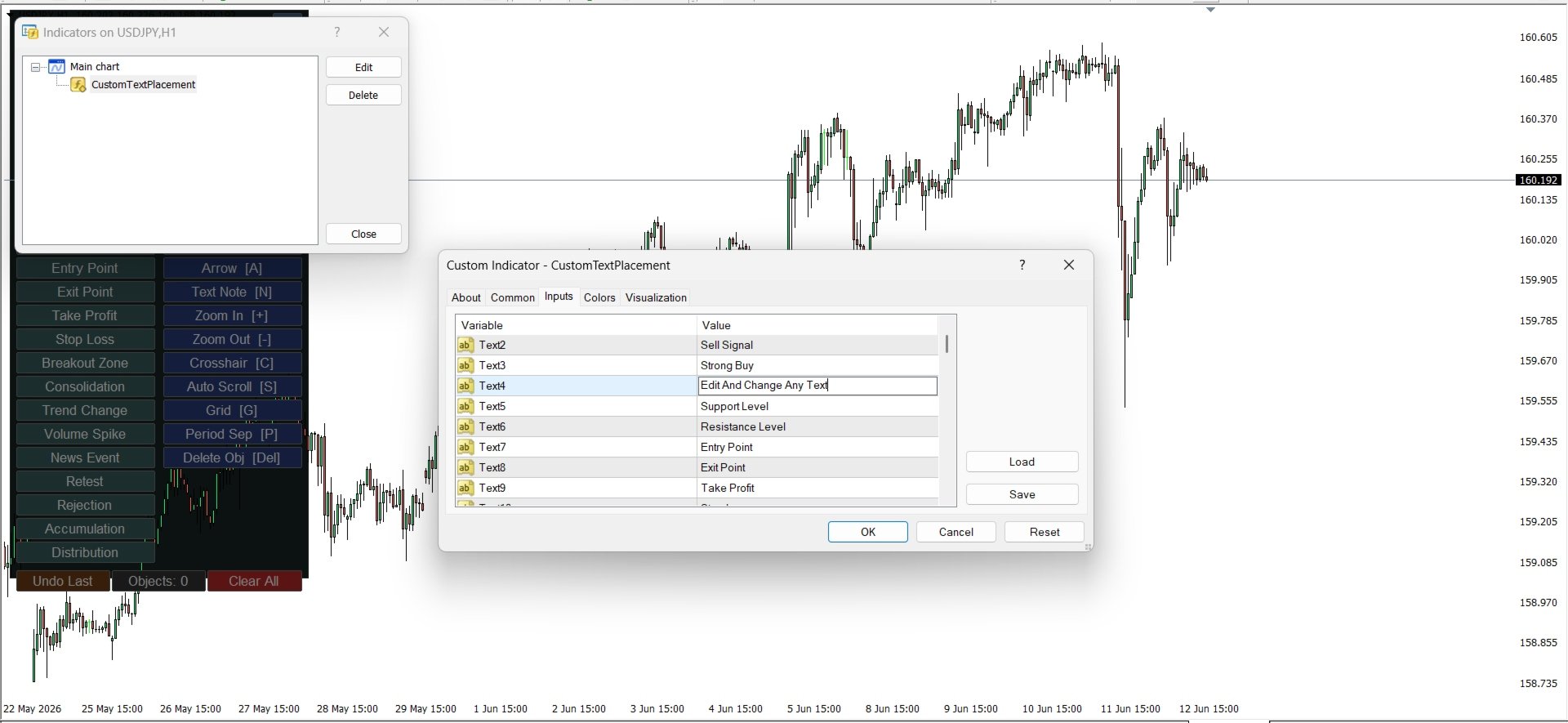
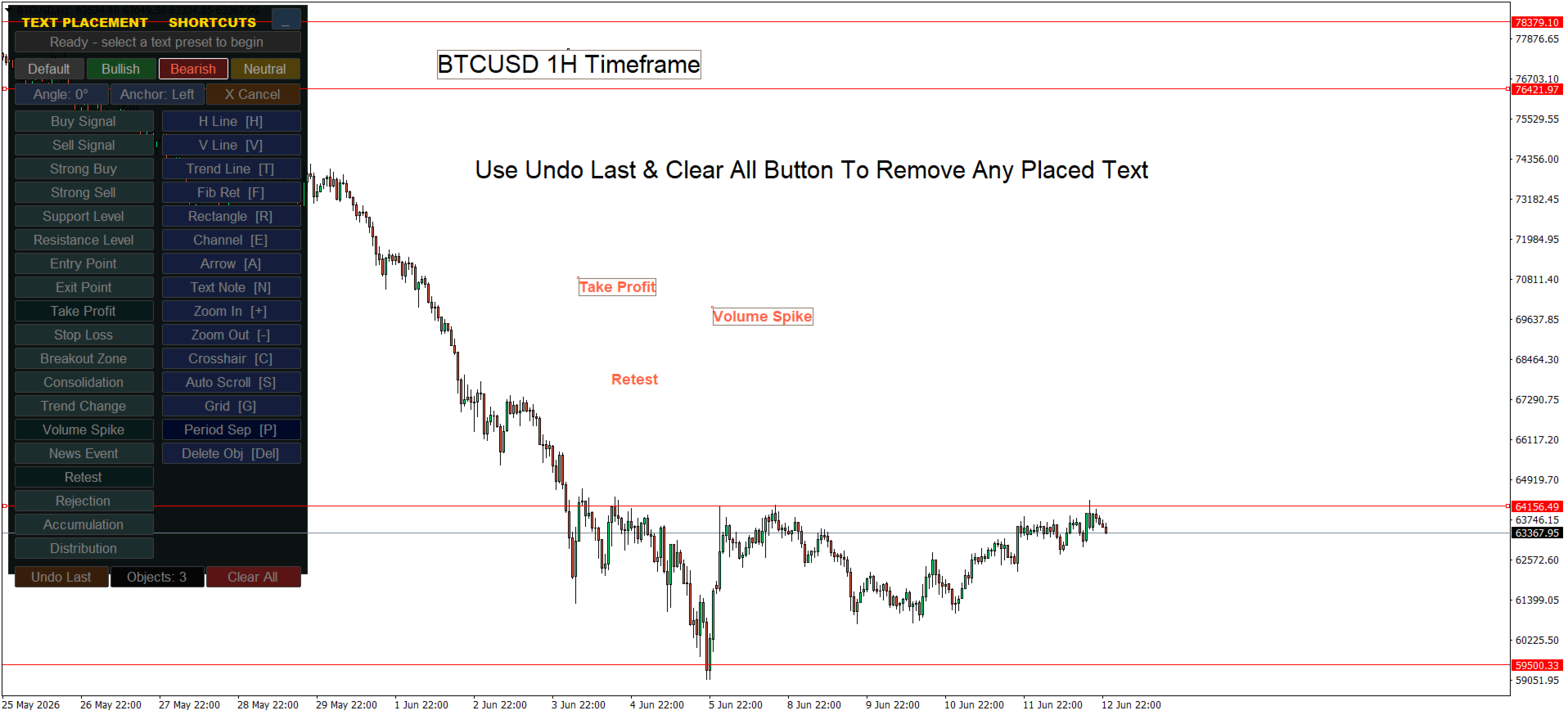
| One-click text placement | Select a preset, click the chart – text appears instantly |
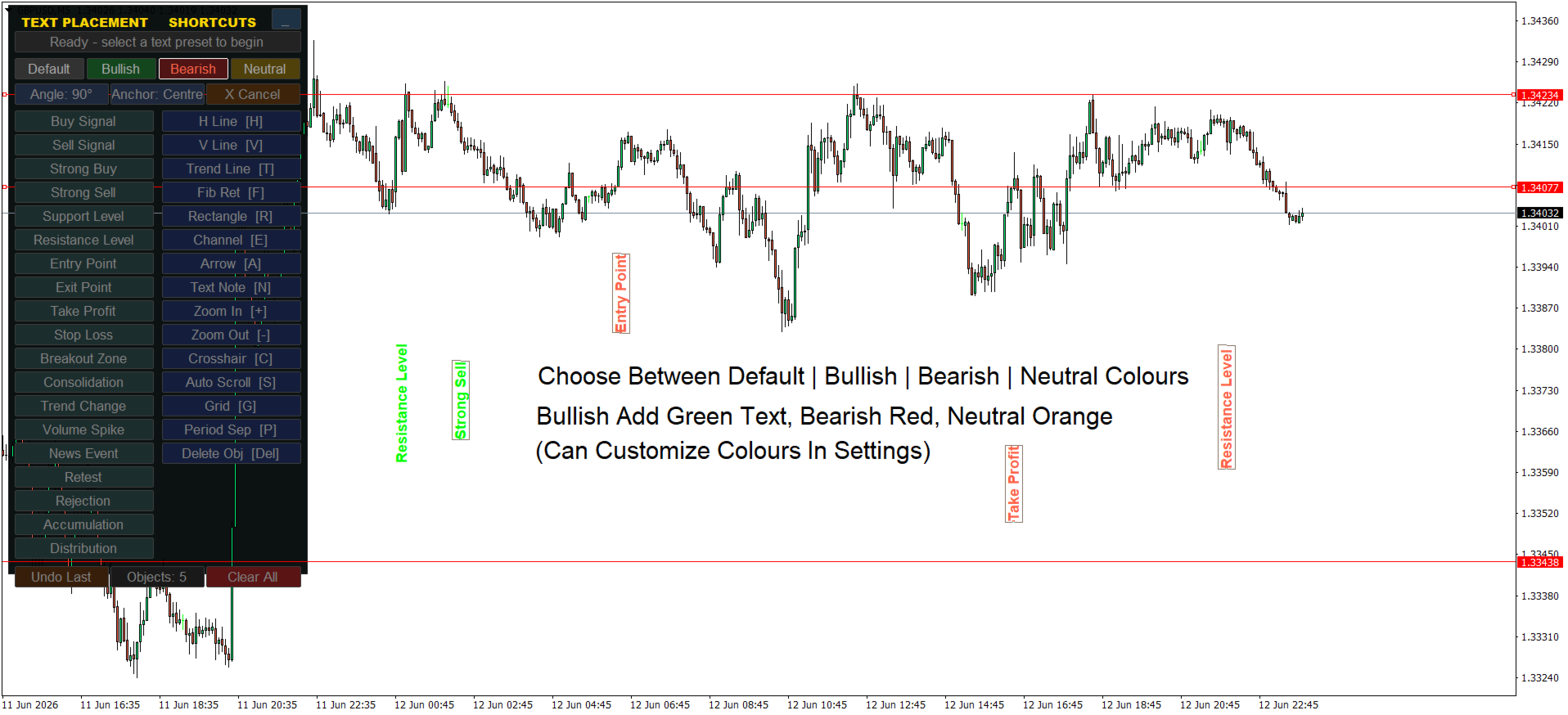
| Fully customizable presets | Configure text style, size, color, angle, and anchor point |
| Adjustable panel position | Move the control panel to any corner (Top-Left, Top-Right, Bottom-Left, Bottom-Right) |
| Color modes | Switch between color schemes for light/dark backgrounds |
| Angle toggle | Rotate text for diagonal labels or trend annotations |
| Anchor toggle | Control where the text attaches relative to your click point |
| Object counter | See how many labels you've placed at a glance |
| Undo last placement | Quickly remove the most recent text label |
| Clear All | Remove all labels placed by this indicator (safe – won't delete other chart objects) |
| Minimize function | Collapse the panel to save screen space when not in use |
Important Notes for MT5 Users
| Note | Explanation |
|---|---|
| No keyboard hotkeys | MT5 indicators cannot directly listen for keyboard input – all actions are handled via on-screen buttons |
| Text only | This tool places text labels, not drawing objects (lines, rectangles, fibs, etc.) |
| One instance per chart recommended | Running multiple copies may cause object naming conflicts |
Why Use Custom Text Dash?
-
Mark supply/demand zones in seconds
-
Add notes directly on breakout levels
-
Keep a visual log of trade ideas
-
Works with any timeframe or symbol
Panel Positioning
| Corner Value | Position |
|---|---|
| 0 | Top-Left |
| 1 | Top-Right |
| 2 | Bottom-Left |
| 3 | Bottom-Right |
Adjust MenuX / MenuY offsets for perfect placement.
Troubleshooting Quick Guide
| Problem | Solution |
|---|---|
| Panel not showing | Set Corner = 0 (Top-Left) to bring it on-screen |
| Text invisible on dark background | Change DefaultTextColor to Yellow, Lime, or White |
| Can't undo after multiple labels | Undo only removes the last placed text – use Clear All instead |
| Buttons unclickable | Check no other object is covering the panel area |
Requirements
-
Platform: MetaTrader 5
-
File type: .mq5 (not .mq4 or .txt )