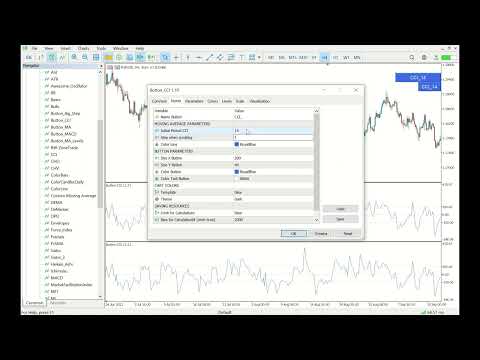
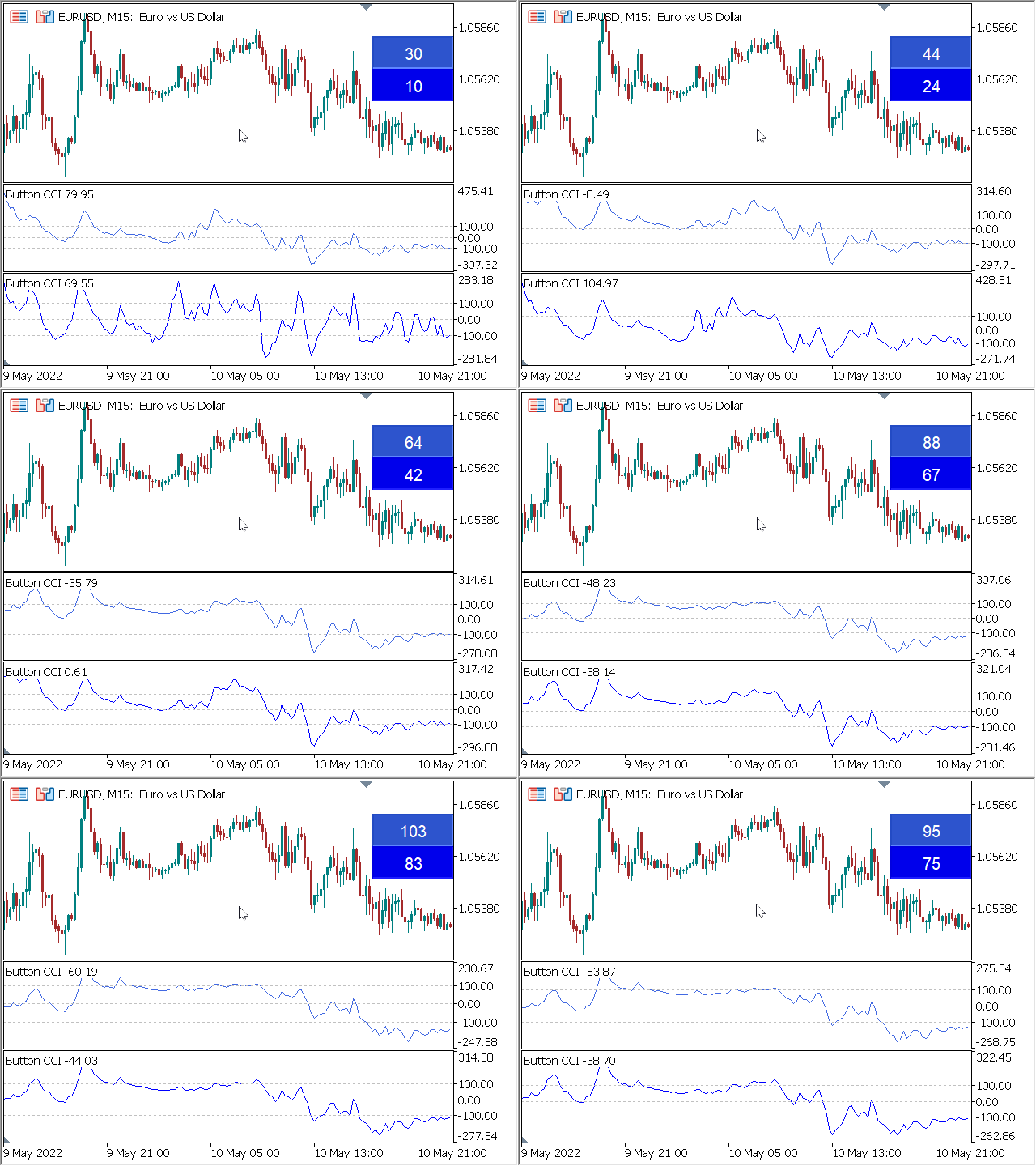
Finally, the interface has become convenient. Now you can control the indicator period with the mouse. Just click on the button and scroll the mouse wheel to increase or decrease the CCI period. The button can be placed in any convenient place, fixed and used with one click. You can set several indicators on one chart and manage them individually or all at once. A simple installation on the chart allows you not to worry about renaming or changing the parameters of each indicator, the automatic algorithm itself will rename and create the necessary objects, as well as delete them after use. The interface is as convenient as possible and practically does not require manual intervention. This component is ideal for those who often use the CCI indicator in their trading strategy. Not a script! Can work constantly on the chart! Does not work in the tester.
A huge request to leave your feedback on this free product.
Installation:
- Set "Button_CCI" to the chart. A button will appear to control the indicator and the CCI indicator itself. You can set several indicators in one window, a button will be created for each one.
- The buttons appear in a row, one after the other, but you can move them to any convenient place on the main chart. Once the buttons are fixed in place, they cannot be moved.
- When the button is pressed, the control mode of the corresponding indicator is activated. At the same time, scrolling of the graph itself is disabled. When the mouse scrolls forward, the CCI period increases, backward-decreases. If several buttons are pressed, then several indicators change at once.
- When changing the Timeframe of the chart, the buttons are again set in a row, in the initial position. All other settings, except for the position, remain unchanged.
Parameters:
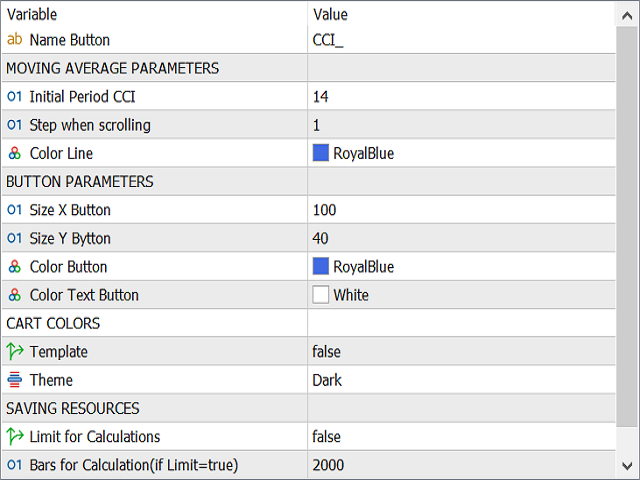
"MOVING AVERAGE PARAMETERS"
"Initial Period CCI" - this period is set by default when switching the chart period or installing the indicator.
"Maximal Period CCI" - you can set any maximum period.
"Step when scrolling" - the step of changing the period when scrolling.
"Color Line" - CCI color.
"Color Text Button" - the color of the button text.
"CART COLORS"
"Template" - enable or disable the chart color template.
"Theme" - light or dark theme.
"SAVING RESOURCES"
"Limit for Calculations" - enables or disables calculation limits. With a large amount of data, the indicator may work slowly. To avoid this, enable this function.
"Bars for Calculation (if Limit=true)" - the number of bars to calculate and change.
 ading signals, but also simplify the daily work by traders trading manually.