GUI Graphic Library MT5
- Libraries
-
Omar Alkassar
 Info@betasoft.dev
Facebook : https://www.facebook.com/betasoft.devv - Version: 1.48
- Activations: 5
GUI Graphic Library is a compiled library for MQL5 developers that builds windows, panels, controls and charts for your Expert Advisors and indicators. The whole interface is drawn on one chart object and is driven by 15 functions, so you can add a professional panel to your program with a few lines of code.
This is a library for programmers. It is not an Expert Advisor and it does not trade. Buttons such as Buy or Close only send an event to your program, and your program decides what to do. You need to write or edit MQL5 code to use it.
MT4 version: https://www.mql5.com/en/market/product/206760
MT5 version: https://www.mql5.com/en/market/product/206761
What you can build
The library has 78 ready elements, so most panels need no drawing code at all:
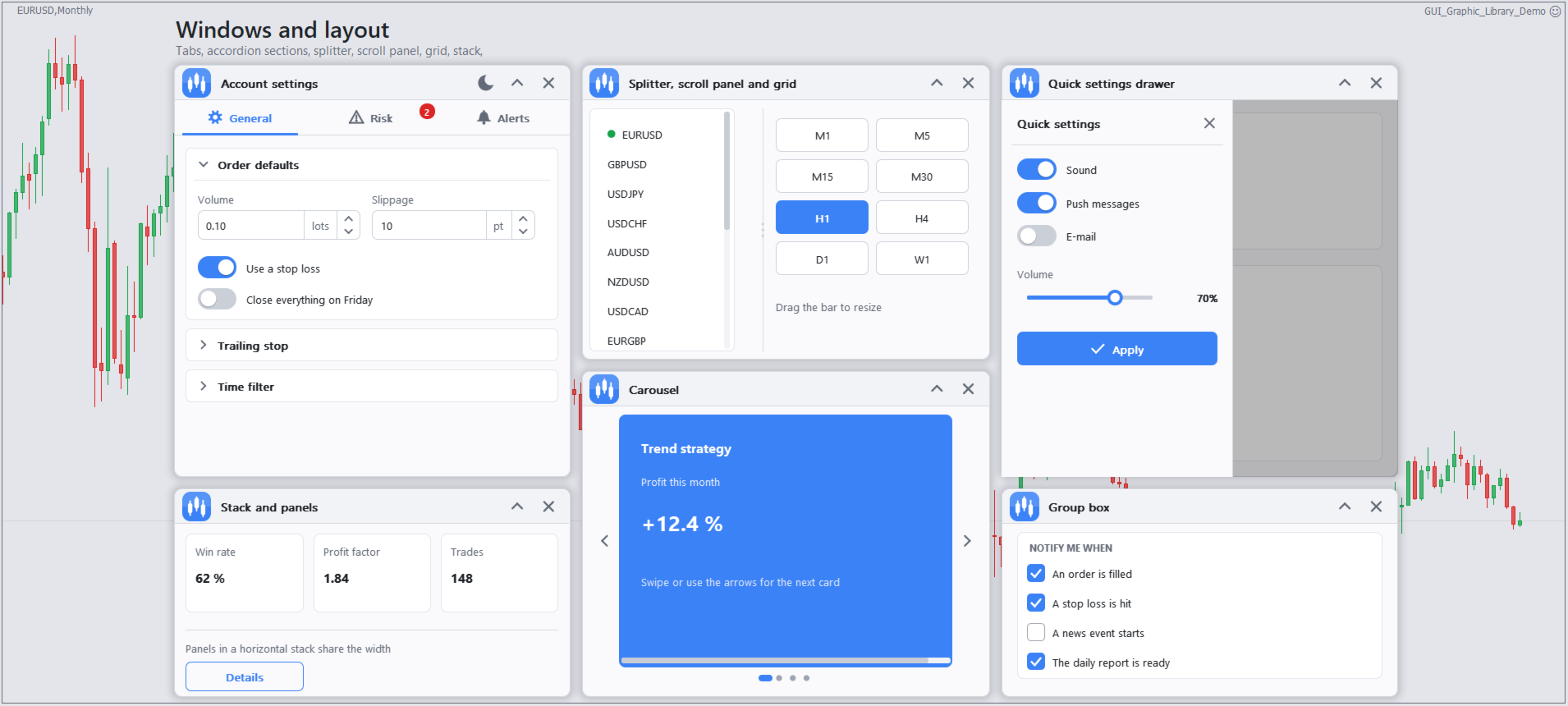
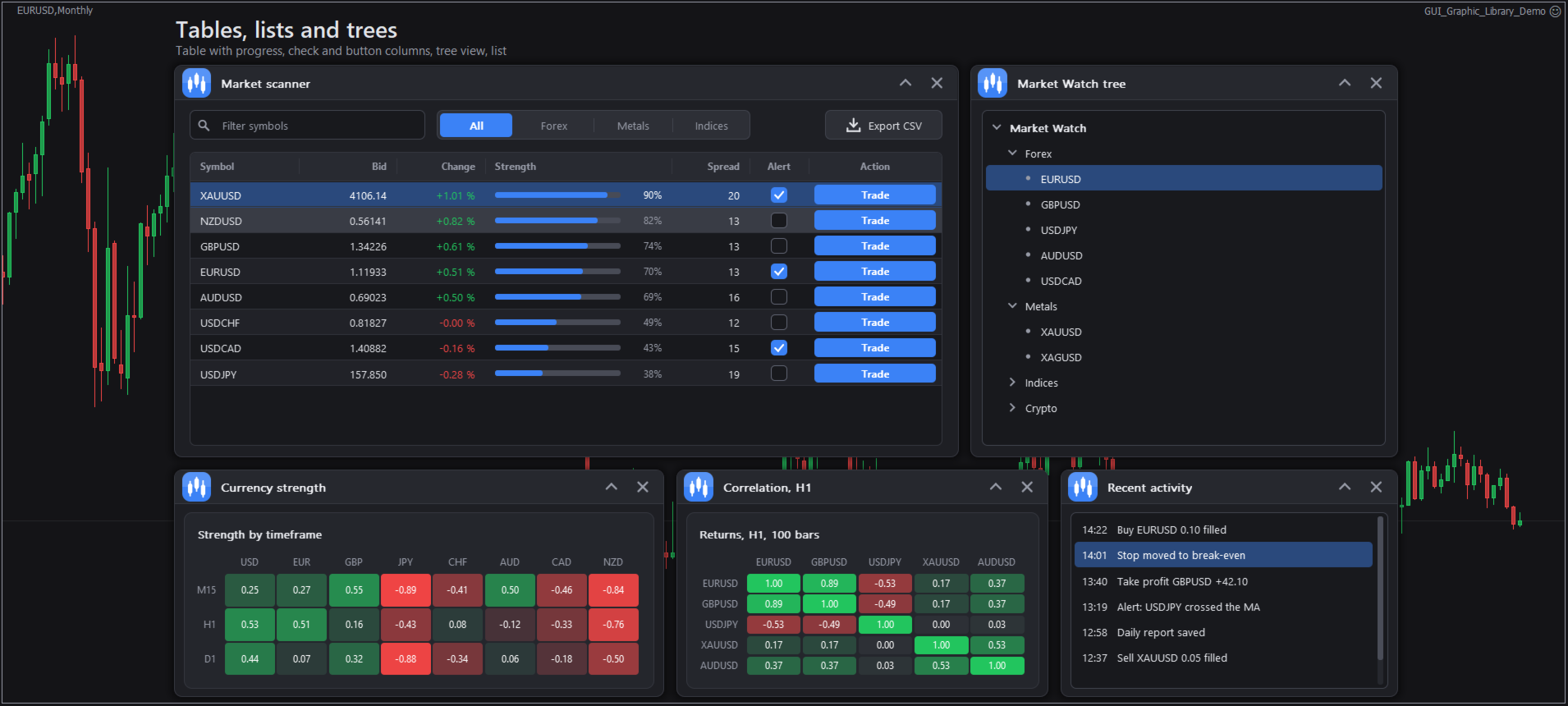
- Windows, panels, group boxes, tabs, side rails, carousels, menus, drawers, stacks, grids and splitters
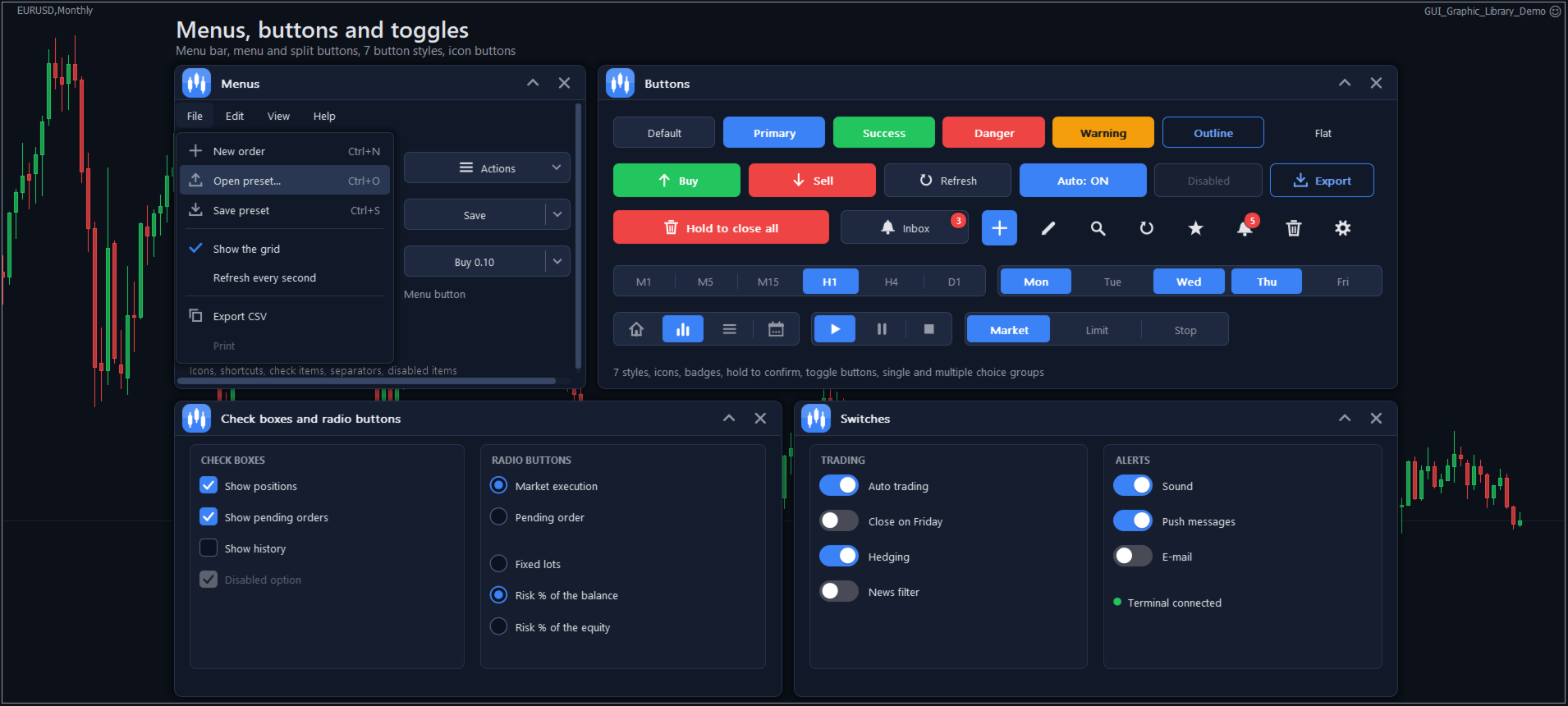
- Buttons, split buttons, switches, check boxes, radio buttons, edit and price fields, sliders, lists, trees, tables and search boxes
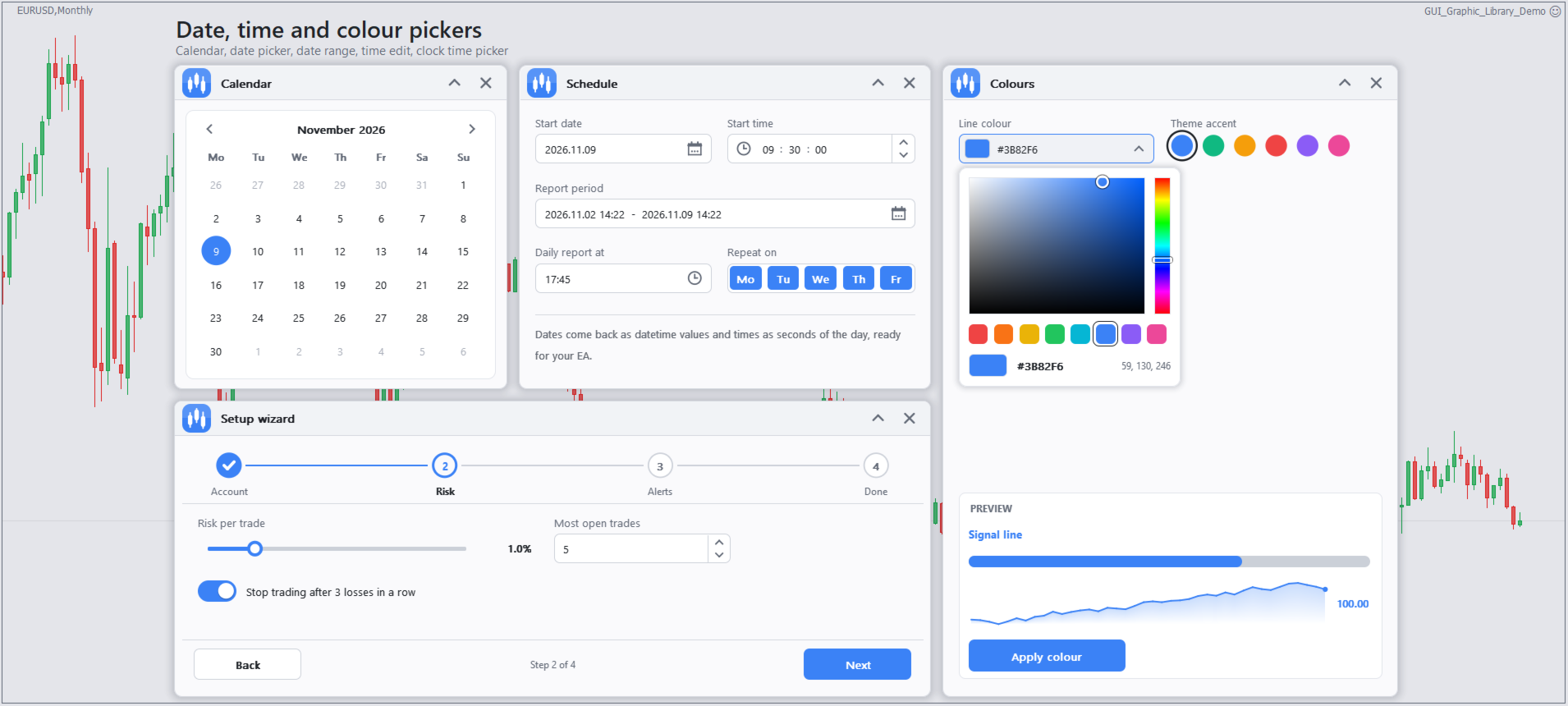
- Date, time, colour and range pickers, a calendar, chips, a PIN box and a step-by-step wizard
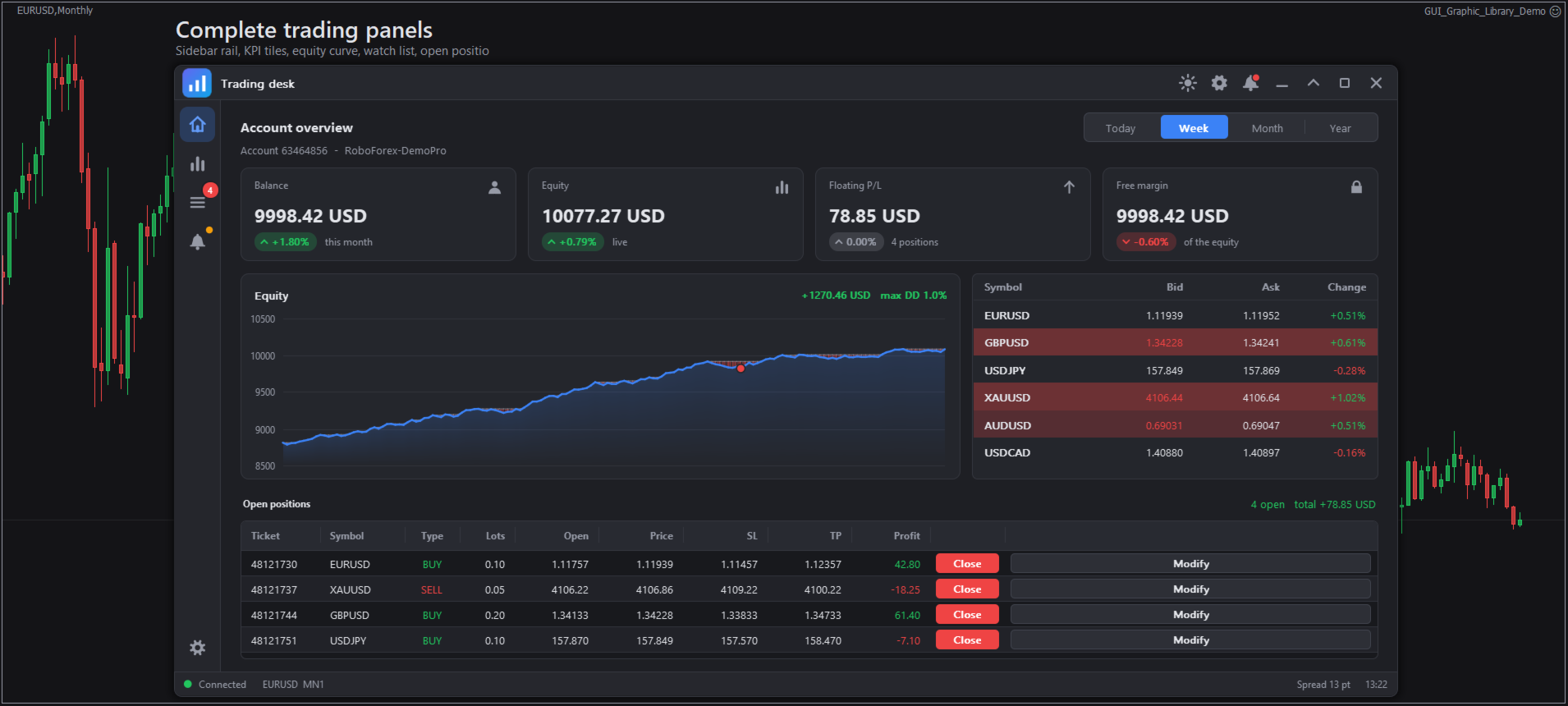
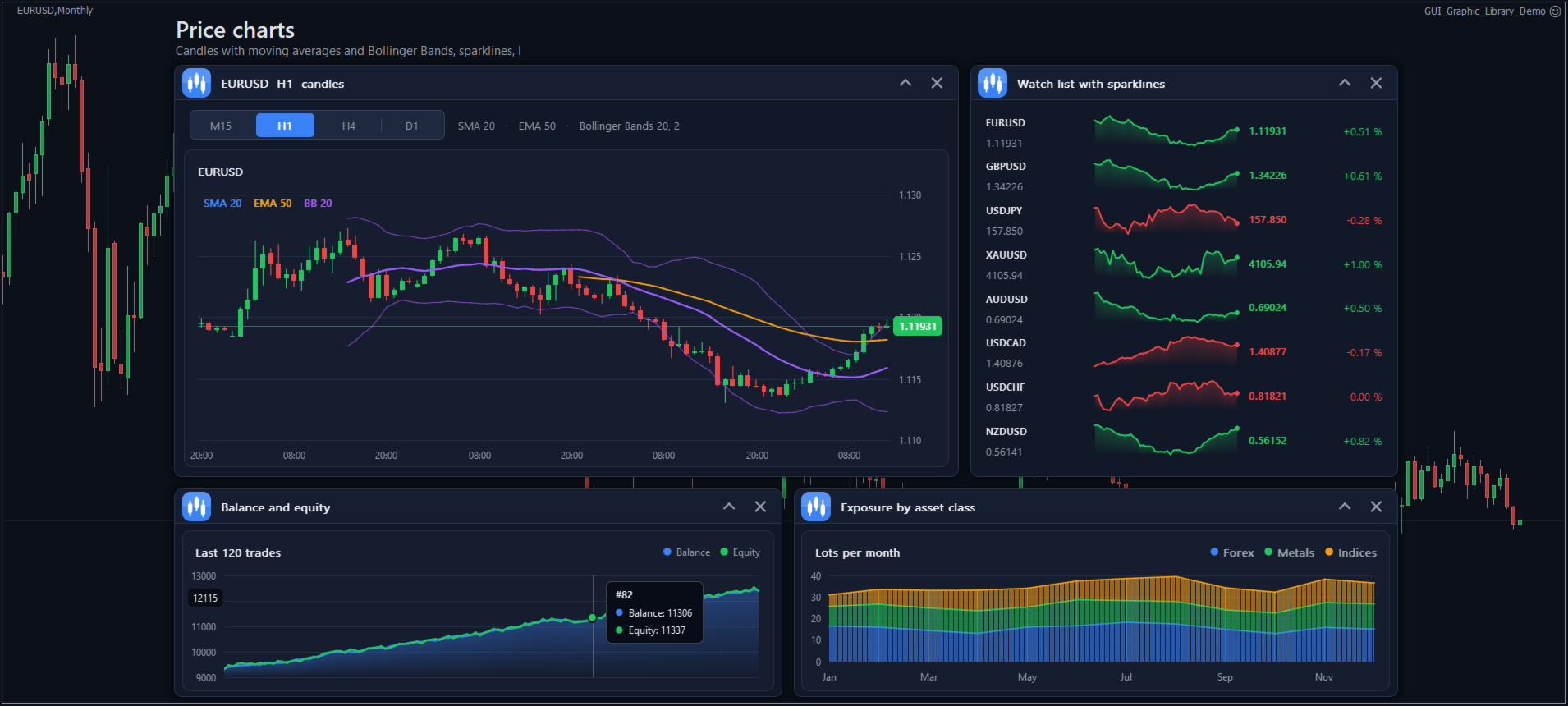
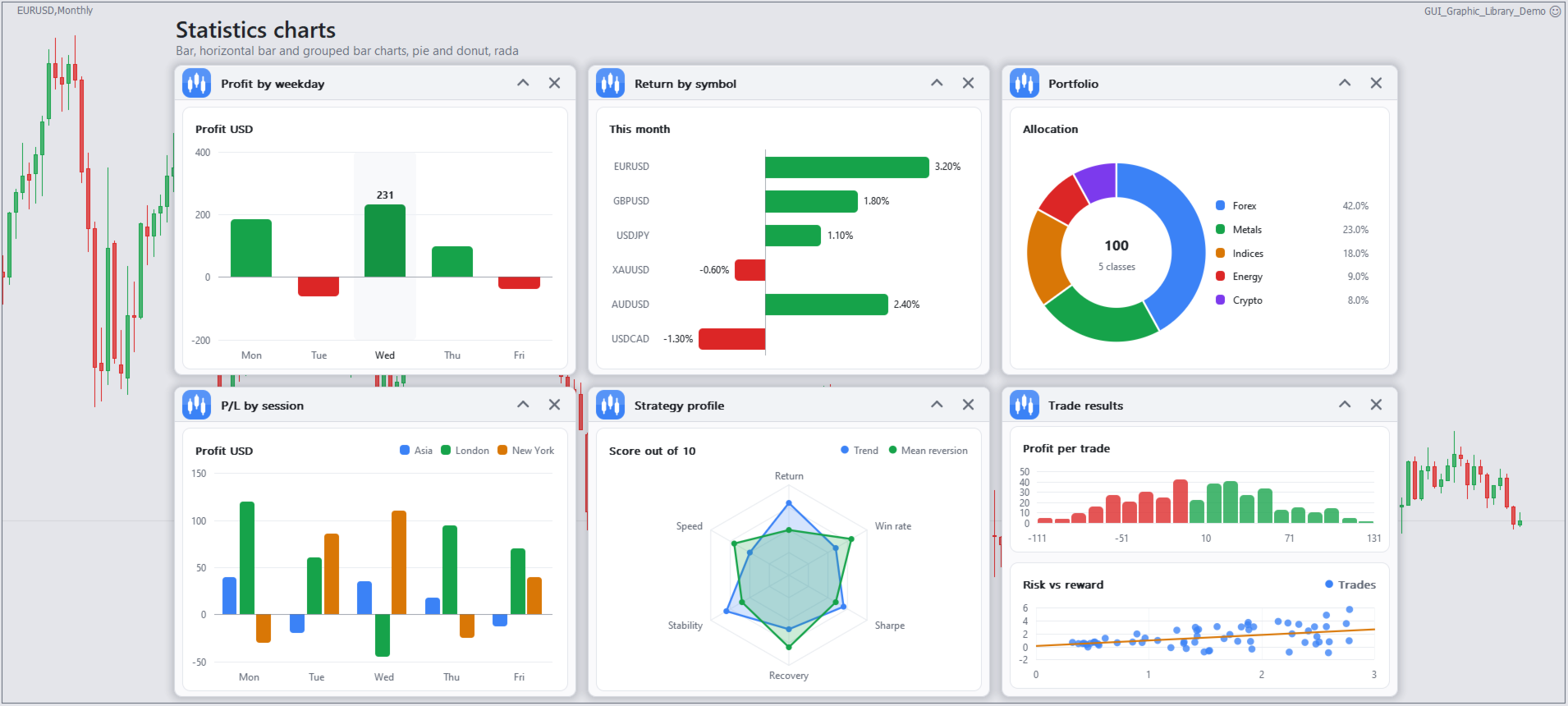
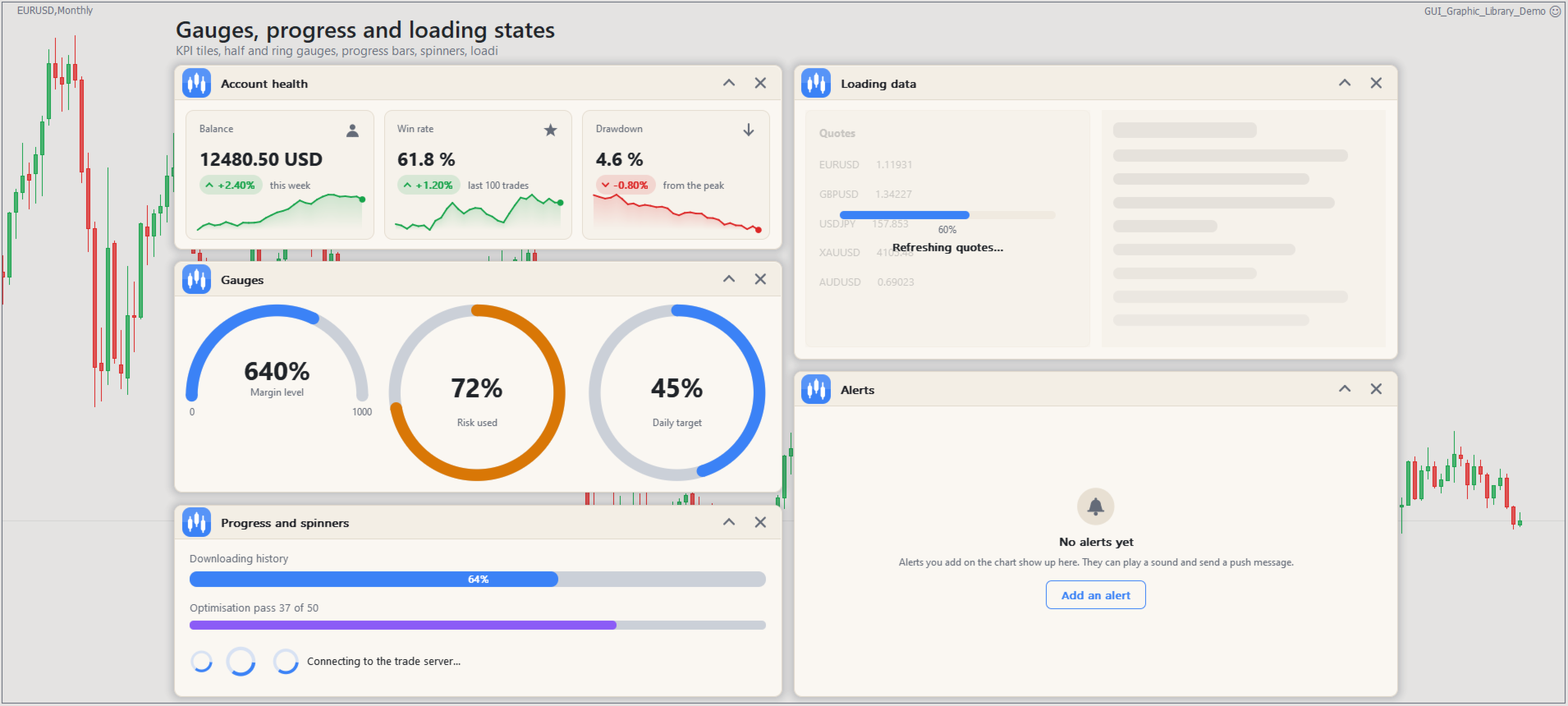
- Line, bar, candle, pie, radar, scatter and area charts, gauges, KPI tiles, sparklines, a heatmap and a correlation matrix
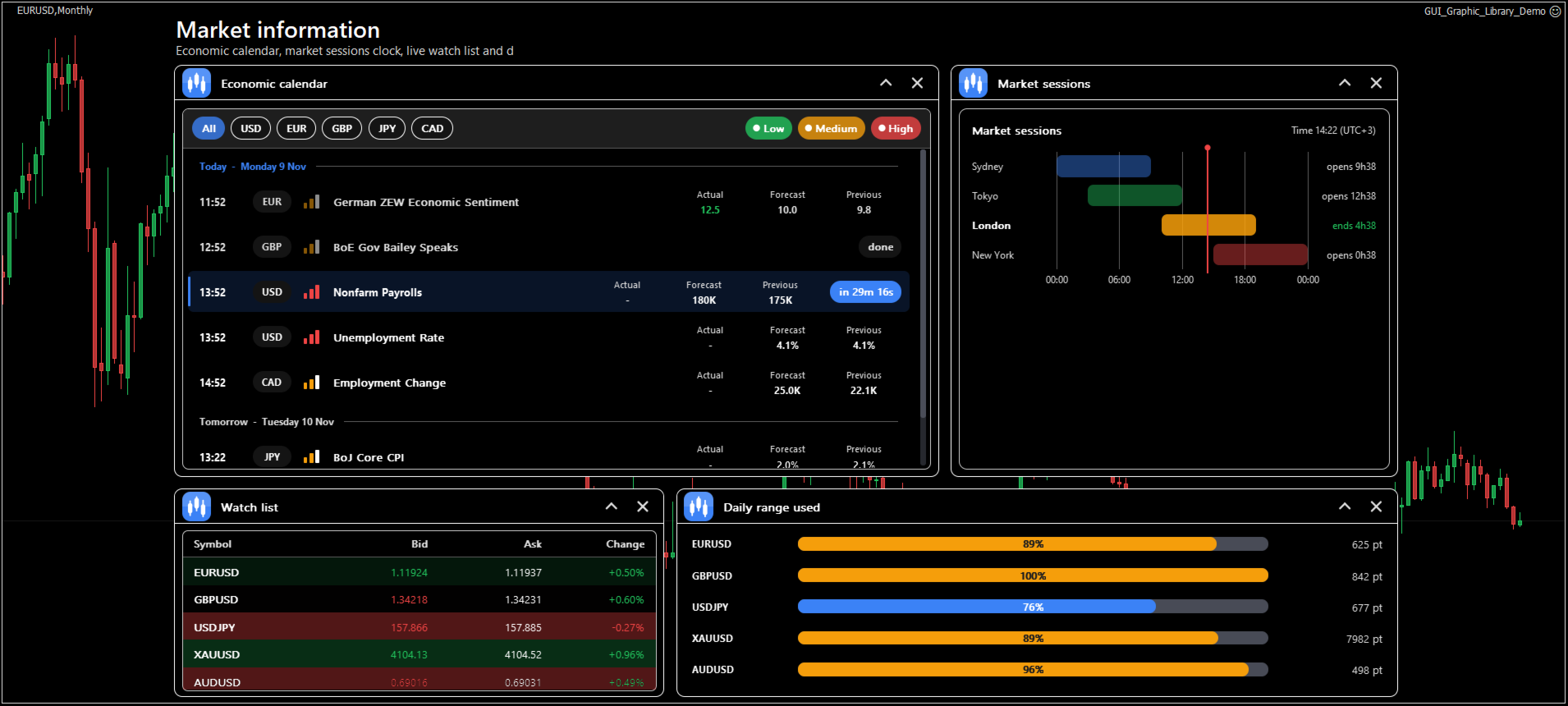
- Trading widgets: order ticket, positions list, watch list, risk calculator, economic news list, session clock, bar countdown, price labels and a depth-of-market ladder
- Dialogs, toasts with an action button, tooltips, a status bar and an empty-state message
How it works
Everything is drawn on one bitmap object, so the chart stays clean and fast, and a complex panel does not add hundreds of objects to the object list. You create an element with Gui_Add, change it with Gui_Set, read it with Gui_Get, and read the user's clicks and changes from an event queue with Gui_NextEvent. Each element gets a simple integer id, and all names are enums with descriptions in the include file, so MetaEditor shows them as you type.
The look is set once for the whole interface. There are five themes (Dark, Light, Midnight, High contrast and Soft), with your own accent and hover colours, corner radius, shadows and animations. The screen scale follows the Windows display setting or a value you choose, so the panel stays sharp on high-resolution screens.
Windows can be moved, docked to an edge, collapsed, minimised and resized. Each window has an optional settings view and notifications view. Positions, sizes and values can be saved per chart and restored the next time the program starts. Other features include hotkeys, undo and redo, input checks with error messages, translations and right-to-left layout.
Requirements
- MetaTrader 5, any symbol and timeframe, in Expert Advisors and indicators
- No DLL calls, no WebRequest and no external downloads
- The include file GUI_Graphic_Library.mqh, which holds the enums and the import of the 15 functions
The include file, the full API reference, the installation guide and example programs are on the product blog page.
Your opinion is welcome. For questions or improvement ideas, please write in the product comments or send me a message on MQL5.com.
Tags: #GUI #Panel #Dashboard #TradePanel #TradingPanel #ControlPanel #DrawingTools #Library #Canvas #UserInterface #Controls #Buttons #Charts #Widgets #ExpertAdvisor #Indicator #MQL5 #MT5 #MT4