ThemeManager MT4
- Utilities
-
Sergio Marquez Uroz
 I'm an algorithmic trader and MQL5 developer. I build the tools I wanted for my own trading and the trading bots I run myself. If you have a question before or after buying, send me a private message: you'll get an answer from the developer, not from a bot.
- Version: 1.20
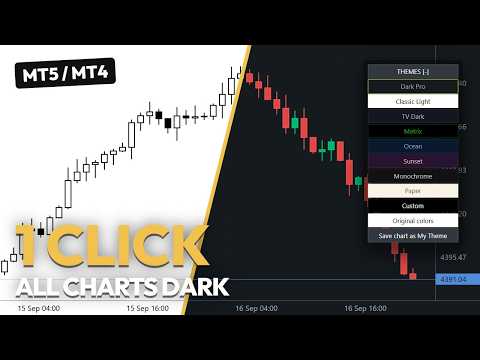
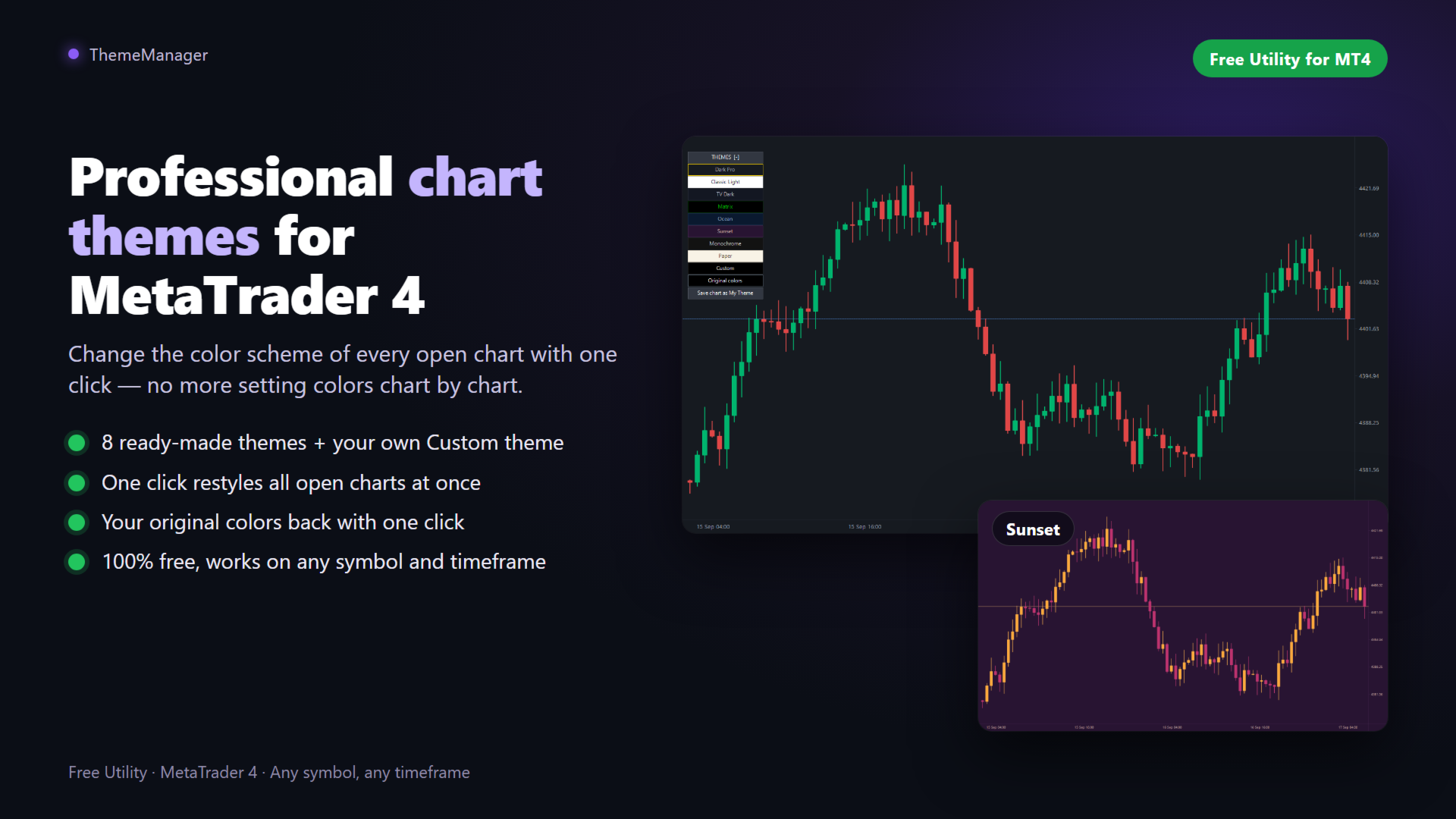
ThemeManager changes the color scheme of every open chart in MetaTrader 4 with one click. Pick one of 8 professional chart themes — dark mode, light mode, webtrader style and more — or design your own Custom theme with 13 color pickers. No more setting chart colors one by one: a small panel on the chart restyles all your charts at once.
ThemeManager is completely free — every theme and every feature, no limits.
Using MetaTrader 5? ThemeManager MT5 is free as well.
How it works
- Attach ThemeManager to any chart (Navigator → Indicators).
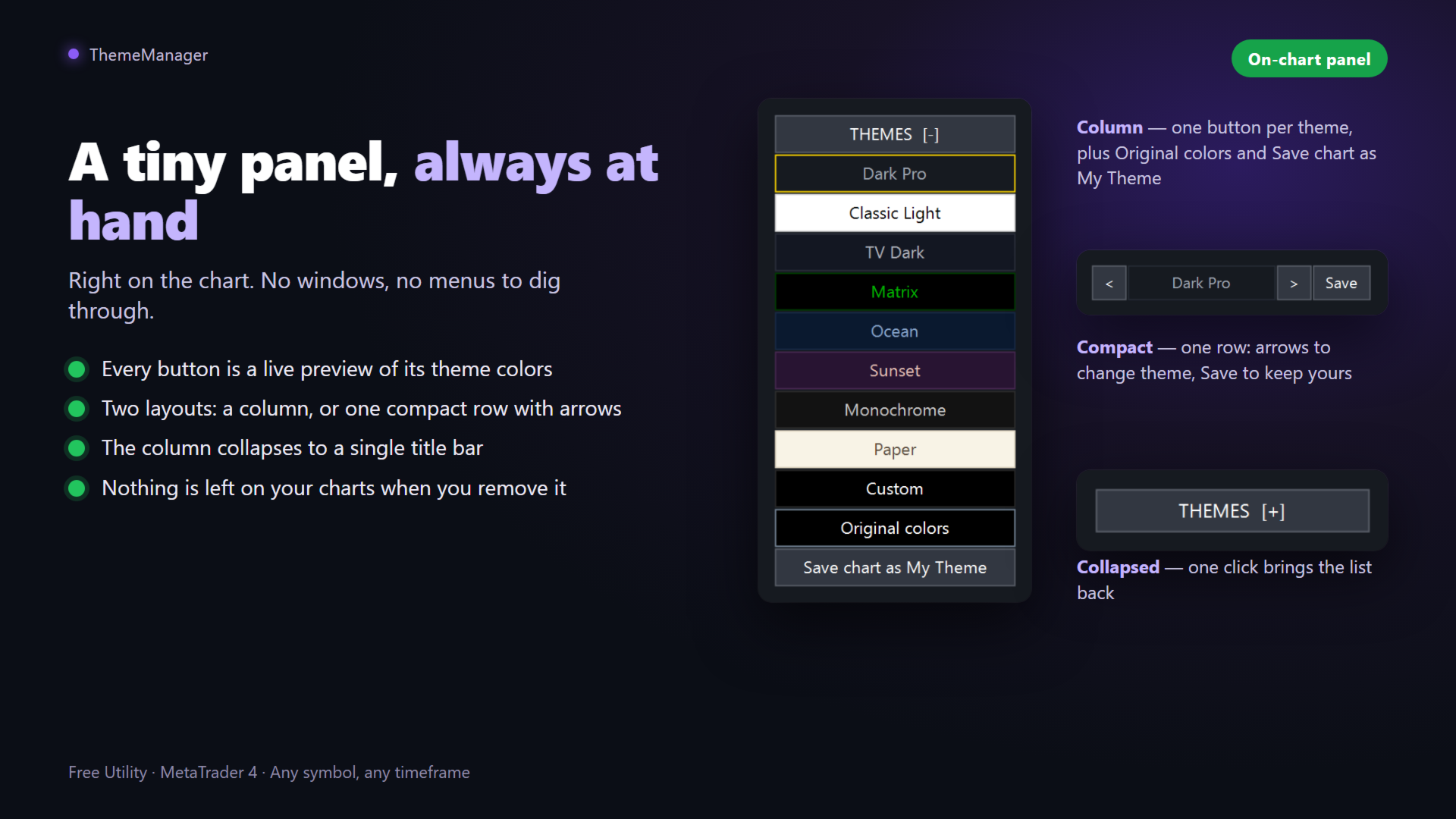
- Click a theme on the THEMES panel — every button is a live preview of its own colors.
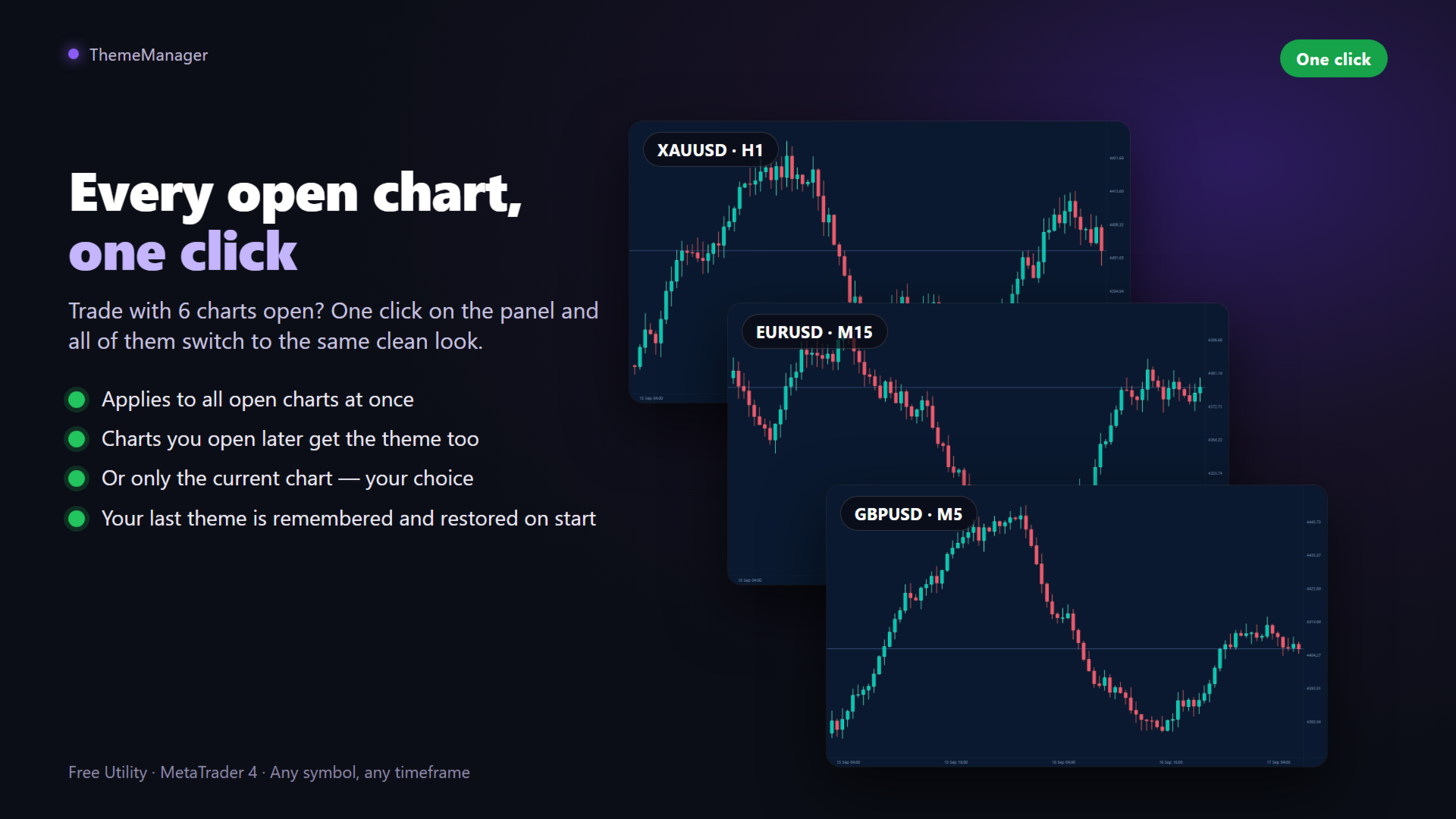
- Done: every open chart is restyled instantly.
Your last theme is remembered and re-applied when the indicator loads, and charts you open later get it too ("Also apply to charts opened later" input).
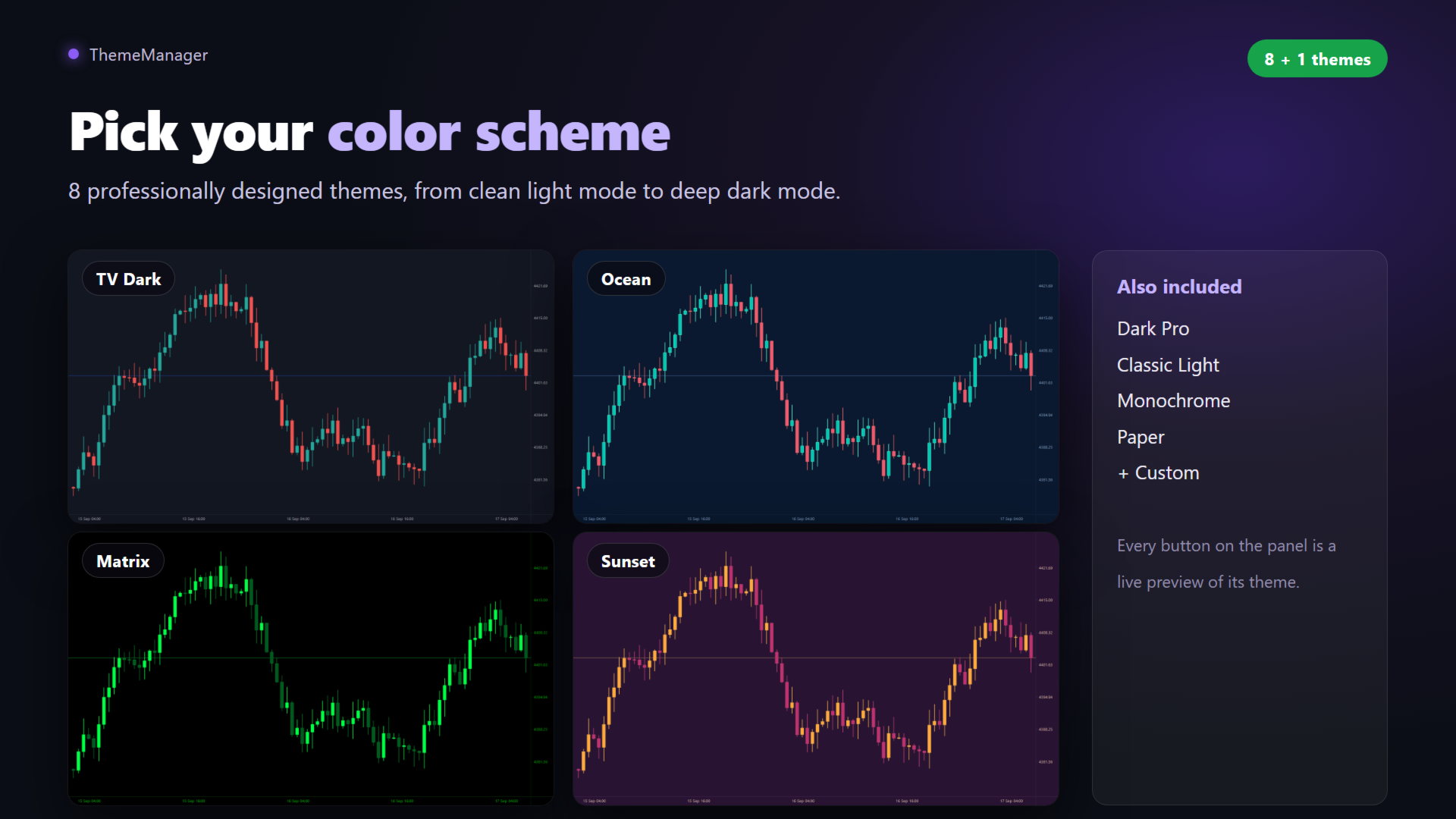
9 themes included
- Dark Pro: modern charcoal dark theme with green and red candles.
- Classic Light: clean white chart, traditional look.
- TV Dark: deep slate blue with teal and red candles, webtrader style.
- Matrix: black with neon green candles.
- Ocean: deep navy blue with teal and coral candles.
- Sunset: purple background with orange and magenta candles.
- Monochrome: elegant grayscale.
- Paper: light sepia, newspaper style.
- Custom: your own theme, built from the inputs.
Your own Custom theme
Open the indicator inputs, group "Custom theme": 13 color pickers — chart background, axes and text, grid, bull and bear bars, candle bodies, line chart, volumes, Bid/Ask/Last price lines and SL/TP levels. Press the Custom button on the panel to apply your colors everywhere. They are saved with the chart and your templates.
My Theme and Original colors
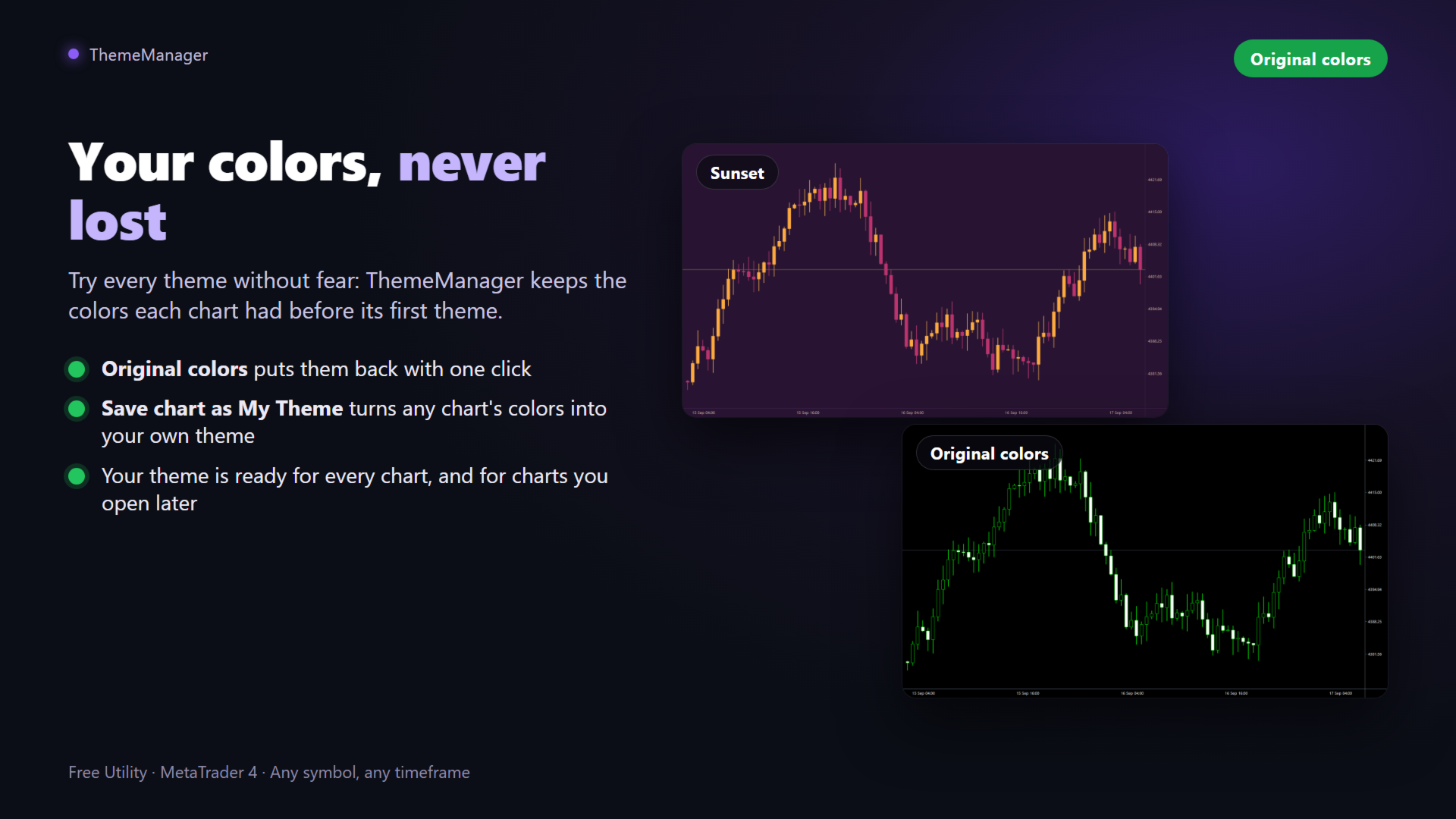
- Save chart as My Theme: adjust the colors of a chart in its MetaTrader properties, press the button and those colors become your theme, ready for every chart.
- Original colors: the first time a theme touches a chart, ThemeManager keeps the colors it had. One click puts them back.
On-chart panel
- Every button is a live preview of its theme colors.
- Two layouts ("Panel layout" input): a column with one button per theme, or a compact row with arrows.
- Collapses to a single title bar when you do not need it.
- Applies to all open charts, or only the current one ("Apply to all open charts" input).
- Nothing is left on your charts when you remove the indicator.
What each theme sets
Every chart color MetaTrader 4 exposes: background; axes, scales and text; grid; bull and bear bars, wicks and candle borders; candle bodies; line chart and doji; volumes; Bid, Ask and Last price lines; SL/TP order levels.
Requirements
- MetaTrader 4 — nothing else. No DLLs, no web requests. Works with any broker, symbol and timeframe.
Frequently asked questions
Is ThemeManager really free? Yes. All 9 themes and every feature, with no limits and no locked options.
Does it also recolor Market Watch and the other terminal windows? No. MetaTrader only allows programs to change the charts; the terminal windows cannot be recolored by any product.
Will it interfere with my EAs or indicators? No. It only changes chart colors — it does not trade and does not touch your other tools.
Can I go back to my previous colors? Yes. Press Original colors on the panel: every chart gets back the colors it had before its first theme.
Can I apply a theme to only one chart? Yes: set "Apply to all open charts" to false and the panel changes only the current chart.
What if I need help? Send me a private message through my MQL5 profile.
chart theme, color scheme, chart colors, change chart colors, dark mode, dark theme, light theme, customize chart, chart appearance, candle colors, chart background, color settings, chart template, free utility, MetaTrader 4 themes, MT4 chart colors