
Parabolic Trailing Stop Loss MT5
- Utilities
- Version: 1.0
- Activations: 5

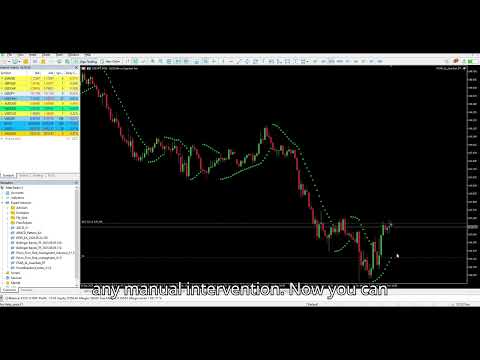
This utility Expert Advisor utilizes the Parabolic SAR indicator to dynamically set and trail the Stop Loss (SL) level of open orders, ensuring profits are protected and minimizing manual trade management.
Key Features
-
Dynamic SL Adjustment: The EA automatically adjusts the Stop Loss (SL) of any open position to the level indicated by the current Parabolic SAR point on every new bar.
-
Trend-Following Protection: Ensures the SL closely follows the price during strong trends due to the accelerating nature of the Parabolic SAR.
-
Customizable Sensitivity: Users can specify the SARSteps and SARMax parameters to fine-tune the acceleration and sensitivity of the trailing stop mechanism.
-
Effortless Operation: Once attached to a chart, the EA works automatically in the background, updating the SL without requiring manual intervention.
How to Use
-
Attach the EA to a chart containing open trade positions.
-
The EA will calculate the current Parabolic SAR level based on the specified parameters.
-
The Stop Loss (SL) of the open order will be set to the determined SAR level.
-
The EA will then begin constantly adjusting the SL to trail the price according to the Parabolic SAR on that symbol.
Parameters
-
SARSteps: The Acceleration Factor increment. This value determines the step size by which the Parabolic SAR's acceleration factor increases with each new extreme price point.
-
SARMax: The Maximum Acceleration Factor. This is the highest value the acceleration factor can reach, which controls the maximum proximity of the trailing stop to the price.


















































User didn't leave any comment to the rating