Bollinger Bands TP Guardian MT5
- Utilities
- Version: 110.100

Bollinger Bands TP Guardian
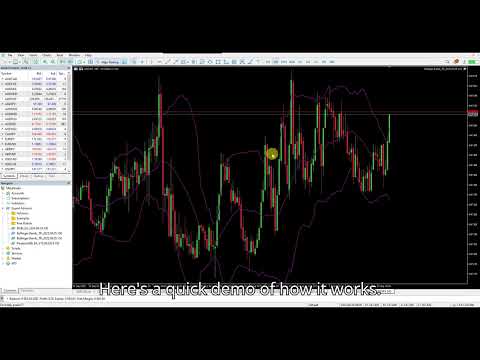
This utility Expert Advisor use Bollinger Bands to modify Take Profit (TP) level of open orders, improve your trade management & hands free after manual trade executed.
Key Features
-
Automatic TP Adjustment: The EA automatically adjusts the TP of open orders.
-
Bollinger Bands Integration: TP levels are set using the Upper, Middle, or Lower Bollinger Band.
-
Customizable Settings: Users can specify Bollinger Bands parameters and the frequency of TP modifications.
-
Effortless Operation: Once attached to a chart, the EA works in the background without requiring manual intervention.
How to Use
-
Attach the EA to a chart.
-
In the EA's settings, choose the desired Bollinger Band line (Upper, Middle, or Lower) for desire Target profit level.
-
Set the Bollinger Bands parameters.
-
The EA will then begin adjusting the TP of any open order on that symbol.
Parameters
-
Bands Period: Period for the Bollinger Bands calculation.
-
Bands Deviations: Number of standard deviations.
-
Bands Shift: Horizontal shift.
-
ApplyTo = Close price/ Open price/ High price/ Low price.
-
BB_Target Profit Line: Select the line to use: Upper Band , Middle Band , or Lower Band .















































User didn't leave any comment to the rating