Copy Receiver
- Utilities
- Version: 3.27
- Activations: 20

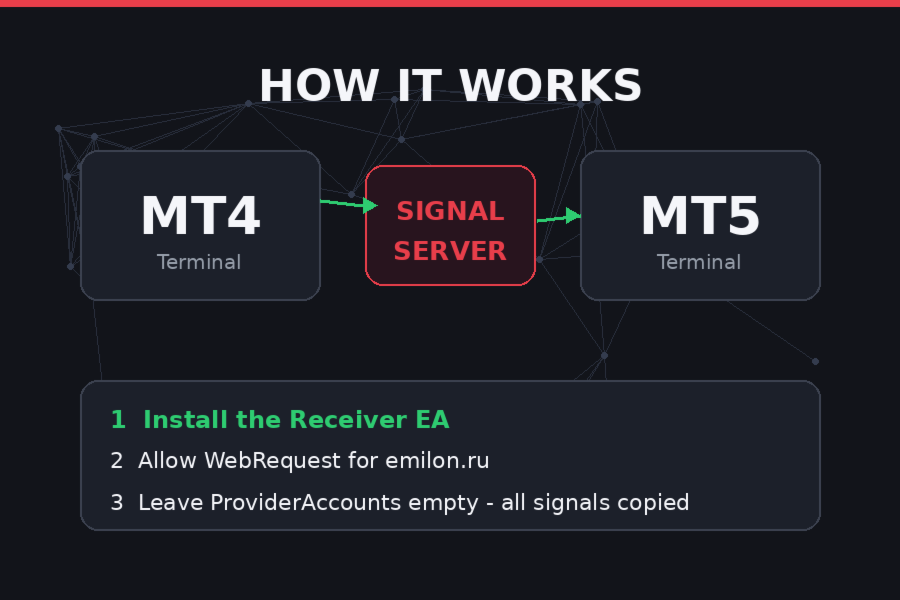
EmilonCopy Receiver is an Expert Advisor (trade copier) for the MetaTrader platform that automatically replicates the trades of a signal provider on a subscriber's account. The product is built around a "signal server" architecture: the provider's trades are published on the Emilon server, and the Receiver polls the server over HTTPS (WebRequest) at a set interval and brings the subscriber's account into line with the provider's account.
A key feature of the architecture is full state-based synchronization rather than event-based. The Receiver does not try to "catch up" with missed signals; each cycle it compares the provider's complete list of positions with its own: missing ones are opened, extra ones are closed, and those with changed volume are re-synchronized. This makes the EA resilient to connection drops, terminal restarts, and missed polls.
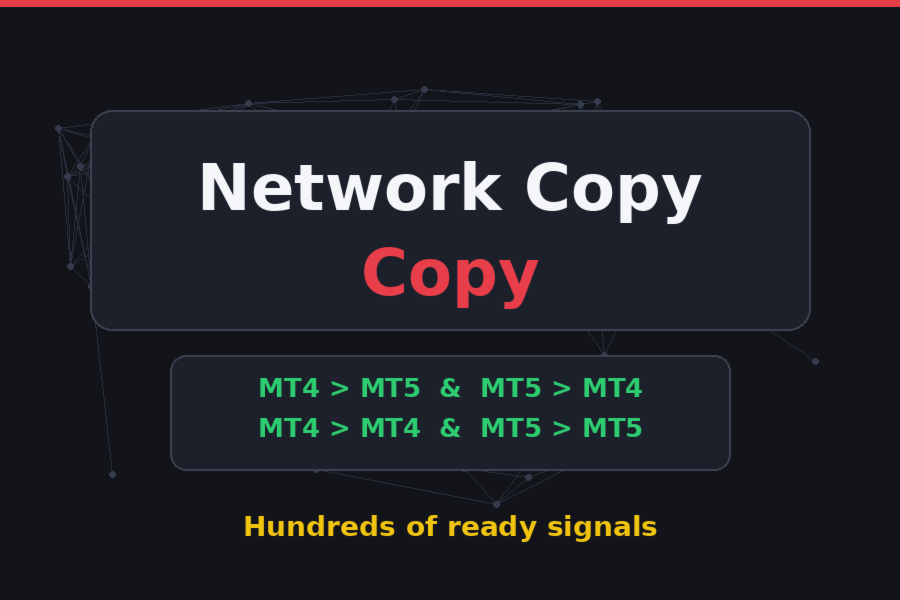
Cross-platform capability: MT4 ↔ MT5
The Receiver ships in two builds — MQL4 and MQL5 — and both work with the same signal server. This gives the product its headline capability:
- MT4 → MT5: the provider trades on MetaTrader 4 — the subscriber receives trades on an MT5 account.
- MT5 → MT4: the provider is on MetaTrader 5 — trades are replicated on an MT4 account.
- MT5 → MT5 and MT4 → MT4: classic same-platform copying.
Because the data transfer goes through the server over HTTP, the provider's and subscriber's terminals do not even need to share the same broker, account currency, or execution type. To publish trades, the provider needs the matching Transmitter (EmilonCopy Transmitter) running on the same platform version as their account.
Platform differences are handled at the code level:
- on MT4 — direct OrderSend / OrderModify / OrderClose calls; any MT4 account allows opposite-direction positions, so the hedging check is not required;
- on MT5 — the trading layer is built on CTrade , with a separate check for ACCOUNT_MARGIN_MODE_RETAIL_HEDGING : on a netting account, multi-account copying is disabled with a clear message;
- the MQL5 Market license is detected automatically ( ACCOUNT_LICENSE_TYPE ); the website version provides its own activation flow.
Copying modes
Single mode. Trades from one provider account are copied. All subscriber positions receive the MagicNumber magic and the EmilonCopy comment.
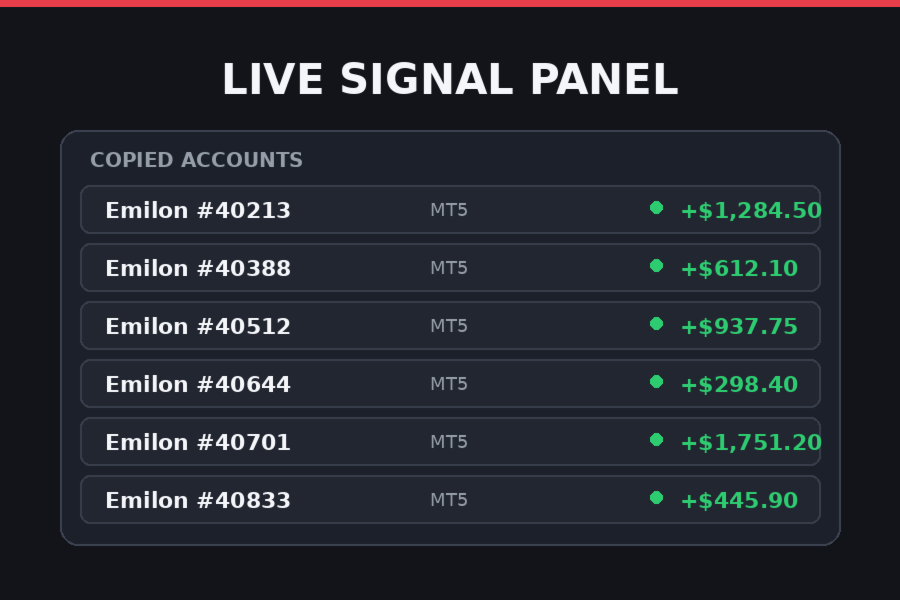
Multi mode ("all signals" package). The ProviderAccounts field accepts a comma-separated list of accounts ( 123, 456 is normalized to 123,456 ) or the value ALL (case-insensitive). Each provider account gets its own magic (equal to the account number) and the prov:NNNNN comment — positions from different sources are never merged or volume-combined. The package is confirmed by the server; an attempt to run multi-copying without it produces a clear MULTI_ACCOUNT_REQUIRES_PACKAGE error. The panel shows a "Copied accounts" block listing each account, the trader's name, and the number of open trades.
Symbol mapping
Broker symbols rarely match exactly, so a mapping mechanism is built in:
- a suffix is appended to the provider's symbol ( EURUSD → EURUSD.pro );
- auto-search: the Receiver tries a list of common suffixes ( .m , .pro , .ec , .raw , .ecn , _m , etc.) and, conversely, strips known suffixes when the provider's symbol already carries one;
- each candidate is verified via SymbolSelect — the first symbol that actually exists in the terminal is used, and every attempt is logged.
Volume handling
- LotMultiplier — proportional mode: subscriber lot = provider lot × multiplier. A multiplier above 1 scales up, below 1 scales down.
- FixedLot — a fixed lot for all trades (takes priority over the multiplier; 0 — multiplier applies).
- Alignment to the lot step and clipping to the symbol's MINLOT / MAXLOT . Three behaviors when the volume is below the minimum: round up to the minimum (default), skip the trade, or copy at the minimum.
Stops and take-profits
- CopyStopLoss and CopyTakeProfit — enable transfer of each level individually;
- SLTP_AddPoints — shift the levels by N points relative to the provider's values (useful so your stops don't sit at the same popular levels as everyone else's);
- SYMBOL_TRADE_MODE and trading-session checks: a closed market does not halt the whole EA — only that trade is skipped with a single log line, while copying of other symbols continues (crypto symbols without sessions are treated as always open);
- stop level and freeze level handling: when modifying SL/TP, a frozen side is left untouched and the update is deferred without error spam;
- if the broker rejects an order due to invalid stops (error 130 on MT4, 10016 on MT5) — the trade is re-opened without SL/TP, with a log entry.
Pauses and recovery
When autotrading is off or the market is closed, the EA does not hammer the server or flood the journal: one pause line is printed, the panel status switches to PAUSE, polling continues on the timer, and copying resumes automatically once the cause is gone.
When a subscription expires, the server returns an error — the Receiver stops, starts periodic subscription checks (every 5 minutes), and resumes automatically after the subscription is renewed. Trading blocks do not interfere with polling: server synchronization and trading actions are decoupled.
Panel and ticker
- Information panel: account and broker, status (ONLINE / PAUSE / STOPPED / Connecting), last sync time, provider and own position counts, counters of opened/closed/re-synced trades, SL/TP updates, freeze-level skips, provider details (account, broker, trader name), subscription type, and the "Copied accounts" block (dynamic rows — the panel grows with the number of accounts).
- Running ticker along the bottom of the chart: copying events, errors, statuses; line color reflects the message type (info / success / warning / error). History keeps up to 40 events.
- Fully bilingual UI: the Language parameter switches all panel, ticker, and journal messages between English and Russian.
Parameters
| Parameter | Default | Description |
|---|---|---|
| Language | English | UI language: English / Russian |
| ProviderAccounts | empty | Provider accounts: 123 , 123,456 , ALL , or empty (anchor account) |
| LotMultiplier | 1.0 | Lot multiplier (>1 scales up, <1 scales down) |
| FixedLot | 0.0 | Fixed lot for all trades; 0 — use the multiplier |
| Slippage | 30 | Allowed slippage in points |
| MagicNumber | 770077 | Magic of the anchor account (and legacy positions) |
| CopyStopLoss | true | Copy the provider's stop loss |
| CopyTakeProfit | true | Copy the provider's take profit |
| SLTP_AddPoints | 0 | SL/TP offset relative to the provider's levels, in points |
| UseSymbolMapping | true | Auto-search for a symbol variant when no exact match exists |
| SymbolSuffix | empty | Your broker's symbol suffix ( .pro , _m , etc.) |
Service parameters (not meant for manual tuning): the PollInterval polling interval, ticker speed, panel colors, server URLs. The password and account binding are managed on the subscription side.
Installation and setup
- Copy EmilonCopyReceiver.ex5 (or .ex4 ) into MQL5\Experts (or MQL4\Experts ) and restart the terminal.
- In terminal settings (Tools → Options → Expert Advisors), allow WebRequest for the signal server domain — without this, requests will silently fail.
- Attach the EA to any chart (the chart symbol does not affect copying — each trade is checked against its own symbol) and enable autotrading.
Requirements and limitations
- MT4 (build 600+) or MT5 terminal; on MT5 — a hedging account for multi-copying.
- The signal server URL must be whitelisted for WebRequest.
- Minimum supported lot precision is 0.01; lot parameters are taken from the subscriber's symbol.
- MT4 order comments are limited to ~27 characters — the prov:NNNNN format fits with room to spare.
Common scenarios and how they are handled
- A signal was missed (internet outage, restart) — the next sync cycle restores the position; no duplicates will occur: matching is done by magic, symbol, and direction.
- The provider closed a trade — your position is closed in the same cycle, even if the symbol's market was closed at the moment of the signal (the close is deferred until the market reopens, with a journal entry).
- The provider changed the volume — the position is closed and re-opened at the new volume (Re-sync counter).
- The symbol is missing at your broker — the trade is skipped with a message; copying of the rest continues.
Configuring the terminal before launch
For the receiver to communicate with the signal server, the Emilon domain must be added to the list of allowed URLs for WebRequest. Without this, the advisor will launch, but every request will return an error—the terminal will not allow access to an address outside the whitelist.
- Open the menu Service → Settings → Advisors .
- Check the box "Allow WebRequest for the listed URLs" .
- Add the following line to the list:
- Click OK and remove the advisor from the chart (remove it and re-attach it) - the new settings will be picked up immediately.
Where to see what is available for copying
All Emilon accounts open for subscription are collected on the monitoring page:
— it displays available accounts: trader name, broker, statistics, and results. Select one or more Emilon accounts and enter their numbers in the parameter ProviderAccounts (separated by commas: 123, 456), or ALL/empty field - all signals.
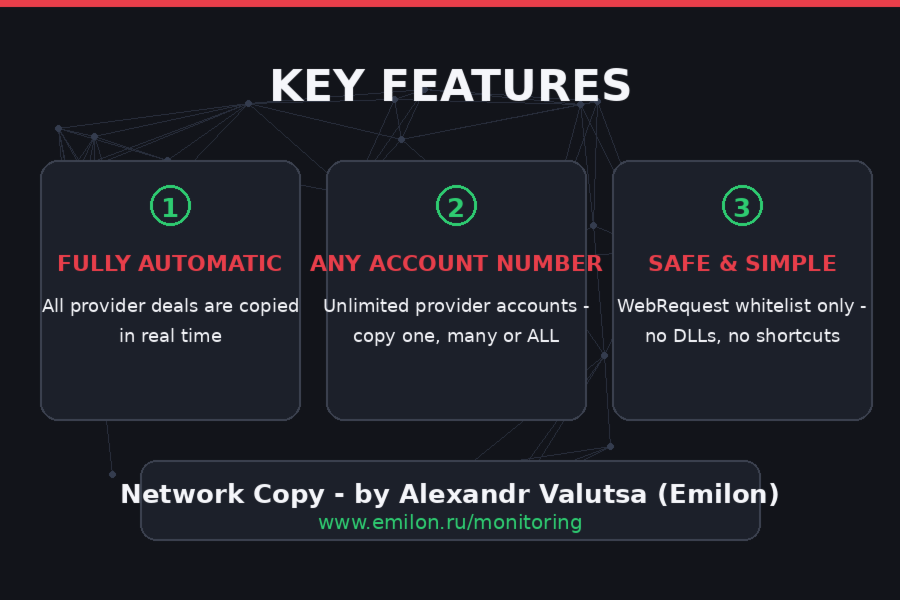
They are copied through the receiver Emilon provider accounts - Alexander Valutsa. Number of accounts with the provider unlimited — all or a selection of ProviderAccounts are copied.
All other accounts (from other providers) are available only by direct subscription on the website — when trying to copy them through the receiver, the server will return a refusal.
Examination
After launching the Expert Advisor, a startup message will appear on the ticker at the bottom of the chart, followed by the first synchronization a few seconds later. If the ticker shows "Server Request Error," return to the WebRequest step: this is almost always due to the domain not being added or being added with a path.
Why Copy Instead of Buying a Robot?
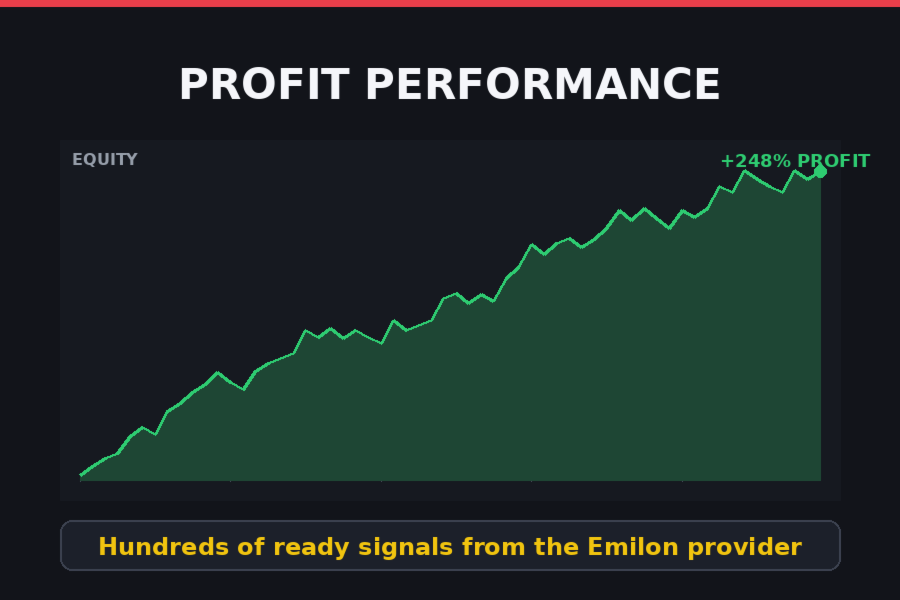
- No money wasted on unknown robots. Most EAs sell you a backtest. Copying sells you a real, live track record you can verify before paying.
- No optimization, no backtesting marathons. Skip months of parameter fitting. The strategies are already running live — the numbers you see are real numbers.
- No complex settings to figure out. Install the Receiver, leave ProviderAccounts empty, done. Everything else happens automatically.
- Not locked into one strategy. A single robot is one bet on one market condition. Copying gives you many strategies at once — trend, counter-trend, scalping — so your results don't depend on a single set of parameters.
- Copy only the profitable ones. Choose accounts by verified profit, drawdown and trading style on the monitoring page. Losing accounts don't get your money — you just don't copy them.
- A huge selection of signals for one symbolic price. Instead of $200–$500 for one robot, one subscription opens dozens of ready-to-copy strategies.
- No emotions, no screen-watching. Trades are executed by the Receiver the moment the provider acts — no hesitation, no manual entries, no revenge trading at 3 AM.
- Fully transparent. Every copied account shows its live history, profit and drawdown on the monitoring page. Nothing is hidden behind a demo.
- Your capital stays in your account. Signals are copied to your terminal — the provider never gets access to your funds, and you can disconnect any time.
- No programming skills needed. No DLLs, no VPS setup scripts, no code. If you can install an EA, you can run the Receiver.
- Diversification in one click. Add or remove copied accounts in the settings whenever you want — rebalance your portfolio of strategies without touching existing trades.