
Robot Choppiness
- Indicators
- Version: 2.112
- Updated: 6 September 2026
- Activations: 20

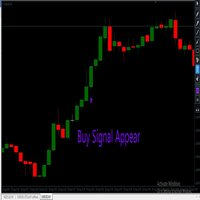
The Choppines robot is loaded as an indicator in the MT4 indicators folder
It is recommended to use a candle timing of 5 minutes, the recommended robot expiration time is 5 minutes.
The robot can be configured to send signals to MT2, MX2, PRICEPRO platforms. To send signals, you must use the connector program of the platform we want to work with.
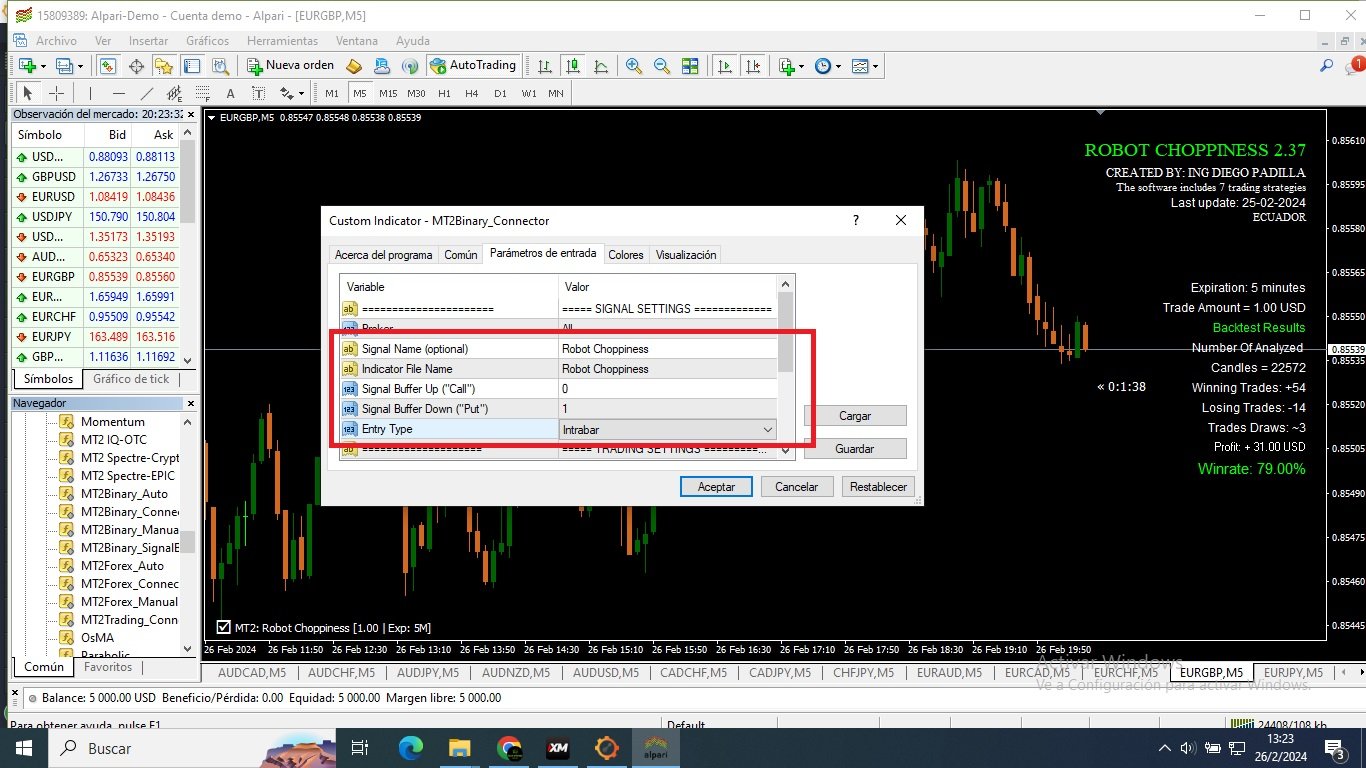
To install on the connector, perform the following procedure (an image is attached describing the configuration with the MT2 platform connector):
1.- Load any currency pair on the MT4 platform
2.- Place the candles on M5 timing
3.- Load or drag the Robot-Choppiness.ex4 file to the currency pair open on the screen.
4.- Load the MT2 connector (MX2, or also PRICEPRO, one at a time) to the screen, configure the file name, signal name, buy buffer (0), sell buffer (1), set robot expiration time = 5 minutes.
5.- Save this configuration in a template, so that the template loads it in all the currency pairs that you are going to work with automatically.
The choppiness robot can also work in the OTC market, you can now operate Synthetic Indices with our indicator
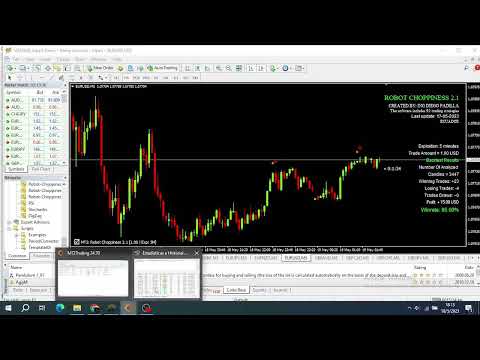
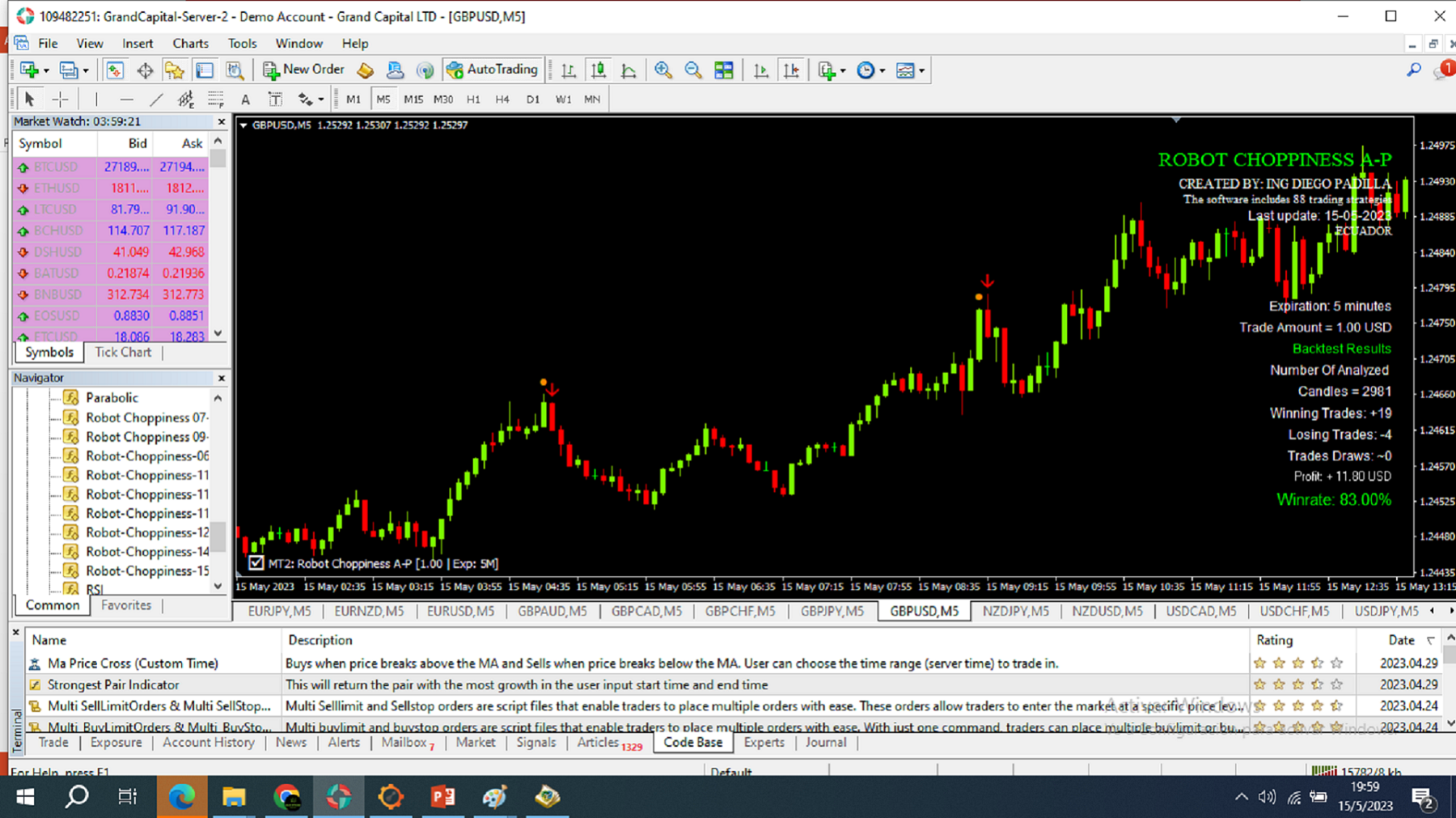

























































Good results, great support...