PipsLocker MT4
- Indicators
-
Yuriy Lyachshenko
 I am interested in forex trading, developing strategies based on different mathematical models, programming.
 - Version: 1.0
- Activations: 10
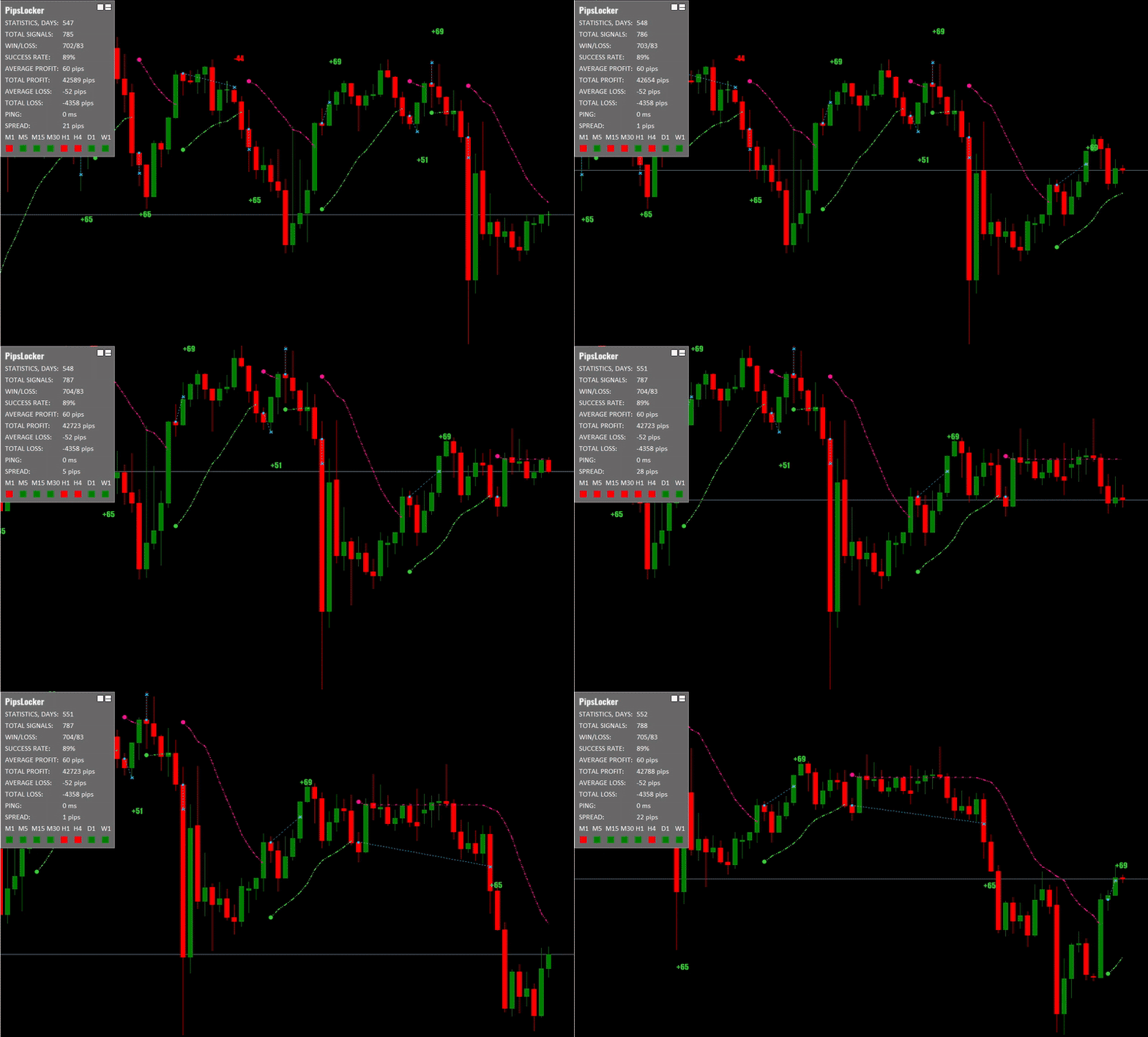
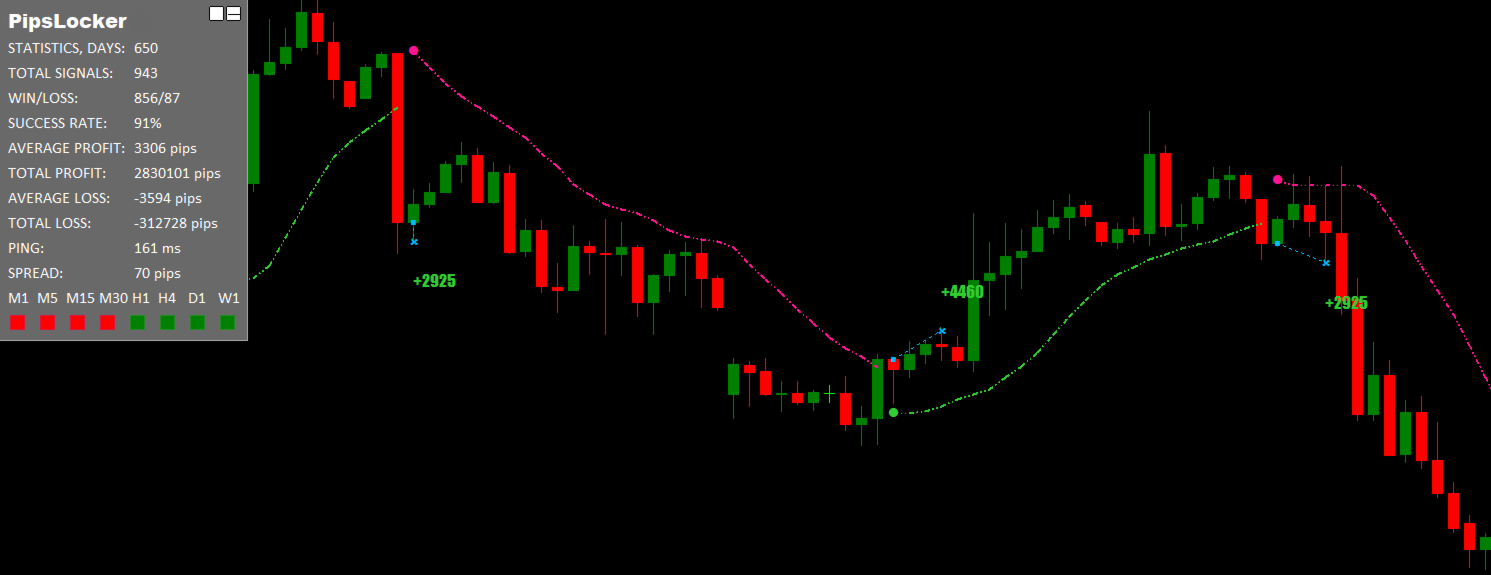
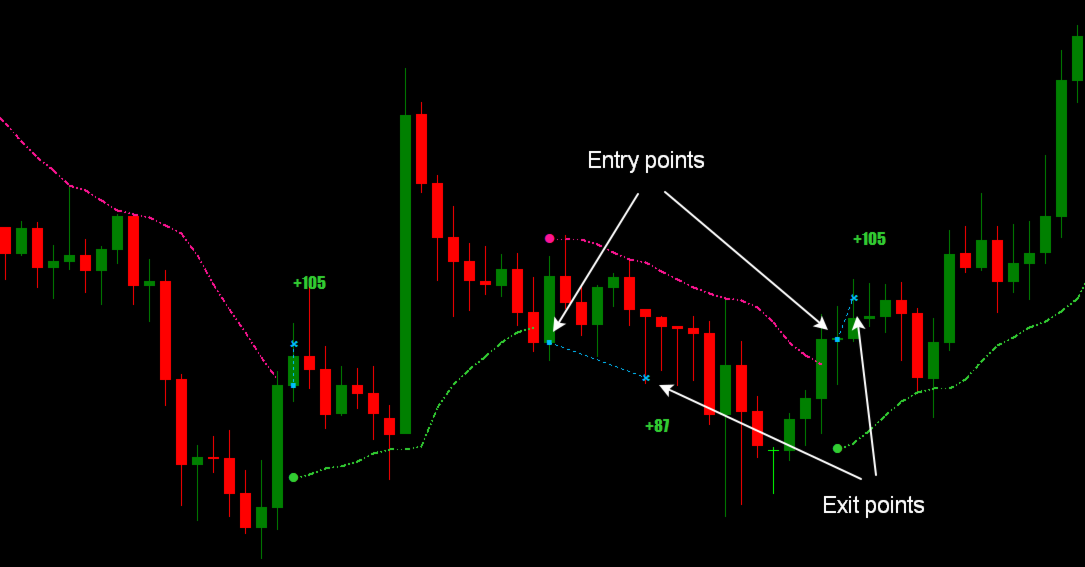
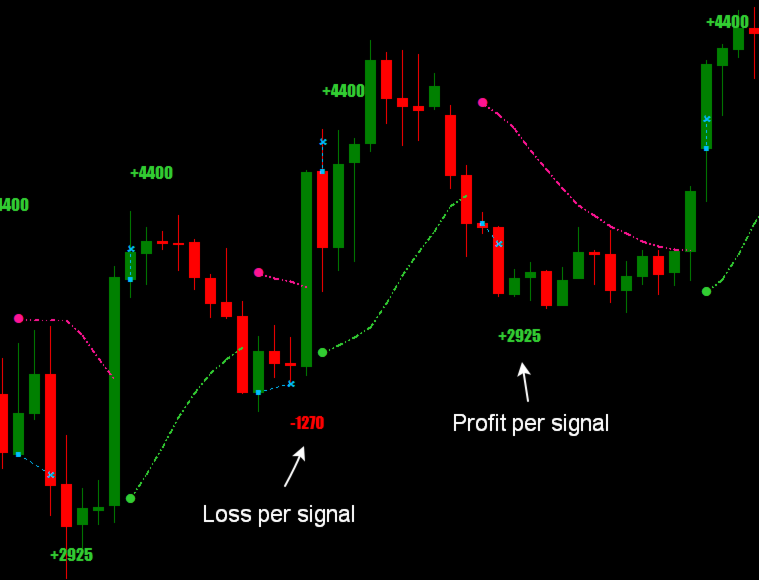
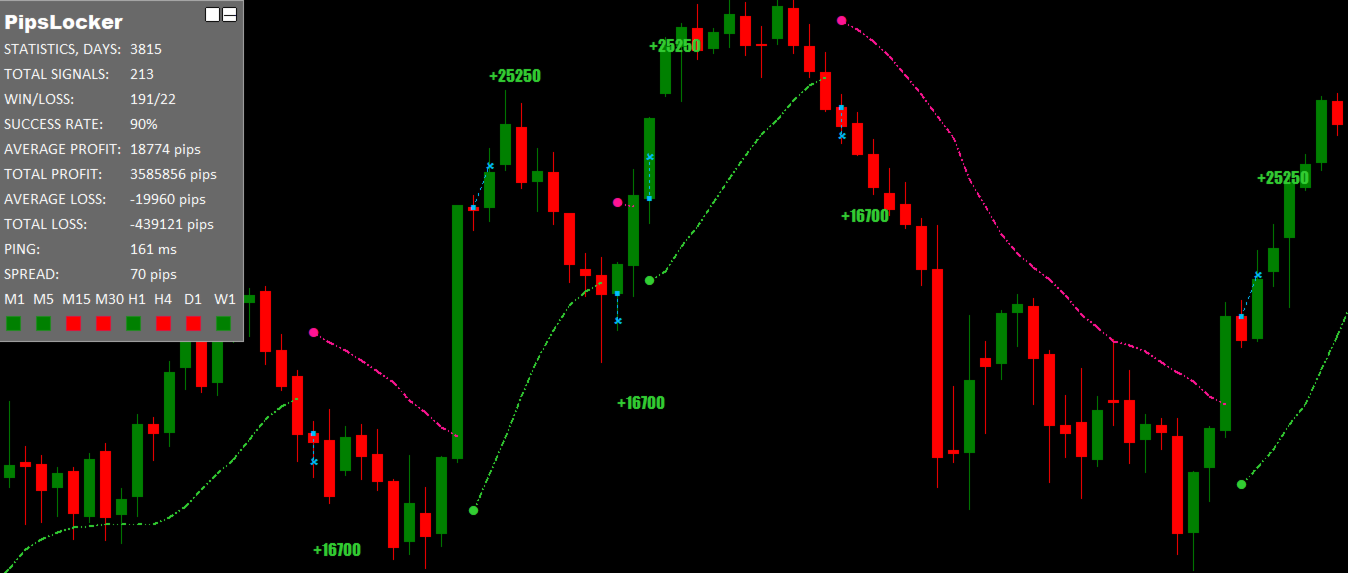
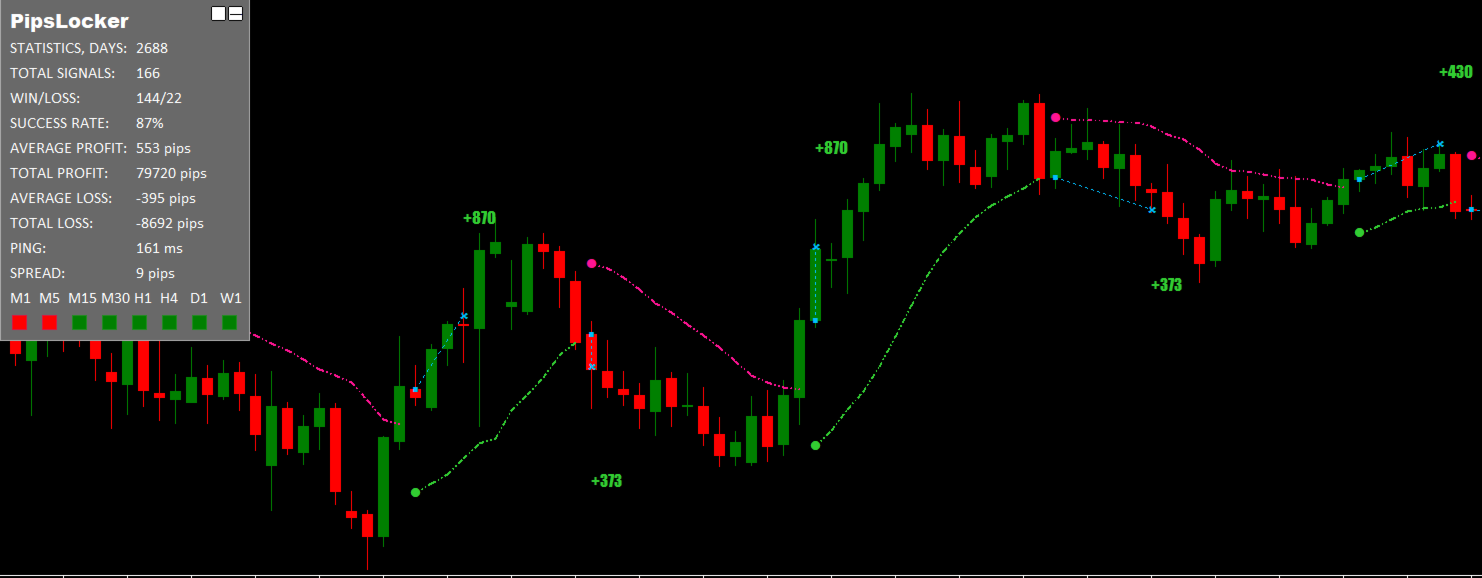
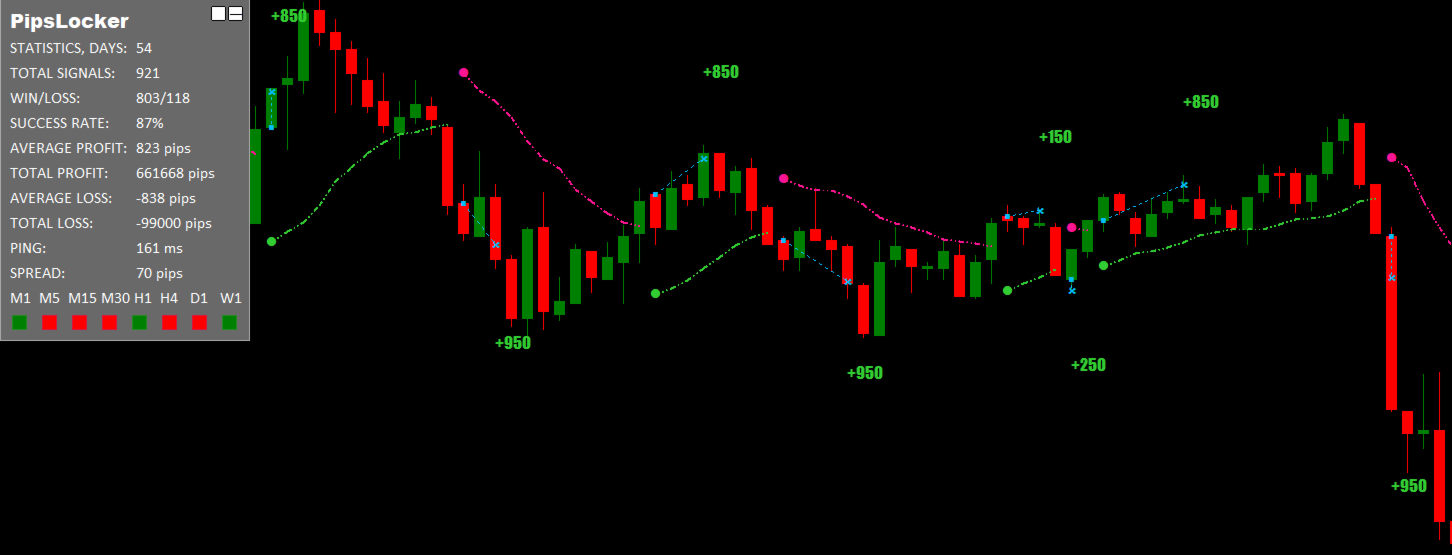
The indicator shows the trend direction, entry points, and the most suitable exit points for trades. It also displays statistics for all signals to improve trading analysis.
Features
- This indicator does not repaint.
- It can be used to trade any asset: cryptocurrencies, stocks, metals, indices, commodities, and currencies.
- Works on all timeframes.
- Entry signals appear at the opening of a new candle.
- Exit signals are approximate, as you can often close a trade with greater profit.
- A detailed trade statistics panel is displayed in the top left corner, which can be collapsed.
- Shows trend direction across timeframes from M1 to W1.
- Lightweight code ensures it does not overload or slow down the terminal.
- To avoid missing entry signals, you can receive notifications via Alert window and Push notifications.
- Suitable for users of all levels, from beginners to experts.
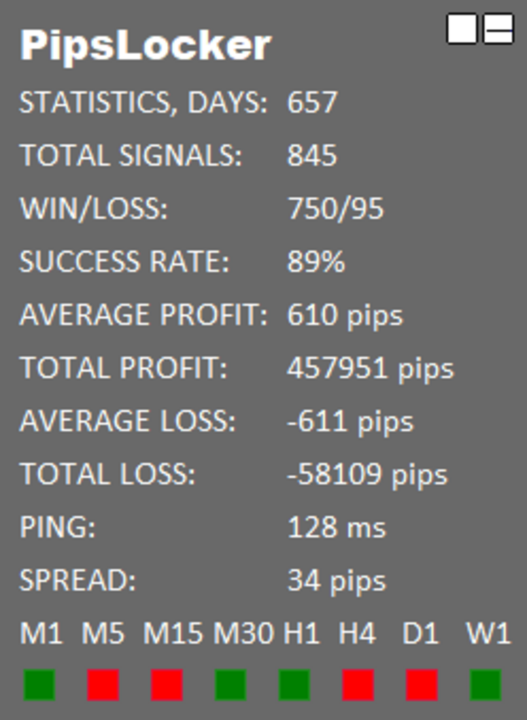
Statistics Panel
- Number of days from which signal history is taken.
- Total number of signals for which statistics are provided.
- Ratio of profitable to losing signals.
- Percentage of profitable signals out of the total.
- Average profit per signal.
- Total profit across all signals.
- Average loss per signal.
- Total loss across all signals.
- Last ping to the broker’s server.
- Current spread.
- Trend direction (UP/DOWN) across timeframes from M1 to W1.
Settings Parameters
- Period: Indicator sensitivity.
- Font size: Font size for the statistics panel.
- Show line: Enable/disable displaying the trend line.
- Show circles: Enable/disable displaying circles when the trend changes.
- Show entry/exit: Enable/disable displaying entry and exit points from the market.
- Show statistics: Enable/disable displaying the signal statistics panel in the top left corner of the chart.
- Use alert notification: Enable/disable pop-up window with sound notification.
- Use push notification: Enable/disable push notifications.