TrendCompass MT5
- Indicators
-
Yuriy Lyachshenko
 I am interested in forex trading, developing strategies based on different mathematical models, programming.
 - Version: 1.0
- Activations: 10
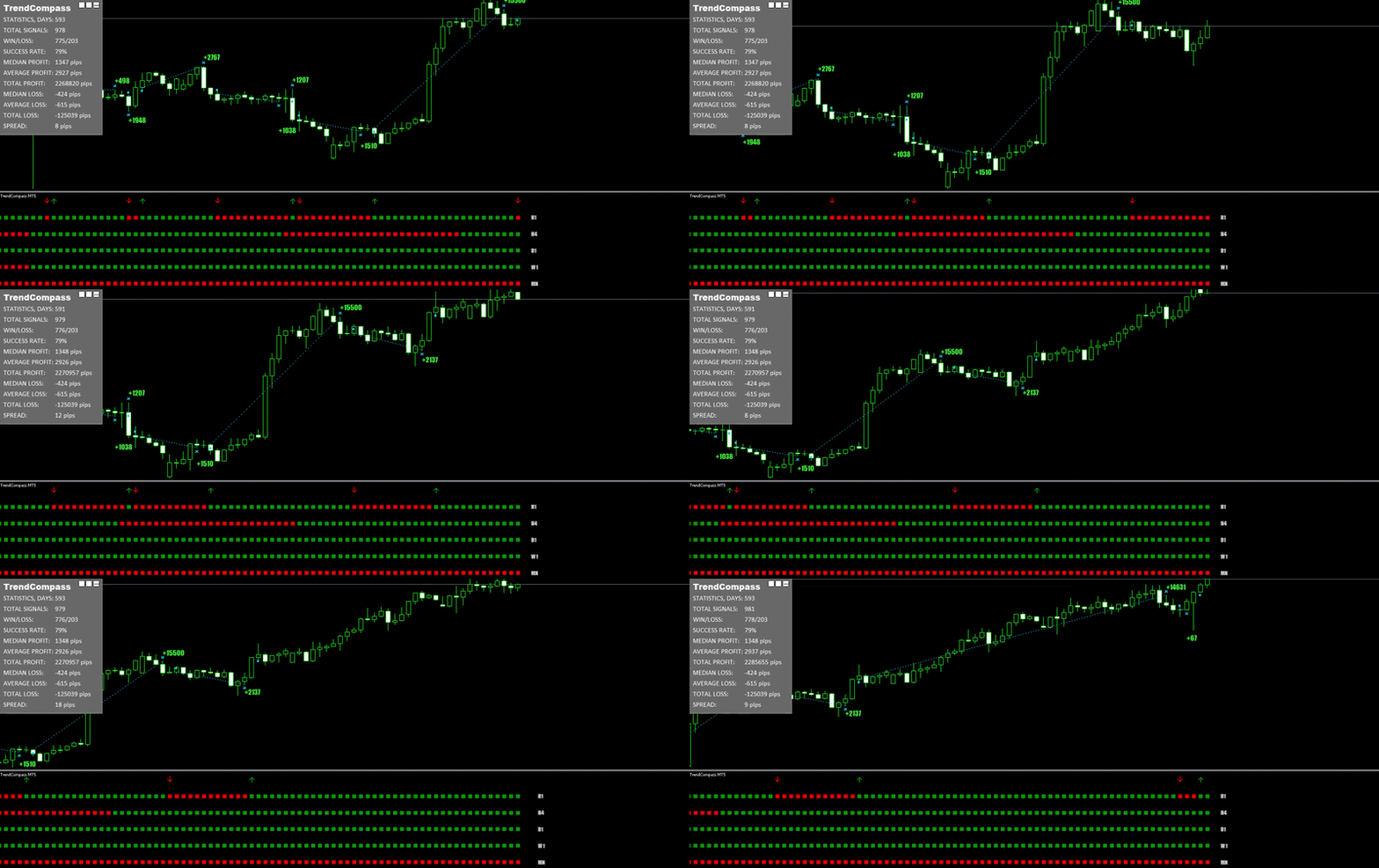
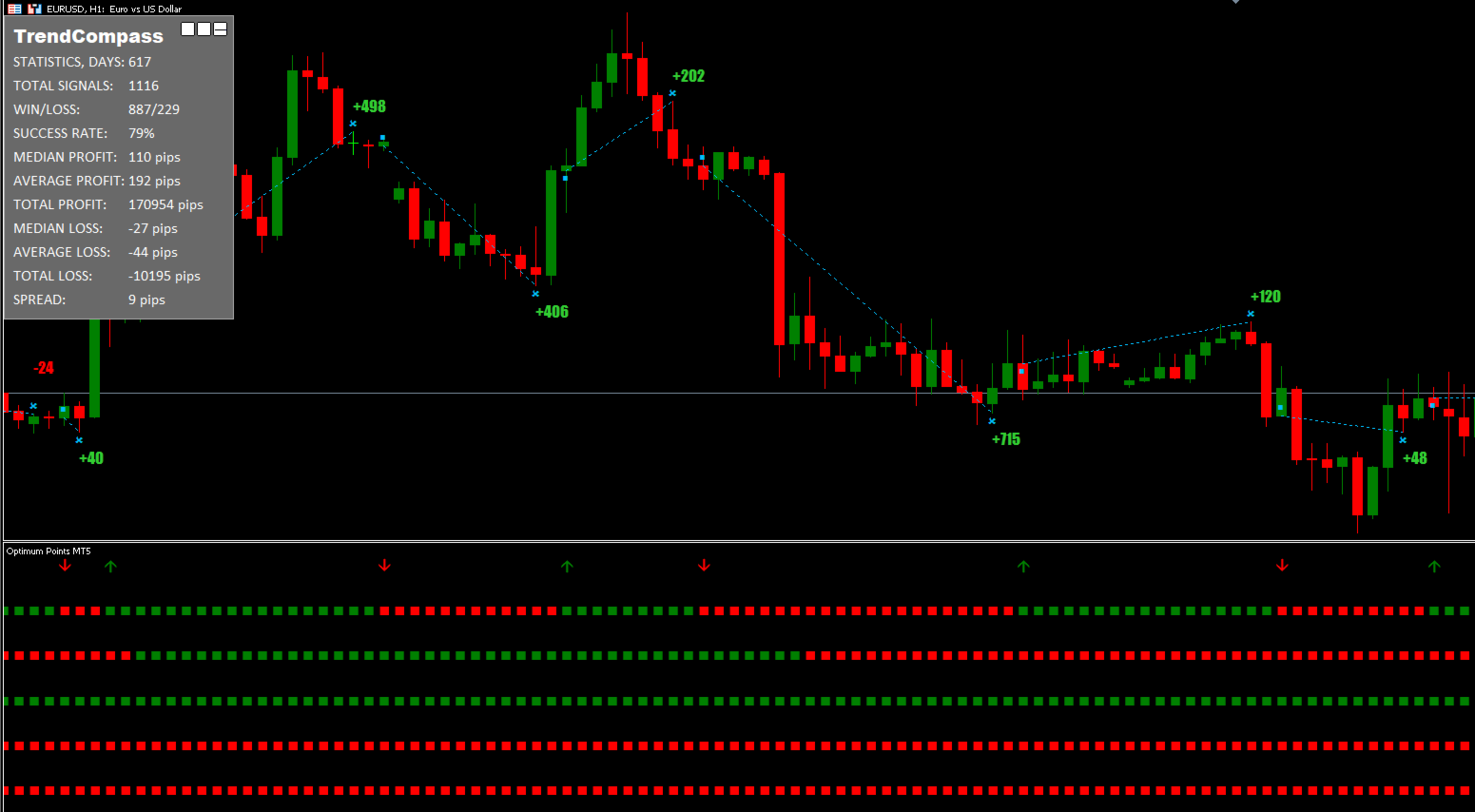
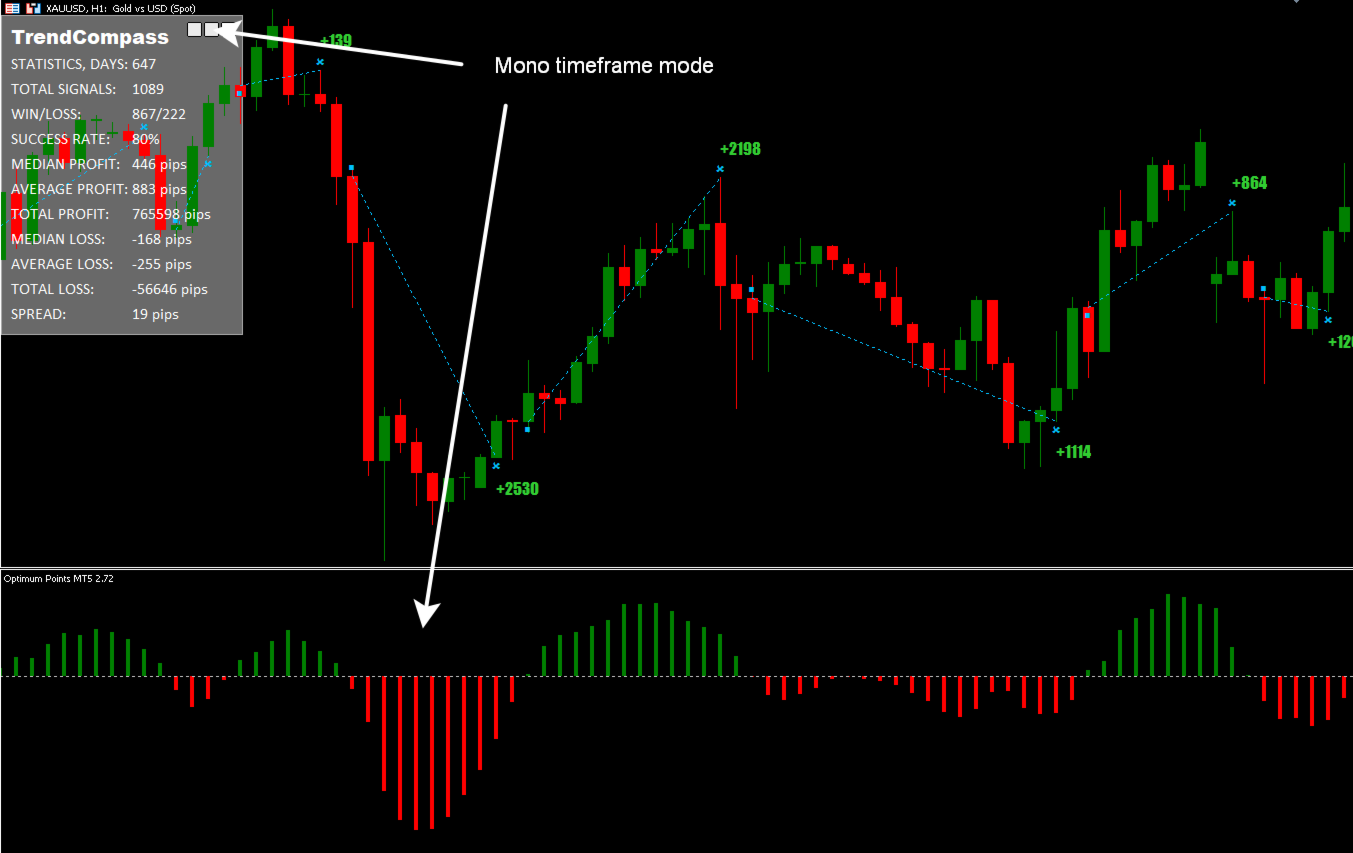
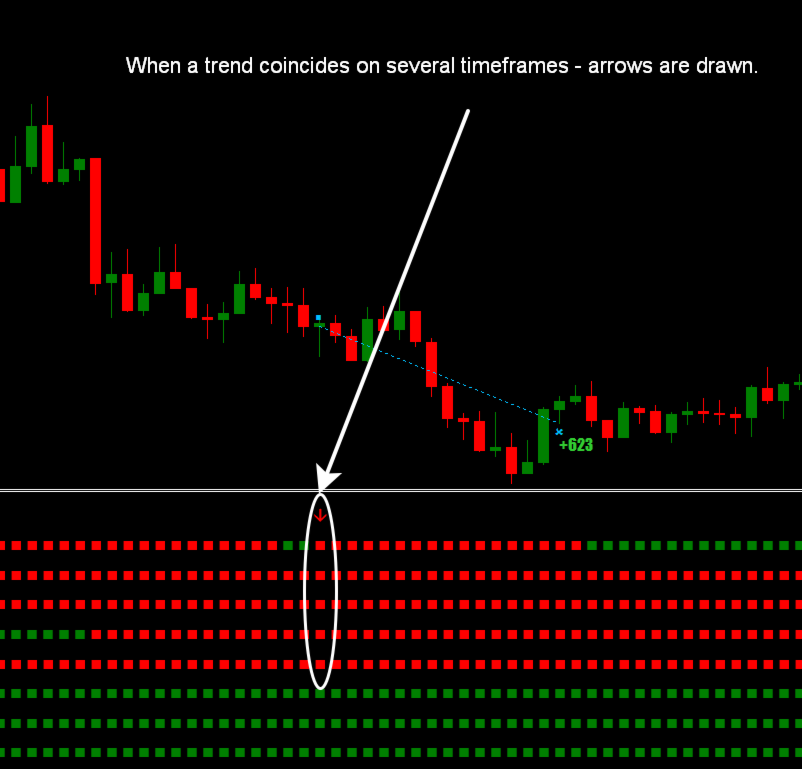
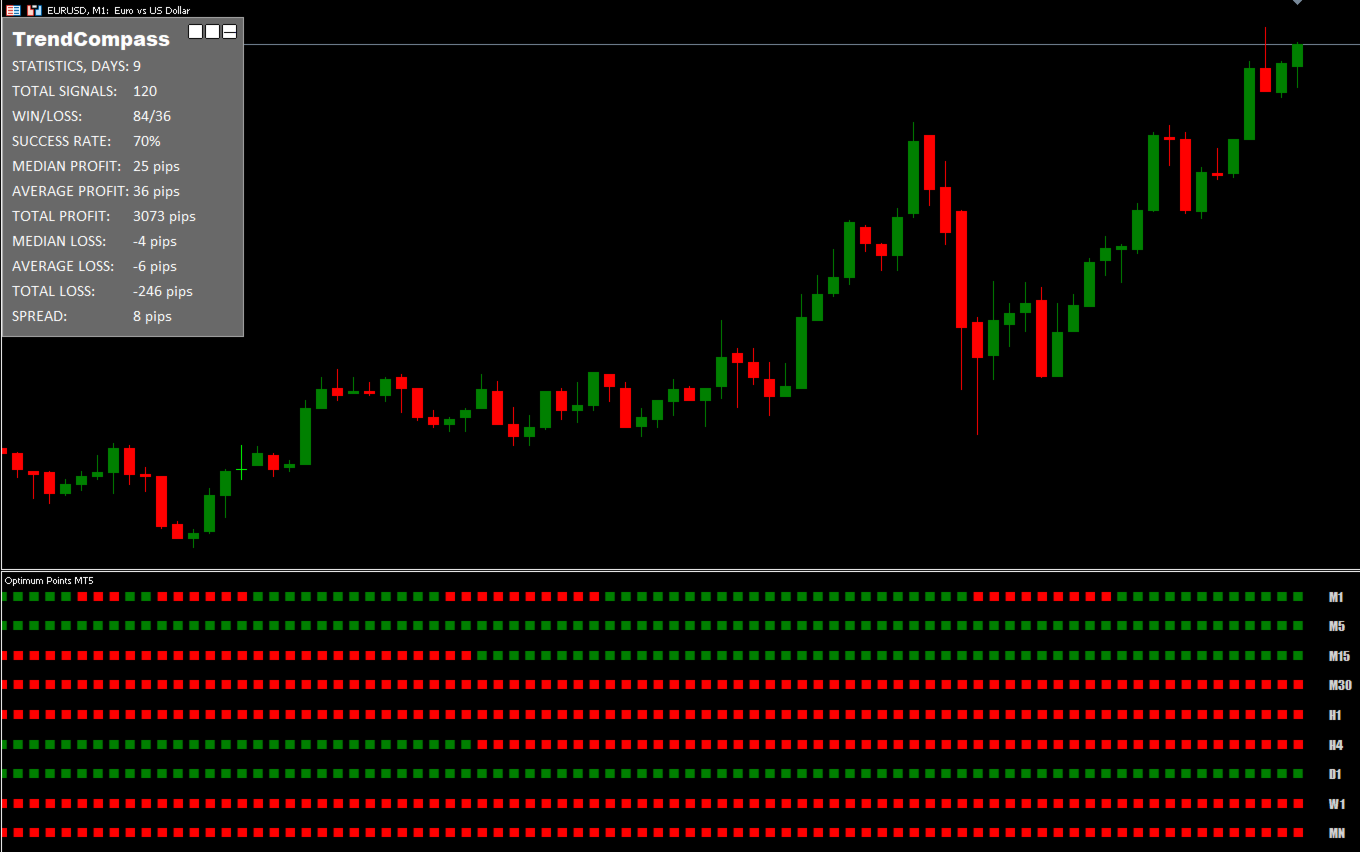
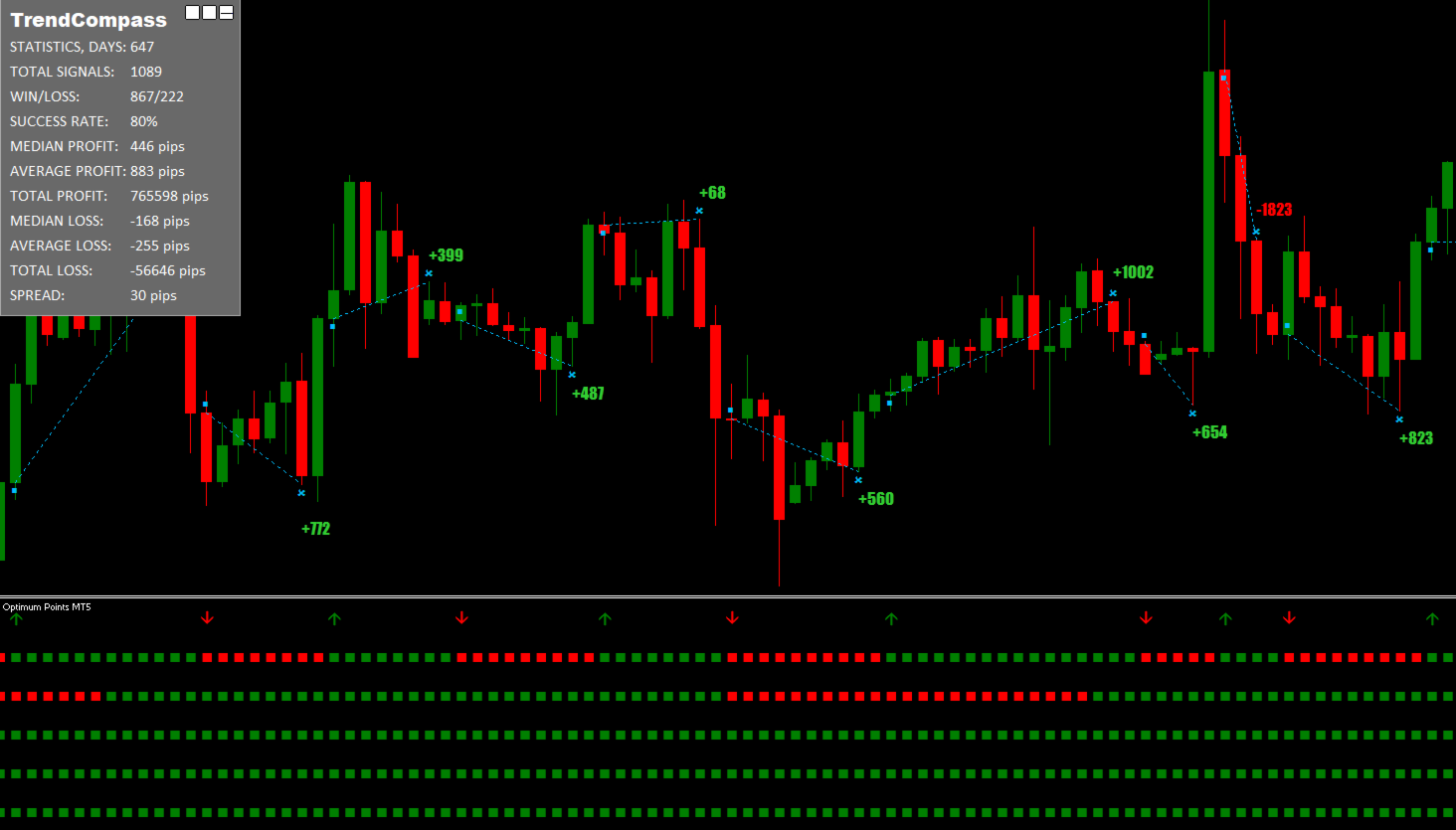
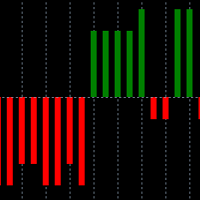
The indicator shows in one window the trend direction from multiple timeframes. If the trend from several timeframes coincides - arrows are drawn. You can also switch to the histogram, indicating the trend on the current timeframe.
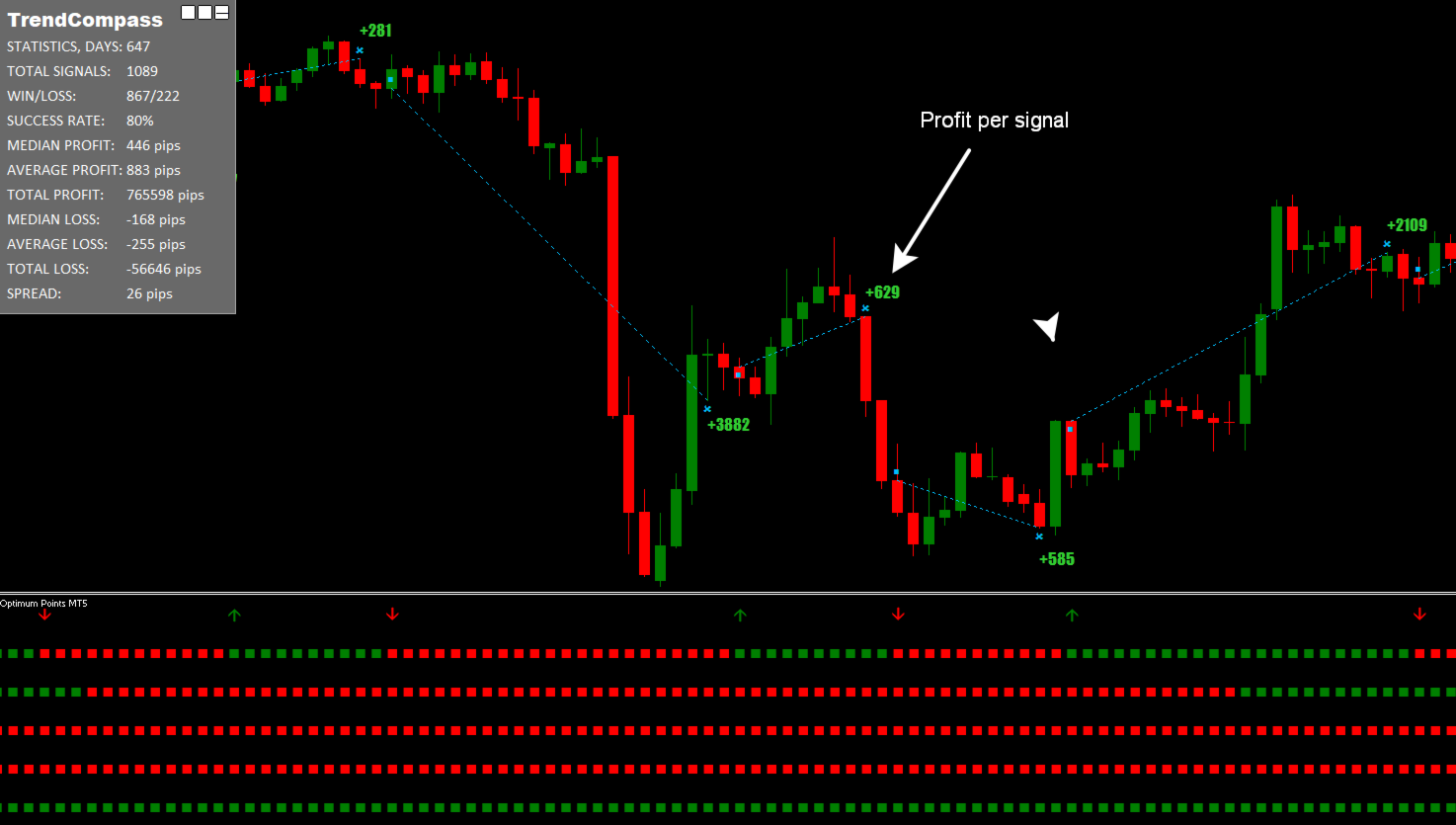
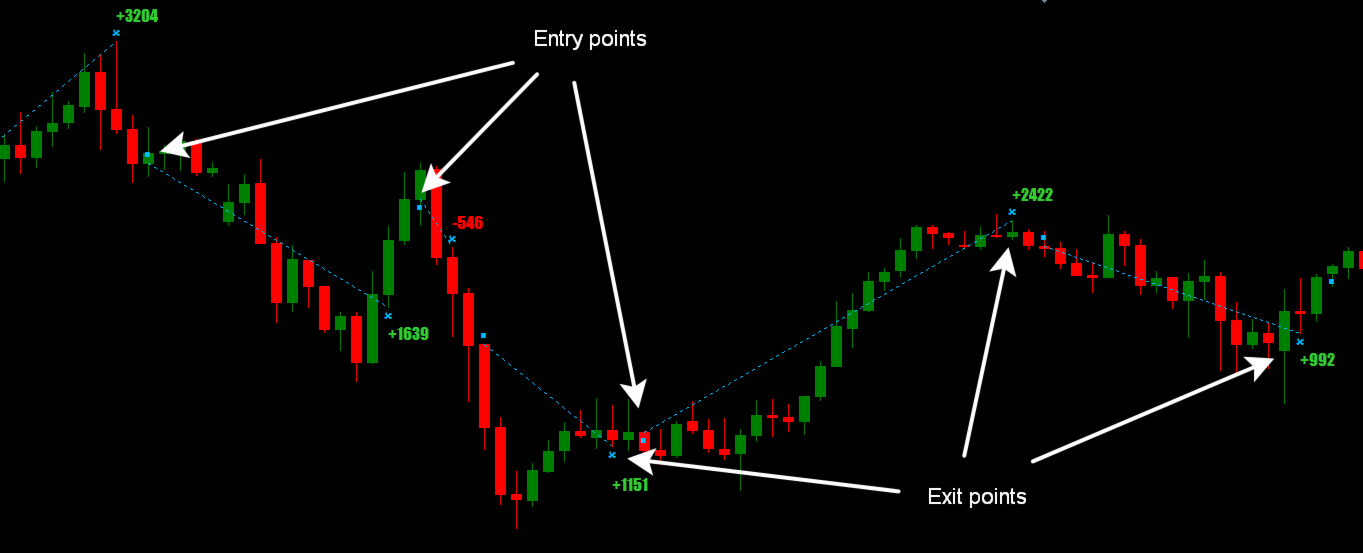
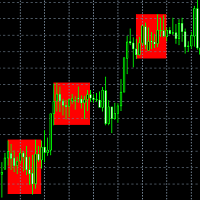
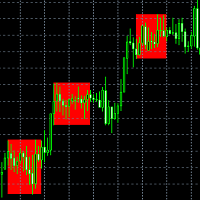
The indicator draws entry points and approximate exit points on the chart.
Warning: since the indicator is multi-timeframe, when using in the strategy tester, quotes for all necessary timeframes should be downloaded in advance. In order not to wait for a long download of quotes in the tester, you can put the start date 2026.01.01 and Model "Open price only" or "Control points".
Features
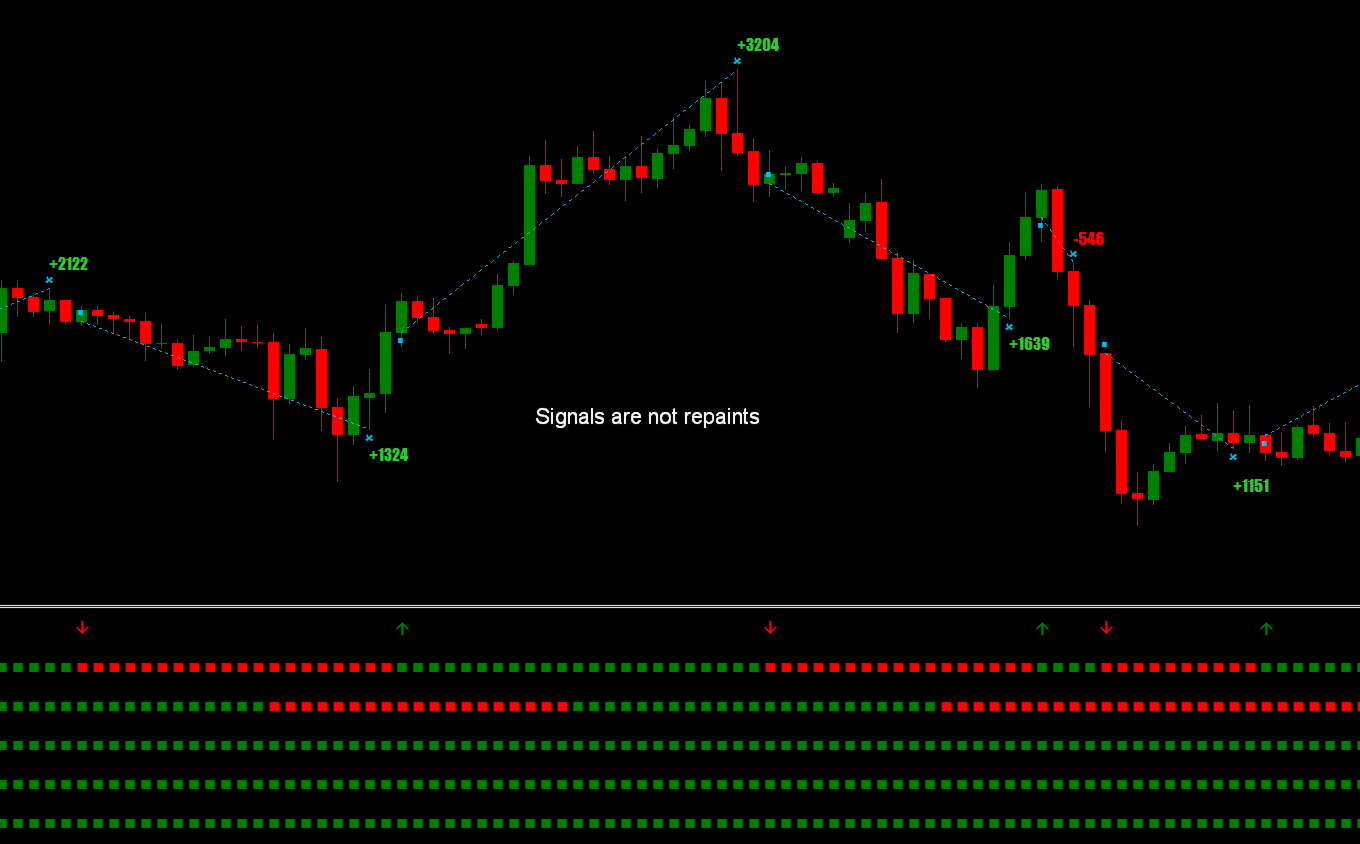
- This indicator does not redraw. What is displayed on the historical chart will be displayed in real time.
- It can be used to trade any assets: cryptocurrency, stocks, metals, indices, commodities, and currencies.
- Works with all timeframes.
- Signals for entry appear at the opening of a new candle, and are not redrawn.
- Signals for exiting a deal are given tentatively, because often you can close a deal with more profit.
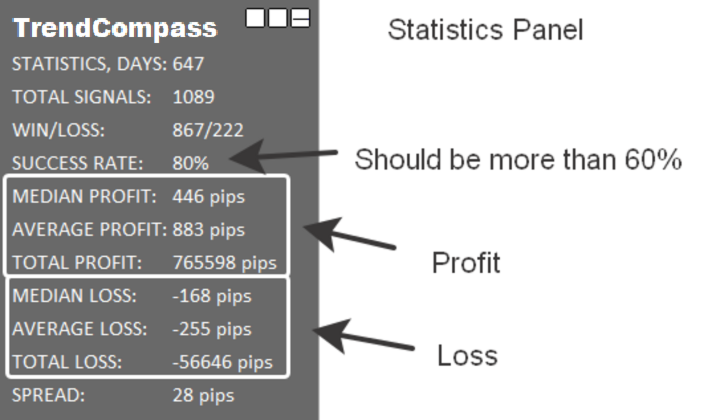
- On the top left there is a detailed panel of transaction statistics, which can be minimized.
- It uses a special formula for calculating the moving average, which determines the direction of the trend.
- In order not to miss the appearance of a signal to enter a trade you can receive a notification in the Alert window and by Push.
- For users of all levels from beginners to experts.
Statistics panel
- The number of days from which the history of signals is taken.
- Total number of signals for which statistics is given.
- Ratio of the number of profitable and unprofitable signals.
- Percentage of profitable signals from the total number of signals.
- Median profit by signal.
- Average profit by signal.
- Total profit for all signals.
- Median loss by signal.
- Average loss by signal.
- Total loss on all signals.
- Current spread.
Settings parameters
- Period: Indicator sensitivity.
- M1-MN1 coincidences: Selection of timeframes, on which arrows are drawn when the trend coincides.
- Font size: Font size for the statistics panel.
- Show entry/exit points: Enable/disable displaying entry and exit points from the market.
- Use alert notification: Enable/disable pop-up window with sound notification.
- Use push notification: Enable/disable push notifications.