Reverse Elements
- Indicators
-
Shin Kojima
 MT4 indicator developer with 10+ years of live trading experience.
Specializing in alert tools and scanners for ICT-based traders.
Zero complaints. Reliable tools. Real support.
MQL4 / MQL5 Development Services
• Custom Indicator Modifications - Version: 1.1
- Updated: 27 June 2026
- Activations: 5
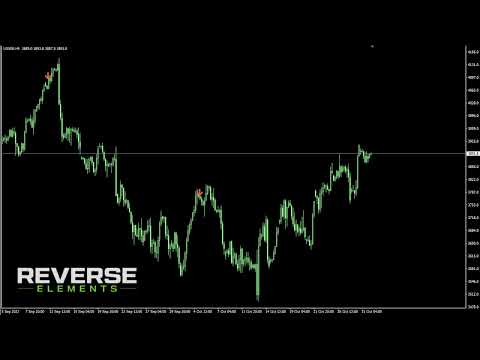
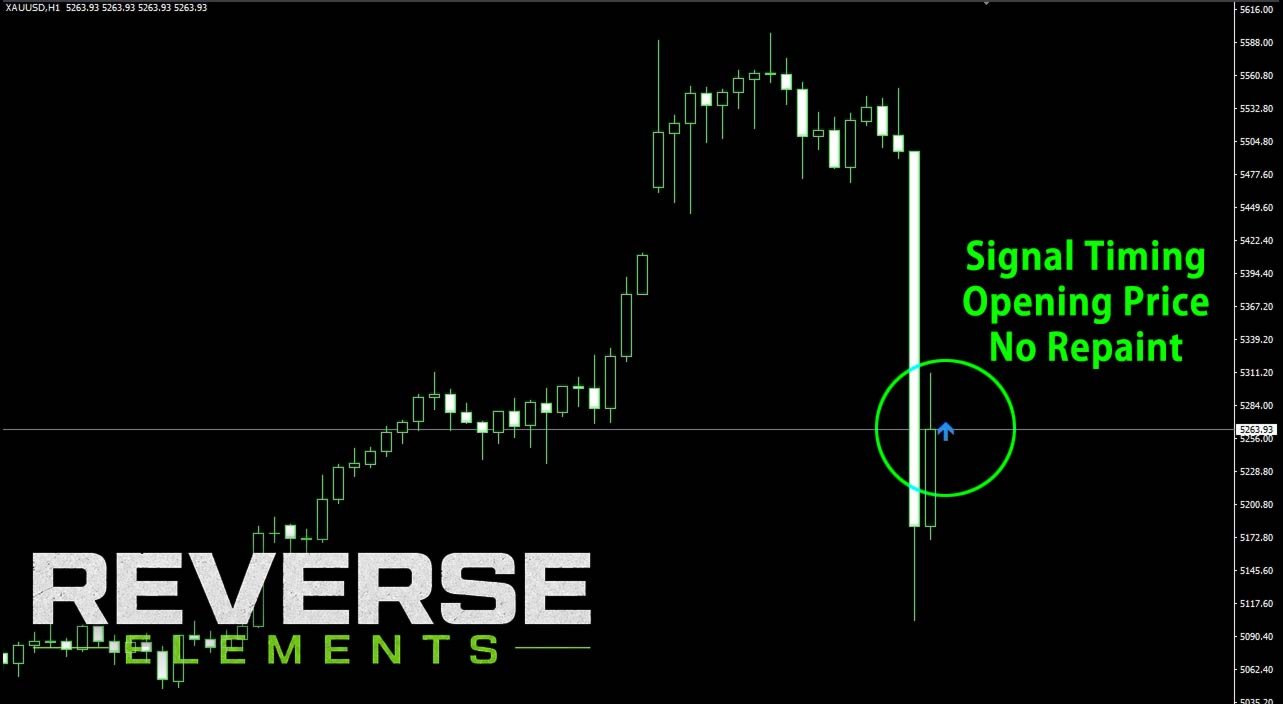
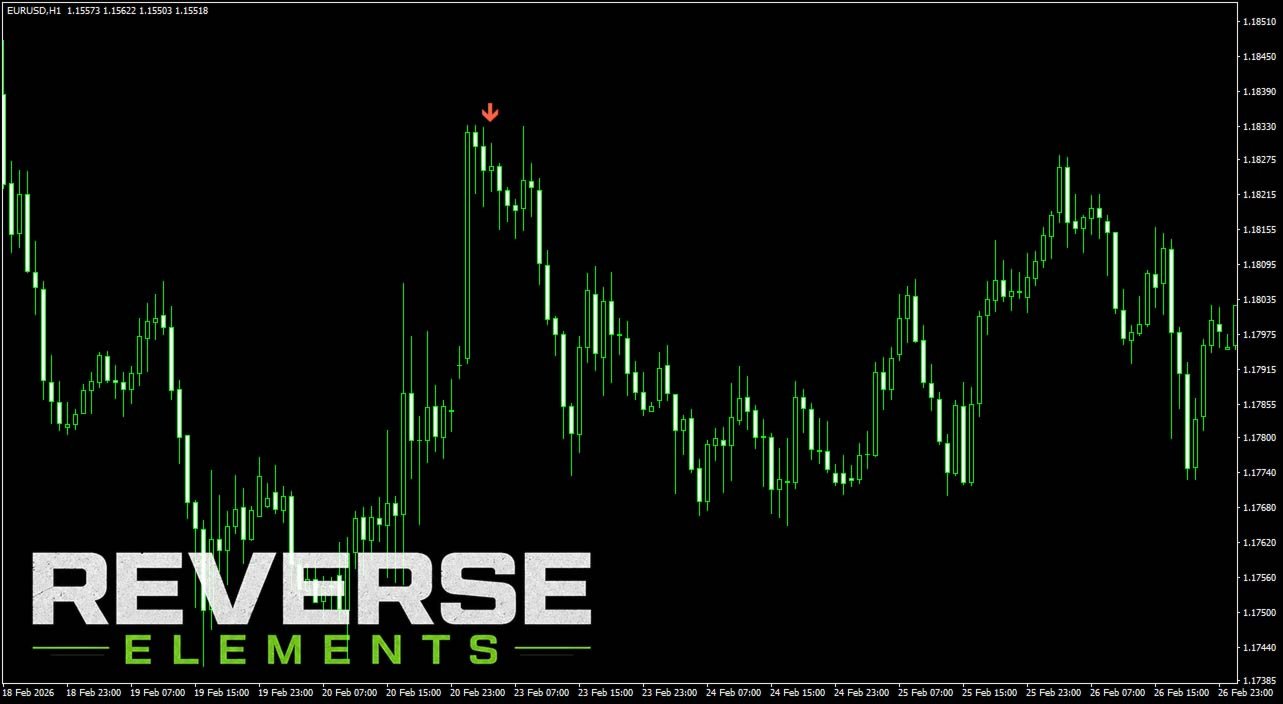
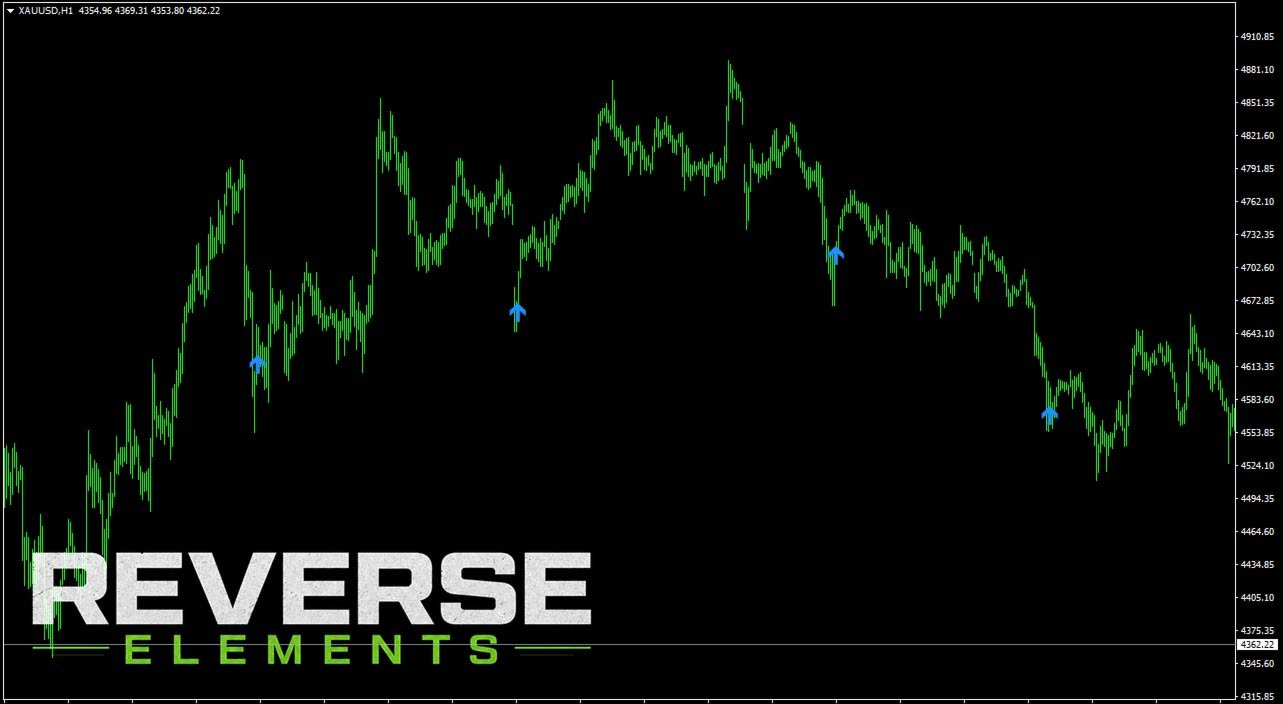
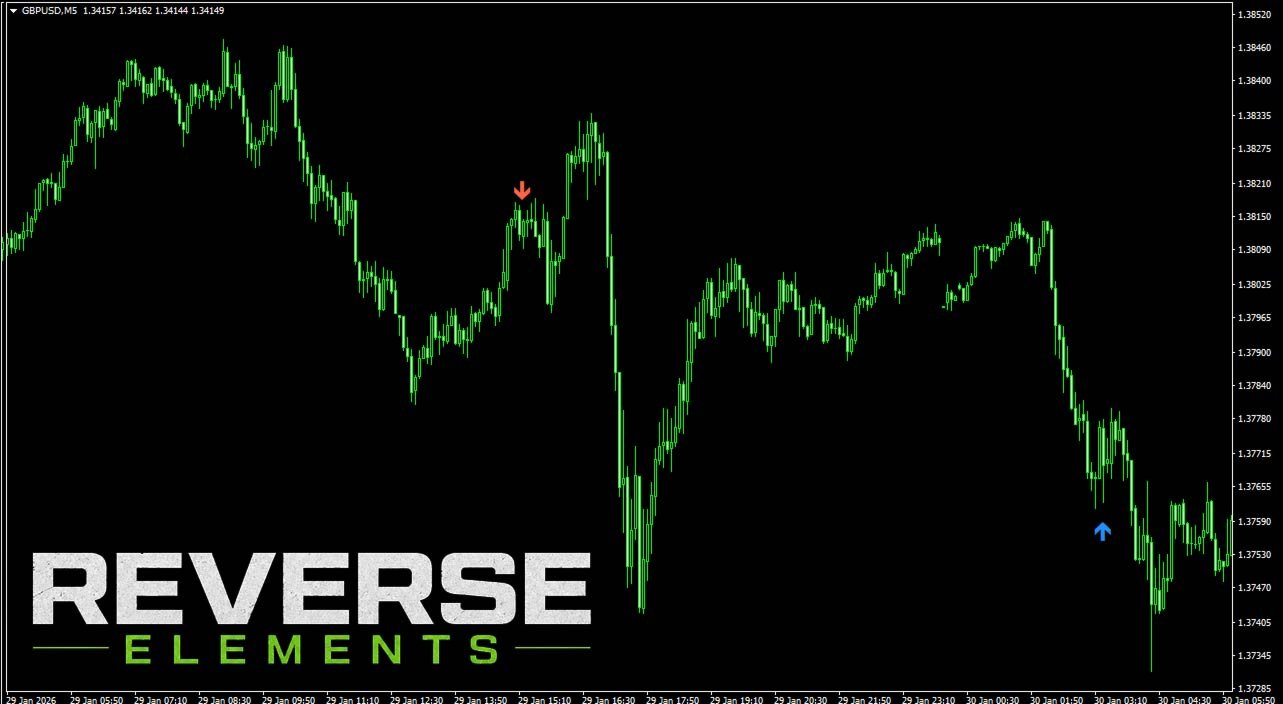
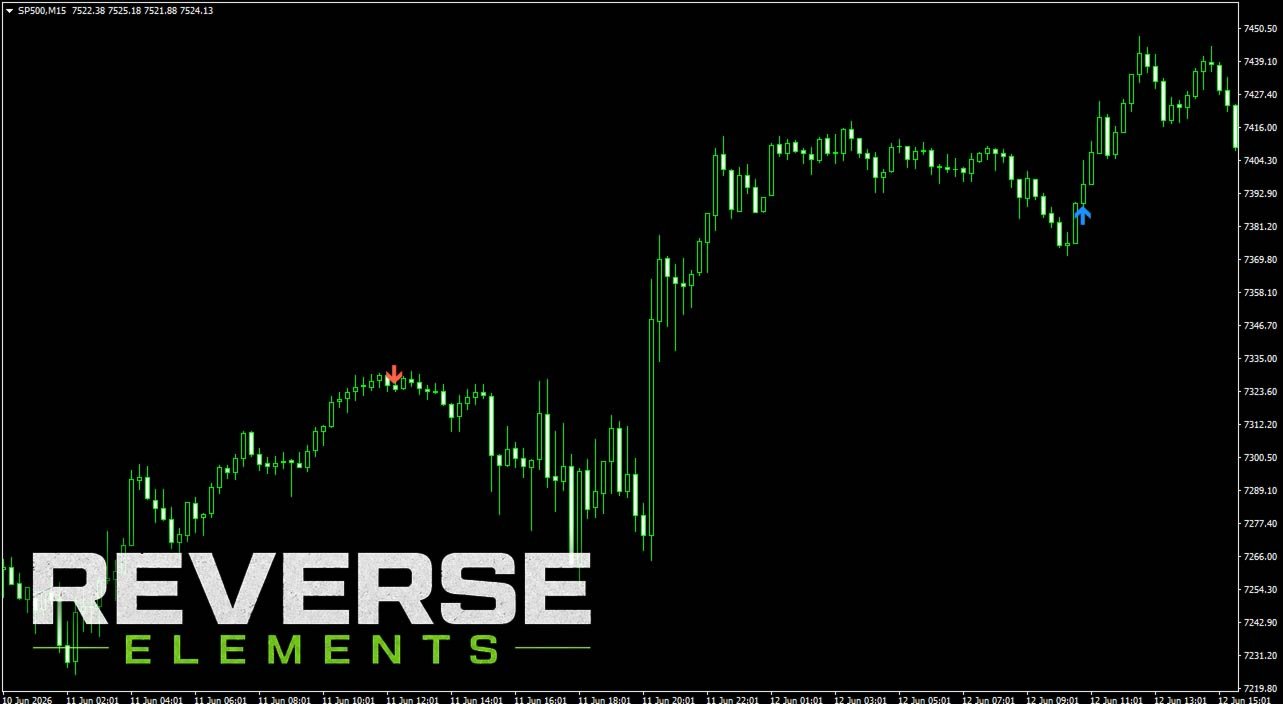
Reverse Elements is a signal-based indicator designed to help identify potential market reversal points directly on the chart.
Using a proprietary calculation method, the indicator displays buy and sell signals with arrows. It is built to support discretionary trading by making potential entry areas easier to recognize visually.
This is not an Expert Advisor and does not place trades automatically.
Main Features
- Buy and sell arrows displayed on the chart
- Designed for consistent use across different timeframes and currency pairs
- Signal calculation based on closed candles
- Alert notification support
- Push notification support
- Email notification support
- Adjustable arrow distance
- Adjustable signal sensitivity
- Optional filters to reduce unnecessary signals
- Simple and user-friendly parameter structure
Parameters
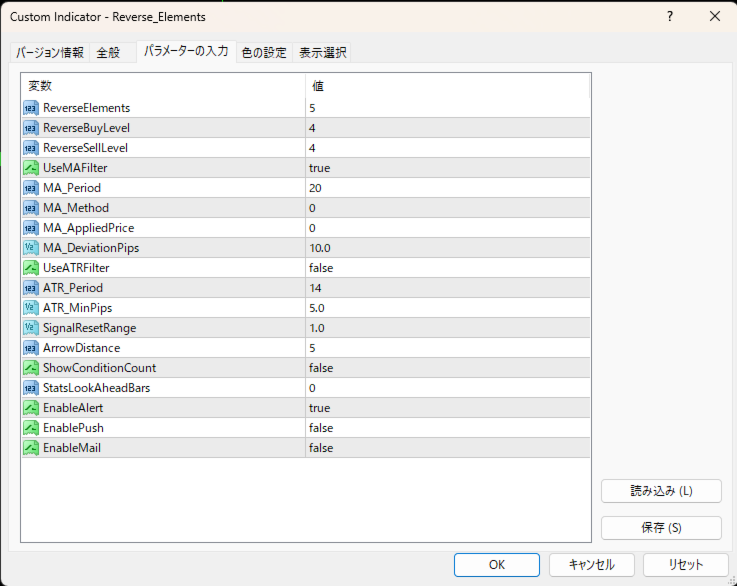
Reverse Elements
Adjusts the signal sensitivity.
Higher values make signals more selective. Lower values make signals more responsive.
ReverseBuyLevel
Adjusts the buy signal strength.
Higher values make buy signals more selective.
ReverseSellLevel
Adjusts the sell signal strength.
Higher values make sell signals more selective.
UseMAFilter
Enables or disables the trend/distance filter.
Set to true if you want to reduce unnecessary signals.
MA_Period / MA_Method / MA_AppliedPrice / MA_DeviationPips
Parameters for adjusting the optional filter.
These can be optimized depending on the symbol and timeframe.
UseATRFilter
Enables or disables the volatility filter.
This can help avoid signals during low-volatility market conditions.
SignalResetRange
Controls how frequently new signals can appear after a previous signal.
ArrowDistance
Adjusts the distance between the signal arrow and the candle.
Higher values place the arrows farther away from the candles.
EnableAlert / EnablePush / EnableMail
Enable or disable alert, push, and email notifications.
Recommended Use
Reverse_Elements can be used for:
- Identifying potential reversal areas
- Supporting discretionary entries
- Monitoring multiple symbols or timeframes
- Receiving alerts when new signals appear
- Adding visual confirmation to your trading strategy
Recommended Settings
The default settings are recommended as a starting point.
You may adjust the parameters depending on the symbol, timeframe, and trading style.
Lower timeframes may generate more signals, while higher timeframes generally produce fewer but potentially stronger signals.
Optional Multi-Symbol Scanner: Reverse_Elements_AllSearch
For traders who want to monitor many markets more efficiently, Reverse_Elements_AllSearch is also available as a related scanner version.
Reverse_Elements_AllSearch reads signals from the main Reverse_Elements indicator and displays them in a single multi-symbol, multi-timeframe panel. This makes it easier to check where Reverse_Elements signals are appearing without manually switching through many charts.
Key Points of Reverse_Elements_AllSearch
- Scans selected symbols and timeframes from one chart
- Displays Reverse_Elements buy and sell signal status in a panel
- Supports multiple timeframes such as M15, M30, H1, H4, D1, and W1
- Can help traders monitor different currency pairs and markets with one consistent approach
- Includes alert and email notification support
- Useful for traders who want to watch multiple markets while keeping the main Reverse_Elements signal style
Important Requirement
Reverse_Elements_AllSearch is not a standalone signal indicator.
It requires the main Reverse_Elements indicator to be installed because it reads signals from Reverse_Elements.
If Reverse_Elements is not installed, the AllSearch scanner may not be able to detect or display signals correctly.
Important Notes
Reverse_Elements does not guarantee profits.
Please test the indicator thoroughly on a demo account or historical charts before using it in live trading.
Market conditions can change, and losing trades may occur.
Always use proper risk management and avoid excessive lot sizes.