
PolyLines
- Utilities
- Version: 2.0
- Updated: 8 May 2026

Don't forget to comment and rate if you liked the product!
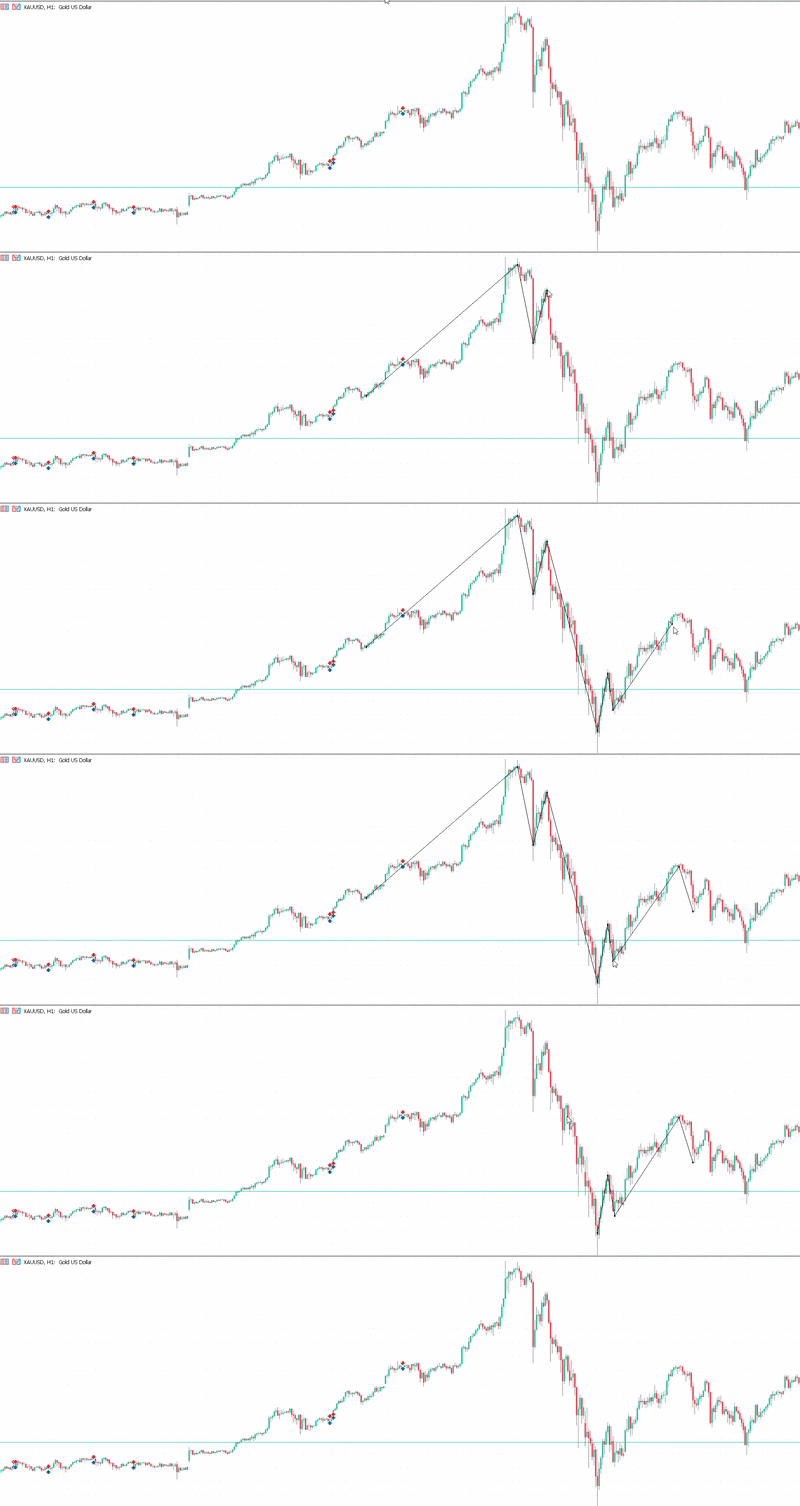
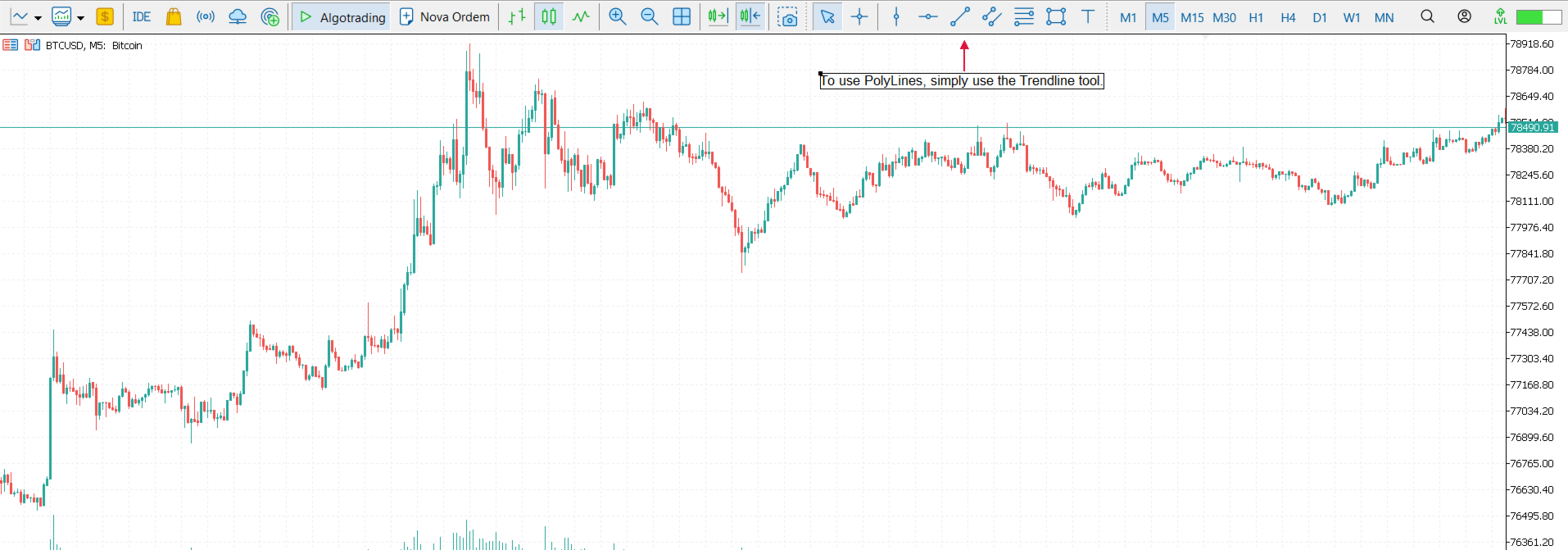
PolyLines is a drawing tool for MetaTrader 5 that transforms isolated trendlines into a smart, connected polygonal structure. Unlike native tools, it allows the manipulation of "nodes" and the automatic synchronization of properties across the entire set.
📖 Quick Start Guide 1. ✏️ Create and Expand Draw a standard trendline. To add a new connected segment, simply click and drag either end of the line. 2. 🔄 Adjust Joints (Nodes) To move the connection point between two lines, click and hold the desired node (small square), dragging it freely across the chart. 3. 🎯 Adjust Loose Ends Click on the chart background to remove the selection. Then, click and drag the end (point without a node) to reposition it without creating new lines. 4. ✂️ Delete an Individual Segment With the structure selected (visible squares), click once on the body of the specific line you want to remove. 5. 🗑️ Delete the Entire Structure With the structure selected, simply press the Delete key on your keyboard.
⚙️ Customizable Parameters
-
Selection Handle Size: Adjust the visual size of the selection markers (nodes).
-
Magnetic Attraction Radius: Define the sensitivity of the magnet's attraction zone (in pixels).













































User didn't leave any comment to the rating