Front Row Backstage
- Utilities
- Version: 1.0
- Activations: 5

Backstage — Preserve the History Behind Your Strategy Decisions
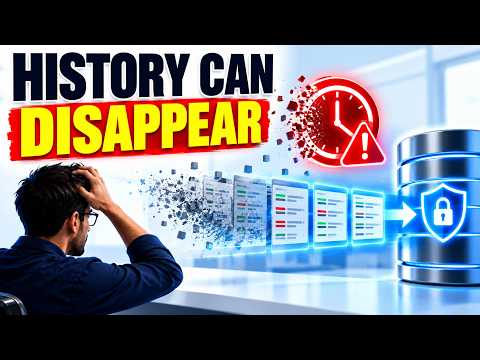
MT5 analysis depends on the account history still available from the terminal and broker. When older history disappears, it cannot be reconstructed later simply by choosing an earlier date.
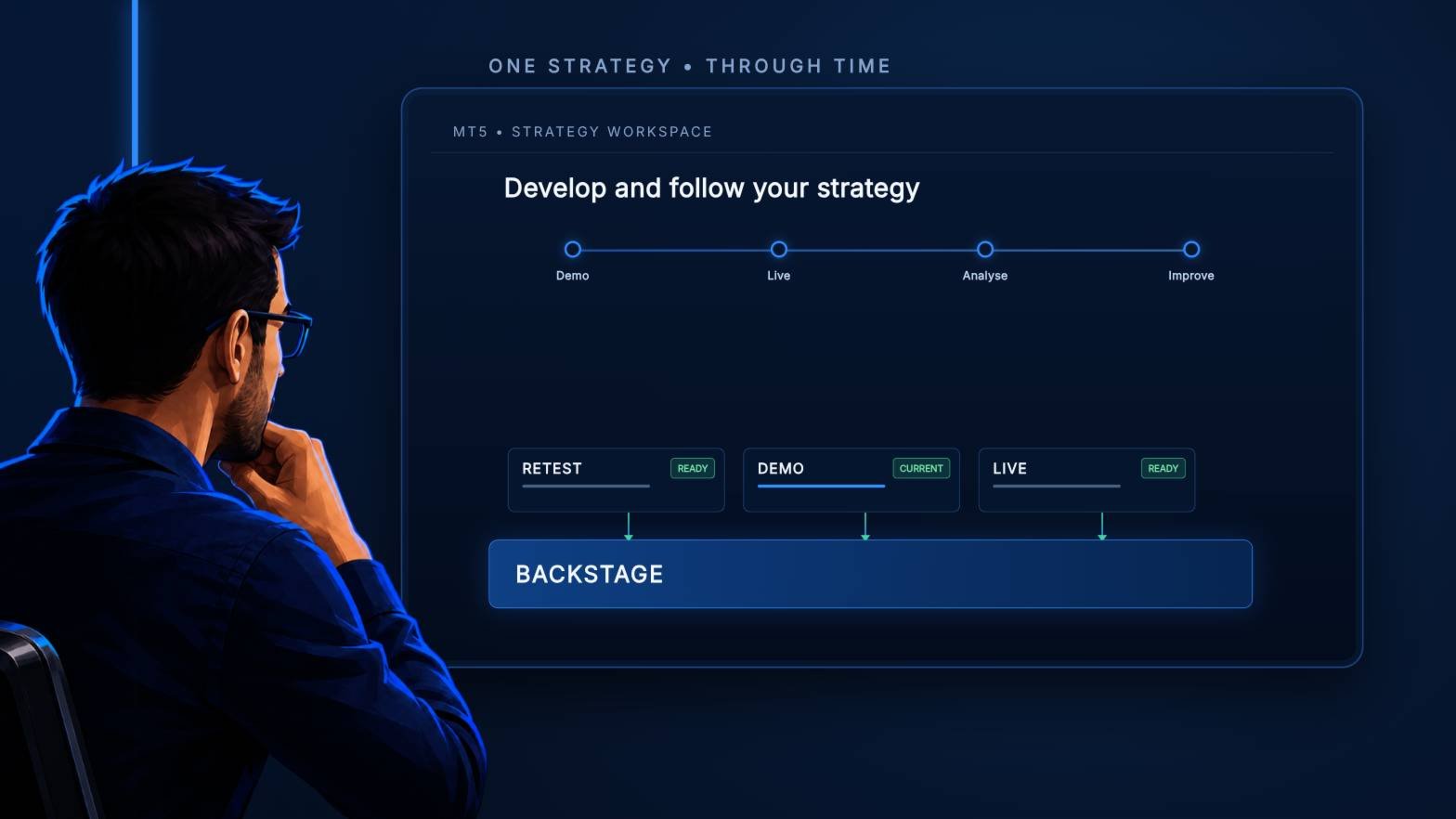
Backstage turns the closed-trade history currently available in MT5 into a persistent local CSV source. It maintains the corresponding progress state and daily backup so Castlist, Spotlight and read-only analytical tools can reuse the same history.
Backstage does not trade. MT5 Algo Trading may remain off.
Documentation and Quick Start
- Backstage Quick Start Manual — install one instance and verify the first persistent export.
- Front Row User Guide 1.0 — understand the complete Castlist, Spotlight and Backstage workflow.
- Support — see the Support section below for product questions and technical issues.
About the Automatic MQL5 Demo
MQL5 automatically provides a Strategy Tester demo for paid EA-type products. Backstage is designed to preserve the account history available in a normally running MT5 terminal. The Strategy Tester uses simulated history and an isolated file environment, so its demo does not create or update the normal Demo or Live history files. Use the product video, screenshots and documentation for a representative overview.
Start Early
Backstage can preserve history that is still available when it exports. It cannot restore trades the broker no longer supplies.
Starting early reduces dependence on broker-held history and gives later comparisons a more continuous source. Backstage backups are helpful, but you remain responsible for an independent disaster backup outside the active PC or VPS.
What You Can Do with Backstage
- Export the closed positions available in MT5 to a structured Demo or Live CSV.
- Keep the export current and track successful progress in a matching state file.
- Catch up after normal terminal or VPS interruptions when the trades remain available in MT5.
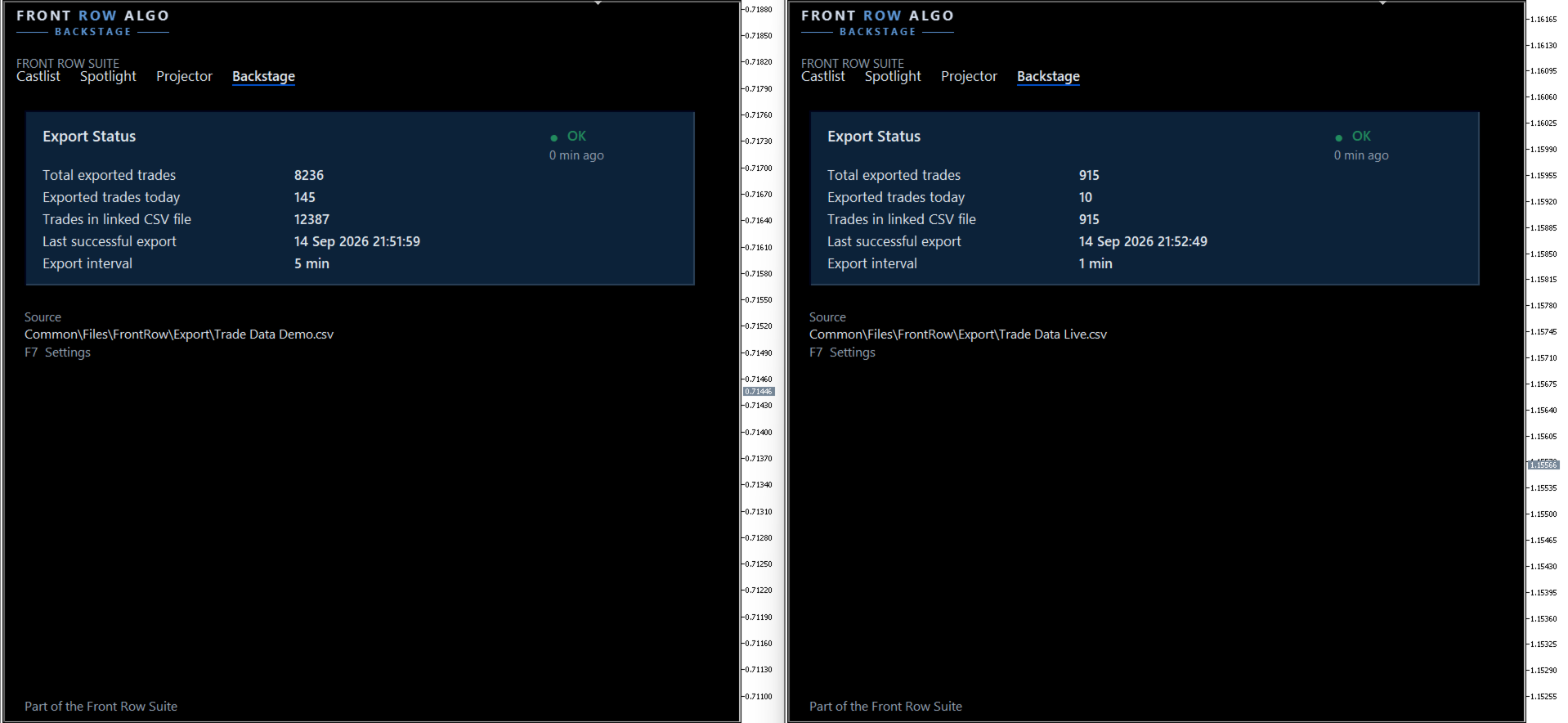
- Create a daily backup and verify source, export time and trade counts on the dashboard.
- Continue a deliberately maintained Demo history after an expired account is replaced.
- Supply persistent history to Castlist, Spotlight and controlled read-only analysis with spreadsheets, databases, scripts or AI tools.
One Backstage per Terminal
Backstage has one terminal-wide task. Attach it to one chart in each intended MT5 terminal. The chart is only the control location; its symbol and timeframe do not limit the exported account history.
A second active instance is blocked. This protects one writer, one progress state and one clear managed CSV/state pair.
Demo terminal → maximum one Backstage → Demo CSV
Live terminal → maximum one Backstage → Live CSV
Your First Verified Export
- Confirm the intended account and visible MT5 closed-trade history.
- Attach Backstage to one chart.
- Keep FileName = AUTO and ForceFullRebuild = false initially.
- Allow the first historical build to finish.
- Verify source, export time, trade count and one known Magic#.
- After a new trade closes, confirm that it is appended without a full rebuild.
The first installation can take longer than a normal refresh because Backstage scans the available history, reconstructs closed positions, creates the CSV and initialises its progress state. Keep MT5 and the chart open until the dashboard reports a completed export.
CSV and State Belong Together
The CSV contains the reconstructed closed positions. The matching .state file records processed positions and successful scan progress.
Copy, rename and restore both together. Backstage is the only Front Row product that writes this active pair. Castlist and Spotlight deliberately read it.
Other applications must not open the active CSV or state file for writing. Read-only access or analysing a current copy with Excel, ChatGPT or another tool is compatible with normal Backstage operation.
Demo and Live Remain Traceable
Use separate terminals and exports for separate environments. This keeps Demo and Live history recognisable before Spotlight compares them.
When a Demo account expires, log the replacement Demo account into the same configured terminal and let Backstage continue the existing chain. Verify that older rows remain and that one newly closed trade appears once with the new account number. Do not automatically rebuild after an account change.
ForceFullRebuild Is a Recovery Action
ForceFullRebuild = true removes the active CSV/state pair and starts reconstruction from history MT5 currently supplies. Backstage automatically saves the switch back to false before rebuild success is guaranteed.
Always make an external copy first. A rebuild can shorten history when the broker no longer provides older trades. Do not use it as a normal refresh button or as a response to a temporary file lock.
Using Backstage with a VPS
Backstage works normally in your local MT5 terminal while the trading EAs continue running on MetaQuotes VPS. Connect the local terminal to the same trading account and allow MT5 history to synchronise. The trading EAs do not also need to run locally. While local MT5 is running, the local Backstage instance updates its own CSV/state pair from the closed-trade history still supplied by the broker.
Backstage can also run inside MetaQuotes VPS, but that virtual terminal has its own file environment. Its CSV and state files are not synchronised back to the local terminal. When local MT5 is opened again, local Backstage catches up from available broker history; it does not download the MetaQuotes VPS files. This is a practical operating mode, but history no longer supplied by the broker cannot be recovered this way.
On a Windows VPS, Backstage continuously updates the CSV/state pair on that VPS while MT5 is running. The files are accessible through Windows and can be included in an external backup. Run Castlist and Spotlight in the same Windows/MT5 environment when they must read that Backstage data.
Important Operating Notes
- Algo Trading may remain off because Backstage does not place trades.
- Hedging is preferred for clear multi-EA strategy attribution.
- OK confirms a successful recent export; it does not prove the broker supplied every historical trade.
- Saved terminal settings support continuity after restart, update or reattachment.
- A new PC, VPS or terminal requires deliberate file restoration and verification.
- Maintain an independent, multi-generation disaster backup.
The Data Foundation for Front Row
Use Backstage when the same persistent history should support Castlist management, Spotlight comparison or controlled external analysis. Castlist and Spotlight can start without it, but history that has already disappeared cannot be preserved afterward.
Support
Have a question about what Backstage does, how a feature works or whether it is suitable for a particular workflow? Post your question in the Comments section. The answer may also help other users.
Is something not working as expected in your installation? Hover over the seller name at the top of this page and click Send message.
Please use a private message for:
- Errors or unexpected behaviour
- Installation or configuration problems
- Questions about your specific setup
- Screenshots, log messages or data files
- Information involving an account, broker, terminal or trading history
When reporting a technical issue, please include:
- Backstage version
- MetaTrader 5 build number
- What you were trying to do
- What you expected to happen
- What happened instead
- Steps to reproduce the issue
- Detected account environment and active filename
- Last successful export time and exported trade count
- Whether ForceFullRebuild was used
- Relevant settings, screenshots or Experts/Journal log messages
Never publish account credentials or sensitive trading information in the Comments section.
If you are unsure which option to use, send a private message.
For questions concerning purchases, downloads, payments, activations or your MQL5 account, contact the MQL5 Service Desk.