Entry Quality Filter Analyzer MT5
- Indicators
-
Konstantin Chechnev
 💻 01 / METATRADER DEVELOPMENT
────────────────────────
I develop solutions of any complexity — from indicators, trading panels and utilities to multi-level analytical systems, Expert Advisors, optimizers and specialized market research tools. - Version: 1.0
- Activations: 5
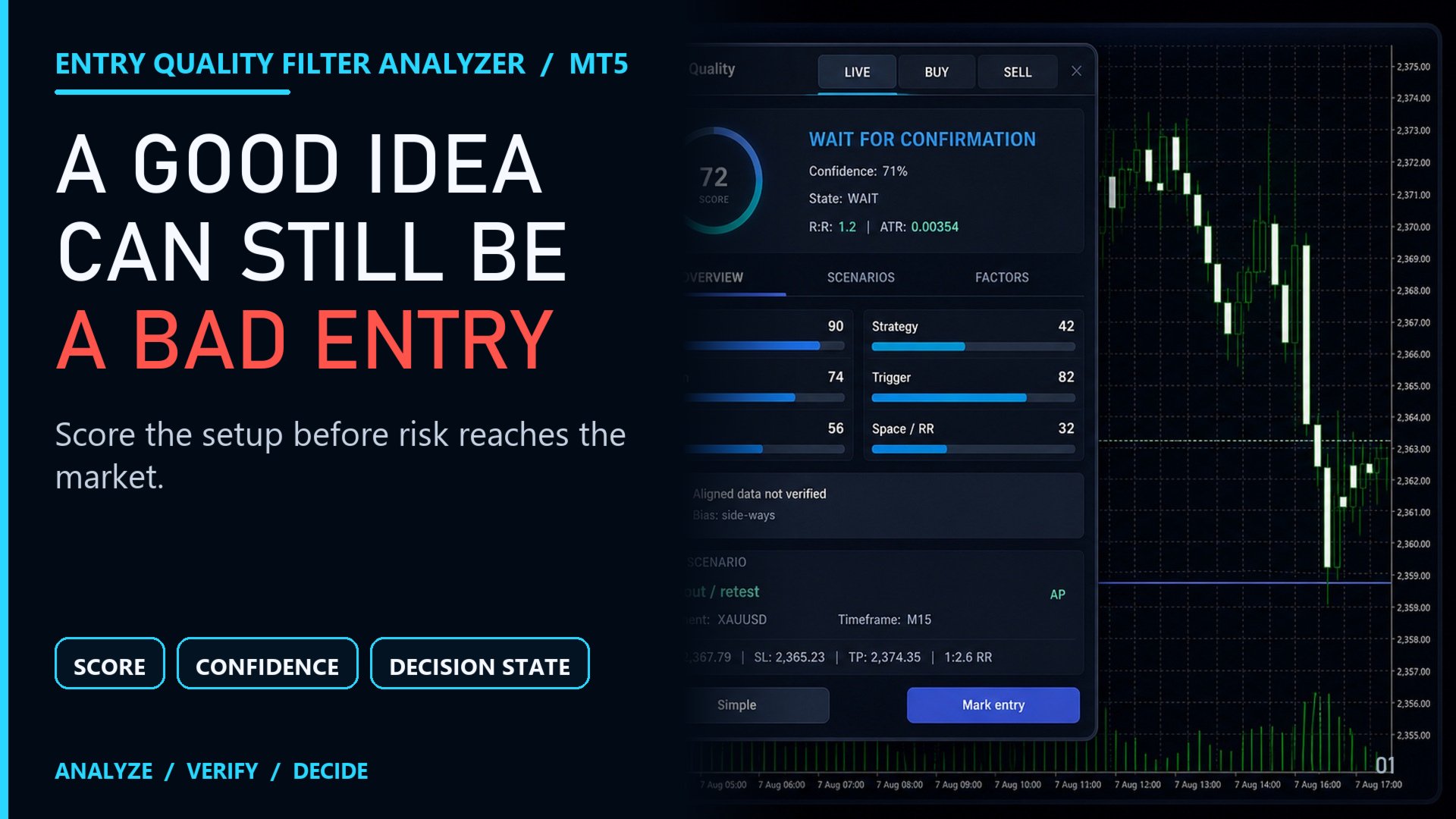
Review a trade idea before entry and see which conditions are met and which are still missing. Entry Quality Filter Analyzer for MetaTrader 5 assesses buy and sell scenarios against six criteria, explains the restrictions, and helps you build an analytical plan.
The states BLOCKED, SKIP, WAIT, READY, and LATE distinguish a blocked scenario, a rejected scenario, pending confirmation, conditions met, and signs of a late entry. READY means the model's conditions are satisfied, not that an outcome is guaranteed.
Main features
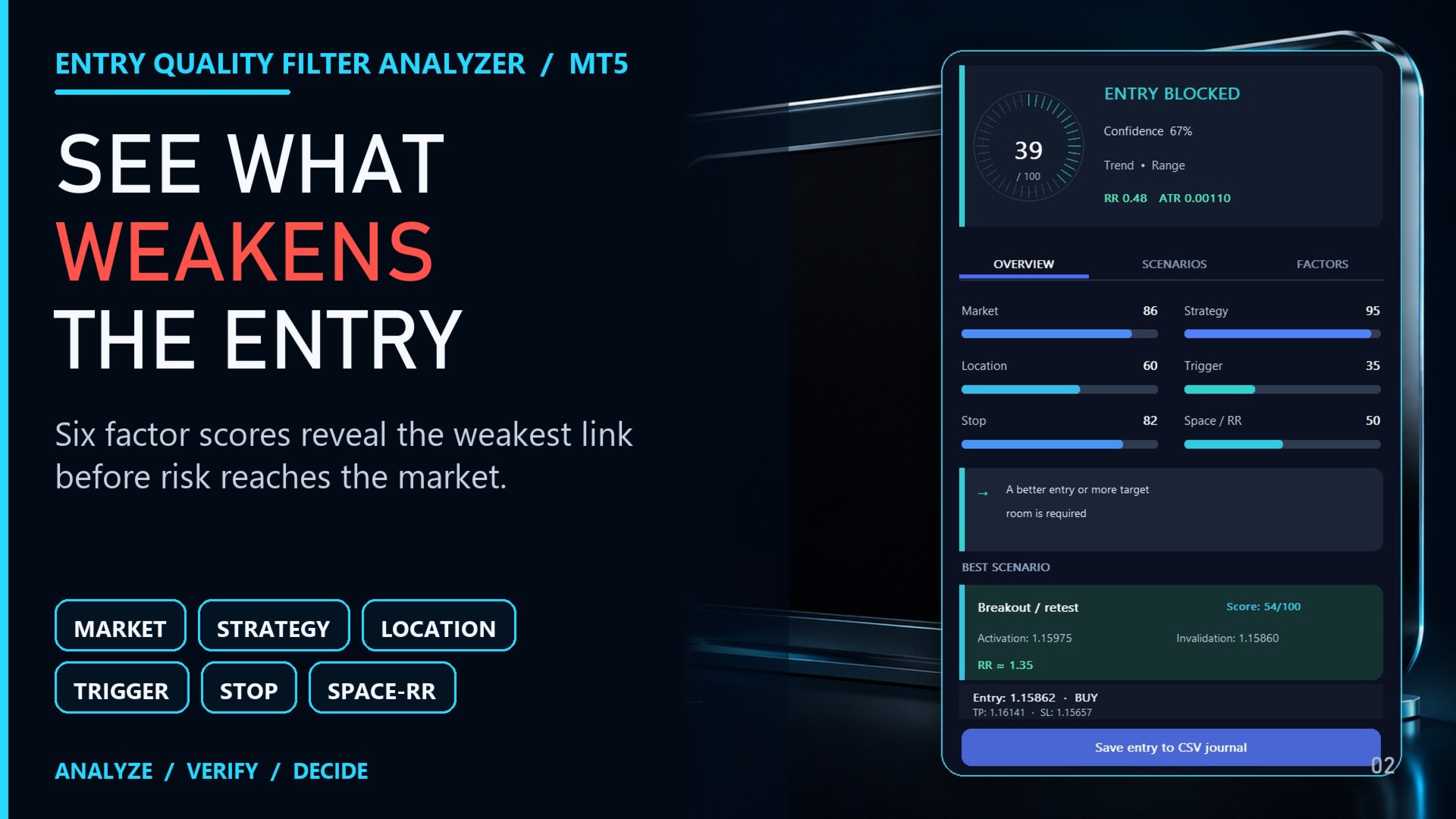
- Market. Assesses market behavior, volatility, momentum, and unusual candles.
- Strategy. Analyzes trend pullbacks, breakouts, retests, reversals, or range-bound movement.
- Location. Evaluates the entry relative to swing highs and lows, support and resistance, moving averages, and the daily range.
- Trigger. Checks for confirmation from price structure and momentum.
- Stop. Assesses the protective stop level against price structure and current volatility.
- Space / RR. Checks room to nearby obstacles and the target-to-stop distance ratio, accounting for spread.
The criteria contribute to an overall score, while separate filters can block a scenario regardless of that score. Checks cover data, spread, volatility, the trading session, higher-timeframe direction, plan levels, and re-entry. News and open-position filters are also applied when enabled.
The optional Crowd Trap Radar flags signs of a late entry, including distance from the moving average, the portion of the daily range already covered, and fading momentum. This check can mark a scenario as LATE or restrict re-entry.
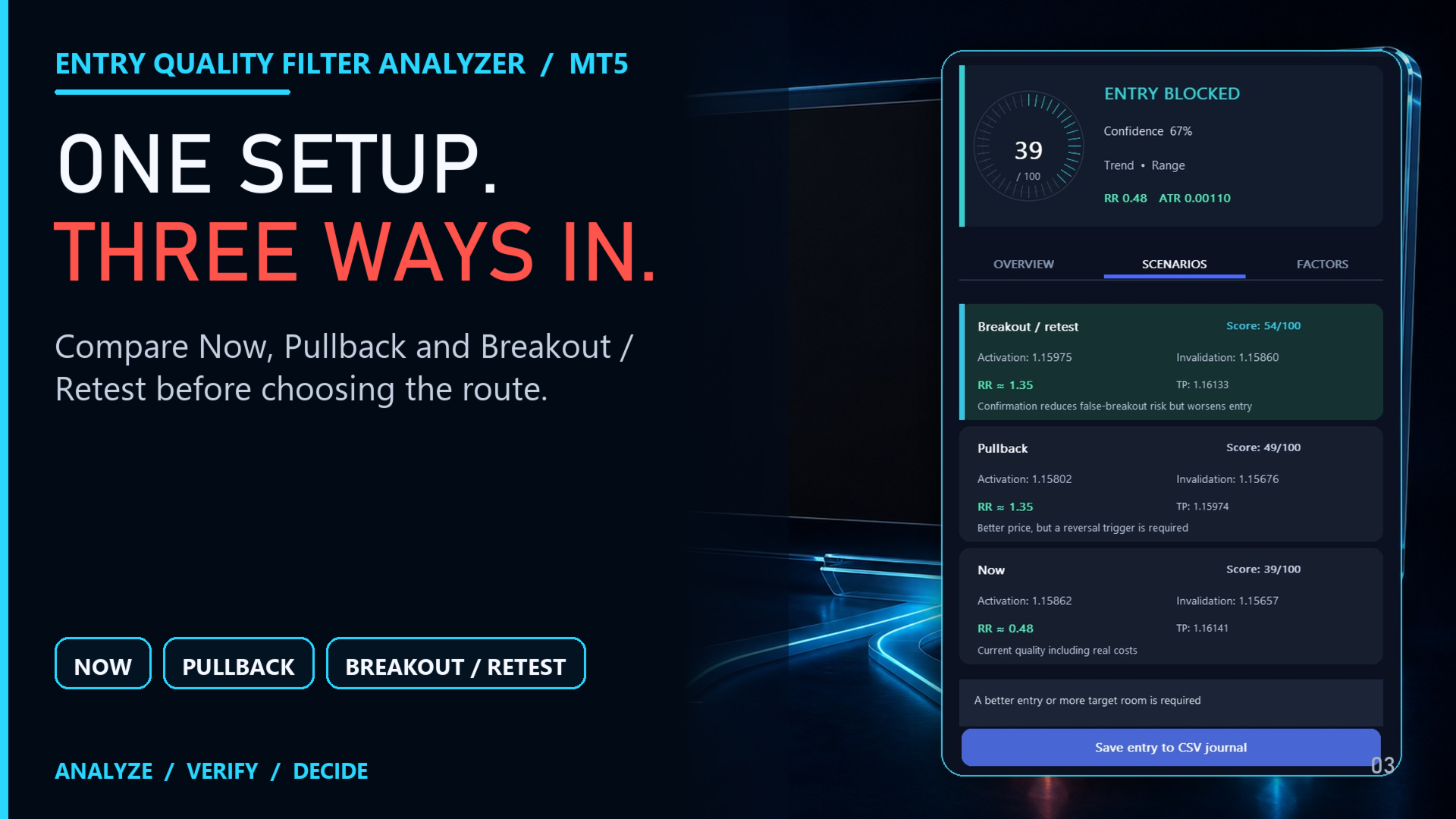
The Overview, Scenarios, and Factors pages display the total score, confidence assessment, market conditions, and individual criteria. The panel compares three alternatives: entry at the current price, after a pullback, and after a breakout or retest.
Entry, stop, and target levels can be calculated automatically or set manually. Plan lines can be dragged with the mouse. An invalid arrangement of manual levels blocks the scenario rather than silently replacing those values.
Mark Entry records the selected entry in a CSV log. The log tracks favorable and adverse movement in units of risk, target levels reached, and a modeled move to breakeven. It records calculated scenarios, not executed trades, and does not manage orders.
Usage and limitations
Historical analysis and arrows use closed candles, including higher-timeframe data. The average daily range is calculated from completed days, and historical spread comes from the corresponding bar. With the underlying history unchanged, subsequent candles do not alter fixed arrows.
For testing, use the visual Strategy Tester with the "Every tick based on real ticks" modeling mode. This indicator's historical calculation does not reproduce the news filter or past open-position exposure. Such tests therefore do not fully reflect how all filters operate in current market conditions.
Entry Quality Filter Analyzer is an indicator, not an Expert Advisor. It does not open, modify, or close trades. Scores and confidence should not be interpreted as the probability of a profitable trade. The user decides on execution, position size, and risk. Historical results do not guarantee future profits; assessments depend on quotes, historical data, spread, and broker conditions.
Settings
Direction and plan
- Direction selects BUY or SELL. Scan both directions enables historical analysis of both sides and is on by default.
- Strategy preset: Auto or one of Trend Pullback, Breakout, Retest, Reversal, and Range.
- Use current price is on by default. For a manual plan, turn it off and set Entry, Stop Loss, and Take Profit. A zero value leaves the corresponding level to automatic calculation.
Selection criteria
- Minimum RR: default 1.35, range 0.50 to 3.00. Sets the minimum target-to-stop distance ratio, accounting for spread.
- Max Spread / ATR: default 0.10, range 0.01 to 1.00. Limits the ratio of spread to Average True Range (ATR), a measure of volatility. Lower values impose a stricter limit.
- Economic Calendar is off by default and checks high-impact events around the current time when enabled. Exposure is on and accounts for same-direction currency exposure in open positions. Strict Session makes the trading-session requirements mandatory.
History and display
- Swing lookback: default 60 bars, range 30 to 500. Sets the lookback for swing highs and lows. ADR days: default 14 days, range 5 to 100, for the average daily range calculation.
- History bars: default 180, range 0 to 500, for the panel's historical calculations. Signal history: default 2400, range 0 to 5000, for arrow history.
- Arrow size: default 2, range 2 to 5. Alerts, arrows, the panel displayed above the chart, and Decision Log are enabled by default.
Start with the default settings. Change one parameter at a time and check the result on a later period of data. No single set of settings suits every market condition.