MA Assistant MT4
- Indicators
-
Hamed Dehgani
 I’m Hamed, a professional MQL4/MQL5 developer with 18 years of experience in creating Expert Advisors, Indicators, and trading tools for MetaTrader platforms.
 - Version: 1.1
MA Assistant MT4 Introduction
-
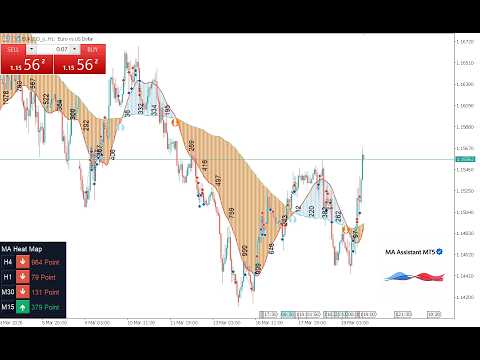
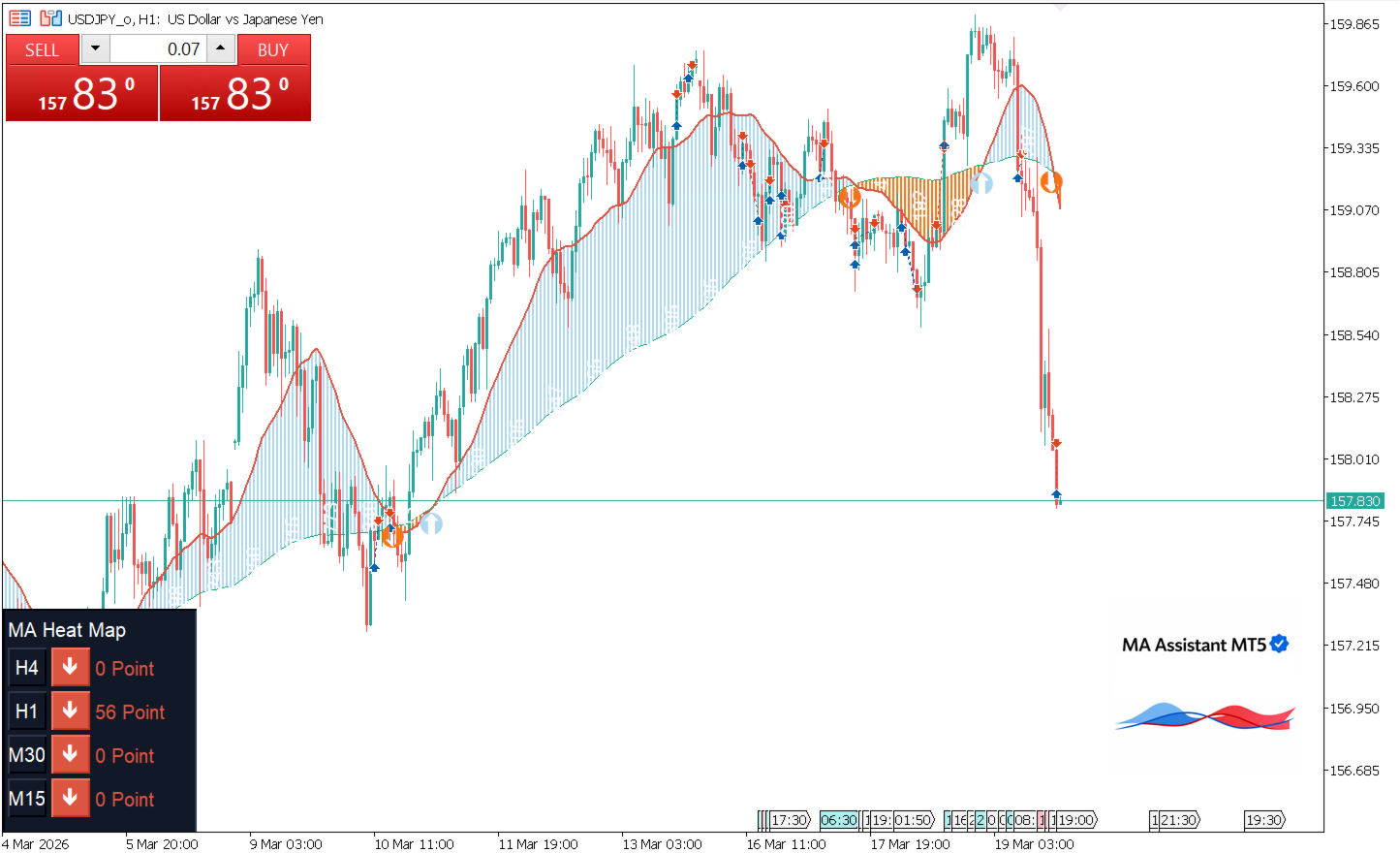
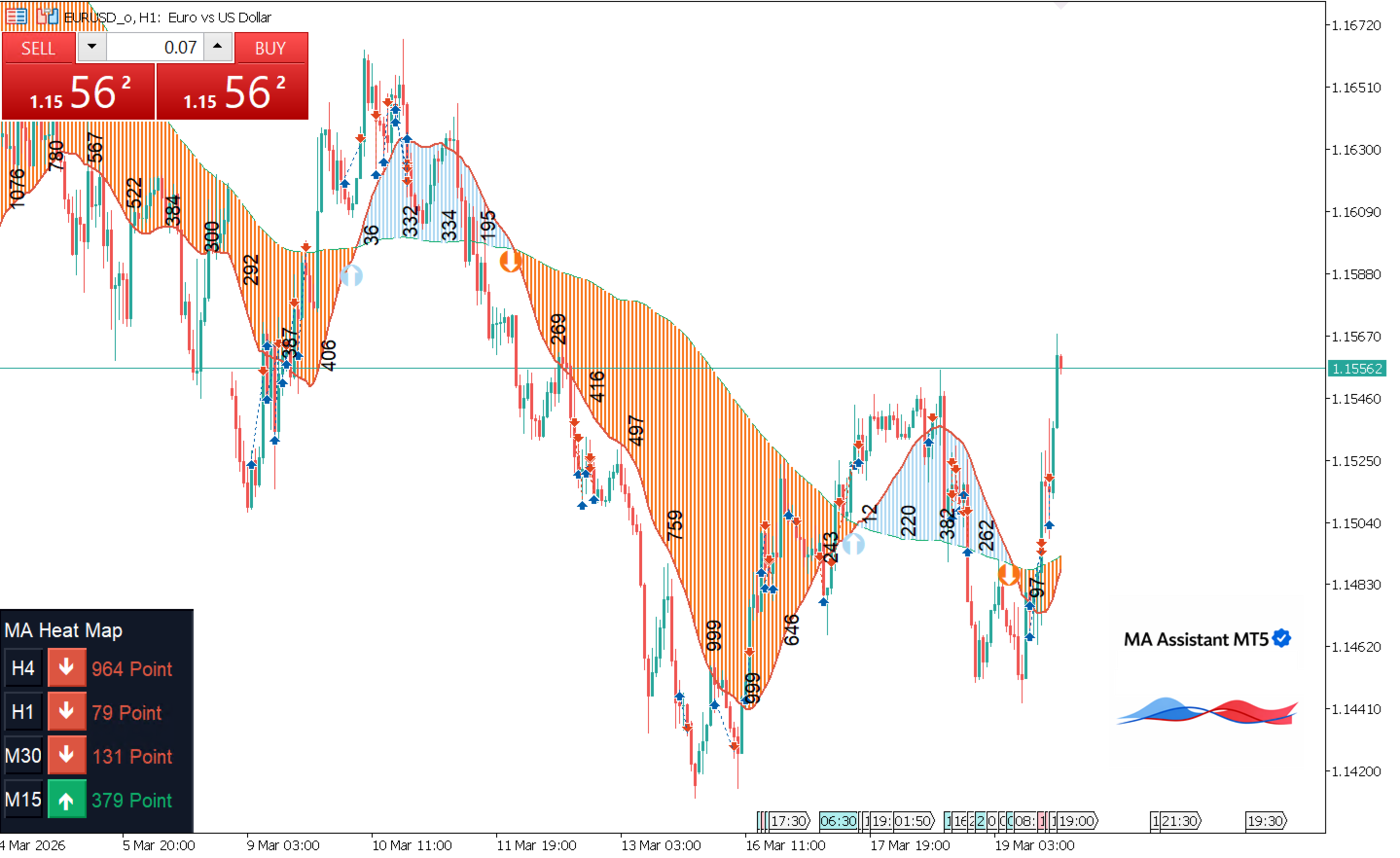
Visual Trend Detection – Instantly identify bullish and bearish market movements using smooth and colorful chart zones
-
MA Crossover Alerts – Receive real-time alerts when fast and slow moving averages cross
-
Multi-Timeframe MA Heat Map – Analyze moving average conditions across multiple timeframes in one clear table
-
MA Difference Measurement – Displays the difference between two moving averages every 10 candles to help measure trend strength and momentum
Professional Version Available – A more advanced tool with 16+ trading strategies is available in Strategy Assistant TEST IT NOW
Stay Updated – Join our MQL5 community channel @hdtradinglab to get the latest updates and free trading tools
-
Watch YouTube video : Please watch YouTube video to get full information about MA Assistant and subscribe my channel to get new Free products videos
Short Description :
MA Assistant is a powerful and free trading tool that simplifies Moving Average analysis with a clean and visual approach. It highlights bullish and bearish trends using colored zones, detects crossover signals with alerts, and includes a multi-timeframe MA Heat Map for better decision-making. A unique feature is the MA Difference concept, which shows momentum strength directly on the chart, helping traders quickly identify strong or weak market conditions.
Input Structure
Moving Average Setting
-
Fast MA Period
Period of the fast Moving Average. -
Fast MA Method
Calculation method of the fast MA (e.g., SMA, EMA). -
Fast MA Applied Price
Applied price used for the fast MA (e.g., Close, Open). -
Slow MA Period
Period of the slow Moving Average. -
Slow MA Method
Calculation method of the slow MA. -
Slow MA Applied Price
Applied price used for the slow MA. -
Look Back Bar
Number of historical bars used for calculations and drawing.
-
Draw Heat Map Box (Enable/Disable)
Enable or disable the Heat Map display on the chart. -
1st Time Frame
First timeframe used in the Heat Map. -
2nd Time Frame
Second timeframe used in the Heat Map. -
3th Time Frame
Third timeframe used in the Heat Map. -
4th Time Frame
Fourth timeframe used in the Heat Map.
-
Draw Distance Label (Enable/Disable)
Enable or disable the distance (difference) label on the chart. -
Fast MA Color
Color of the fast Moving Average. -
Slow MA Color
Color of the slow Moving Average. -
Label Color
Color of text labels displayed on the chart. -
Bullish Area Color
Color used to highlight bullish market areas. -
Bearish Area Color
Color used to highlight bearish market areas.
Support Free Production By Release Review And Feed Back
If you find this tool useful, please leave a review and feedback.
Your support helps us continue developing high-quality free and professional trading tools