Trading Account Analytics MT4
- Utilities
-
Eduardo Cumplido
 I am a chemical engineer and EFA-certified financial advisor, with experience in portfolio management, financial markets and MQL programming since 2010. Over the years, I have combined software development, quantitative analysis and strategy evaluation to turn real trading needs into practical
 - Version: 2.2
- Updated: 14 October 2026
- Activations: 5
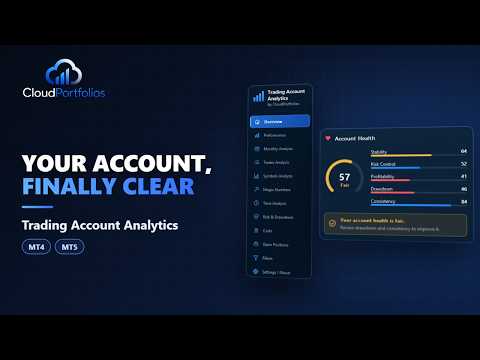
Trading Account Analytics — your account dashboard inside MetaTrader
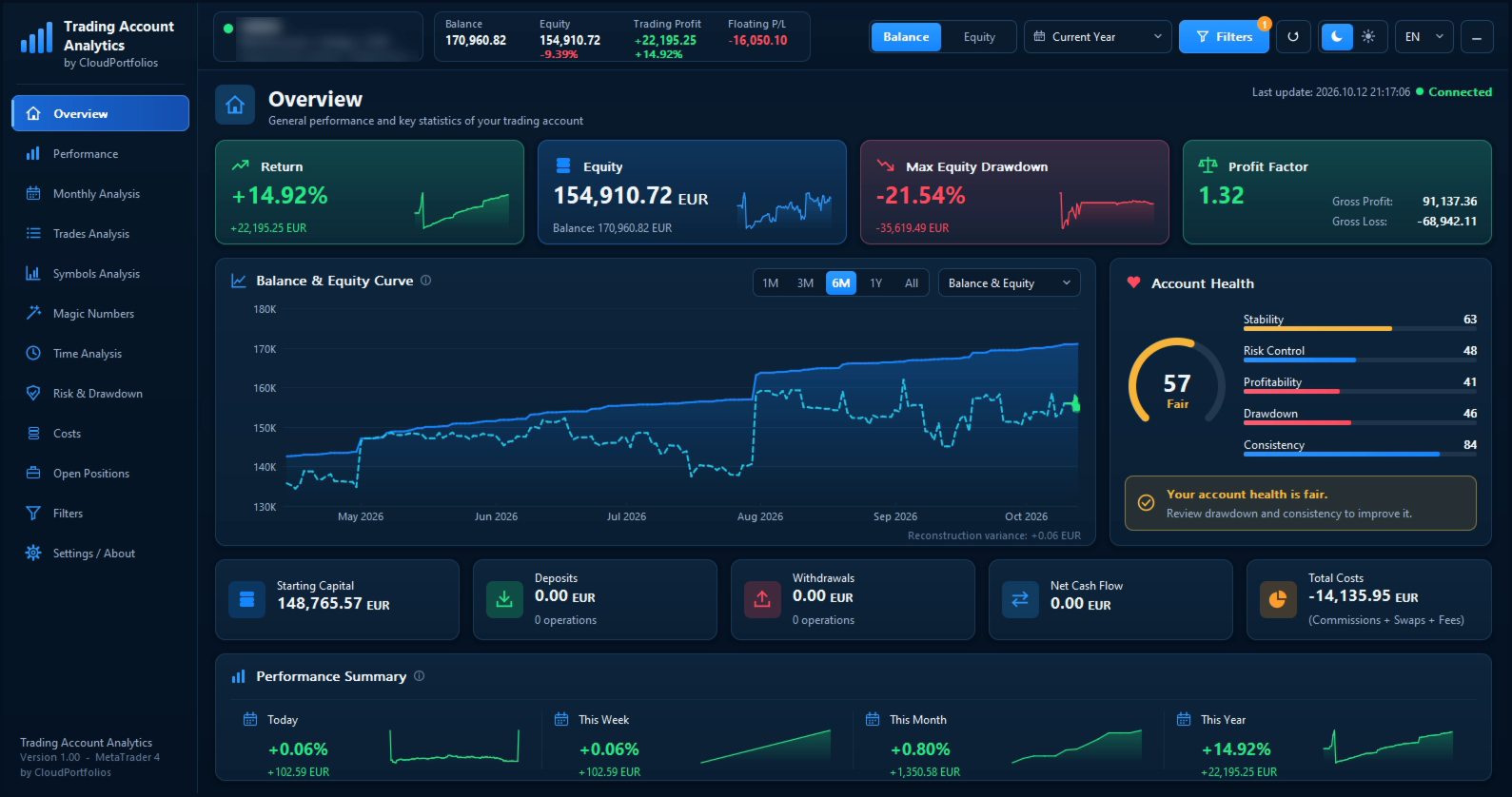
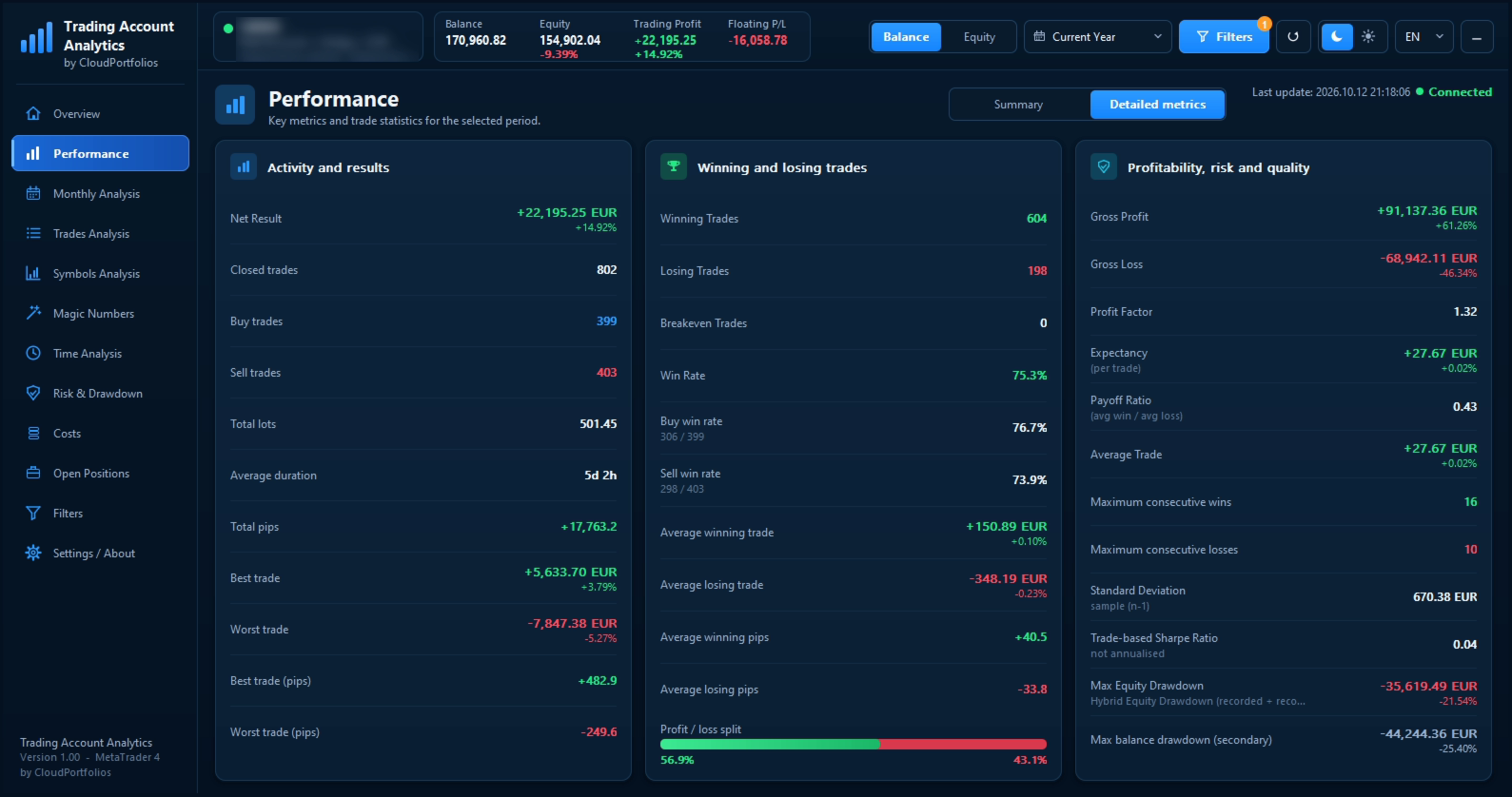
Trading Account Analytics turns your account history into a clear, interactive dashboard right on the chart: profit, return, drawdown, costs and statistics by symbol, by Expert Advisor and by hour.
- No data to upload to any website and no investor password to share: everything is calculated inside your terminal.
- Read-only: it never opens, modifies or closes trades.
What you get
Trading result without cash flows. Cumulative profit curve and drawdown excluding deposits, withdrawals and credit. Returns use the Modified Dietz method, so capital movements never count as profit.
Risk and drawdown. Maximum and current drawdown in % and money, underwater curve, the five deepest episodes, recovery time and recovery factor.
Account health. A score from 0 to 100 based on stability, risk control, profitability, drawdown and consistency.
Historical equity. Equity is rebuilt from your broker's daily prices, also for the past, and can be refined by recording equity while the terminal is open. Every value shows whether it is recorded or estimated.
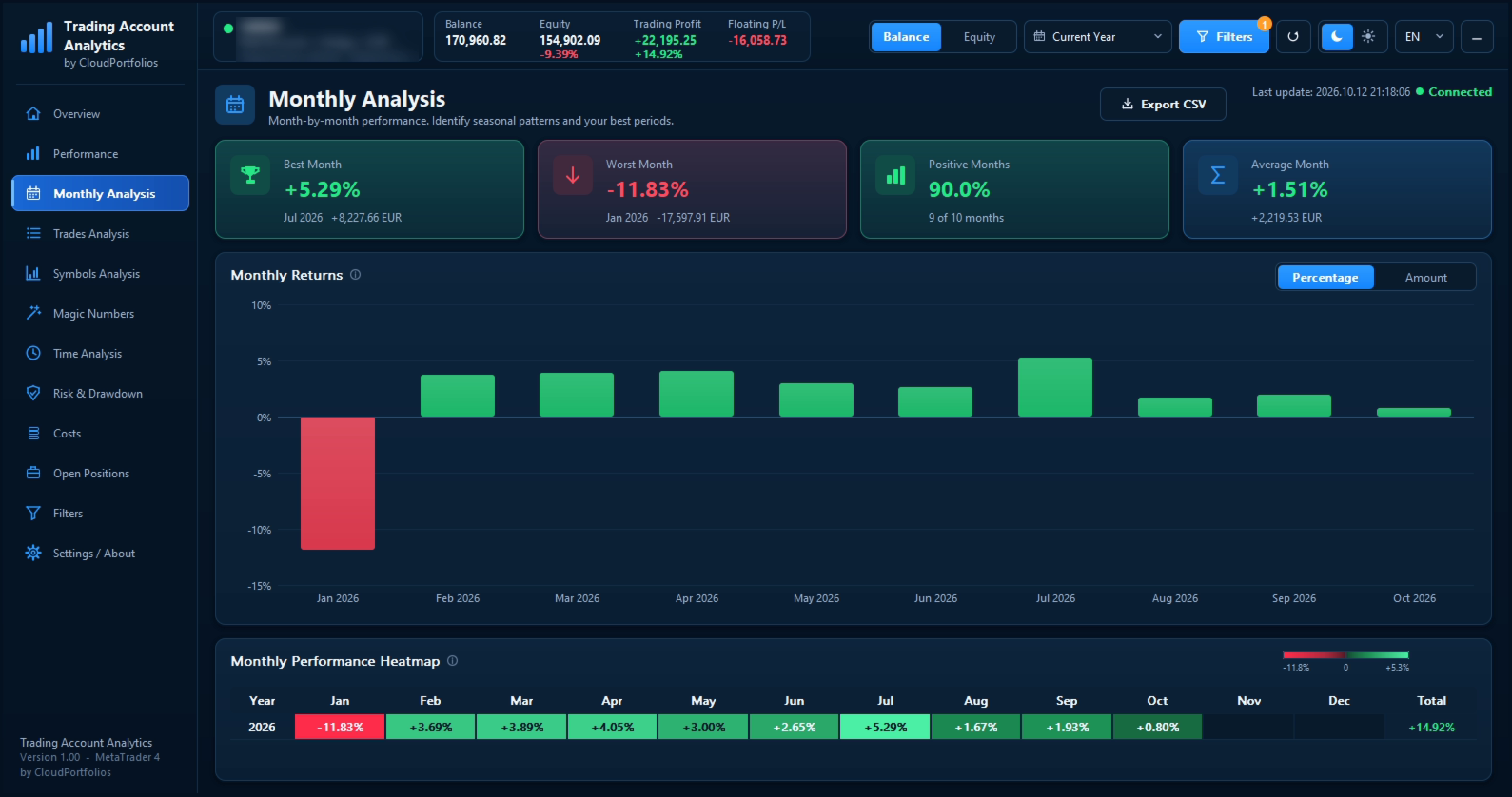
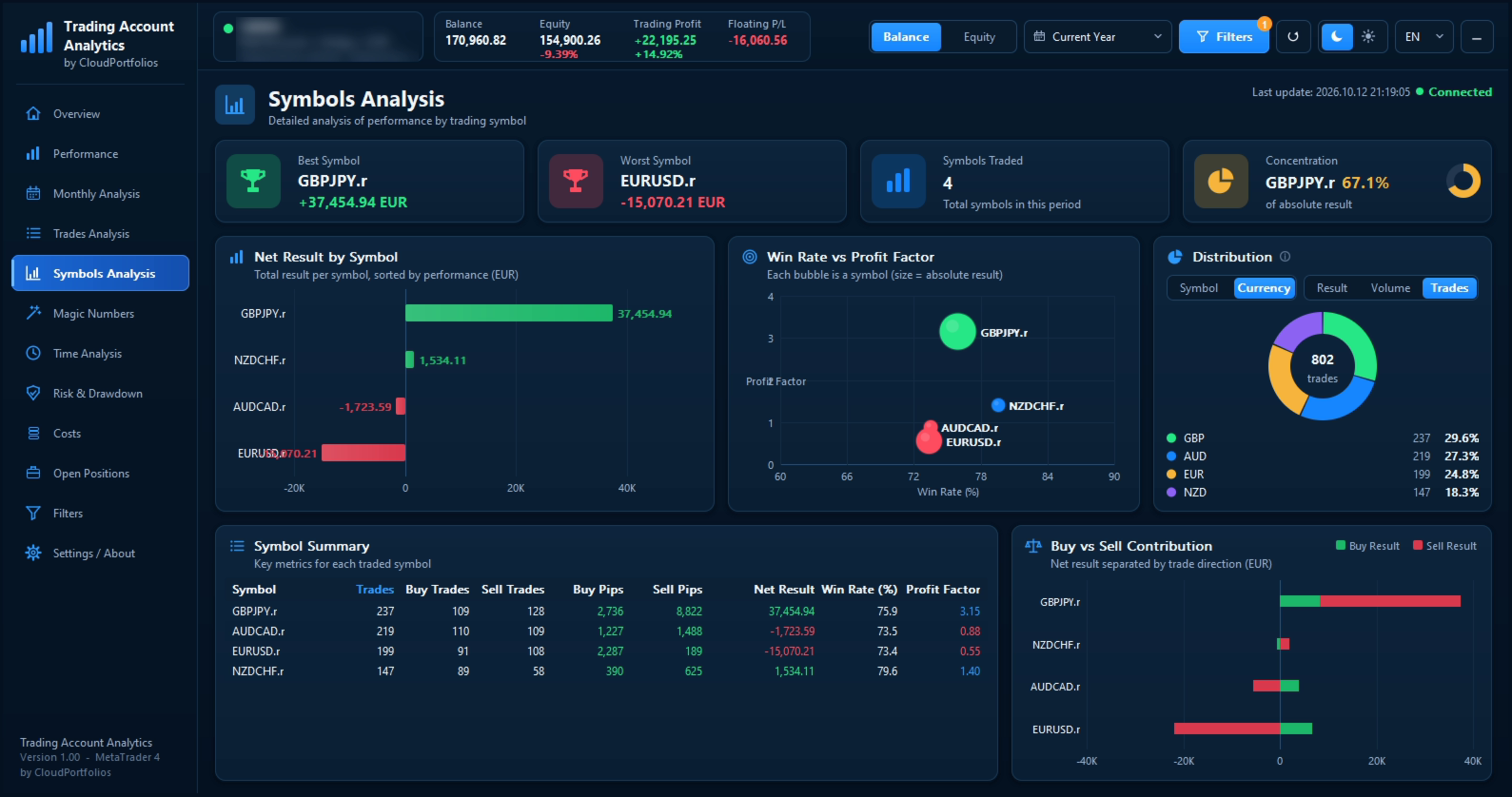
Where your results come from. Monthly heat map with yearly totals, and analysis by symbol, by Magic Number (compare your EAs and your manual trading) and by weekday and closing hour.
The real cost of trading. Commissions, swaps and account fees, with the result before and after costs.
Open positions. Floating result and exposure by symbol.
Flexible filters. Any period or your own dates, symbols, Magic Numbers, buys or sells, manual or EA trading, Balance or Equity basis, in % or money.
CSV export. Trades, open positions and monthly results.
Easy-to-use interface. English, Spanish, French and Italian; dark and light themes; adjustable size and minimized mode.
How to use it
- Drag the program onto any chart (any symbol or timeframe). It needs no trading permissions because it never sends orders.
- Wait for the first load: it reads your account history and your broker's daily prices to rebuild the equity. Progress is shown on screen.
- Choose the period, the basis (Balance or Equity) and, if you wish, filters from the header or from the Filters screen.
- Switch screens with the side menu. Hover over any value to see its explanation.
- Recommended: keep it running on a chart so it records equity (every 5 minutes by default) and the equity drawdown is more accurate. Recording only happens while the terminal is open.
Free demo
Run it in the Strategy Tester in visual mode to see the full dashboard. In some versions of the platform the tester does not accept clicks on the panel; in that case it is view-only.
Important
This is an analysis tool that shows the data of your own account. It does not give trading signals or investment advice and does not predict the market. Leveraged products carry a high risk of losing money. Trading involves risk.