Live vs Backtest Divergence Detector
- Utilities
- Version: 1.0
- Activations: 5

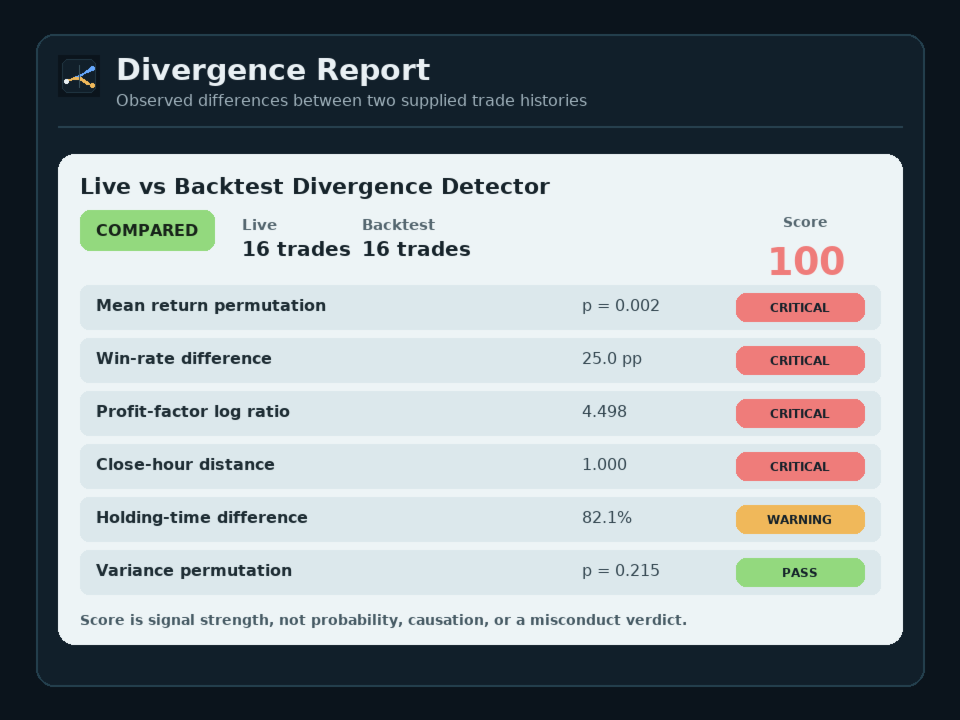
Live vs Backtest Divergence Detector compares a user-supplied live trade history with a backtest history and reports observable distribution-divergence signals under the selected settings.
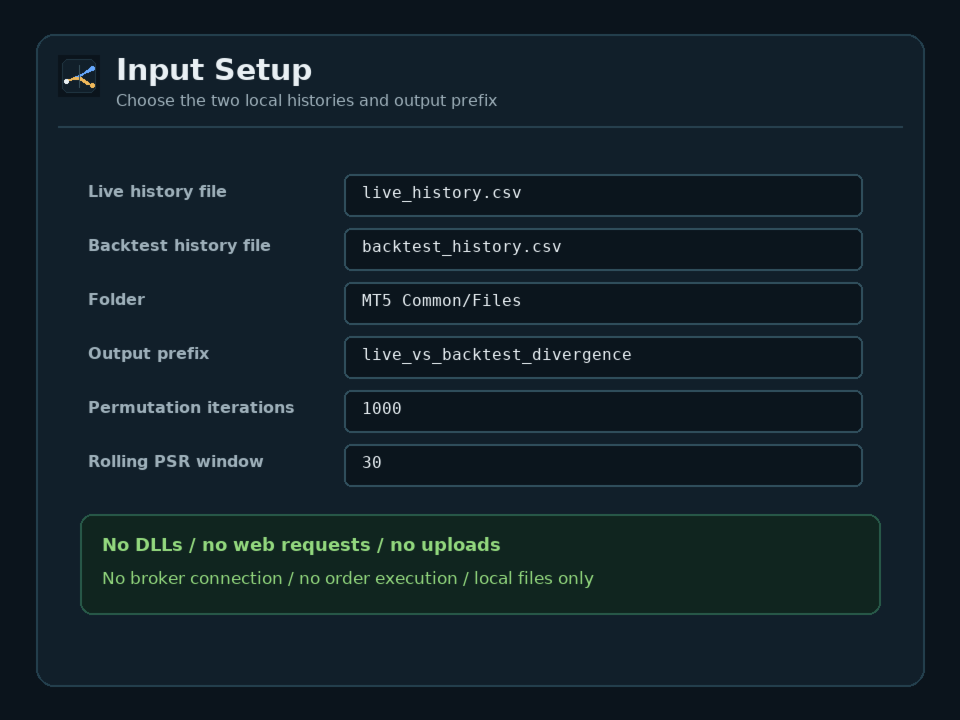
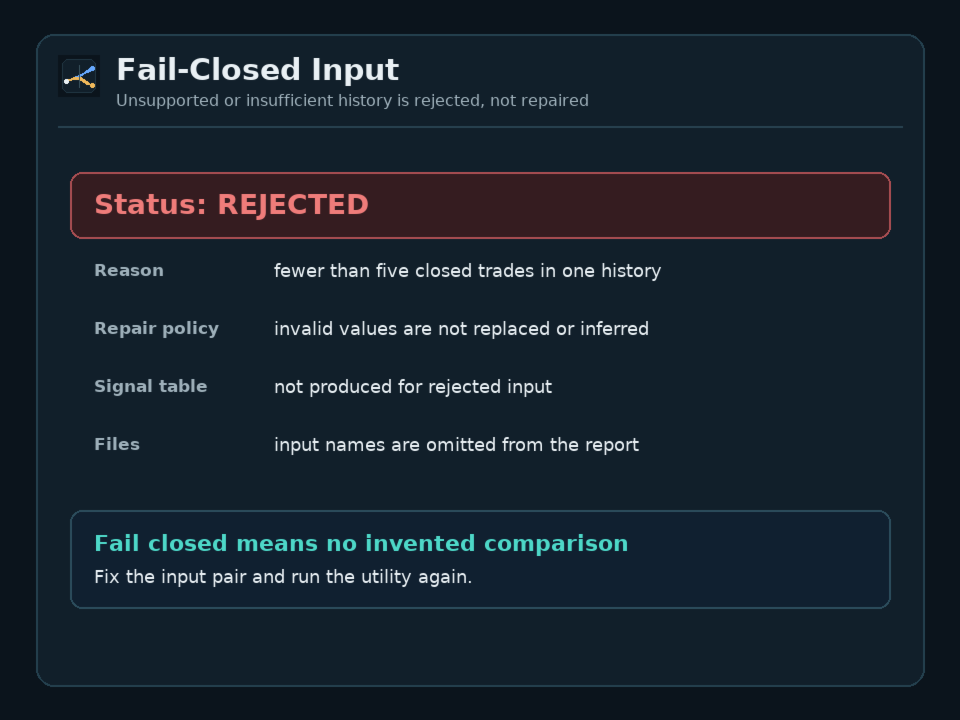
This is a manual, point-in-time MT5 utility. It reads two local files from MT5 Common/Files or the terminal MQL5/Files folder. Supported inputs are MT5 HTML or HTM trade-history reports and comma-separated trade CSVs with a recognizable profit column. Each history needs at least five closed trades. The utility does not fetch account history by itself.
HOW IT WORKS
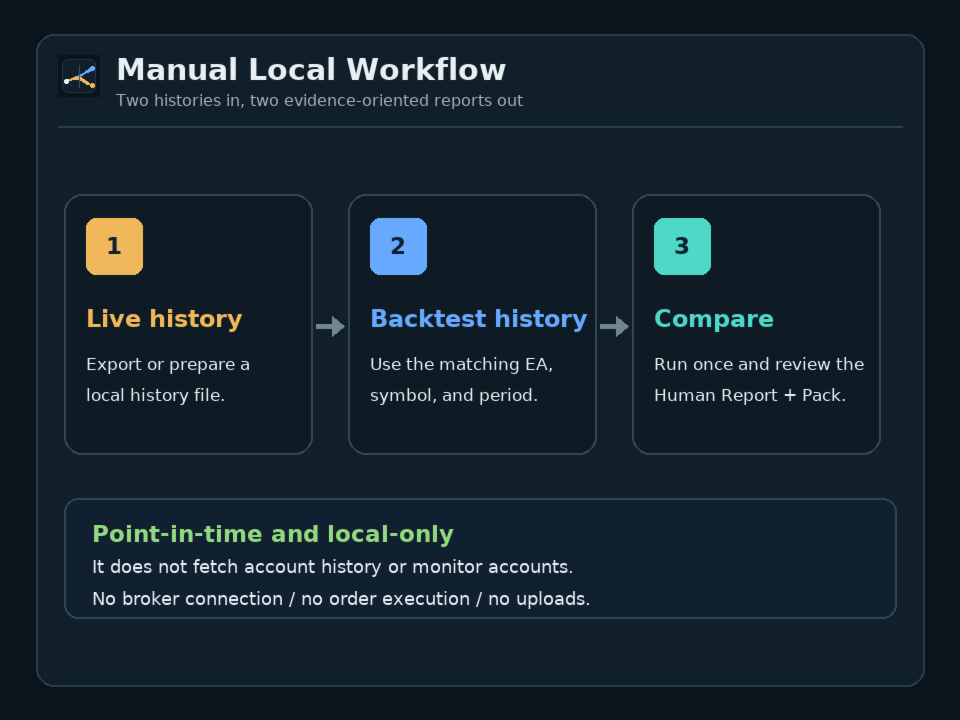
1. Export or prepare one live history and one backtest history for the same EA or strategy.
2. Place both files in the selected MT5 file folder and run the EX5 utility.
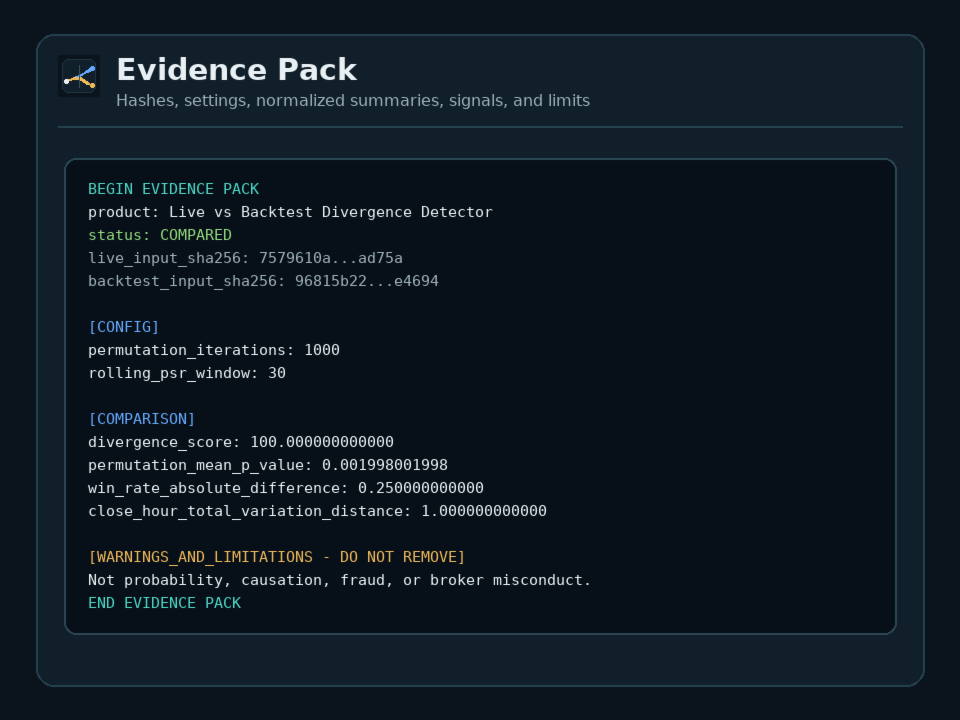
3. Review the plain-English Human Report and the reproducible Evidence Pack.
WHAT IT COMPARES
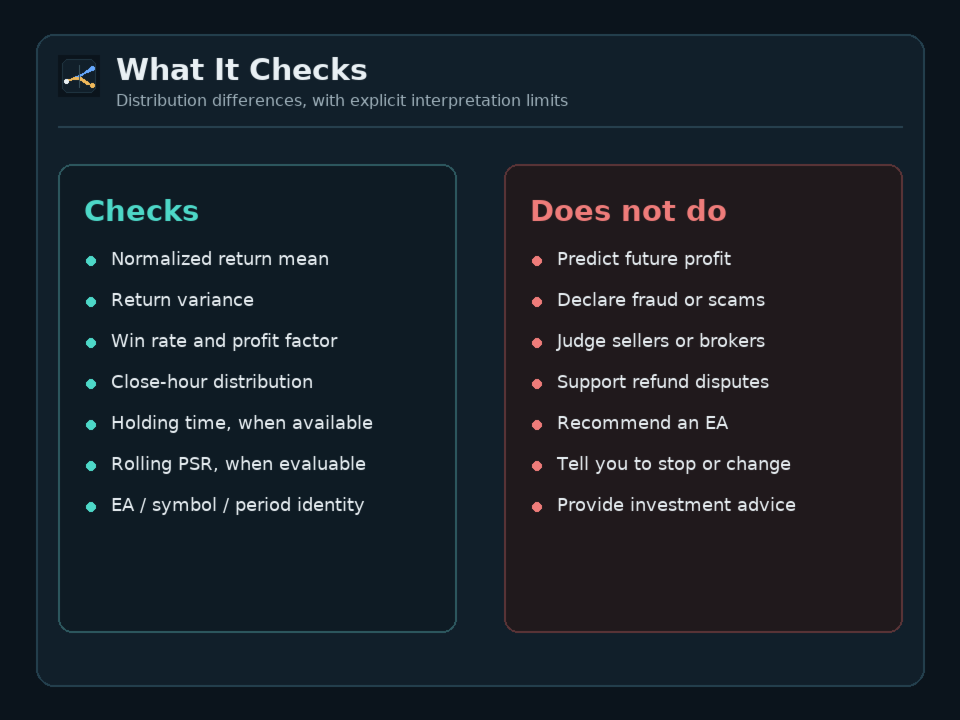
- Normalized return mean and variance with direction-neutral permutation tests
- Win-rate difference
- Profit-factor difference
- Close-hour distribution when timestamps are available
- Average holding-time difference when holding-time data is available
- Rolling Probabilistic Sharpe Ratio (PSR) path when both histories contain enough observations
- EA/report name, symbol, and period when those fields are available
These are difference signals, not causes, diagnoses, operating decisions, or predictions. A small permutation p-value does not identify a cause. A p-value above alpha does not prove that no difference exists.
Holding-time data is read only from a CSV holding-time column (hold_seconds, hold_minutes, or hold_hours). MT5 HTML reports do not provide per-trade holding time to this utility, so this check reports not evaluated for HTML-only input.
DIVERGENCE SCORE
The divergence score is 100 times the strongest configured warning or critical signal. It is not a probability, confidence level, aggregate percentage difference, fraud or scam likelihood, or cause diagnosis. A score of 0 does not prove equivalence, especially when a check was not evaluated.
SUBJECT BINDING
When both histories contain EA/report name, symbol, or period, a mismatch is rejected instead of comparing unrelated subjects. If a field is unavailable in one or both inputs, the comparison continues with a partial-binding caveat.
NORMALIZATION AND PRIVACY
Monetary profit and loss is converted to unitless per-trade returns when prior equity is available. Otherwise it is divided by gross absolute profit and loss. If deposits or withdrawals are detected in either history, both histories use unitless profit-and-loss shares of gross absolute profit and loss because prior equity cannot be reconstructed reliably across cash flows.
Reports use normalized and relative values. Raw balances, account numbers, deposit and withdrawal amounts, initial balances, report names, and input file names are not emitted. Balance operations appear only as a count and a net total relative to gross absolute profit and loss.
SUPPORTED INPUT AND OUTPUT
- MT5 HTML or HTM trade-history report
- Comma-separated trade CSV with a recognizable profit column
- At least five closed trades in each history
- <prefix>__human_report.txt
- <prefix>__evidence_pack.txt
HTML reports must be exported from an MT5 terminal whose display language is English or Japanese. Reports with other localized table headers are rejected as unsupported input. CSV input is language-independent as long as a recognizable profit column name is used.
FAIL-CLOSED AND LOCAL-ONLY
Unsupported input, invalid numeric values, conflicting subject identity, incompatible normalization modes, and histories with too few closed trades are rejected or marked not evaluated instead of repaired. No comparison signal table is produced for rejected input.
The product runs locally as an EX5 utility. It does not import DLLs, make web requests, upload files, connect to a broker, retrieve account history, execute orders, or change an EA.
IMPORTANT BOUNDARY
This product reports distribution-divergence signals between two user-supplied histories. It is not a certificate, scam detector, fraud verdict, refund or dispute assessment, broker or execution-misconduct assessment, future-profit prediction, EA recommendation, or investment or trading advice. It does not decide whether an EA should be bought, avoided, continued, stopped, or modified.
SUPPORT COVERS
- Installation
- Input and output file locations
- Supported report and CSV formats
- Basic input and configuration errors
- Documented field definitions, status codes, and divergence signals
SUPPORT DOES NOT COVER
- Scam, fraud, negligence, or misconduct judgments
- Condemning or endorsing an EA, seller, or broker
- Refund, dispute, or evidence-submission advice
- Deciding whether to buy, avoid, continue, stop, modify, or resize an EA
- Future-performance or profitability analysis
- Trading, investment, broker, account, or prop-firm advice
- Repairing malformed third-party reports
- Rewriting or debugging user EAs