
TradeSync Local Trade Copier
- Utilities
- Version: 1.2
- Updated: 2 August 2026
- Activations: 10

Description
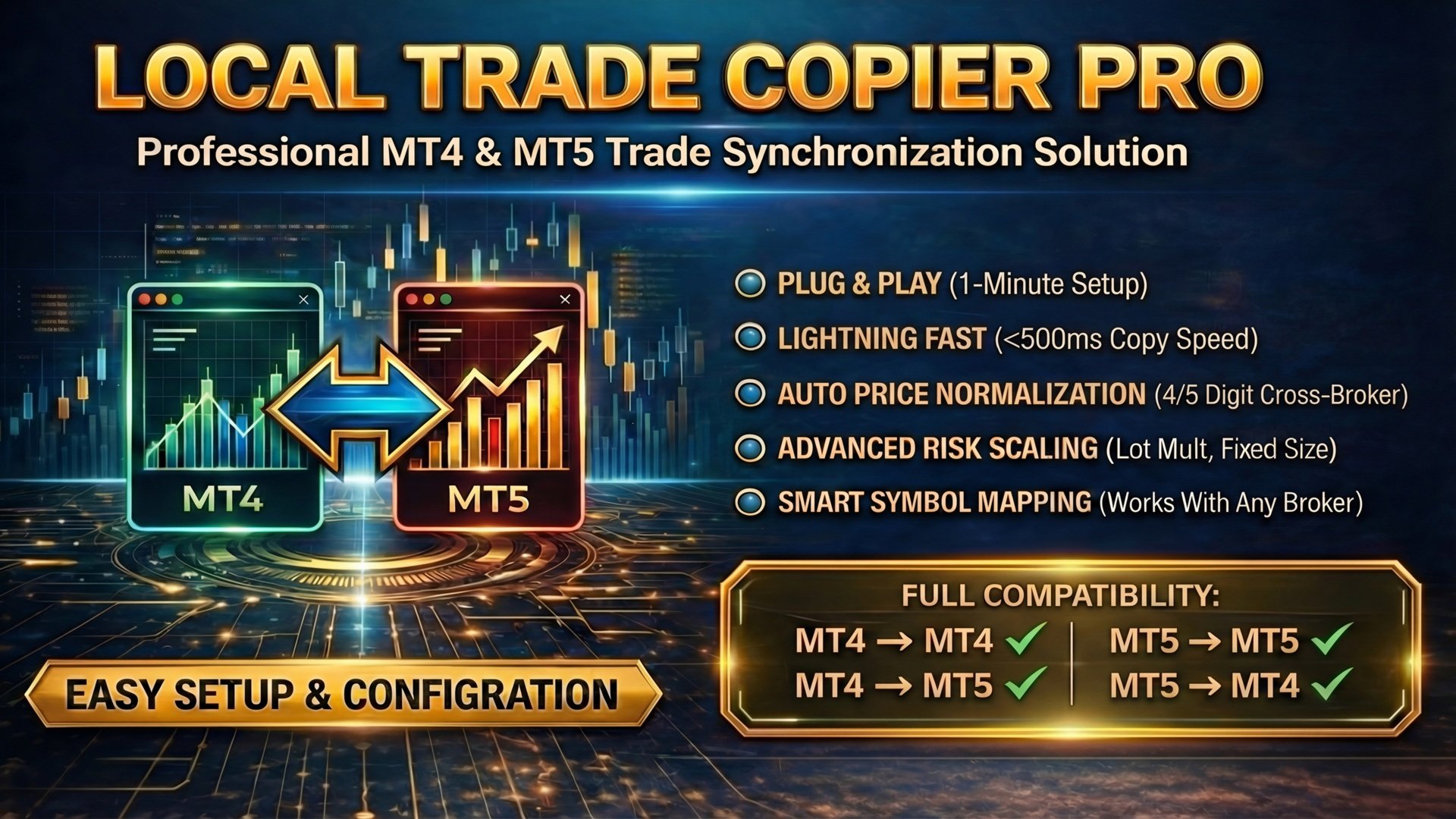
TradeSync Pro is a technical utility designed for local trade synchronization between MetaTrader terminals running on the same computer. It is optimized for account management, execution comparison across different brokers, and strategic trade replication.
Licensing and Cross-Platform Compatibility
The software supports various synchronization scenarios based on the platforms used. Please note the following requirements:
- Single Platform: To copy trades from MT4 to MT4, the MT4 version is required. For MT5 to MT5, the MT5 version is required.
- Cross-Platform: To synchronize between MT4 and MT5 (in either direction), the user must possess both the MT4 and MT5 versions of the product.
- Installation: Both terminals must be running on the same hardware to establish a local connection.
Technical Feature List
Transmitter Mode:
- Real-time broadcasting of trading operations to the local file system.
- Filtering by Magic Number to isolate specific Expert Advisors or include manual trades.
- Symbol Filter: Isolate specific Expert Advisors by selecting which symbols to broadcast (e.g., "EURUSD,XAUUSD"). Compatible with broker prefixes/suffixes.
- Option to select specific order types: Buy, Sell, or Pending orders.
- Data integrity protection using atomic writing to prevent file conflicts.
Receiver Mode:
- Flexible risk management: Lot multipliers or fixed lot size settings.
- Automatic Symbol Mapping: An integrated engine identifies symbols with different prefixes, suffixes, or naming conventions (e.g., GOLD vs XAUUSD).
- Selective Copying: Symbol Filter allows the receiver to copy only chosen instruments from the master channel.
- Execution handling: Automatic retry logic for broker requotes or busy signals.
- Directional Control: Option to invert trade direction (Reverse Trading).
- Price normalization for differences in digit precision (4 vs 5 digits) and stop levels.
Operational Use Cases
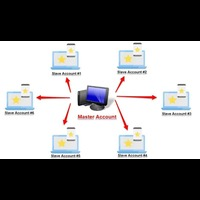
- Synchronization of signals across multiple client accounts with risk scaling.
- Management of multiple funded accounts for prop trading.
- Comparative testing of EA performance across different brokerage environments.
- Running multiple EAs on one account and copying only trades from selected instruments to different slave accounts.
- Hedging strategies through directional inversion.
Quick Start Guide
Step 1: Transmitter Setup
Attach the utility to a chart, set Operation_Mode to TRANSMITTER, and define a ChannelName.
Step 2: Receiver Setup
Attach the utility to the destination terminal, set Operation_Mode to RECEIVER, and use the same ChannelName.
Step 3: Execution
Open a trade on the transmitter terminal; the receiver will replicate the operation instantly.
Main Parameters
- Operation_Mode: Selection between Transmitter or Receiver mode.
- ChannelName: Unique identifier to link terminals.
- MagicFilter: Filter for specific trades (0 = all).
- SymbolFilter: Comma-separated list of symbols to copy (e.g., "EURUSD,XAUUSD"). Leave empty for all symbols.
- LotMultiplier: Scaling factor for trade volumes.
- SymbolMapping: Manual override for symbol names (optional).
- ReverseTrades: Enables inversion of trade directions.








































User didn't leave any comment to the rating