MQLTeam Close Area
- Utilities
- Version: 1.10

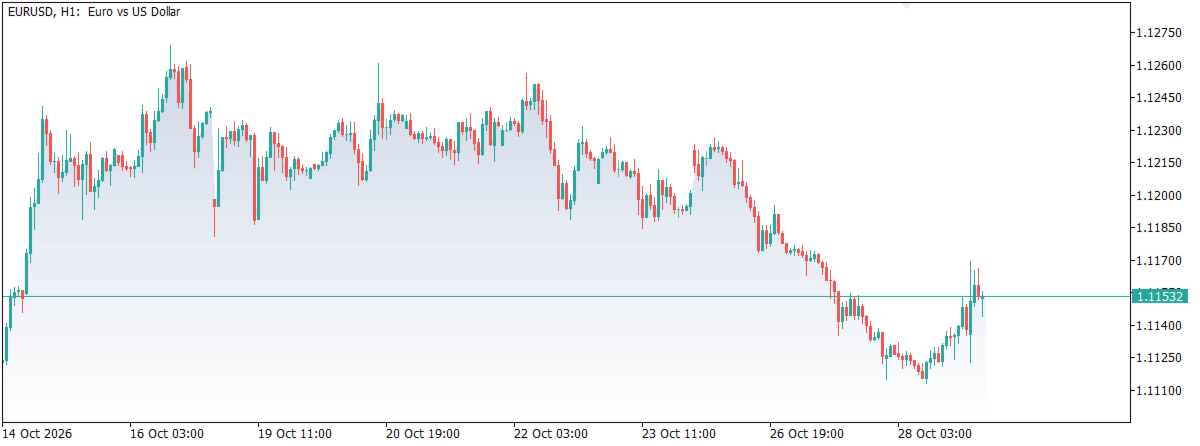
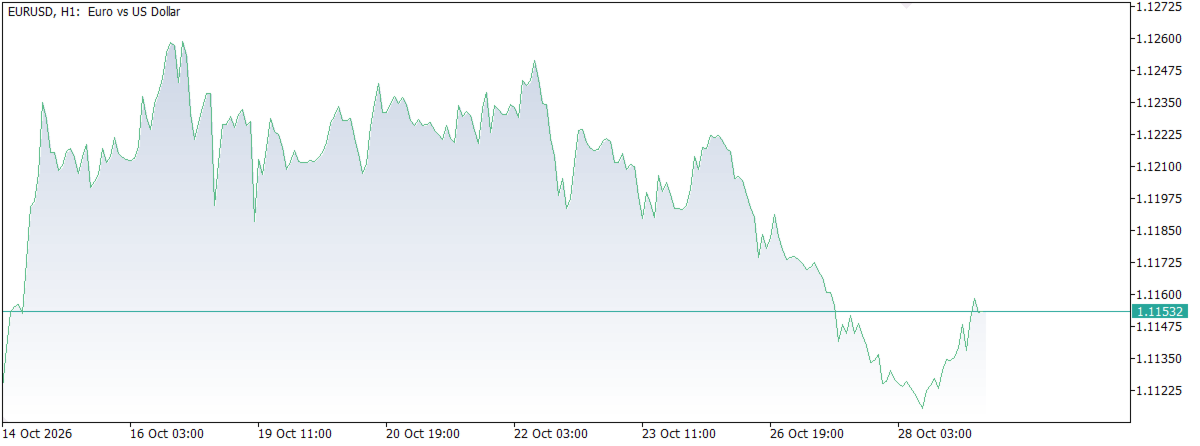
MQLTeam Close Area draws a soft area fill under the close line on your candle chart — the familiar area chart / mountain chart look, without replacing your candles. It is a visual underlay for reading closes, not a buy/sell signal tool.
Follow MQLTeam: MQL5 channel — notes and product updates on MQL5.com.
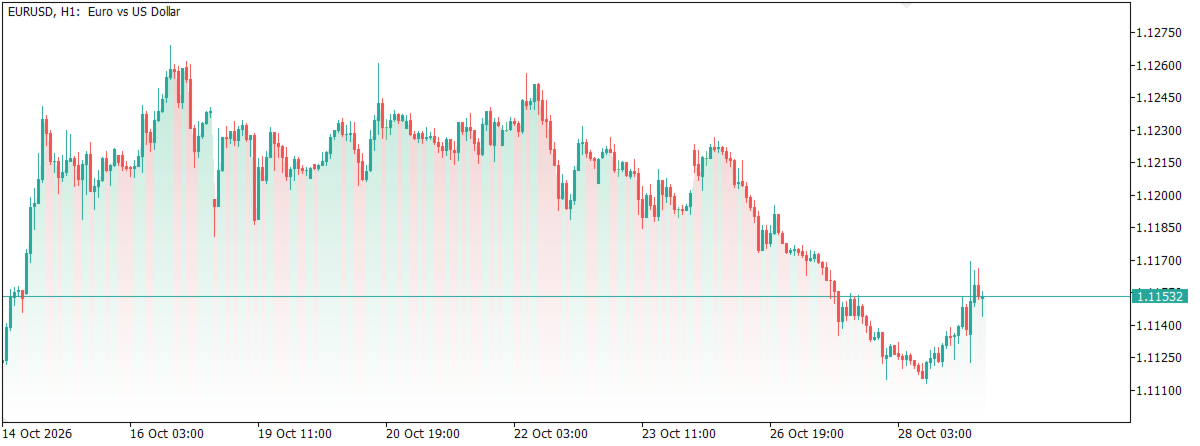
Attach it once. The fill follows visible closes and fades smoothly down the price window. The default color is a neutral steel blue so the chart is not biased toward bull or bear tones. Optional bull/bear coloring paints each segment from that candle’s direction.
Key features
- Close area fill: soft shade under the close ridge — price area fill / mountain-style underlay on candles.
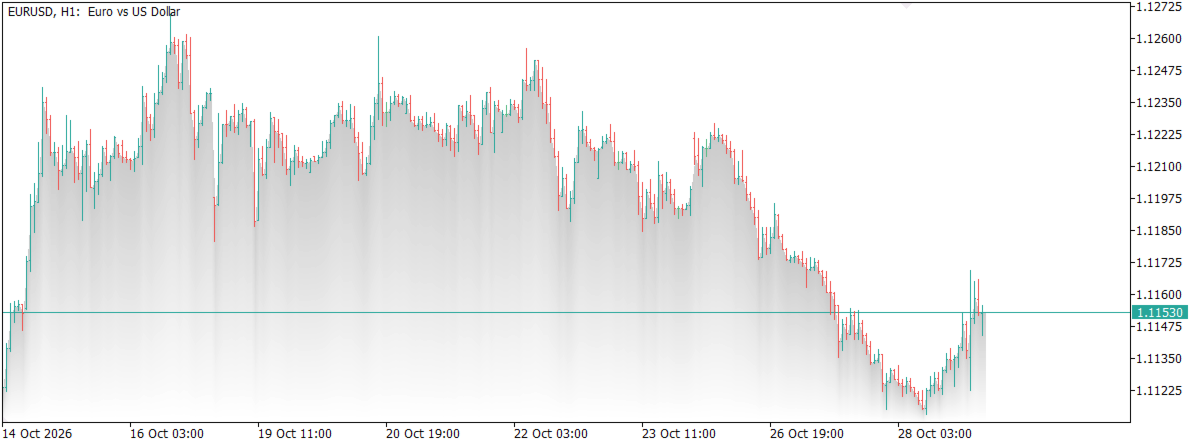
- Fade mode: From_chart_top (default) maps strength by height in the window; From_close is strongest at the close line and fades downward.
- Strength: 0–100 controls how solid the fill looks.
- Bull / bear colors: optional per-candle tint for the area under each close.
- Area button: label Area. When on, the button uses the active fill color; when off, a muted version of the same hue. Corner, X, and Y place it where you want.
- Chart scroll: the fill hides while you move the chart, then redraws once the view settles — so the underlay does not stick in the wrong place.
- Platform: MetaTrader 5.
Inputs (as on the Inputs tab)
- Color — main area color (neutral steel blue by default).
- Strength — fill intensity (0–100).
- Bull / bear colors — enable per-candle area colors.
- Bull color / Bear color — used when bull/bear mode is on.
- Fade mode — From_chart_top or From_close.
- Enable area — start with the fill on or off.
- Show button, Button corner, Button X, Button Y — chart toggle mark.
This indicator does not open trades and does not claim that the fill predicts direction. Use it to make the close path easier to see — then confirm with your own method.
=================== Arabic Description - الوصف باللغة العربية ===================
MQLTeam Close Area يرسم تظليلاً ناعماً تحت خط الإغلاق على شارت الشموع — مظهر شارت المساحة / شارت الجبل المألوف، دون استبدال الشموع. طبقة بصرية لقراءة الإغلاقات، وليست أداة إشارات شراء أو بيع.
تابع MQLTeam: قناة MQL5 — ملاحظات وتحديثات المنتجات على MQL5.com.
أضفها مرة واحدة. يتبع التظليل إغلاقات الشموع الظاهرة ويتلاشى بسلاسة نحو أسفل نافذة السعر. اللون الافتراضي أزرق فولاذي محايد حتى لا يتحيّز الشارت لألوان الصعود أو الهبوط. ويمكن تفعيل ألوان الشموع الصاعدة والهابطة لتلوين كل جزء حسب اتجاه شمعته.
أبرز المميزات
- تظليل مساحة الإغلاق: ظل ناعم تحت مسار الإغلاق — طبقة مساحة سعر / مظهر جبلي فوق الشموع.
- وضع التدرج: From_chart_top (الافتراضي) يربط القوة بارتفاع النقطة في النافذة؛ From_close أقوى عند خط الإغلاق ويتلاشى للأسفل.
- القوة: من 0 إلى 100 لضبط كثافة التظليل.
- ألوان الصعود والهبوط: خيار لتلوين المساحة حسب اتجاه كل شمعة.
- زر المساحة: نصه Area. عند التشغيل يأخذ لون التظليل الحالي؛ وعند الإيقاف يظهر بلون خافت من نفس العائلة. الزاوية والإحداثيات تضع الزر حيث تريد.
- تحريك الشارت: يُخفى التظليل أثناء التحريك ثم يُعاد رسمه بعد استقرار العرض حتى لا يبقى في مكان خاطئ.
- المنصة: ميتاتريدر 5.
المدخلات (كما في تبويب المدخلات)
- Color — لون المساحة الرئيسي (أزرق فولاذي محايد افتراضياً).
- Strength — شدة التظليل (0–100).
- Bull / bear colors — تفعيل ألوان كل شمعة.
- Bull color / Bear color — عند تفعيل الوضع السابق.
- Fade mode — From_chart_top أو From_close.
- Enable area — بدء التظليل شغّالاً أو متوقفاً.
- Show button وButton corner وButton X وButton Y — علامة التشغيل على الشارت.
المؤشر لا يفتح صفقات ولا يدّعي أن التظليل يتنبأ بالاتجاه. استخدمه لجعل مسار الإغلاق أوضح — ثم أكّد بطريقتك.