Chart Themes Studio
- Utilities
- Version: 1.10

Tired of the default MetaTrader colours? Chart Themes Studio gives your charts a clean, modern look in one click, and lets you switch themes and candle styles live while you trade.
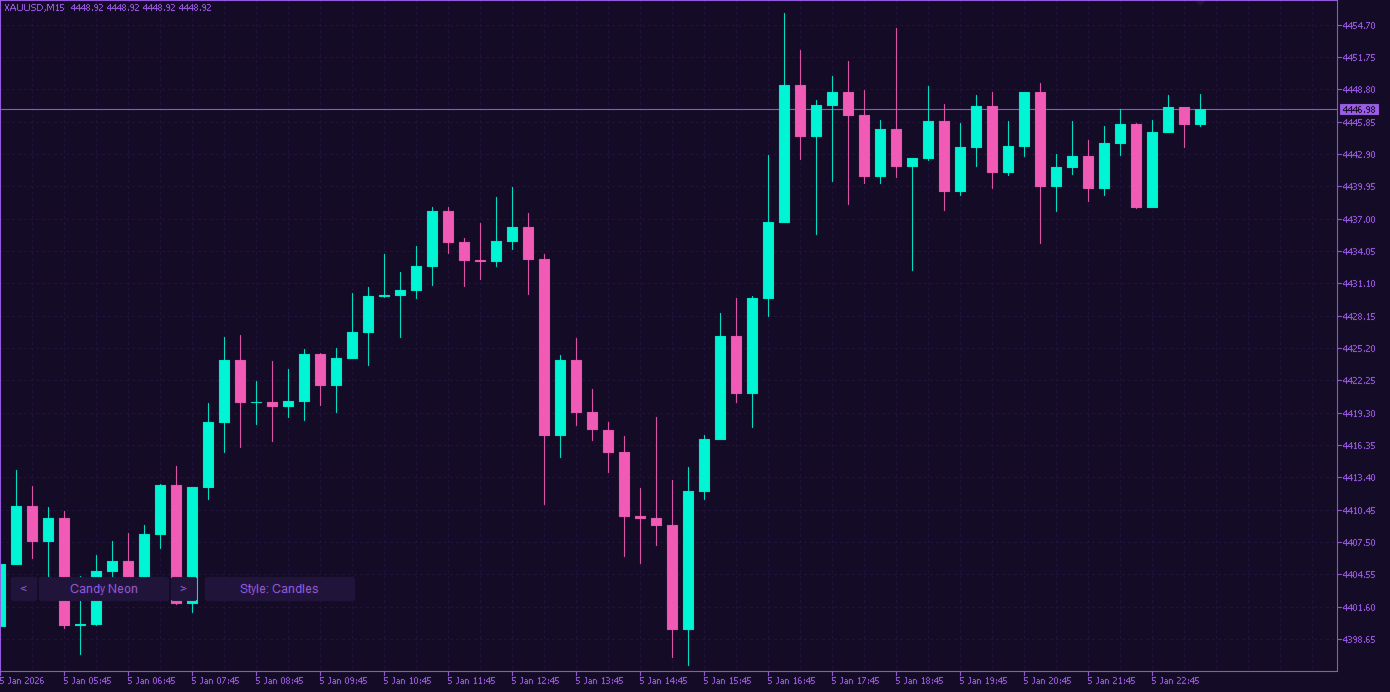
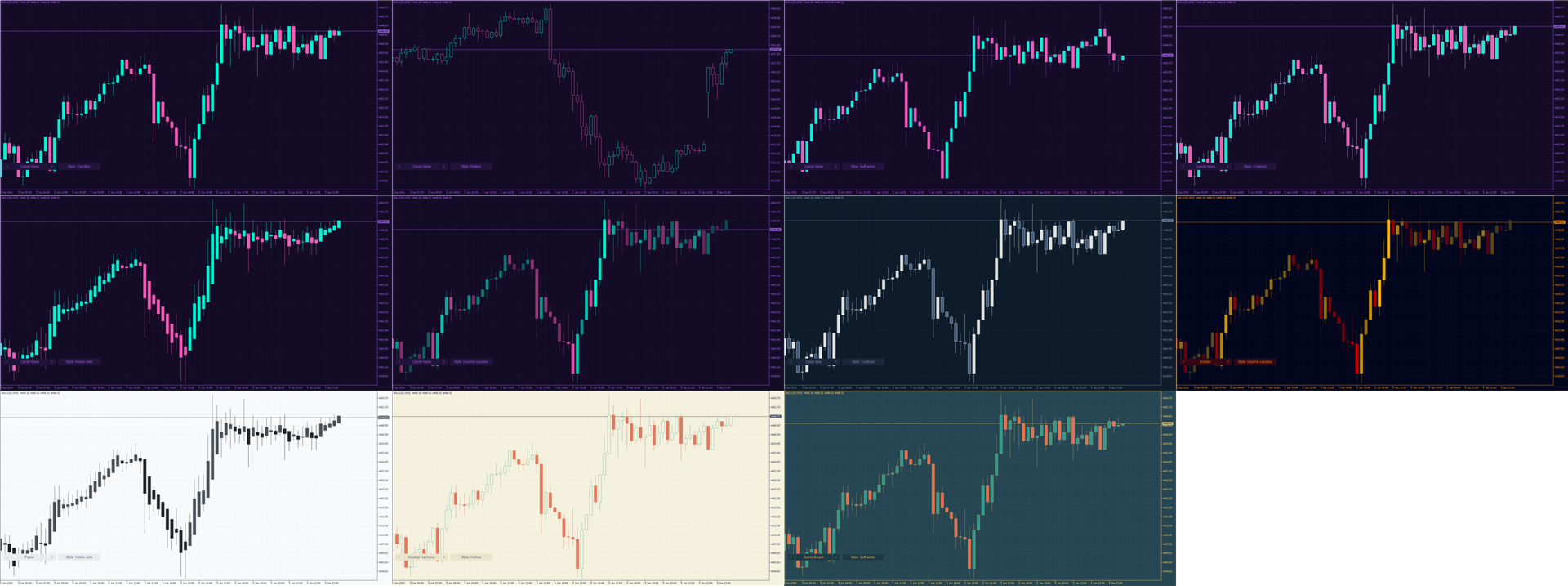
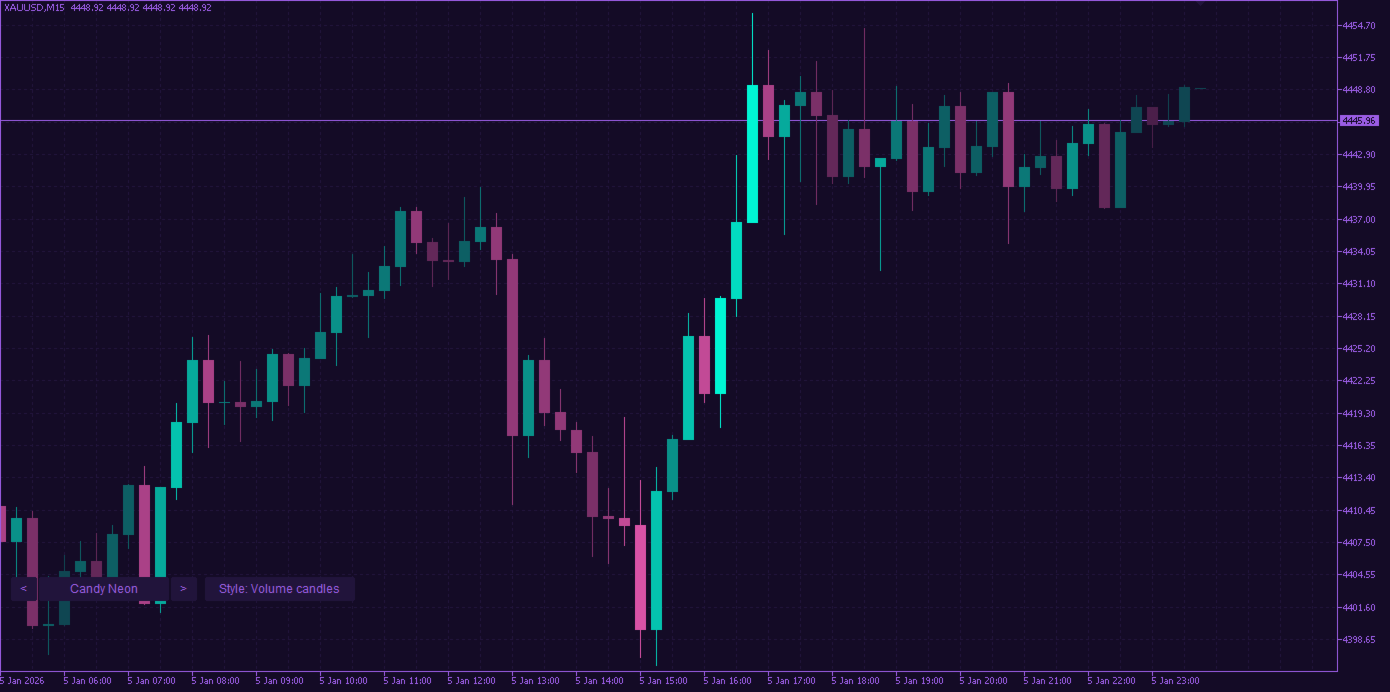
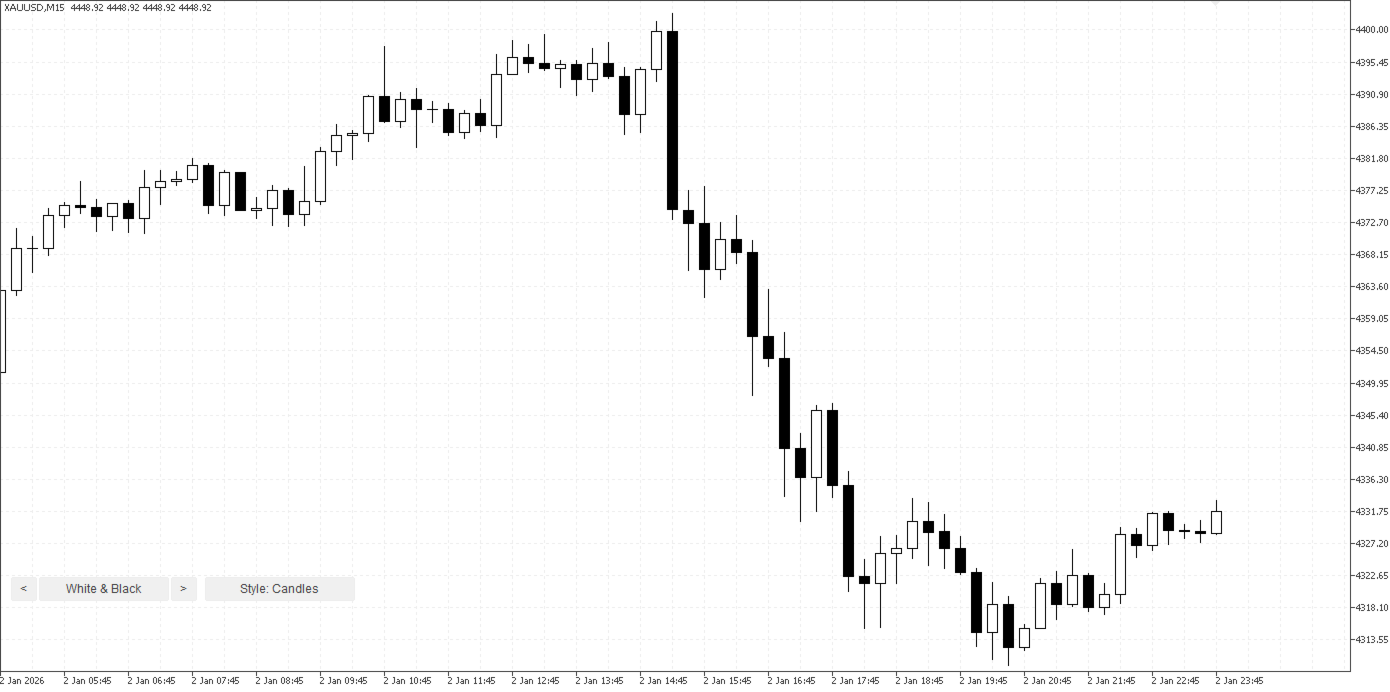
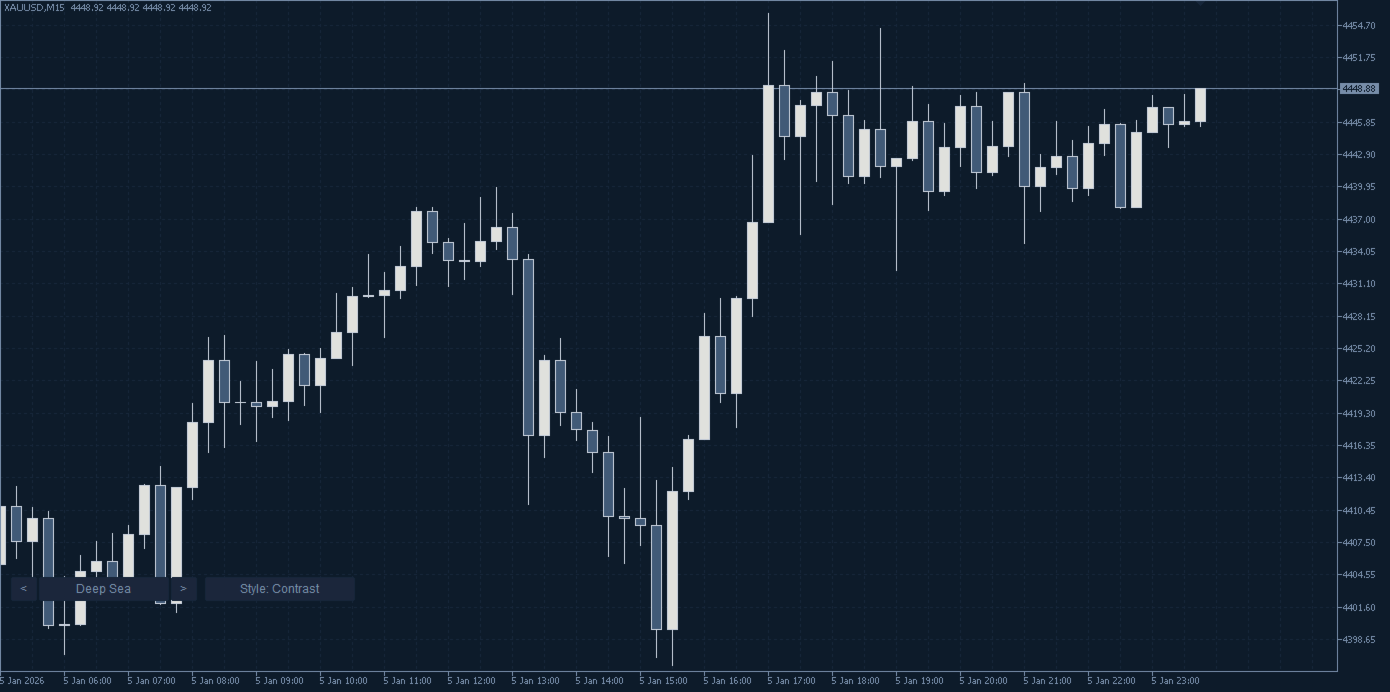
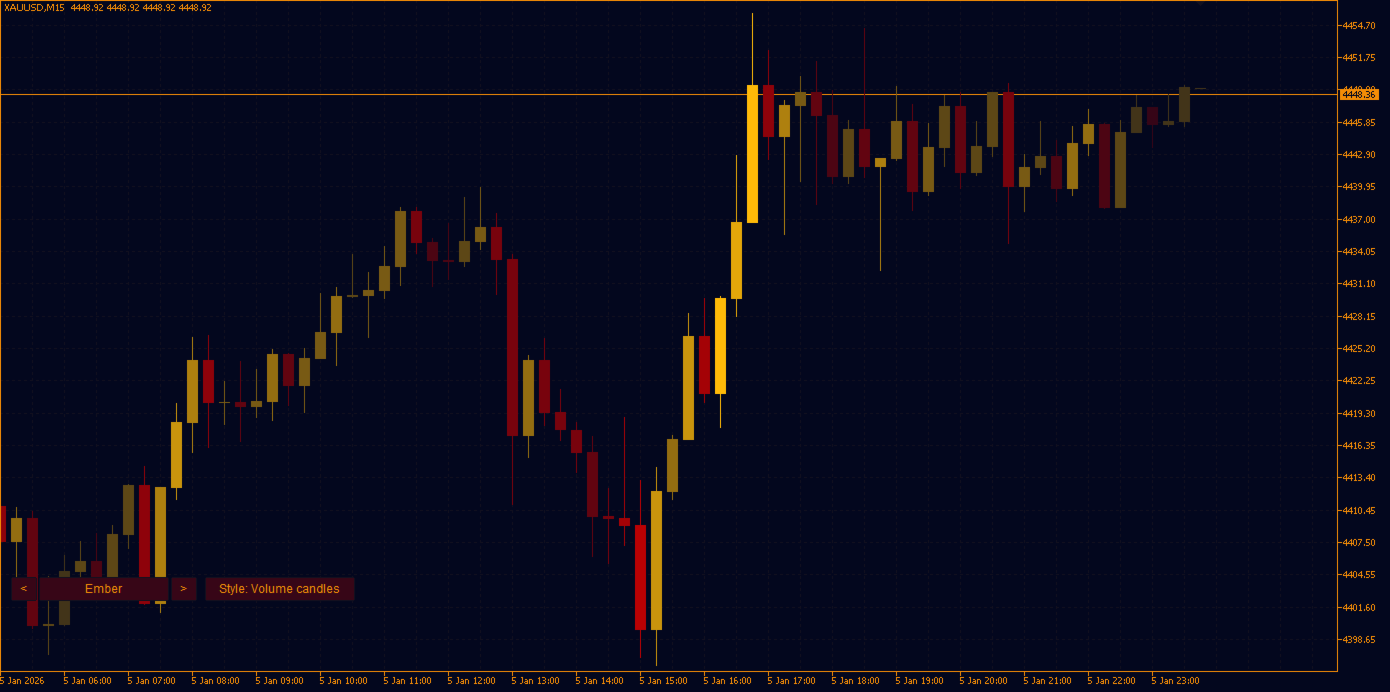
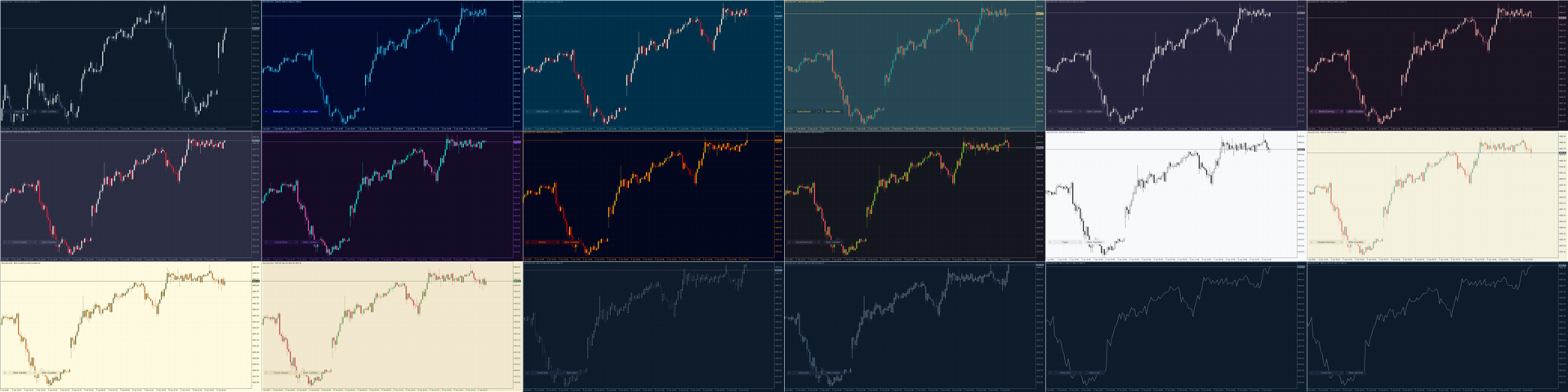
16 DESIGNER THEMES
Each palette is built from modern designer colour schemes and tuned for trading: bullish and bearish candles are always easy to tell apart, the grid stays discreet and the price scale stays readable.
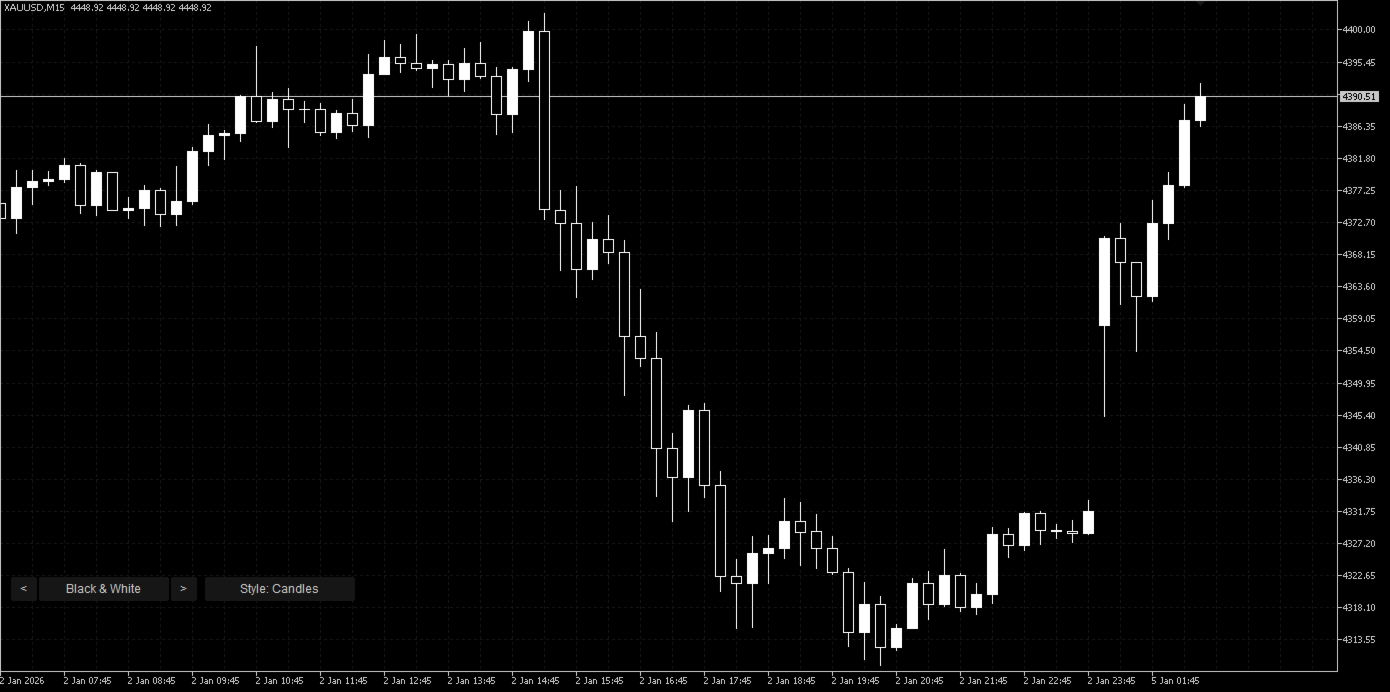
- Dark: Deep Sea, Midnight Ocean, Fiery Ocean, Sunny Beach, Soft Lavender, Mystic Evening, Cool Coastal, Candy Neon, Ember, Vibrant Summer, Black & White.
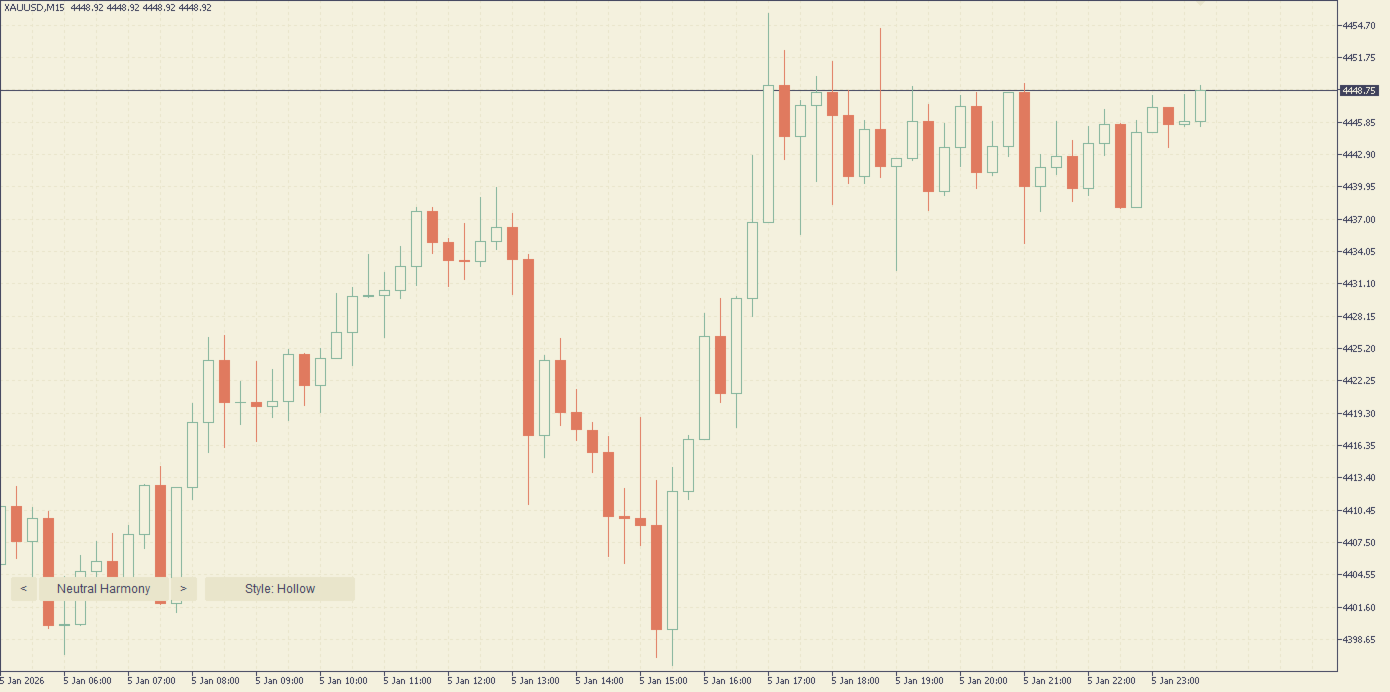
- Light: Paper, Neutral Harmony, Olive Garden, Fresh Greens, White & Black.
10 CHART STYLES, INCLUDING 7 CANDLESTICK VARIANTS
- Candles: classic filled candles.
- Hollow: bullish bodies empty, a favourite of many traders.
- Outline: all bodies empty, only the borders are coloured.
- Soft wicks: coloured bodies with discreet neutral wicks and borders.
- Contrast: coloured bodies with bright borders, very sharp.
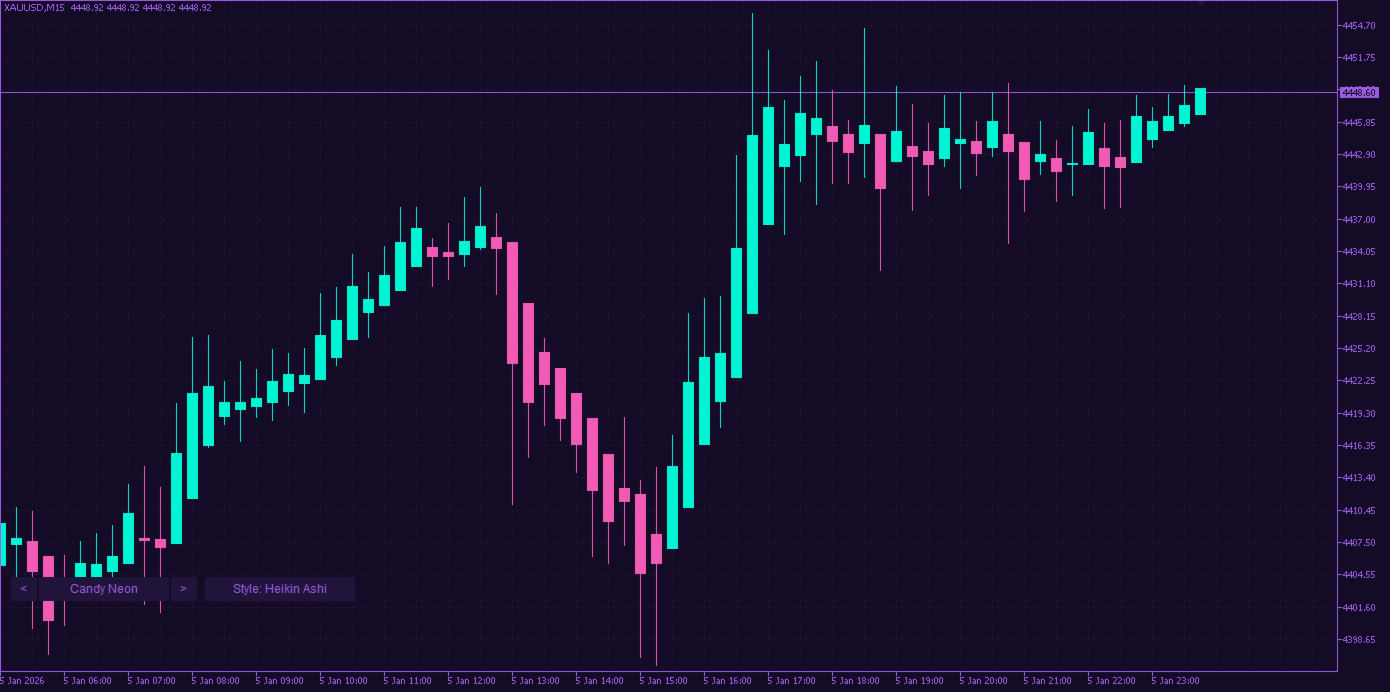
- Heikin Ashi: smoothed candles that make trends easier to read.
- Volume candles: the stronger the tick volume, the brighter the candle.
- OHLC bars, Line, and Minimal (line only, no grid).
LIVE SWITCHER
Small buttons at the bottom of the chart: < and > change the theme, Style changes the chart style. Your choice is kept when you change the timeframe.
SAFE AND LIGHT
- Purely visual: no trades, no alerts, no data sent anywhere.
- Your original chart colours and settings are restored when you remove the indicator.
- Works on every symbol and timeframe.
HOW TO USE
- Drag Chart Themes Studio onto any chart.
- Pick a theme and a style in the inputs, or use the buttons on the chart.
- To go back to your previous look, simply remove the indicator.
From the same author: Prop Challenge Guardian, a risk-management utility that protects prop-firm challenges (daily loss, max drawdown, profit target lock).
Questions or ideas for new themes: please use the comments or private messages on MQL5.com.