Luck or Edge
- Utilities
- Version: 1.0
- Activations: 10

Your account shows a 78% win rate and a positive average. Does that mean your strategy works, or did you get lucky?
Most history tools answer a different question. They show balance, equity, profit by symbol. Useful, but none of them tell you whether the number you are looking at is a real edge or noise.
Luck or Edge reads your closed trades and answers that one question.
WHAT IT SHOWS
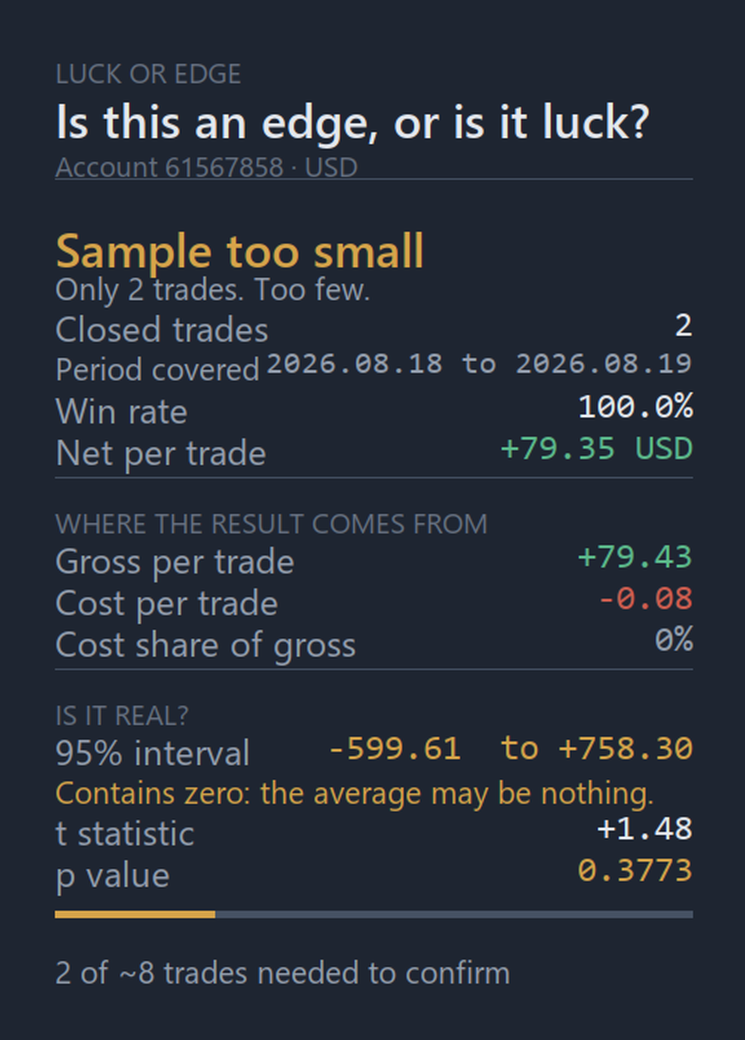
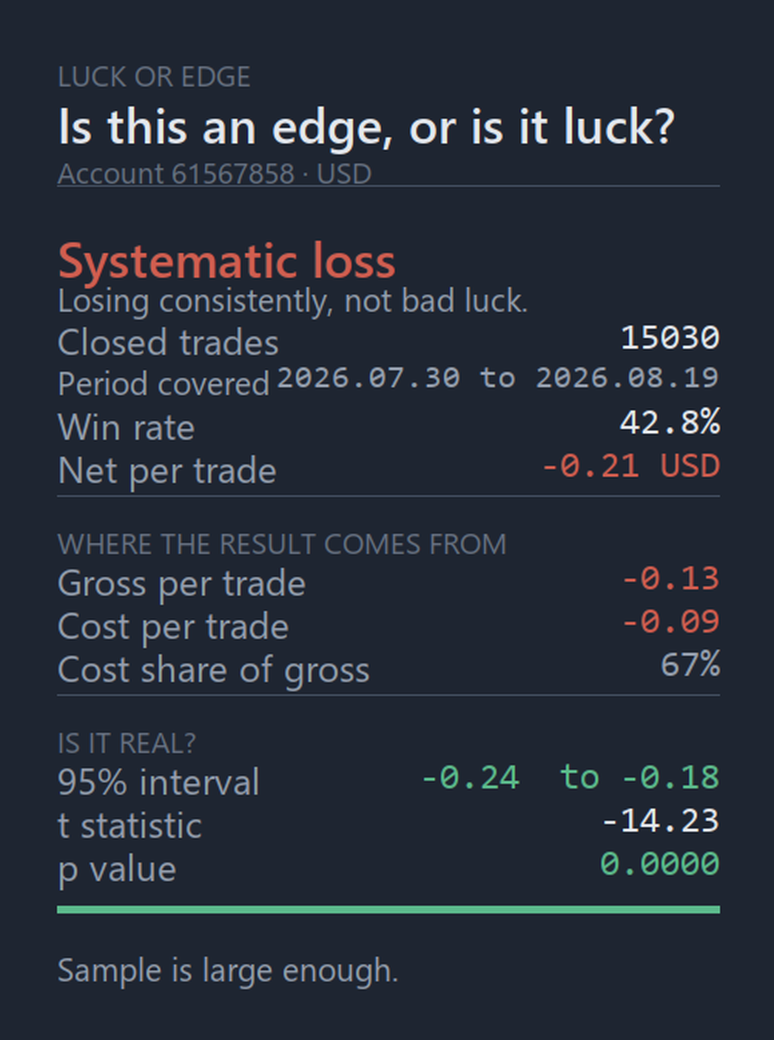
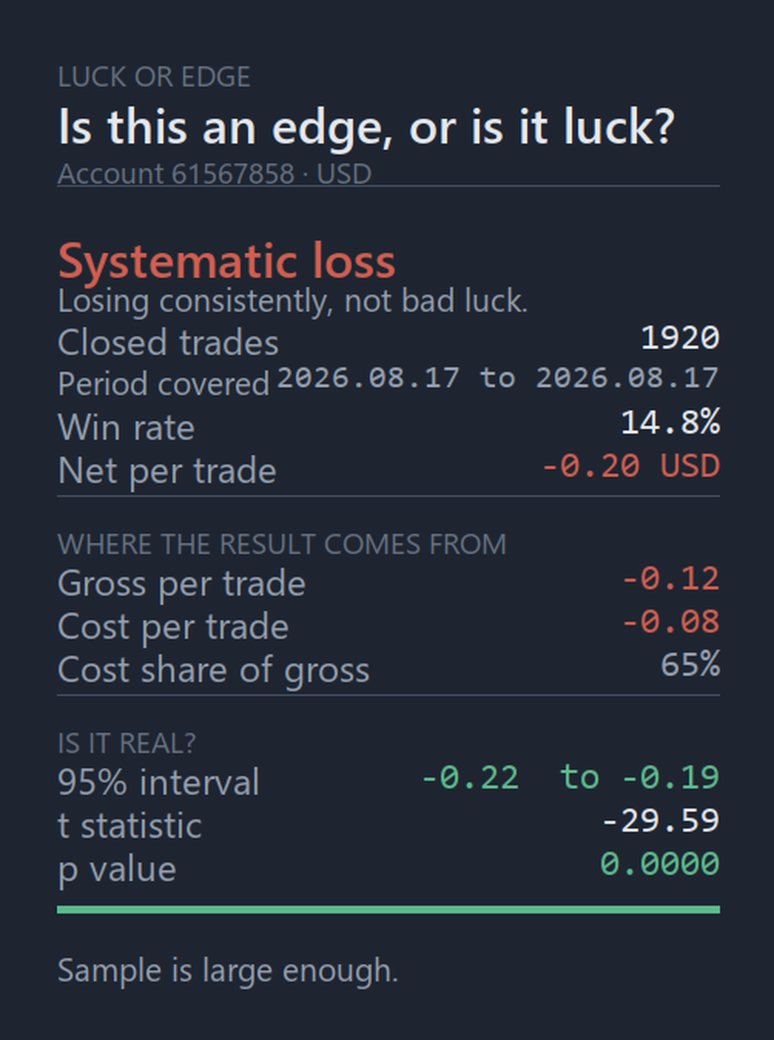
- Verdict. A single line at the top: Real edge, Could be luck, Systematic loss, or Sample too small. Most of the time that is all you need.
- Where the result comes from. Your result split into gross profit and cost (commission and swap), plus what share of the gross your costs consume. A strategy that loses only its transaction cost is a very different problem from one that picks the wrong direction.
- Is it real. The 95% confidence interval for your average trade, and a plain warning when that interval contains zero. Plus the t statistic and the p value.
- How much more you need. When the sample is too small to conclude anything, it tells you approximately how many trades are still missing. "12 of about 340 trades needed to confirm" turns a vague doubt into a target.
- Period covered. The date range your analysis actually spans. MetaTrader only reports history that the terminal has downloaded, so this line tells you at once whether you are auditing your whole account or just last week.
FILTERS
Audit one Expert Advisor at a time by magic number, one symbol, or the last N days. Comparing two robots running on the same account takes two clicks.
HOW IT WORKS
Positions, not deals. MetaTrader splits one position into several deals: entry, partial closes, final close. Counting deals inflates your trade count and halves your average. Luck or Edge consolidates them, and adds the entry commission that lives in the opening deal.
The statistics are standard: Student's t test on your per-trade results, with the critical value computed by numeric inversion rather than approximated.
NOTES
- This tool does not trade and does not place orders. It reads your closed trade history and reports on it.
- It makes no claim about future results. It tells you what your past results support statistically, which is often less than it looks.
- For the full history to be analysed, download it first in the terminal: Toolbox, History tab, right click, All History.
- Works on any account, any broker, any symbol.