Basket Mean Reversion Strategy
- Experts
-
Clemence Benjamin
 Highly motivated Forex trading tools developer, MQL5 author, content creator, and passionate educator. I am dedicated to helping traders excel by making trading more efficient and effective through algorithmic solutions.
 - Version: 3.1
- Activations: 20
Basket Mean Reversion Strategy (BMR) is a multi-symbol mean-reversion Expert Advisor that trades a correlated basket as a single spread. When the basket moves too far from its statistical average, BMR opens the opposite position across the basket and closes it as the spread reverts.
Autopilot mode — trades autonomously, or switch to signal-only mode with sound alerts and manual trade instructions so you can confirm every entry yourself.
Adaptive risk control — volatility-based stop loss and take profit with a fixed-distance fallback, spread filter, margin pre-check, automatic rollback if any leg fails, and an optional basket-level loss stop.
Versatile across timeframes — scalping (M1–M15), intraday (M30–H1), swing (H4–D1). ATR-adaptive stops keep behaviour consistent as volatility changes.
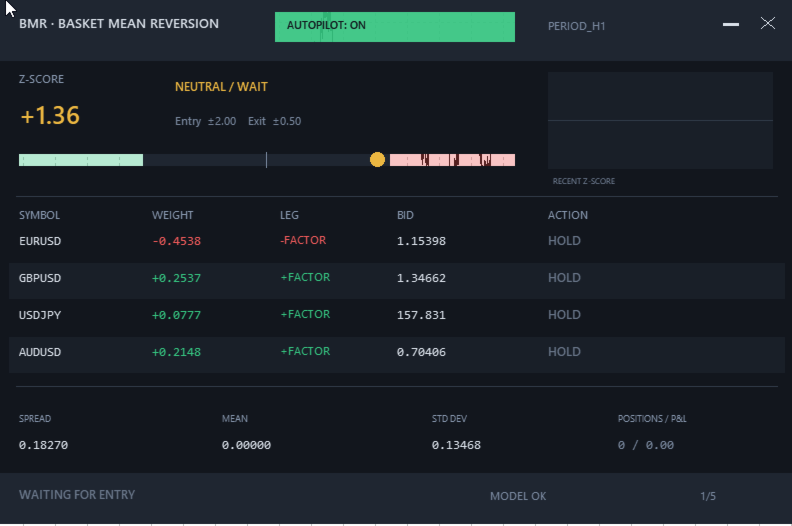
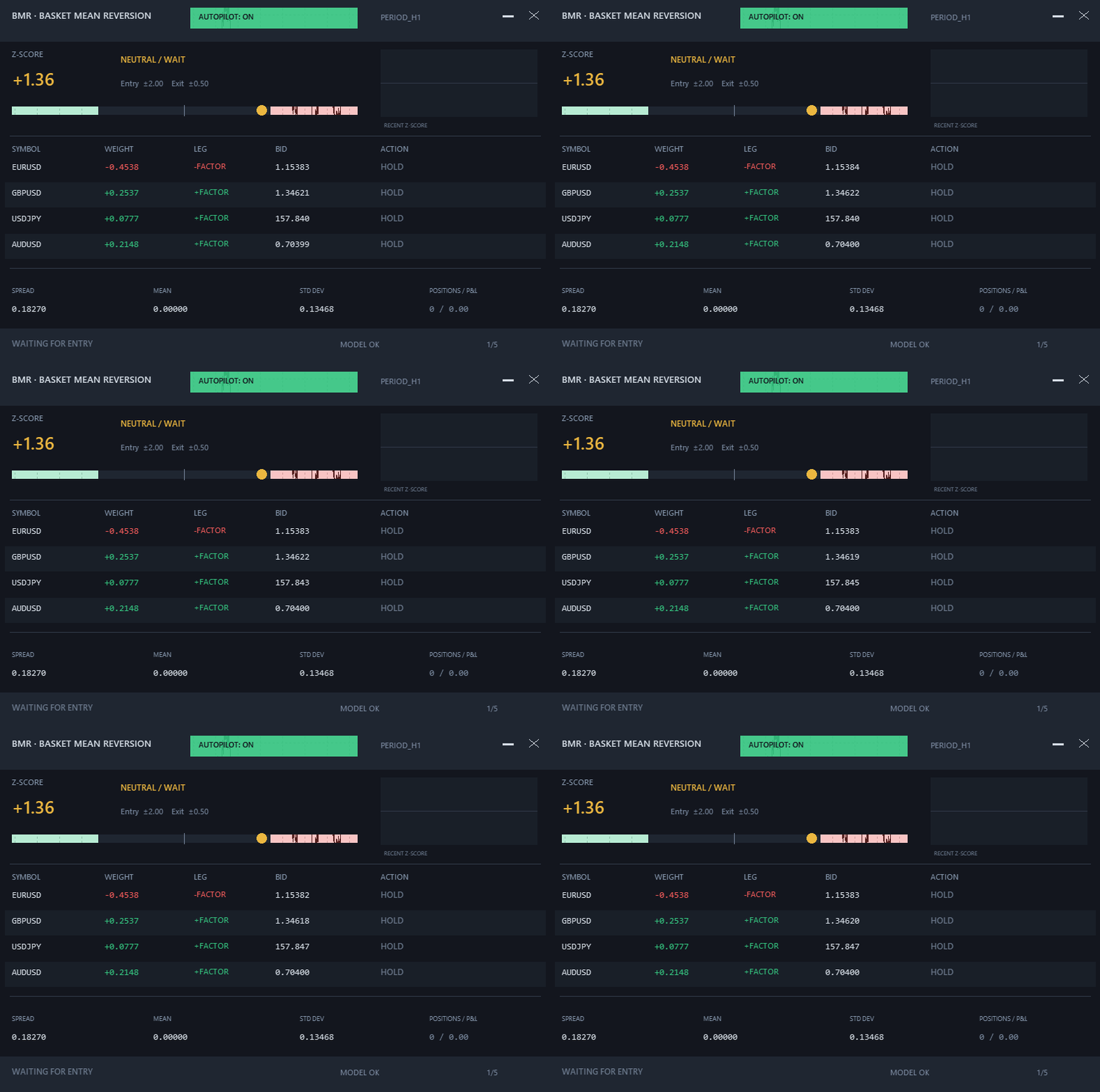
Live dashboard — z-score gauge, recent signal history, per-symbol weights, leg directions, positions & P&L, with scalable font and window controls.
No DLLs. Fully MQL5. Fast in the Strategy Tester.
Basket Mean Reversion Strategy — Input Settings
The EA is supplied with balanced default settings suitable for initial testing. Traders should optimize position size, entry sensitivity and spread limits for their broker, account size and selected basket.
Setting Default Description and Adjustment BMR Strategy WindowBars 50 Number of bars used to build the PCA model. Higher values produce smoother but slower signals; lower values respond faster but may introduce more noise. EntryZ 1.5 Z-score required to open a basket. Increase it to 2.0 or higher for fewer, more selective entries. Lower values may increase trading frequency. ExitZ 0.5 Closes the basket after the spread returns toward its statistical mean. This value should remain well below EntryZ. UseMinimumVariancePC true Uses the minimum-variance principal component to construct the basket. Set false to use the highest-variance component. Basket Symbols S1–S5 EURUSD, GBPUSD, USDJPY, AUDUSD, empty Defines a basket of three to five symbols. Empty slots are ignored. Every entered symbol must exist under the same name on the broker's server. Trading Lots 0.10 Total target basket volume. The EA distributes volume between symbols according to their PCA weights. Adjust this setting for the account size and acceptable risk. Magic 20250101 Unique identifier assigned to the EA's positions. Use a different value when running multiple instances or configurations. MaxSpreadPoints 60 Maximum spread permitted when opening a basket. On standard five-digit Forex symbols, 60 points equal approximately 6 pips. Higher values may be required for metals, indices or volatile sessions. DeviationPoints 10 Maximum permitted execution deviation for each basket order. MaxBasketLossMoney 0.0 Optional basket-wide loss limit in the account currency. A value of 0 disables it. For example, 100 closes the basket when its combined P&L reaches −100. AllowNewEntries true Master switch for new basket entries. Existing positions can still be managed when this setting is false. CloseOnRemove false When enabled, the EA closes its positions after being removed from the chart. The safer default leaves positions open. Stops and Exits UseATRStops true Uses volatility-adaptive ATR distances for stop loss and take profit. This is the recommended operating mode. SL_ATR 2.0 Stop-loss distance expressed in ATR units. TP_ATR 4.0 Take-profit distance expressed in ATR units. The defaults provide a nominal 1:2 stop-to-target ratio. SLpips 50 Fixed stop-loss fallback used when ATR stops are disabled or ATR data are unavailable. TPpips 150 Fixed take-profit fallback used when ATR stops are disabled or ATR data are unavailable. MinHoldBars 3 Minimum number of completed bars a basket must remain open before a statistical mean exit is permitted. ExitConfirmBars 2 Number of consecutive bars for which the absolute Z-score must remain below ExitZ before the basket closes. Model Recalculation RecalcGap 5 Number of bars between PCA weight recalculations. Lower values adapt faster but increase model activity. Alerts UseSound true Enables audible notifications when the basket signal changes. SndFile alert.wav Sound file used for alerts. The selected file must be available in the terminal's MQL5\Sounds directory. Dashboard FontSize 14 Base dashboard font size. Accepted range: 8–32. The complete Canvas panel scales with this value. AutopilotDefault true When true, the EA starts in autonomous trading mode. When false, it displays and alerts signals without opening new baskets automatically.
Important: EntryZ and MaxSpreadPoints strongly influence out-of-the-box trading frequency. Always test the selected basket and settings in the Strategy Tester before using the EA on a live account.
Risk disclaimer: leveraged trading carries high risk. Past performance does not guarantee future results. Test on a demo account first.