
MT4 CCI Dashboard Scanner
- Indicators
-
Teddy Mutugi Mworia Teddy Mutugi Mworia
 I'm a software developer who crafts tools that make trading on MT4 and MT5 easier, smoother, and a bit more fun!
 - Version: 1.0
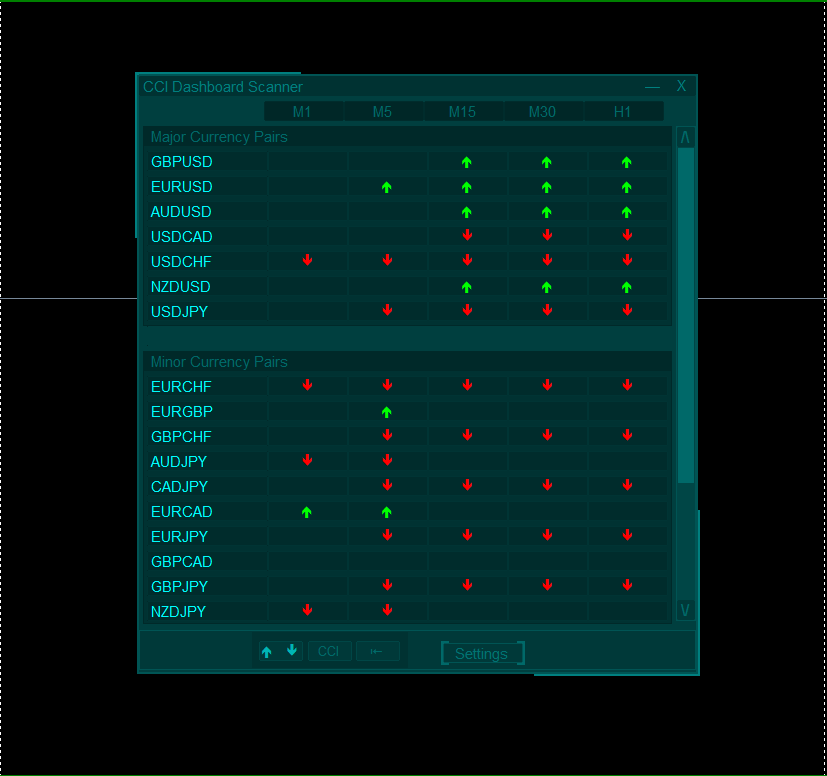
The MT4 CCI Dashboard Scanner helps you track the Commodity Channel Index (CCI) levels across different timeframes and instruments and provides real-time alerts when a new signal is detected. It is user-friendly and light on computational power, ensuring smooth performance on any computer.
Key Features:
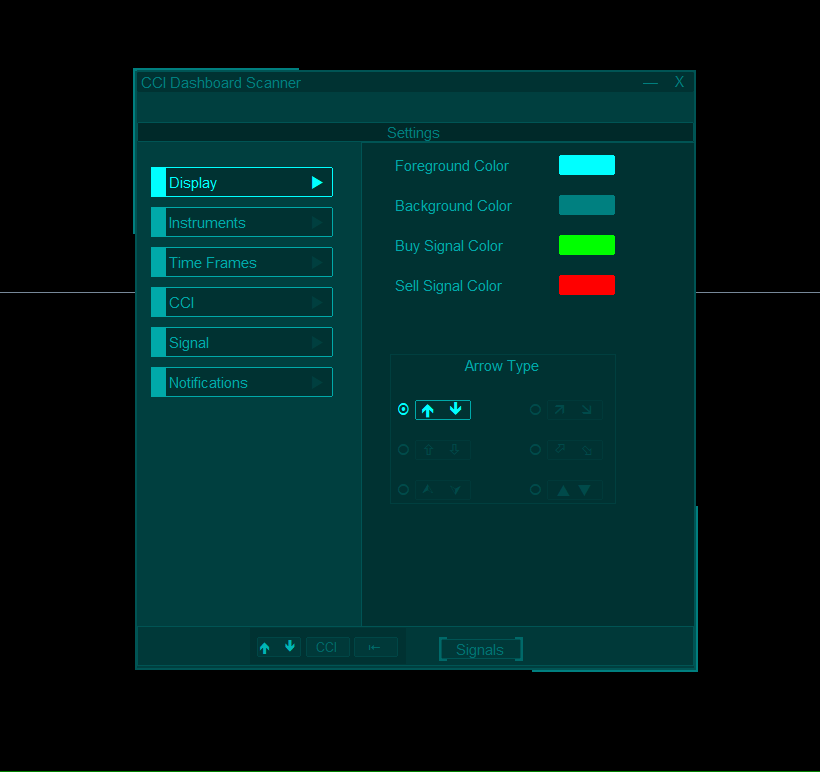
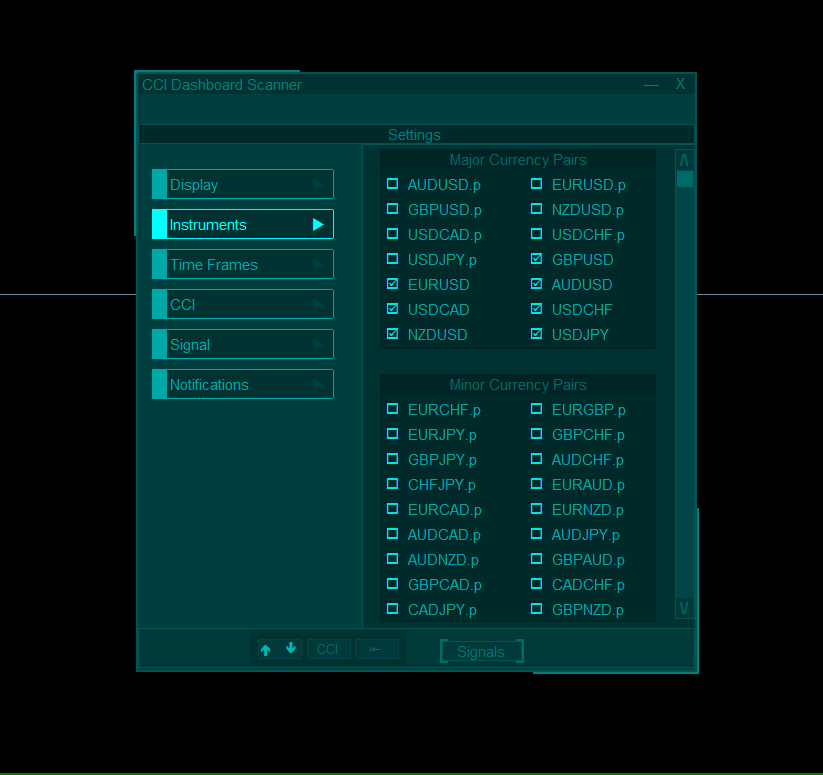
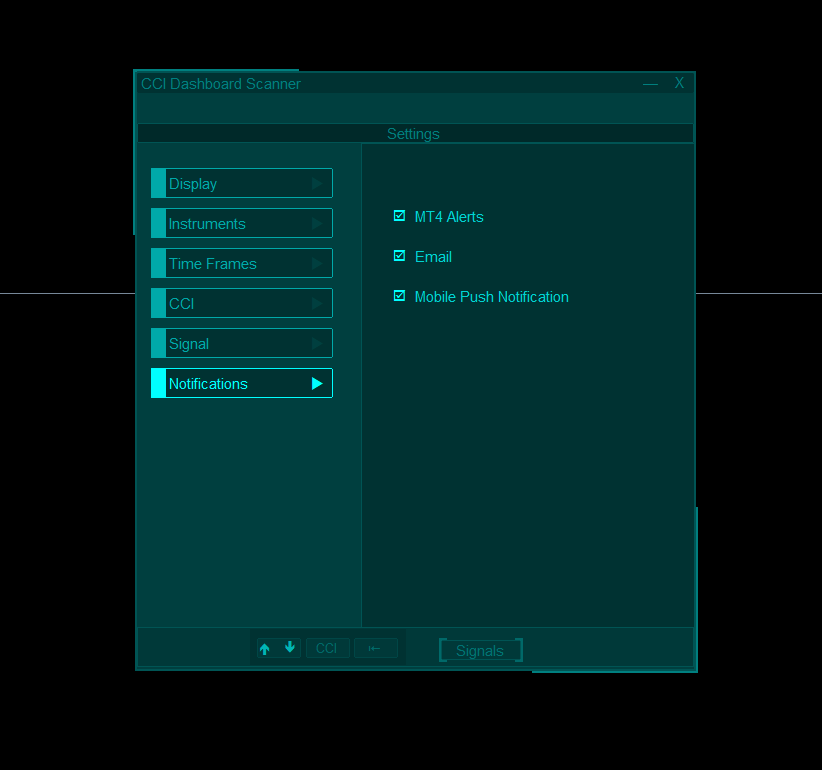
- Automatic Instrument Grouping: The scanner collects all instruments from your Market Watch list and organizes them into categories (Majors, Minors, Exotics, Others). You can then easily select which instruments to scan using a simple checkbox interface on the settings.
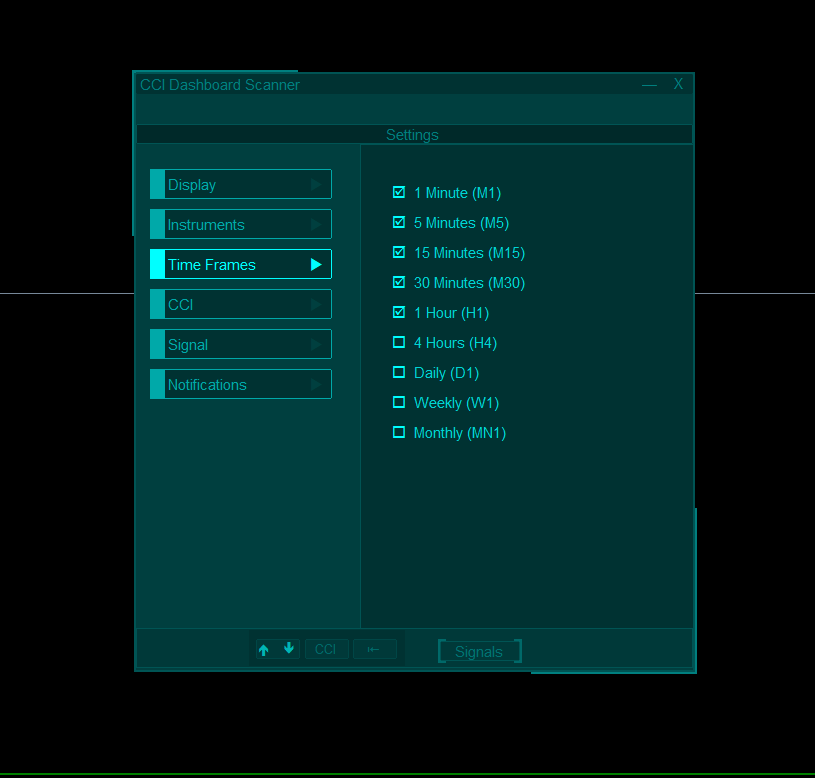
- Customizable Timeframe Selection: Select any of the 9 different timeframes for scanning from the Settings page. All selected timeframes are displayed on the dashboard, and new signal notifications are sent for each.
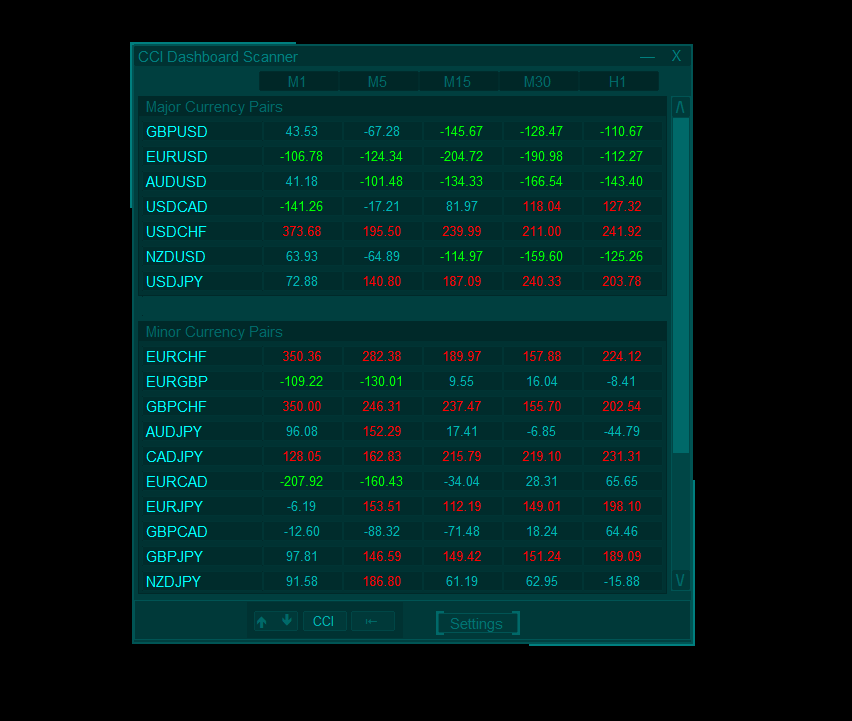
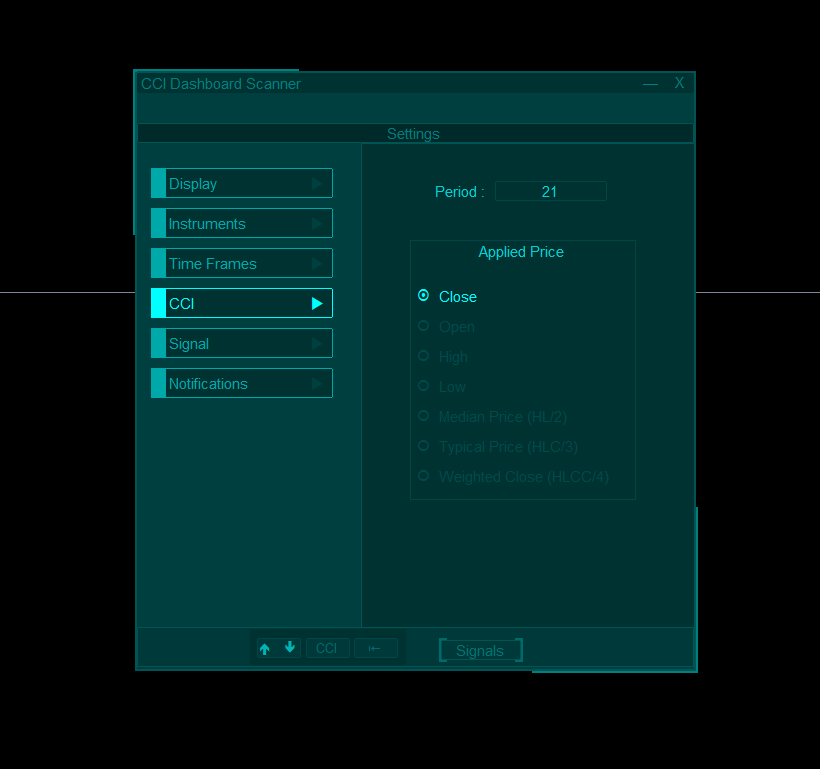
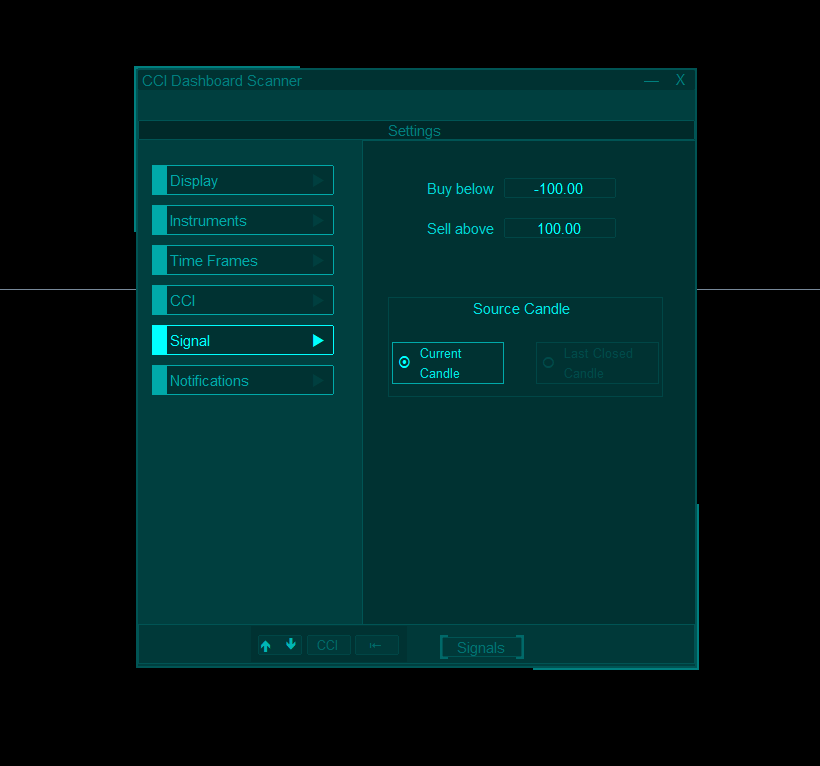
- Easy CCI Settings: You can adjust the CCI settings, including Period and Applied Price, and set your buy/sell levels. You can also choose whether to scan based on the current candle or the most recent closed candle.
- Color Customization: Personalize the colors for the dashboard’s primary background, foreground, and signal arrows. The scanner will adjust everything to look neat and easy on the eyes.
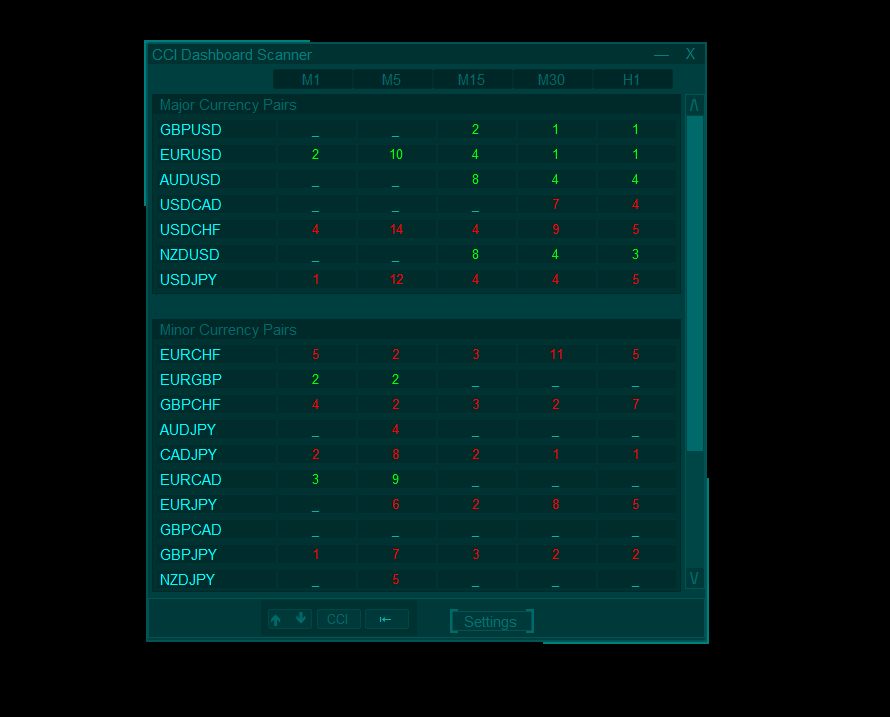
- Flexible Signal Display: Choose whether the dashboard shows CCI values, signal age, or direction arrows in different designs.
- Chart Switch Window: Clicking on an instrument and timeframe will open a chart switch window, where you can switch the current chart or open a new one.
- The dashboard can be dragged to any position on the chart, giving you flexibility in organizing your chart or minimized when you need more space on the chart.
📌If you’ve found the scanner helpful, a quick rating or comment would be greatly appreciated! And if you'd like a similar scanner for a different indicator, feel free to reach out—I’d be happy to assist❤️











































Excellent Indicator.