Prop Risk Guard
- Utilities
-
Mohamed-amine Baddir
 I build Expert Advisors for MetaTrader 5, and I test them properly before you trade them.
What I do:
- Turn your strategy, TradingView script or written rules into a clean MT5 Expert Advisor - Version: 1.1
- Activations: 5
Prop Risk Guard enforces your account's risk rules automatically. Attach it to one chart and it watches every position on the account. When a limit is reached, it closes positions, deletes pending orders and locks trading, so one bad trade or a runaway EA cannot break the rules of your evaluation or funded account.
Daily loss limit
- Set as a percentage, a fixed amount, or both (the stricter applies)
- Measured from the day-start balance, the day-start equity, or the higher of the two
- Daily reset at the server hour you choose
- Locks until the next reset, then trading resumes on its own
- Deposits and withdrawals are never counted as a daily loss
Maximum drawdown
- Static: from the initial balance
- Trailing: from the equity high-water mark
- Trailing until the initial balance: trails up, then stays fixed once it reaches the starting balance
- Locks until you unlock it from the dashboard (two clicks)
Profit target lock (optional)
- Closes everything and locks once the target is reached, so a passed account is not given back
Built for real conditions
- Safety buffer: acts a set percentage before each limit, to allow for slippage
- Warning alert when a chosen share of a limit is used
- Positions opened while locked, manually or by any EA, are closed immediately
- Close retries for requotes and partial fills; waits for the market to reopen if it is closed
- Optional caps on open positions and total lots
- Scope: all positions, or only selected magic numbers
- Runs on a 1-second timer as well as on ticks, so it acts even when the chart symbol is quiet
- Remembers day-start values, the high-water mark and the lock state across terminal restarts
- Rebuilds the day start from today's deals when attached mid-day, on a new terminal or on a VPS
- Refuses to run twice on the same account
Dashboard
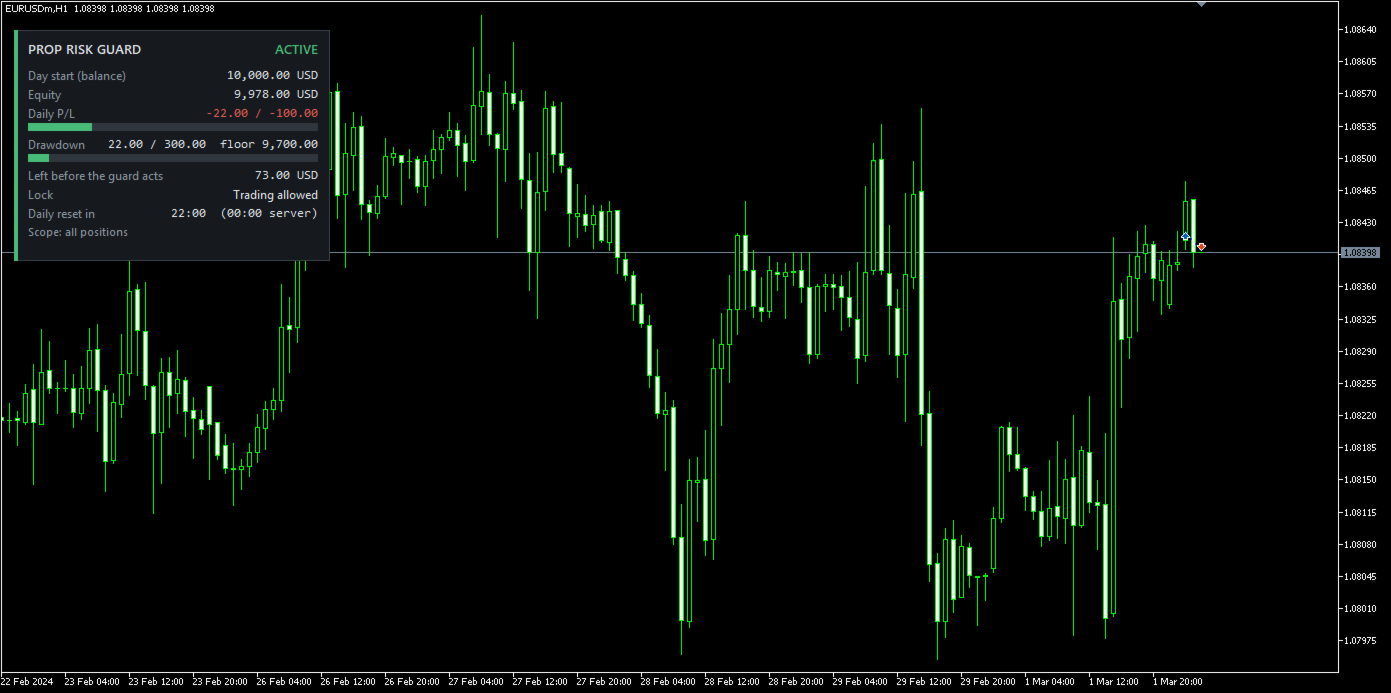
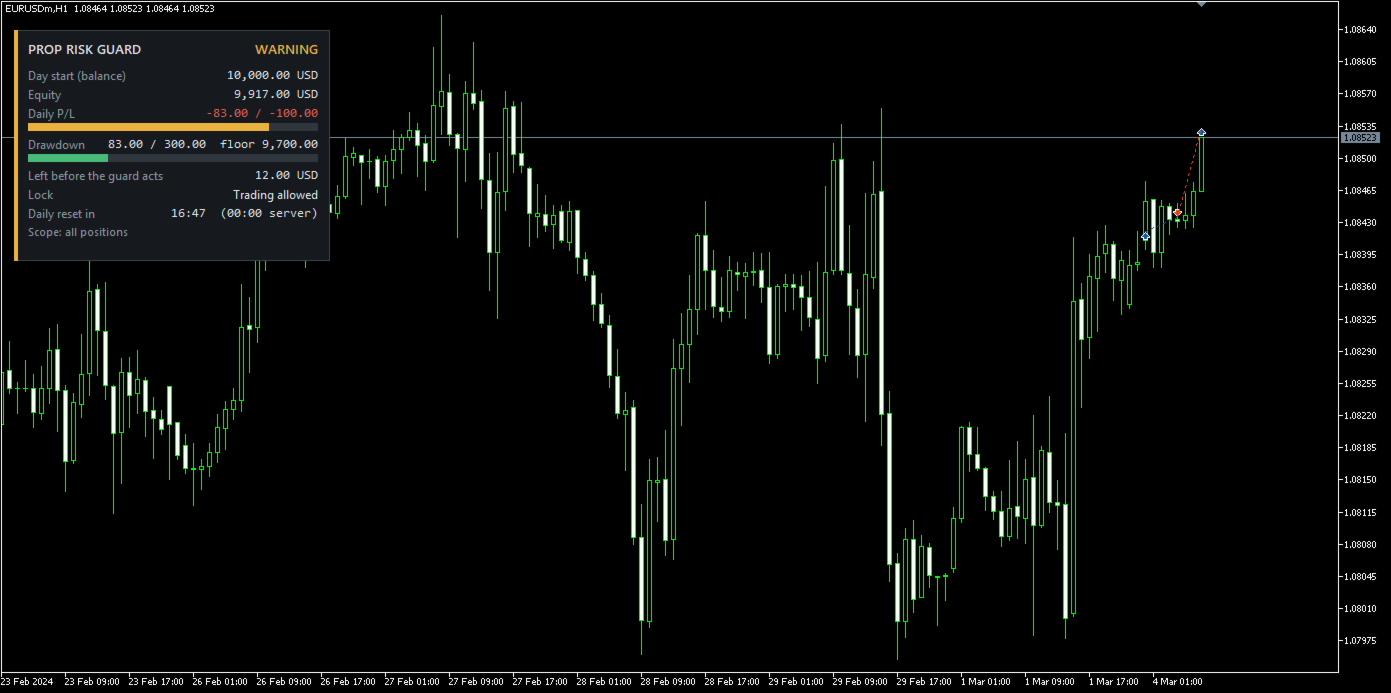
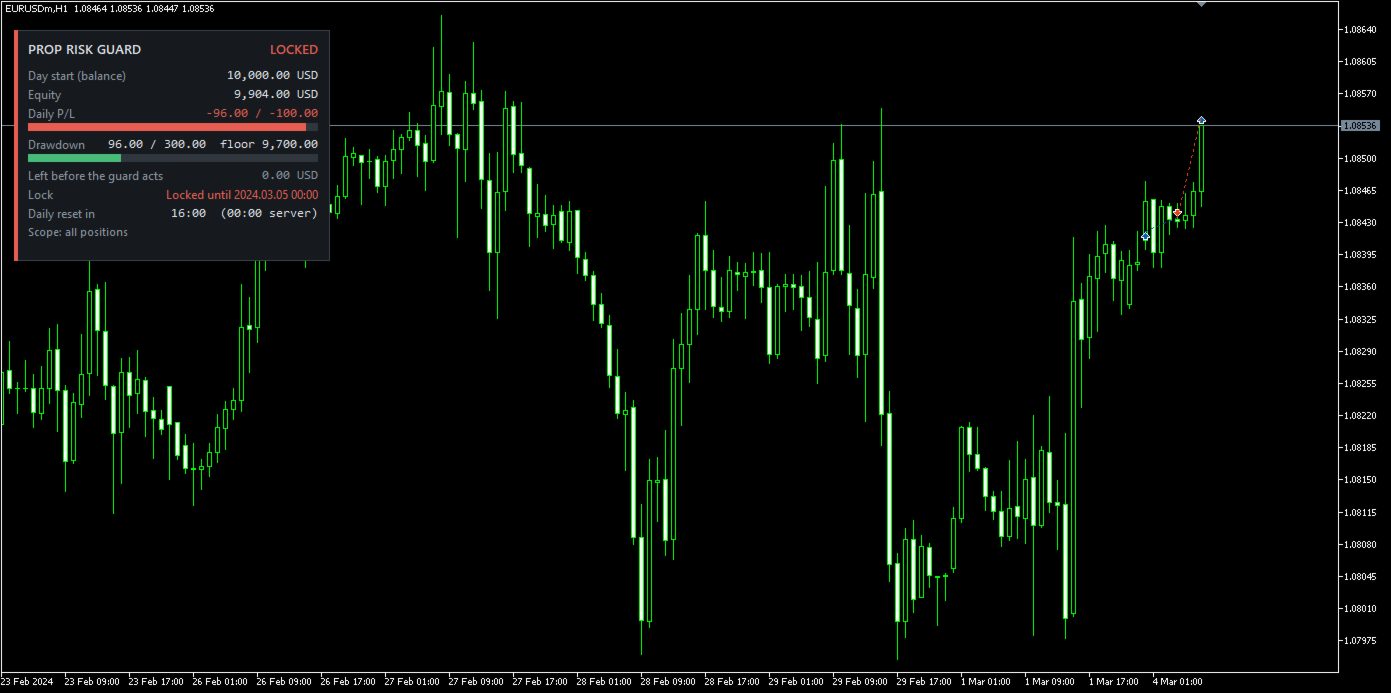
Day-start base, equity, daily P/L and drawdown against their limits with progress bars, money left before the guard acts, profit target, lock status and time to the daily reset. Status shows ACTIVE, WARNING or LOCKED. Choose any chart corner.
Alerts
Terminal alert, push notification and email, each on or off.
Main inputs
Daily loss limit (% and/or amount), day-start base, reset hour; maximum drawdown (% and/or amount), drawdown mode, initial balance, high-water mark; profit target; safety buffer and warning level; scope and magic numbers; maximum positions and lots; dashboard corner; alerts.
Notes
- Limits are measured on account equity, including floating profit and loss.
- MetaTrader 5 does not allow one program to block another from sending an order, so new positions during a lock are closed as soon as they appear.
- In fast markets or gaps, the realised loss can exceed a limit. The safety buffer reduces this but cannot remove it.
- Rules differ between account providers. Set the limits, base and reset hour to match yours, and test on a demo account first.
- In the Strategy Tester the guard opens demo trades so you can watch it work. These never run on a live or demo chart.
- Saved state stays in the terminal where the guard runs. When you move to a new terminal or an MQL5 VPS, enter the initial balance and, for trailing modes, the high-water mark.
- No DLLs. Works with any symbol.