Quasar Regime Cloud
- Indicators
-
Syarief Azman Bin Rosli
 Hello and welcome to my official MQL5 profile!
I am Syarief Azman Bin Rosli, an algorithmic trading systems developer and quantitative software engineer with over a decade of specialized experience creating robust automated trading solutions for MetaTrader 5 and MetaTrader 4. - Version: 1.1
- Activations: 5
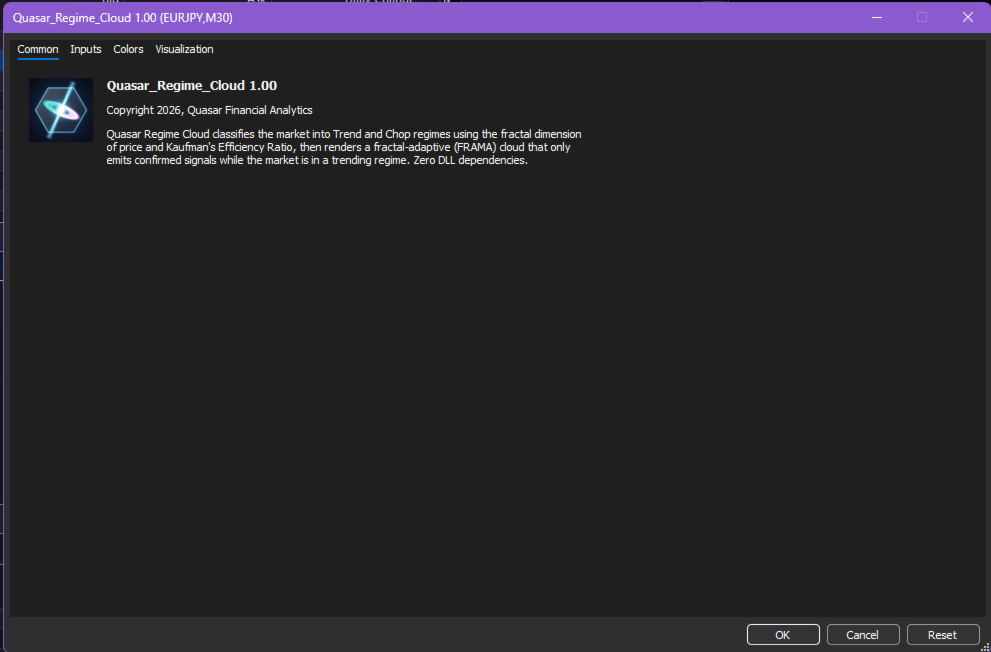
Quasar Regime Cloud is a market regime indicator for MetaTrader 5. It measures whether price is currently trending or chopping, then shows the result directly on the chart through a fractal-adaptive cloud. Signals are only produced while the market is classified as trending, which filters out many of the false crossovers that occur in sideways conditions.
How It Works
1. Fractal Dimension Estimate
For every bar the indicator estimates the fractal dimension (D) of price over a configurable window using a box-counting method. D close to 1.0 describes smooth, directional movement. D close to 2.0 describes noisy, space-filling movement typical of ranges.
2. Fractal Adaptive Core (FRAMA)
The fractal dimension drives the smoothing factor of a fractal adaptive moving average. During directional movement the core line follows price closely. During noise it slows down and flattens.
3. Spine Line
The core line is smoothed again with a two-pole super smoother filter to form the spine. The space between the core line and the spine forms the cloud.
4. Regime Score (0 to 100)
The Kaufman Efficiency Ratio (net movement divided by total path length) is combined with the fractal dimension into a single regime score from 0 to 100. The score is lightly smoothed and compared to a threshold with hysteresis, so the regime does not flip back and forth around the boundary.
Visual Components
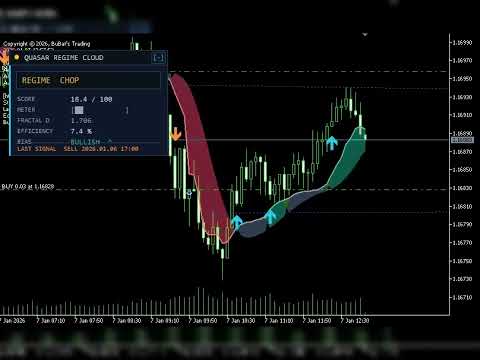
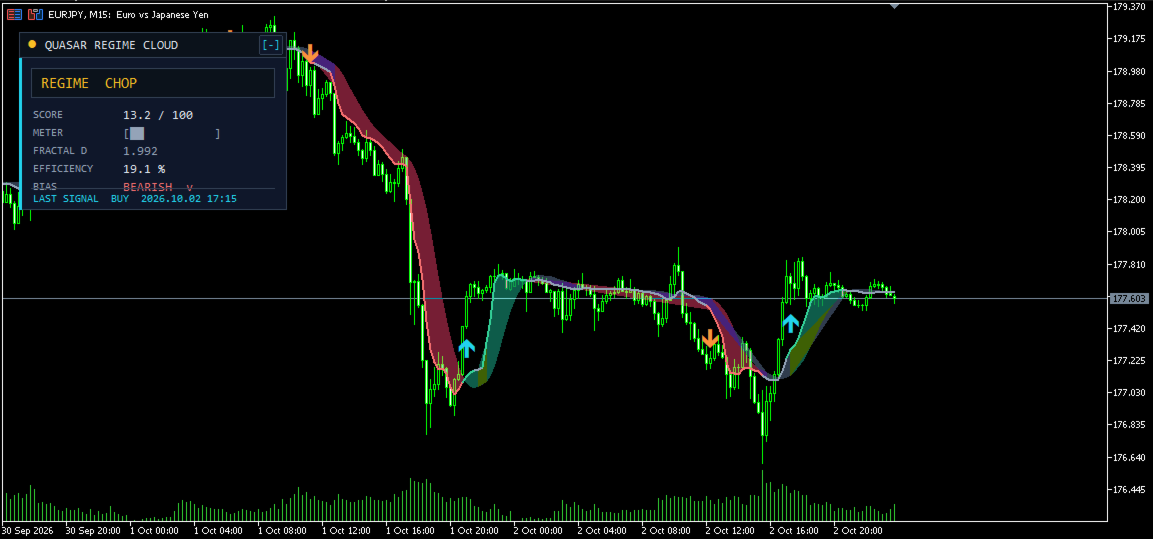
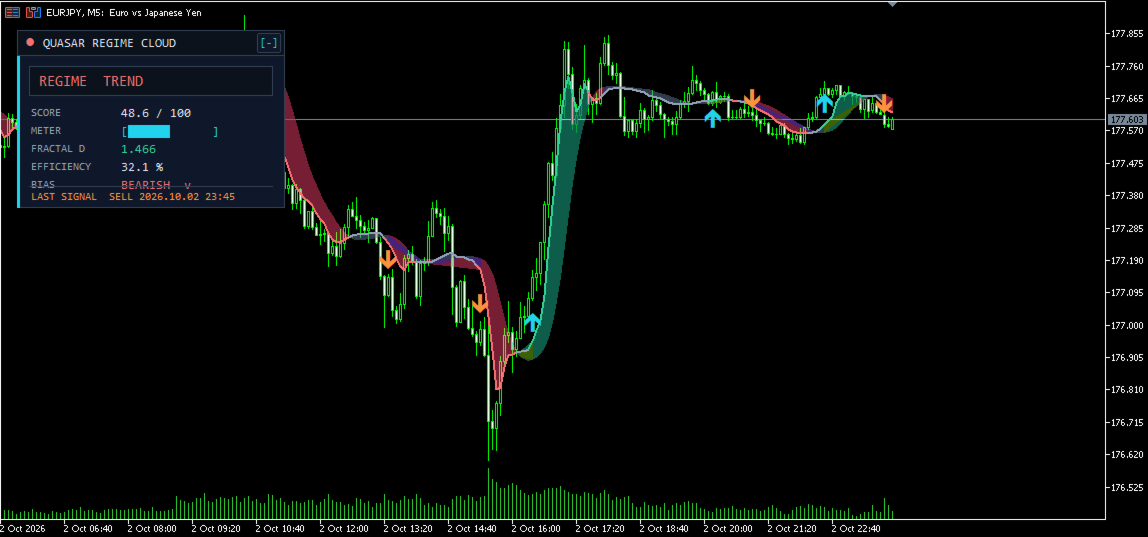
- Trend Cloud: green shading when the core is above the spine, red shading when below. Shown only in the trend regime.
- Chop Cloud: neutral slate shading shown during the chop regime.
- FRAMA Core Line: emerald (bullish trend), coral (bearish trend) or grey (chop).
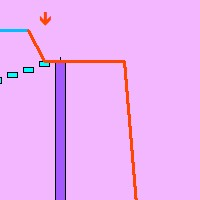
- Signal Arrows: cyan up arrows and orange down arrows, placed half an ATR away from the candle to avoid overlap.
- Telemetry Card: a dark panel showing regime, score, a score meter, fractal dimension, efficiency, current bias and the last signal. The card can be collapsed into a compact strip with the [-] / [+] button.
Signal Logic
A bullish signal is printed on a closed bar when all of these are true:
- The regime is trend.
- The core line crosses above the spine, or the regime has just switched from chop to trend with the core already above the spine.
- The close is above the core line.
Bearish signals use the mirrored conditions. A cooldown setting enforces a minimum number of bars between signals. Signals are evaluated on closed bars only, so arrows do not repaint after the bar closes.
Input Parameters
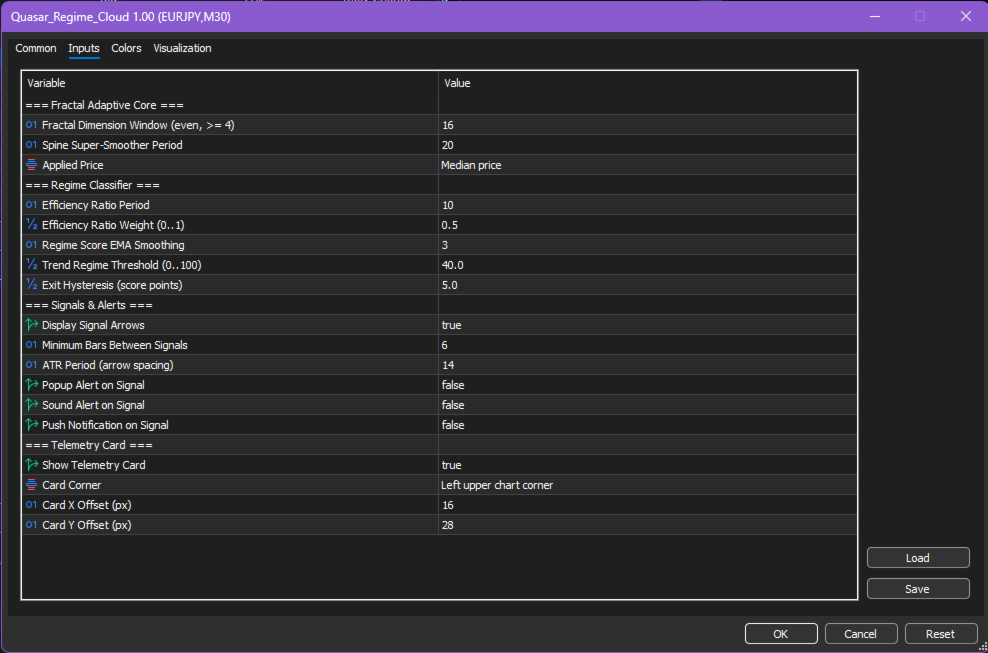
Fractal Adaptive Core
- Fractal Dimension Window (default 16): even number of bars used to estimate the fractal dimension.
- Spine Super-Smoother Period (default 20): smoothing period for the spine line.
- Applied Price (default Median): price used for the core line.
Regime Classifier
- Efficiency Ratio Period (default 10): lookback for the Kaufman Efficiency Ratio.
- Efficiency Ratio Weight (default 0.5): weight of the efficiency ratio in the score. The remaining weight goes to the fractal dimension.
- Regime Score EMA Smoothing (default 3): smoothing of the raw score.
- Trend Regime Threshold (default 40): score at or above which the regime becomes trend.
- Exit Hysteresis (default 5): the regime returns to chop only when the score falls below threshold minus this value.
Signals and Alerts
- Display Signal Arrows (default true).
- Minimum Bars Between Signals (default 6).
- ATR Period (default 14): used to space arrows away from candles.
- Popup Alert, Sound Alert, Push Notification (default false).
Telemetry Card
- Show Telemetry Card (default true).
- Card Corner, Card X Offset, Card Y Offset: position of the card.
Usage Suggestions
- Use the regime as a filter: consider trend-following setups only while the cloud is green or red, and range or mean-reversion setups while it is slate.
- Raise the threshold (for example 45 to 50) on lower timeframes or noisy instruments to require stronger trends.
- Works on any symbol and timeframe available in MetaTrader 5, including forex, metals, indices and crypto CFDs.
Technical Notes
- Incremental calculation: only new bars are processed on each tick.
- No DLLs, no external files, no indicator handles.
- All chart objects use the QRC_ prefix and are removed when the indicator is removed.
- Signal buffers can be read with iCustom: buffer 6 holds bullish arrows and buffer 7 holds bearish arrows (EMPTY_VALUE when no signal).
Risk Disclaimer
This indicator is an analytical tool. It does not guarantee profits and does not constitute financial advice. Past behaviour of any market regime does not guarantee future results. Always apply your own risk management.