SC Copier Master
- Utilities
- Version: 1.0

SC-Copier Master is the core component of the SC-Copier system.
It is installed on MetaTrader 5 of the Master account and communicates with SC-Copier Slave, installed on a second MT5 client running on the same computer or VPS. This allows Master account trades to be replicated on the Slave account through a setup that is simple to configure and easy to monitor.
The Master monitors positions opened on the source account and sends the Receiver every opening, closing, partial closing, and Stop Loss or Take Profit modification. It does not open or modify trades on the Master account: it only provides the information required for copying.
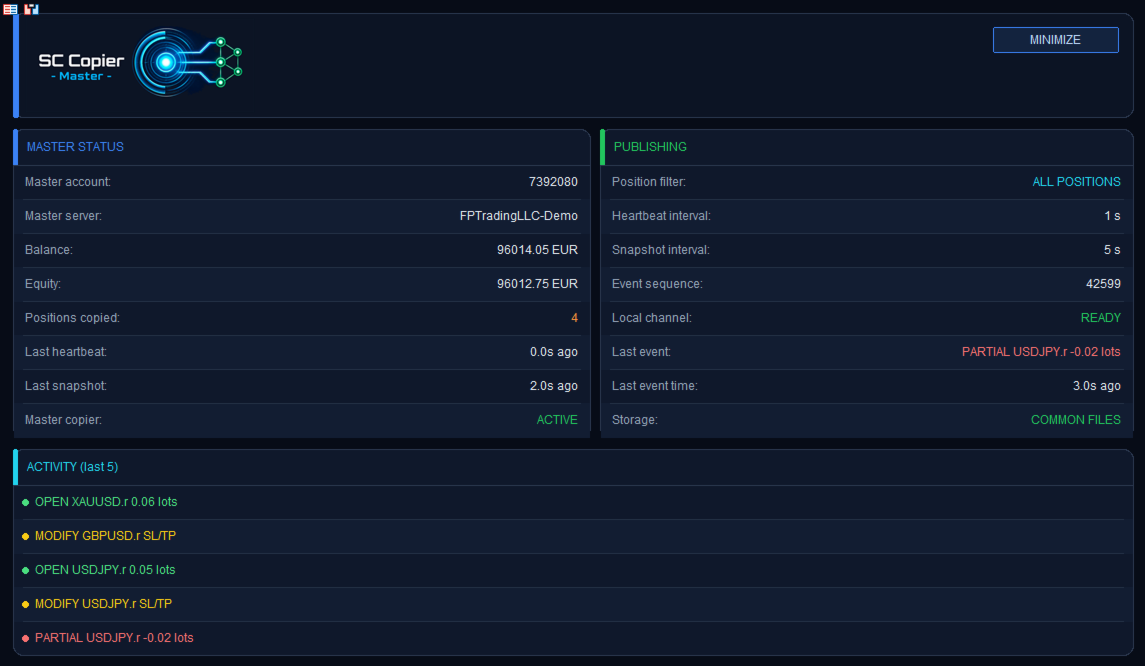
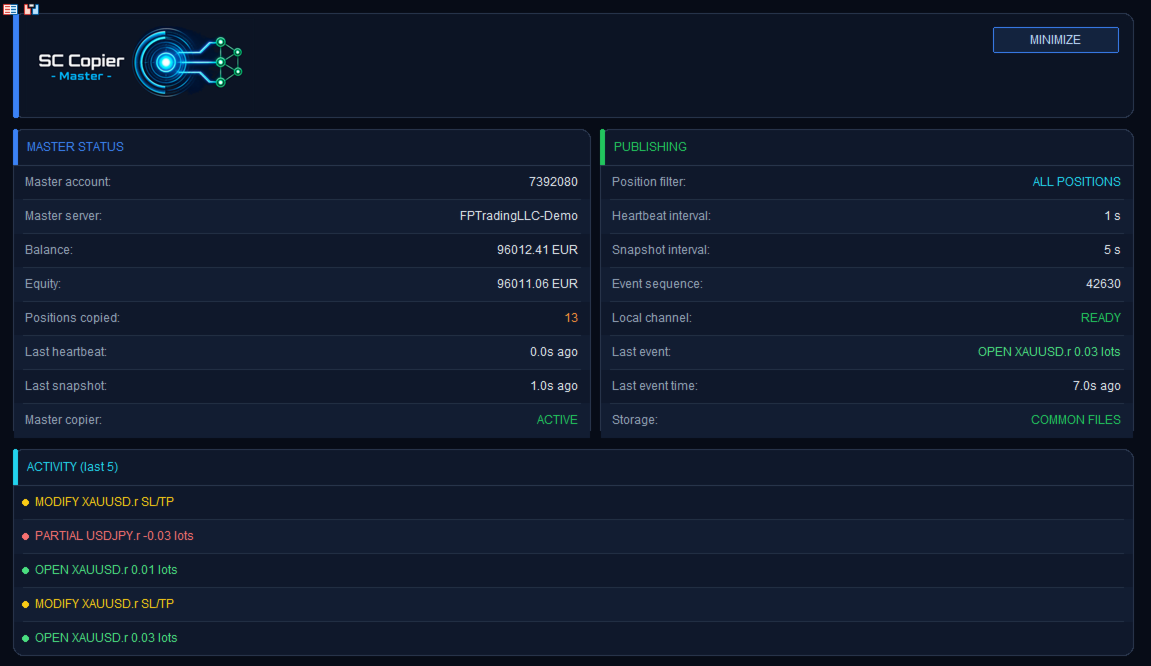
The built-in dashboard lets you quickly see whether the Master is active, how many positions it is monitoring, the latest detected event, and the status of the communication channel.
Speed, precision and continuity
SC-Copier uses local communication between two MT5 clients running on the same computer or VPS. Events are detected and published by the Master as soon as they occur, allowing the Slave to receive openings, closings, and modifications quickly and in an orderly manner.
Heartbeat, periodic snapshots, and event sequences allow the Receiver to constantly verify the Master status and keep the copy aligned. Event handling is designed to provide precise and controlled copying, even during frequent Stop Loss, Take Profit, or volume changes.
SC-Copier Master must be used together with SC-Copier Slave, the essential component that receives and executes trades on the second terminal.
SC-Copier Slave is available in three versions directly on the MQL5 Market, allowing you to choose the version most suitable for your needs.
Requirements
- Two MetaTrader 5 clients running on the same Windows PC or VPS.
- The terminals must run under the same Windows user account.
- SC-Copier Master on the source account.
- One version of SC-Copier Slave on the receiving account.
- Algo Trading enabled on both terminals.
Settings
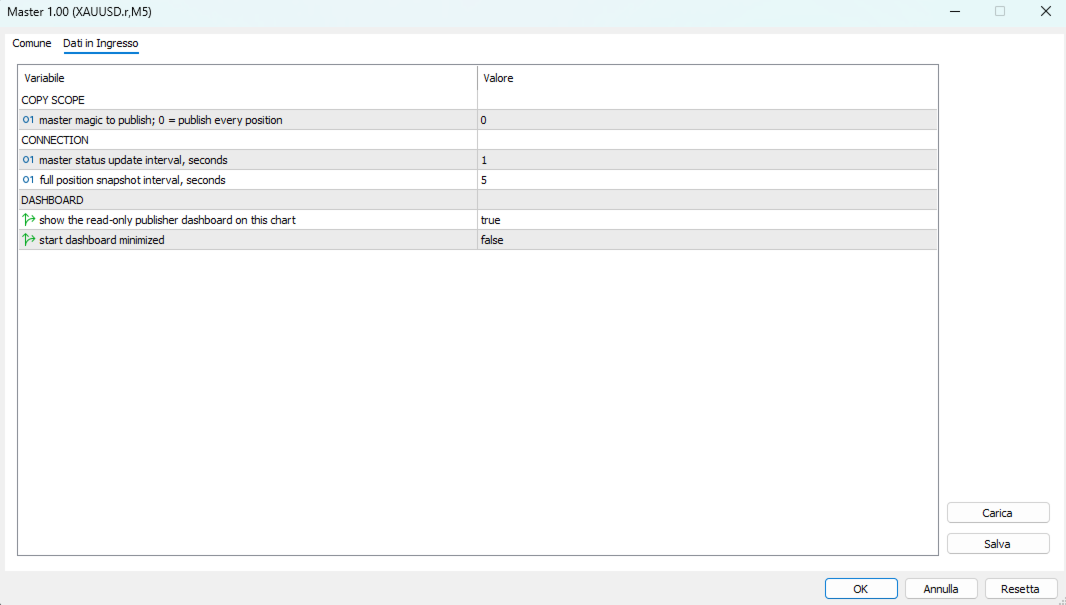
- Publish magic: copies all positions when set to 0, or only positions associated with a specific Magic Number.
- Heartbeat interval: frequency at which the Master updates its status.
- Snapshot interval: frequency at which monitored positions are updated.
- Dashboard: dashboard shown or started in minimized mode.
For correct copying, start both Master and Slave before opening new positions on the source account.