Expert Advisor Builder for MT5
- Experts
-
FEATrading OÜ
 FEA Trading - Trade Like A Pro
Welcome to FEA Trading, your trusted partner for professional MetaTrader solutions. With nearly a decade of experience in software development, we deliver meticulously tested trading tools backed by German engineering quality. - Version: 3.101
- Activations: 5
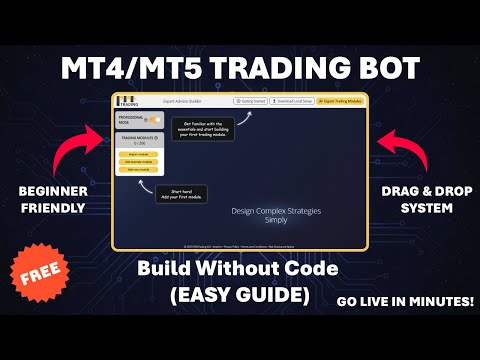
Expert Advisor Builder - Create Automated Trading Strategies Without Coding
Additional materials and instructions
Turn your trading idea into a working strategy, without writing a single line of code.
Try it free: a 14-day evaluation version is available on our website.
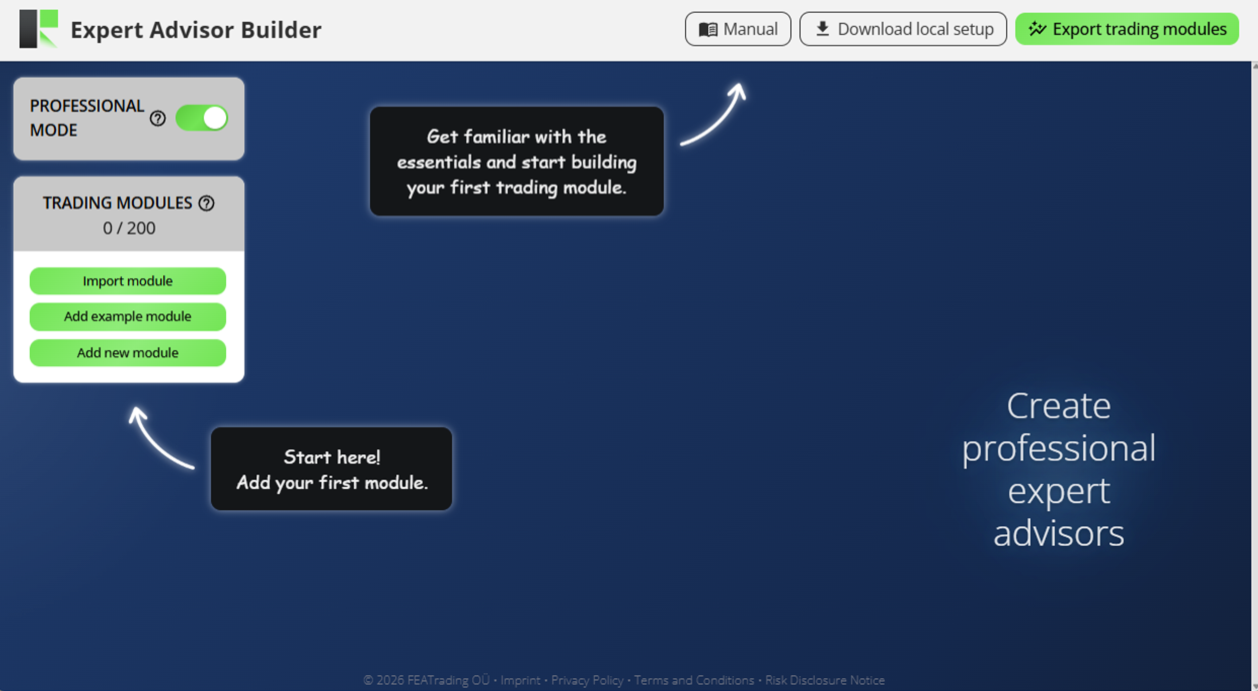
The Expert Advisor Builder lets anyone create fully automated trading strategies for MetaTrader, with no programming at all. You design your strategy visually in an easy-to-use builder, and this application runs it for you directly inside MetaTrader, around the clock.
What It Offers: A complete way to create, test, and run automated trading strategies. You choose the indicators, patterns, entry rules, exit rules, and risk settings using simple click-to-add components. Each strategy is saved as a plain text module file that you load into this application. From there, MetaTrader executes your strategy automatically, on the symbols and timeframes you choose.
Key Benefits:
-
No coding required - build complete trading strategies visually, with no programming and no compiling
-
Turn a trading idea into a working strategy in about ten minutes
-
Test before you trade using MetaTrader's own strategy tester, not a separate online tester
-
Run many strategies at the same time, across different symbols and timeframes
-
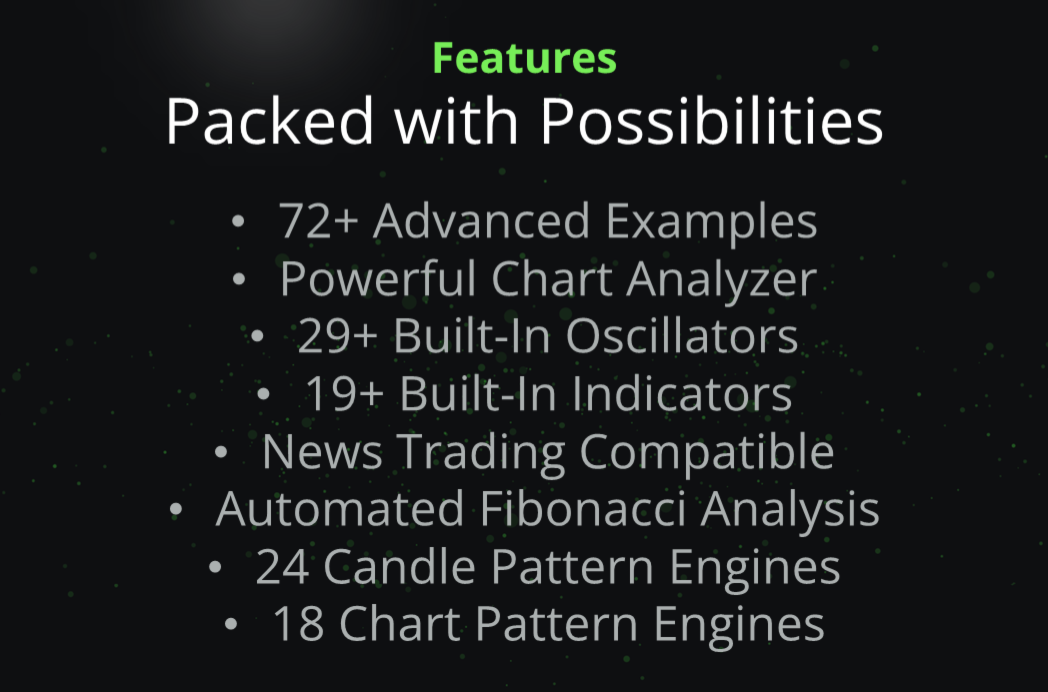
A large set of building blocks: more than 19 indicators, 29 oscillators, 24 candlestick patterns, 18 chart patterns, Fibonacci analysis, and economic news events
-
Built-in risk management with stop loss, take profit, and trailing methods
-
Performance and drawdown monitoring that can pause trading when your limits are reached
-
Your strategies are saved as plain text files that belong entirely to you
How It Works
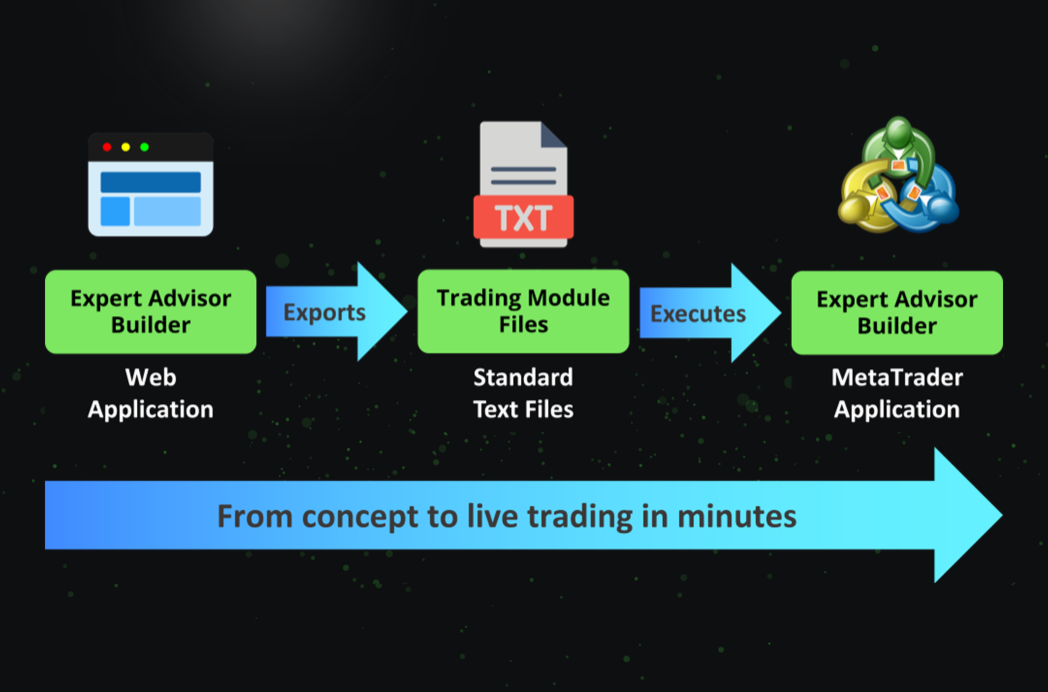
The Expert Advisor Builder uses three simple parts that work together:
-
The visual builder: where you design your strategy by adding and connecting components, with no coding and no compiling. You can access it through the manual linked at the top of this description.
-
Module files: plain text files you export from the builder. Each file is one strategy.
-
This application: which you attach to a MetaTrader chart. It reads your module files and trades them automatically.
A typical workflow looks like this:
-
Design your strategy in the visual builder. Choose the trade direction, add indicators or patterns for your entry signals, and set your stop loss and take profit rules.
-
Export your finished strategy as a module file.
-
Place the module file in your profile's Configuration folder.
-
Test your strategy in the MetaTrader strategy tester to see how it would have behaved on historical data.
-
When you are happy with it, attach the Expert Advisor Builder to a live chart. It runs your strategy automatically.
-
Adjust and improve any time by editing the strategy in the builder and exporting it again.
For a complete, step-by-step walkthrough with screenshots and examples, please see the full manual linked at the top of this description.
Input Parameters
This application keeps the everyday setup simple. Almost everything about your strategy is set in the visual builder, so in most cases you only choose your profile and leave the rest at their defaults. Every input is explained below, grouped by function.
Profile (PRO)
-
Folder path (e.g. my_ea/v1): The name of the folder that holds your strategy modules. Change it to switch between different sets of strategies. The default is "default".
Combined Feedback (CFEB)
This group saves data about all your running strategies so you can review them later. Each type can be switched on or off.
-
Inspector feedback state: Saves combined performance and drawdown data.
-
Inspector feedback refresh interval (ms): How often the performance and drawdown data is updated, in milliseconds. Default 1000 (once per second).
-
Present trades feedback state: Saves a log of your currently open trades.
-
Present trades feedback interval (ms): How often the open-trades log is updated, in milliseconds. Default 1000.
-
Past trades feedback state: Saves a journal of your closed trades.
-
Meta data feedback state: Saves general system information.
-
Trade screenshots state: Saves a chart screenshot when a trade opens and when it closes.
All Inspector (AISP)
This is a safety layer that watches the combined result of all your strategies and can automatically stop trading when a limit is reached. In each parameter name, "abs" is an absolute amount in your account currency, "rel" is a relative amount in percent, "min" is a lower limit, and "max" is an upper limit. A value of 0.0 switches that single limit off. The day, week, month, and year limits reset at the start of each new period, while the "since start" limits never reset.
Performance limits look at the total profit or loss for the period:
-
Performance day abs min: Lower profit or loss limit for the current day, in account currency.
-
Performance day abs max: Upper profit limit for the current day, in account currency.
-
Performance day rel min: Lower profit or loss limit for the current day, in percent.
-
Performance day rel max: Upper profit limit for the current day, in percent.
-
Performance week abs min: Lower limit for the current week, in account currency.
-
Performance week abs max: Upper limit for the current week, in account currency.
-
Performance week rel min: Lower limit for the current week, in percent.
-
Performance week rel max: Upper limit for the current week, in percent.
-
Performance month abs min: Lower limit for the current month, in account currency.
-
Performance month abs max: Upper limit for the current month, in account currency.
-
Performance month rel min: Lower limit for the current month, in percent.
-
Performance month rel max: Upper limit for the current month, in percent.
-
Performance year abs min: Lower limit for the current year, in account currency.
-
Performance year abs max: Upper limit for the current year, in account currency.
-
Performance year rel min: Lower limit for the current year, in percent.
-
Performance year rel max: Upper limit for the current year, in percent.
-
Performance since start abs min: Lower limit since the application started, in account currency.
-
Performance since start abs max: Upper limit since the application started, in account currency.
-
Performance since start rel min: Lower limit since the application started, in percent.
-
Performance since start rel max: Upper limit since the application started, in percent.
Drawdown limits look at how far your result has fallen from its highest point:
-
Drawdown day abs max: Maximum drawdown for the current day, in account currency.
-
Drawdown day rel max: Maximum drawdown for the current day, in percent.
-
Drawdown week abs max: Maximum drawdown for the current week, in account currency.
-
Drawdown week rel max: Maximum drawdown for the current week, in percent.
-
Drawdown month abs max: Maximum drawdown for the current month, in account currency.
-
Drawdown month rel max: Maximum drawdown for the current month, in percent.
-
Drawdown year abs max: Maximum drawdown for the current year, in account currency.
-
Drawdown year rel max: Maximum drawdown for the current year, in percent.
-
Drawdown since start abs max: Maximum drawdown since the application started, in account currency.
-
Drawdown since start rel max: Maximum drawdown since the application started, in percent.
File Handling (FIHA)
-
Live, Configuration files reading interval (ms): How often MetaTrader re-reads your strategy files during live trading, in milliseconds. Default 1000. A shorter interval makes edits take effect faster.
-
Tester, Configuration files reading interval (ms): How often the files are re-read during a strategy test, in milliseconds. Default 86400000 (about one day), which keeps tests running fast.
Notifications (NOTI)
-
Protection: Sends an alert when a safety limit from All Inspector is reached. Default on.
-
Report daily: Sends a performance report once per day. Default on.
-
Report weekly: Sends a performance report once per week. Default off.
-
Report monthly: Sends a performance report once per month. Default on.
-
Report end: Sends a final report at the end of a strategy test. Default off.
-
State logs: Writes the current state to the MetaTrader log. Default off.
-
State mails: Sends the current state by email. Default off.
Parameter Override (PAOV)
This group lets you replace your strategy's settings with different values directly from the inputs, without exporting your strategy again. It is mainly used in the strategy tester, including during optimization. There are 20 numbered override slots (Override 1 to Override 20), each with two parts:
-
Override (number): Selection: Chooses which of your strategy's settings to replace.
-
Override (number): Value: The new value used for the matching selection.
Frequently Asked Questions
Do I need to know how to code?
No. You build your strategy visually by adding and connecting components. There is no programming and no compiling - your strategy is saved as a plain text module file that the application reads.
Do I build strategies inside MetaTrader?
You design your strategies in the visual builder and export them as module files. This application is what runs those files inside MetaTrader. The full setup is explained in the manual linked at the top of this description.
Can I test a strategy before trading it live?
Yes. Your strategies run in the MetaTrader strategy tester, so you can check how they would have behaved on historical data before using them on a live chart.
Can I run more than one strategy at a time?
Yes. You can run many independent strategies at the same time, across different symbols and timeframes.
Do I have to configure all the input parameters?
No. In most cases you only choose your profile and leave the rest at their defaults. The other inputs are optional and give you more control when you need it.
Do the strategies belong to me?
Yes. Each strategy is saved as a plain text file that is entirely yours.
Which platforms and markets are supported?
The Expert Advisor Builder works with MetaTrader on all symbols and timeframes, and with all brokers.
Need help?
For detailed and personal support, feel free to contact us through our profile or leave a comment here.
More from us
We build a range of trading tools and expert advisors for MetaTrader. Browse all our products here.