Zoom MT5 B
- Indicators
-
Mariusz Franciszek Szczepanczyk
 I have been trading since 2005. Over the years I have built my own set of tools because I could not find what I actually needed on the market. Not magic entry signals. Not promises. Just clean, reliable trade management that works while I am away from the screen.
 - Version: 1.10
- Activations: 5
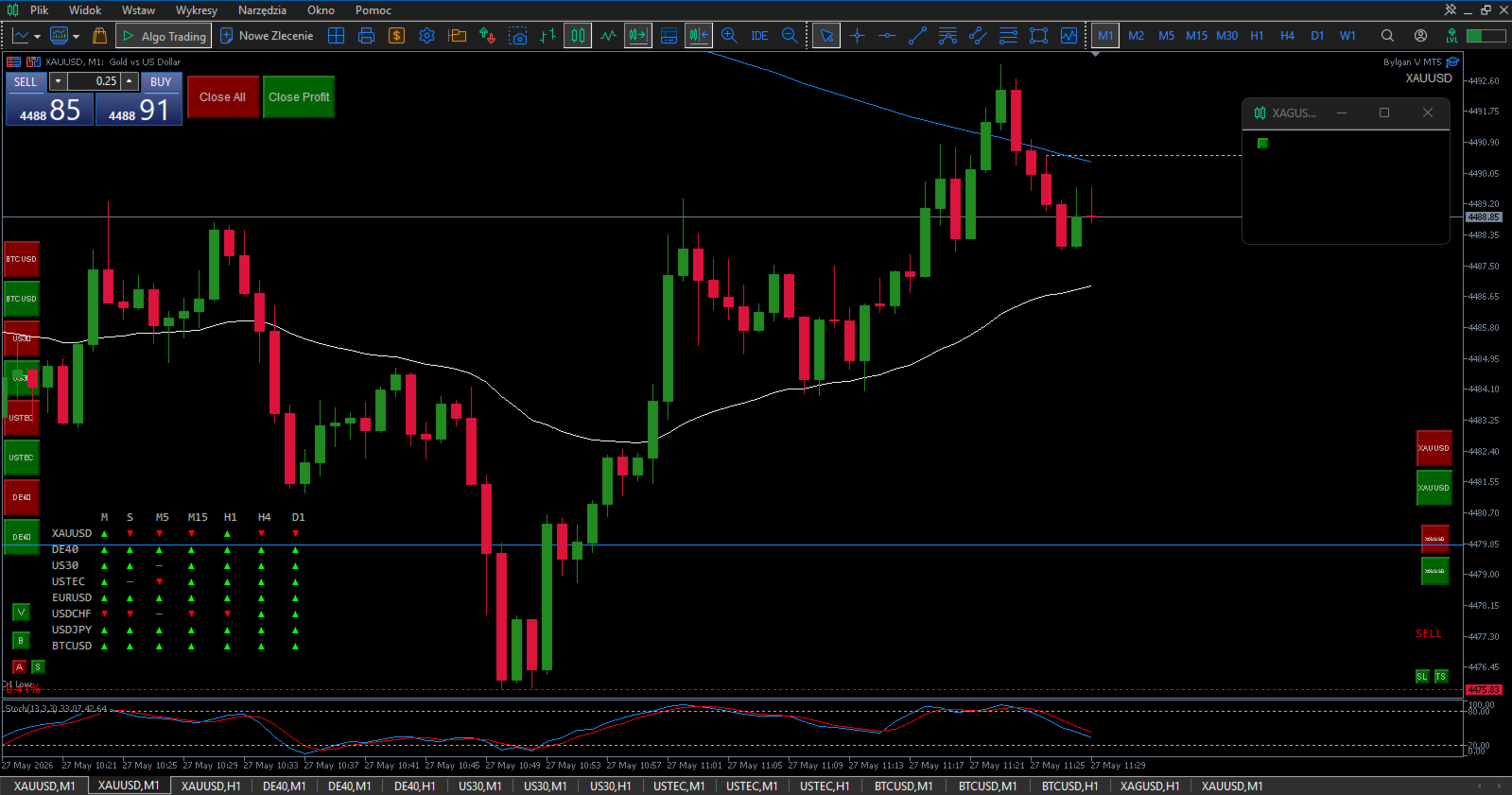
Zoom MT5 — Smooth Zoom like TradingView
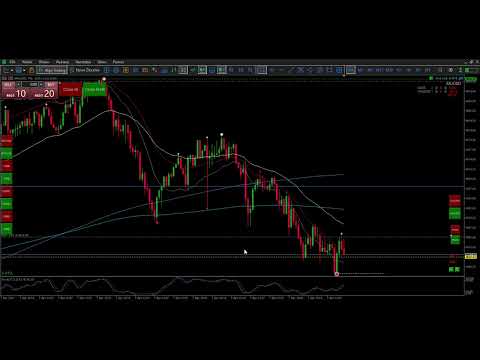
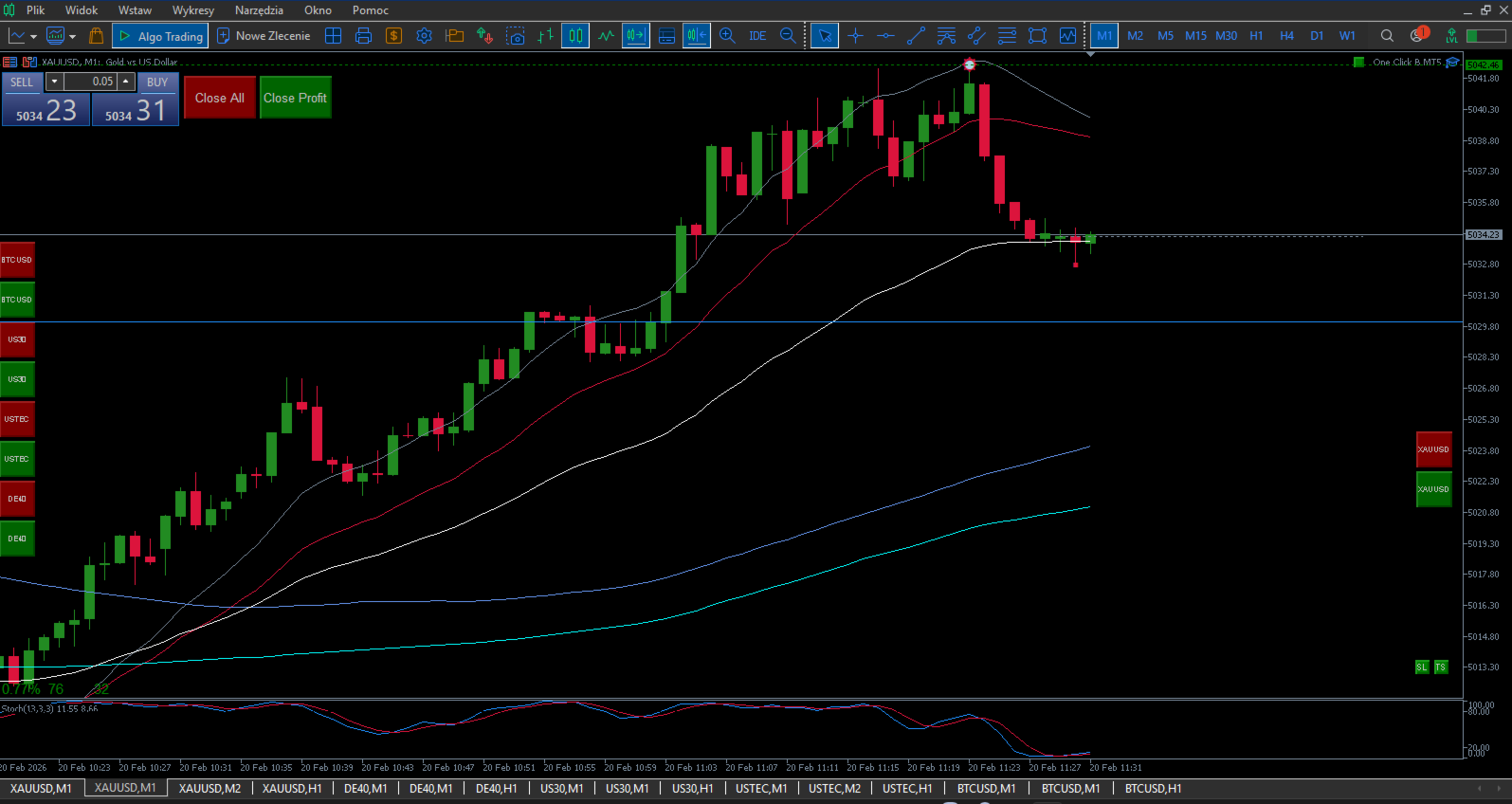
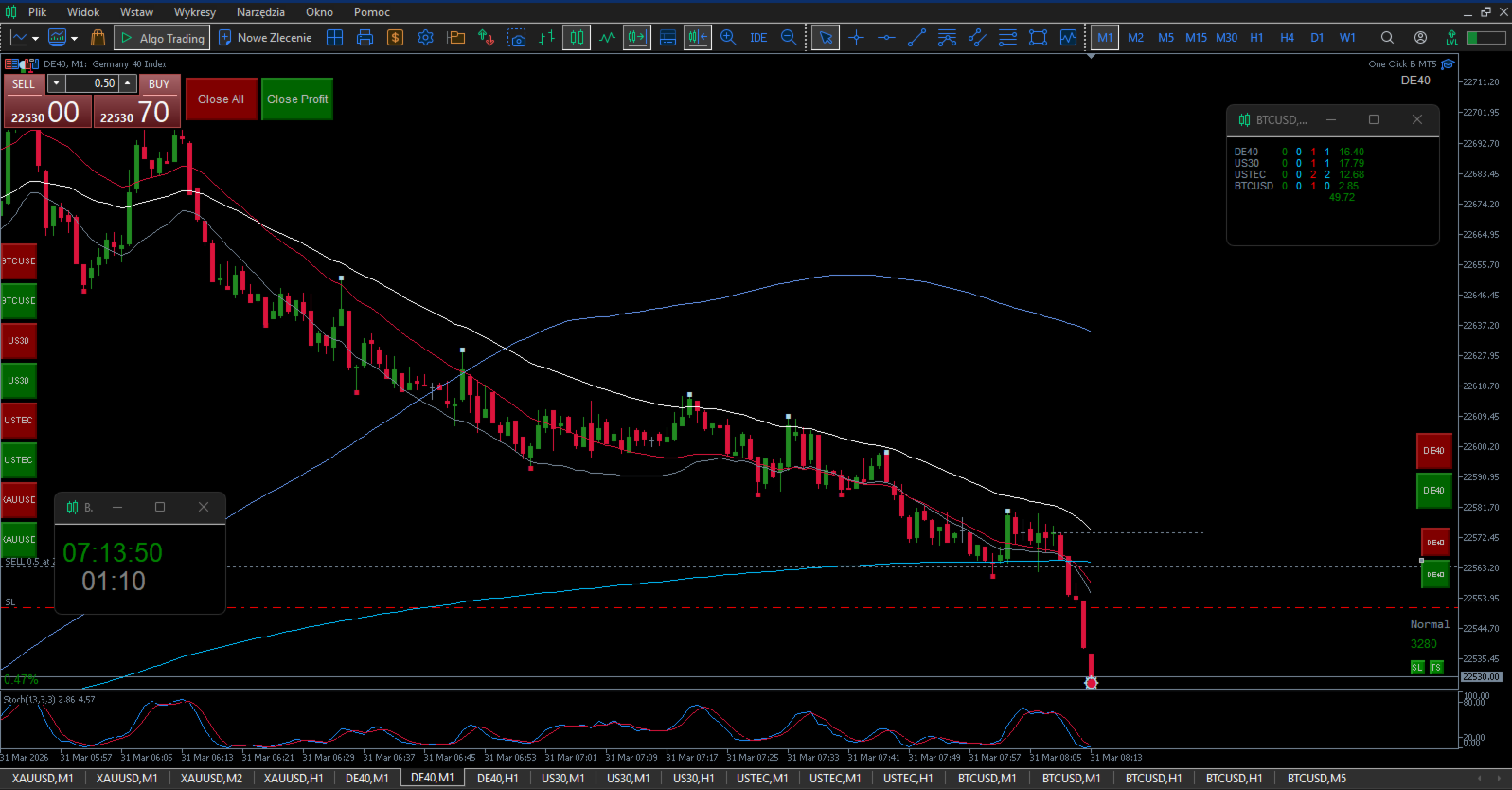
Brings TradingView-style smooth zoom to MetaTrader 5. One scroll of the mouse wheel zooms the chart with a fluid animation instead of the default instant jump.
Key features:
Smooth animated zoom — gradual scale change with ease-out effect
Optional horizontal pan with each zoom step
Zero CPU overhead — only active on mouse wheel events
Works on all charts and timeframes instantly
No visual objects — clean chart, no clutter
How it works:
Scroll up to zoom in, scroll down to zoom out. Each scroll triggers a smooth multi-frame animation. Optional panning prevents zooming into empty space on the right side of the chart.
Technical note:
This indicator replicates TradingView-style smooth zoom as closely as MetaTrader 5 allows. The animation may appear slightly less fluid than TradingView due to a fundamental platform limitation — MetaTrader 5 chart scaling works in fixed integer steps (0–5) and does not support sub-step interpolation. This is the maximum smoothness achievable within the MT5 architecture. The indicator uses easing animation and optimized timing to deliver the closest possible experience to TradingView within these constraints.
TROUBLESHOOTING
Before anything else — after setting up the indicator and saving your final parameters, create a chart template with the instrument name. This way you can restore everything in seconds if needed.
If the indicator behaves unexpectedly or causes platform slowdowns, please note: these issues are not caused by this indicator. They are caused by accumulated data from previous chart configurations stored in your platform.
Follow these steps:
-
Go to Tools → Global Variables → delete all variables.
-
Go to File → Open Data Folder.
-
Close MetaTrader completely.
-
In the data folder open the Logs folder and delete everything inside.
-
In the data folder open the Bases folder, then open your broker folder, then open the History folder and delete everything inside.
-
Close the data folder.
-
Reopen MetaTrader — everything will work correctly.
If problems persist, contact me directly. I respond to every message.
Parameters:
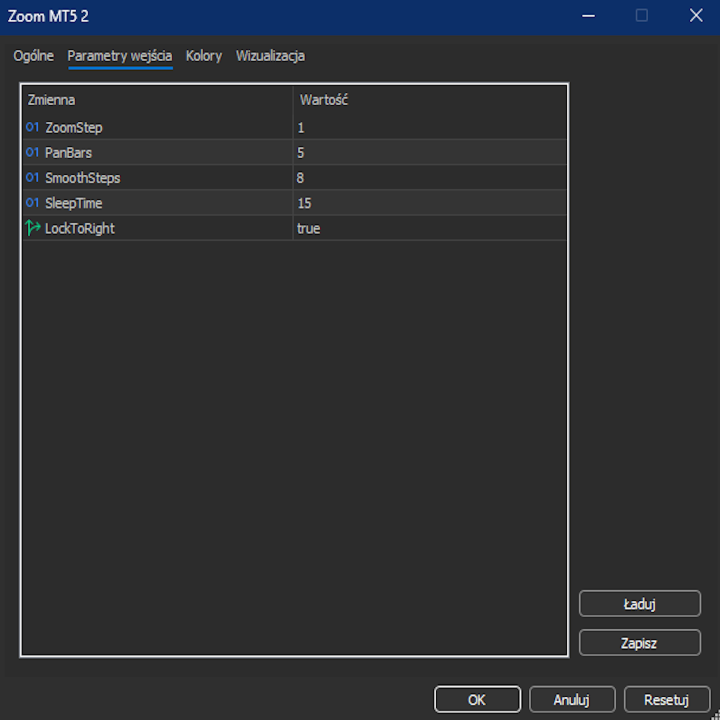
ZoomStep — scale change per scroll (default 1 = one toolbar zoom click)
PanBars — horizontal shift in bars per zoom step (0 = disabled)
SmoothSteps — number of animation frames (higher = smoother)
SleepTime — delay between frames in ms (lower = faster)
LockToRight — disables panning when true (default: true)
Bots will only bring success when you have access to unlimited capital. Only "eyes and mind" will turn your account green, and simple, clean, fast, and efficient tools will help you achieve that.
Real success requires YOUR brain making decisions. My tools are not bots - they are instruments for traders who think.
Previous day's closing price acts like a magnet → High Low Close MT5
Asian Session sets the direction for London and New York sessions → Asia Session Levels
If you scalp multiple instruments:
One Click B3 MT5, Symbol Positions Panel, SL TP Toggle Button, Zoom MT5 B, Volume Delta MT5, Volume Delta Scanner MT5
If you scalp one instrument:
One Click B3 MT5, Symbol Positions Panel, SL TP Toggle Button, Pips Label Last Trade, Zoom MT5 B, Volume Delta MT5, Volume Delta Scanner MT5
If you invest long-term across multiple instruments:
One Click B3 MT5, Symbol Positions Panel, Volume Delta MT5, Volume Delta Scanner MT5
If you've read the descriptions and need clarification - contact me. I'll explain every function, setting, and use case to assure you that these tools fit your trading strategy.