Phoenix Candle Timer Panel
- 지표
- PHOENIX GLOBAL INVESTMENTS LTD
- 버전: 1.0
Phoenix Candle Timer Panel (MT5)
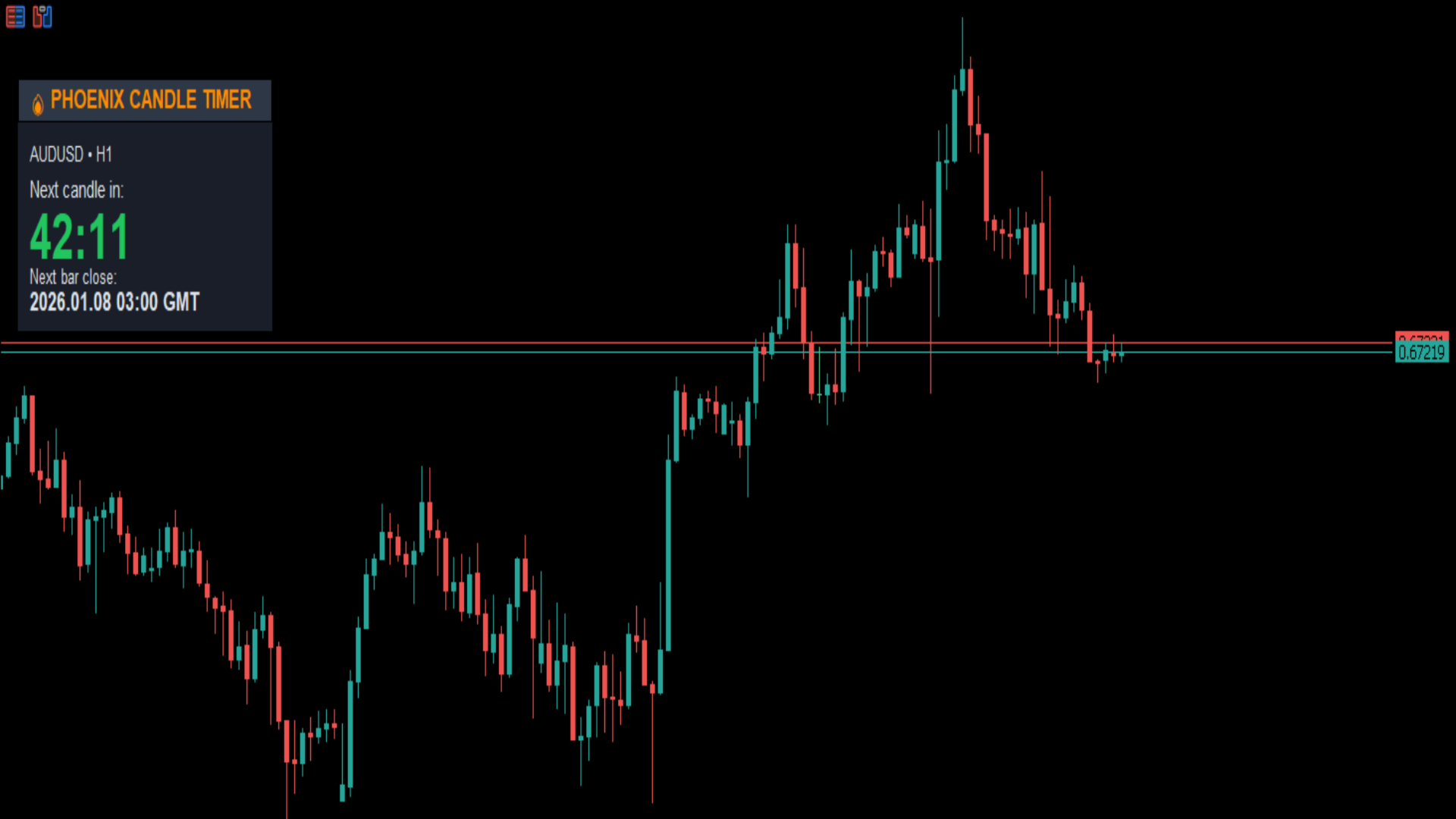
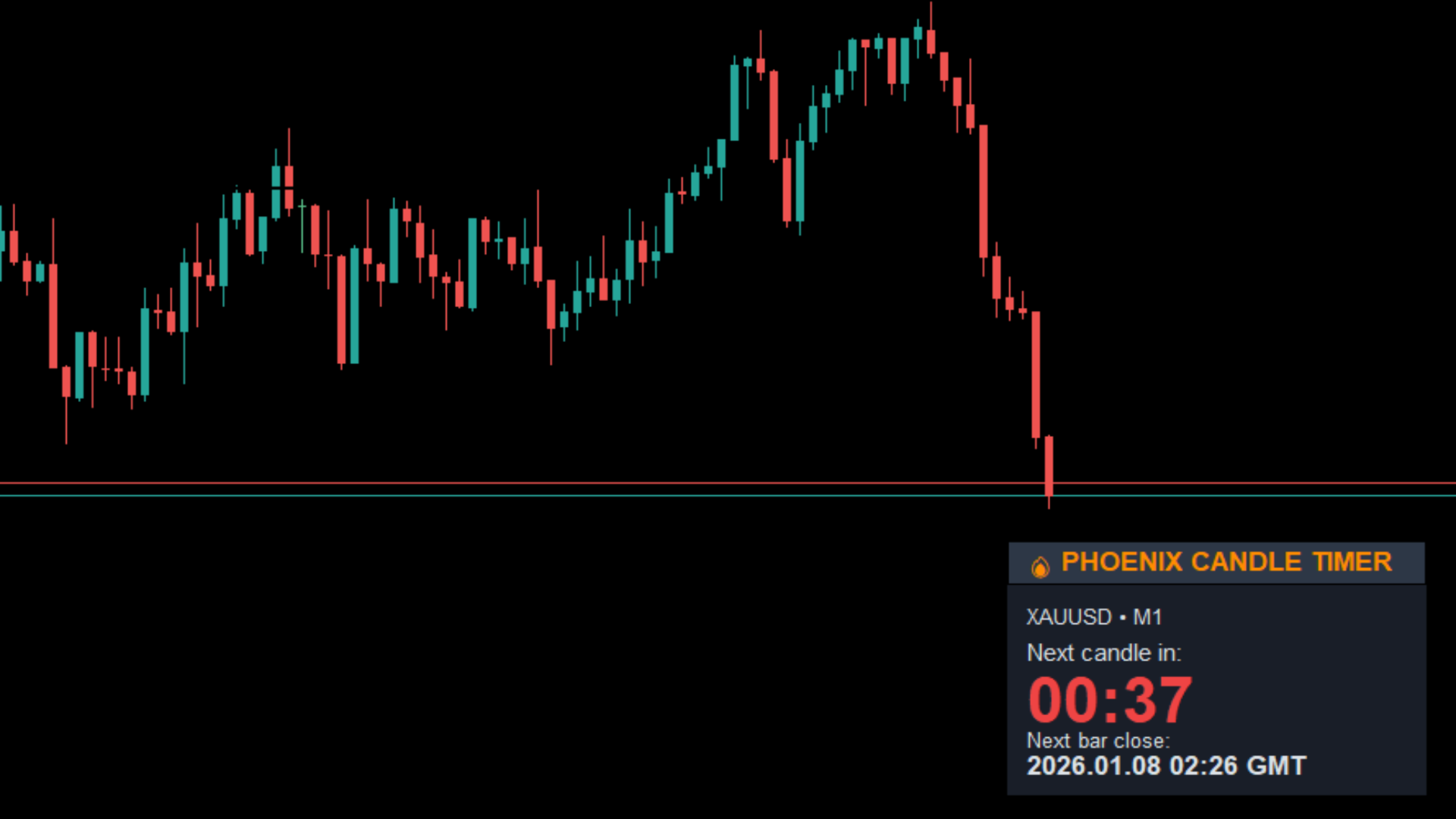
Professional candle countdown timer for MetaTrader 5. Displays precise time remaining in the current candle to improve execution timing, strategy discipline, and EA/manual trade coordination.
Purpose
Accurate candle timing is critical for both discretionary traders and algorithmic strategies. Entering too early or too late within a candle can significantly impact risk, spread exposure, and signal validity.
The Phoenix Candle Timer Panel provides clear, real-time candle countdown visibility, eliminating guesswork and improving execution precision across all timeframes.
Use Cases
-
Precision entries at candle close or open
-
News traders timing entries after candle confirmation
-
EA-assisted manual trading (human + algorithm coordination)
-
Scalpers avoiding late-candle entries
-
Swing traders waiting for bar close confirmation
-
Strategy testing and optimisation with time awareness
Features
-
Real-time countdown of current candle
-
Automatically adapts to chart timeframe
-
Clean, minimal on-chart panel
-
Non-intrusive placement (does not block price action)
-
Works on all symbols and timeframes
-
Zero configuration required – attach and use
-
Stable timing synced to broker server time
-
Optimised for low CPU usage
How It Works
The Phoenix Candle Timer Panel continuously monitors the broker server time and the current chart timeframe.
It then:
-
Calculates the exact open and close time of the current candle
-
Updates the remaining time in real time
-
Displays the countdown clearly on the chart panel
-
Instantly adjusts when the timeframe or symbol is changed
No lag, no recalibration, no manual refresh required.
Technical Specifications
-
Update Frequency: Real-time (tick-based)
-
Time Reference: Broker server time
-
Timeframe Support: All MT5 timeframes (M1–MN1)
-
Panel Type: Chart-based graphical panel
-
Resource Usage: Extremely low
-
Compatibility: All forex pairs, metals, indices, cryptocurrencies
Installation
-
Download from MQL5 Market
-
Drag onto any MT5 chart
-
Timer panel appears immediately
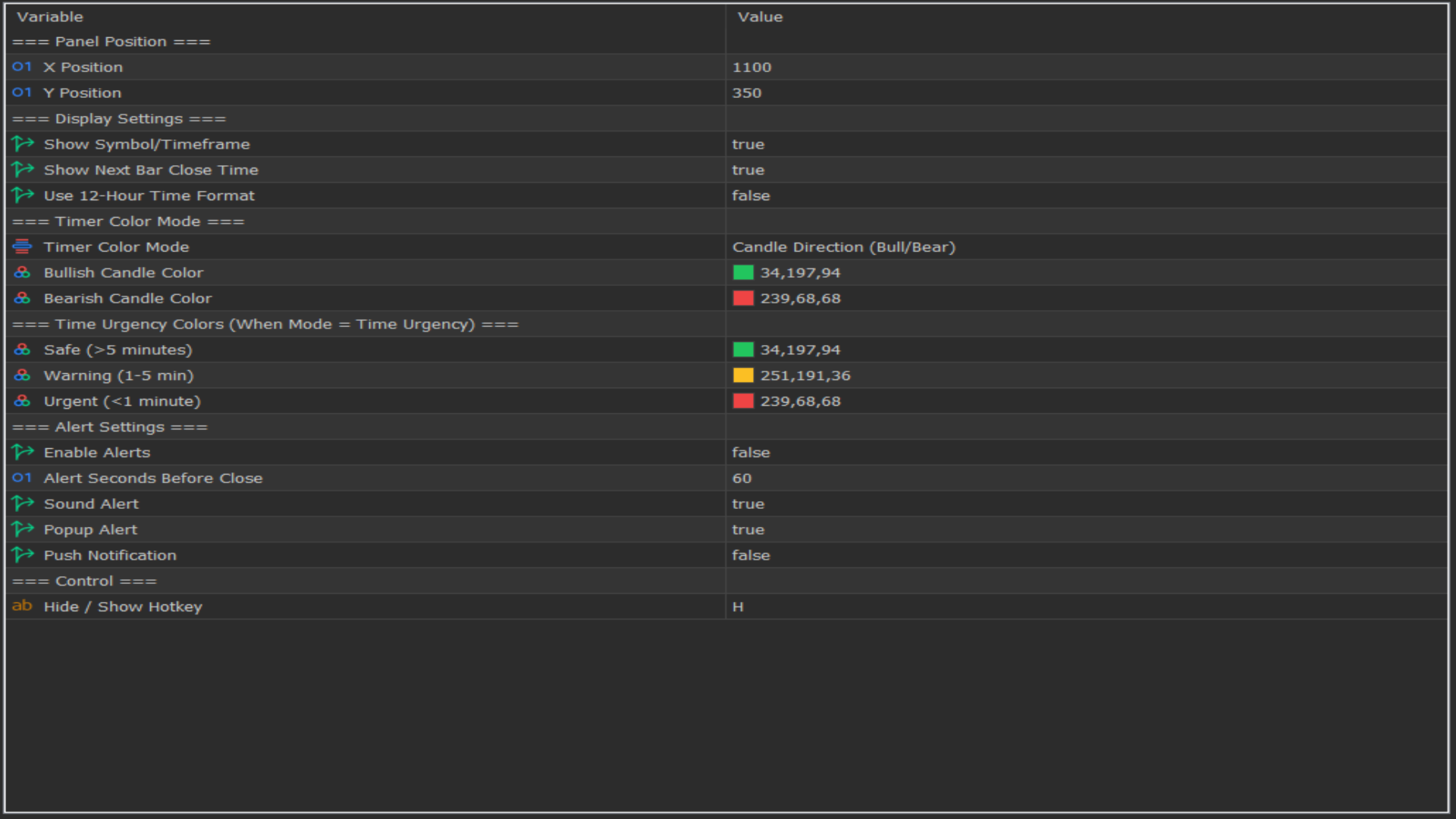
No inputs. No parameters. No setup.
System Requirements
-
MetaTrader 5 build 3280 or higher
-
Windows 7 / 10 / 11 or Mac (via Wine / Parallels)
-
Active trading account (demo or live)
-
Internet connection
Important Notes
-
This is an Expert Advisor (EA) and must run on a chart
-
Works on any symbol – symbol selection does not matter
-
Uses broker server time (not local PC time)
-
Keep chart open for continuous updates
-
Designed to complement both manual and automated strategies
Support
Free lifetime support via MQL5 Private Message.
Response within 24 hours.
Developed by Phoenix Global Investments Ltd
© 2025 Phoenix Global Investments Ltd. All rights reserved.