Easy Manager MT4
- Utilities
- Version: 1.0
- Activations: 5

Lightweight trade assistant designed for smooth performance, easy operation, and intuitive use.
Unlike heavy and overly complex trade assistants, Easy Manager is designed to stay lightweight and responsive without unnecessary lag or clutter. It does not compete by offering the largest number of features — instead, it focuses on bringing the most useful trade management tools together in a simple and easy-to-use interface.
Easy Manager is suitable for all users; even experienced traders appreciate the efficiently implemented risk management, which avoids cluttering the panel with unnecessary features.
Technical Features
Position Opener
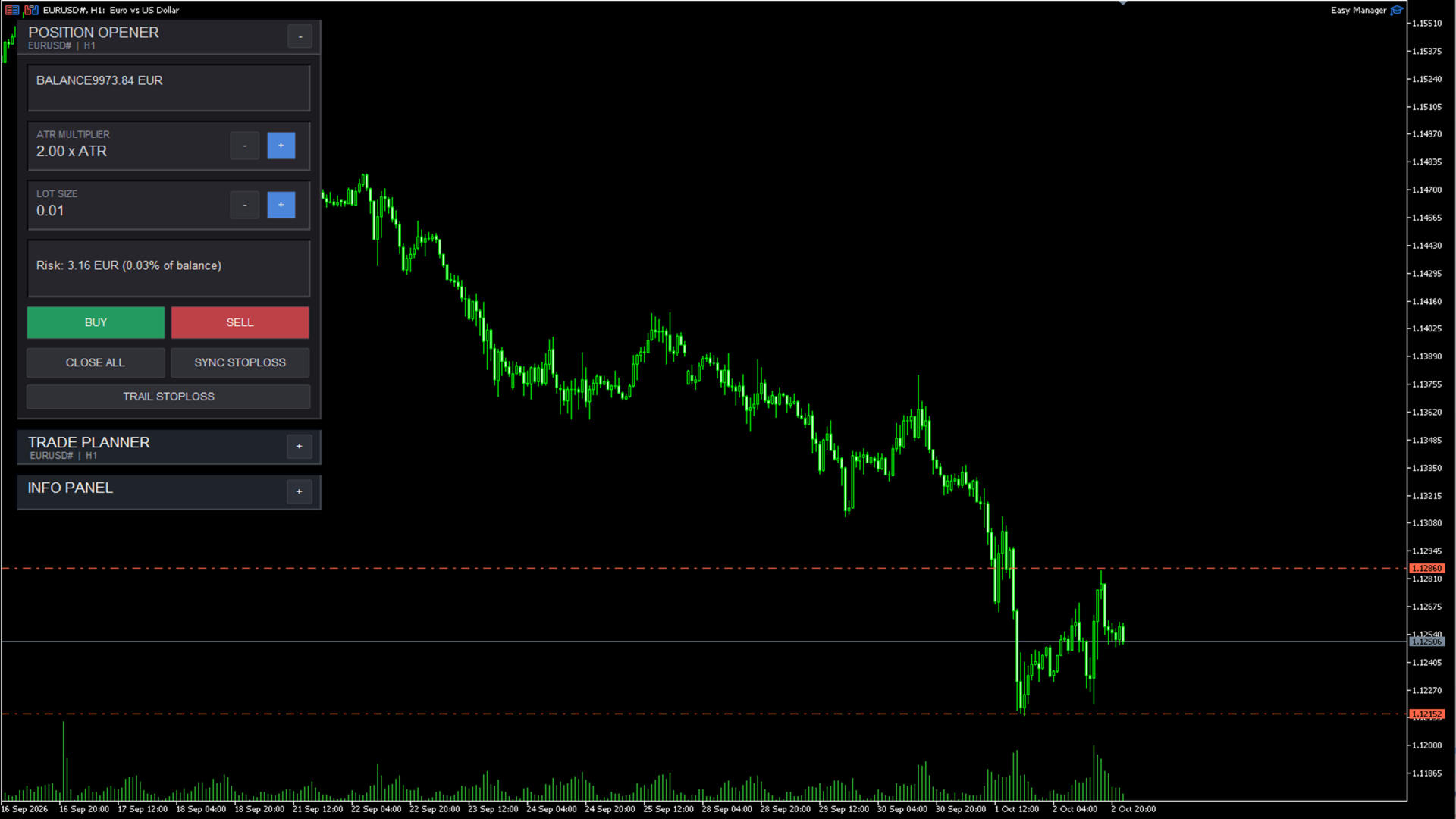
Creates and manages new trade setups directly from the chart.
-
Buy and Sell trade selection
-
Adjustable lot size
-
Manual Entry, Stop Loss and Take Profit levels
-
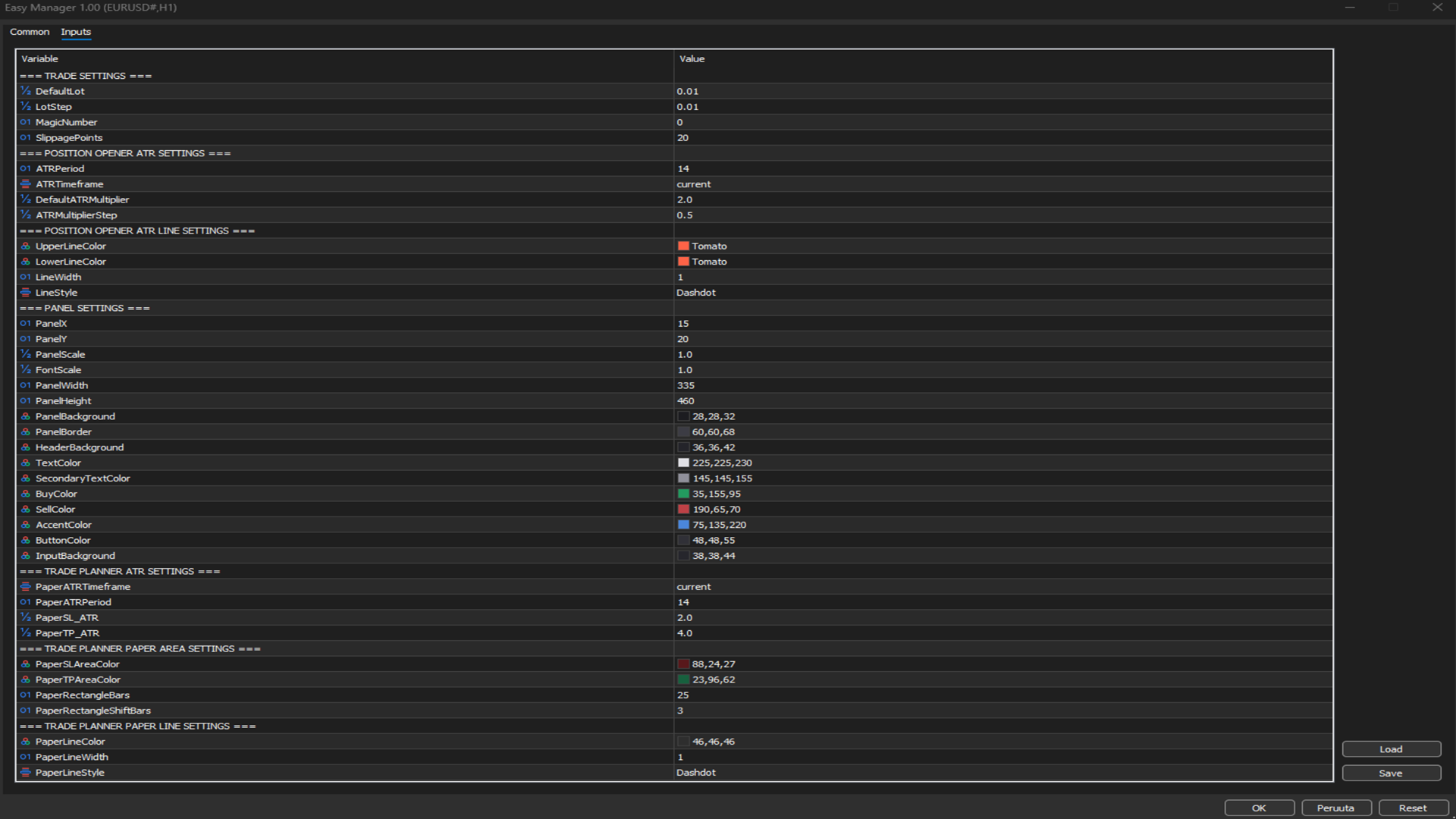
ATR-based trade execution
-
Risk calculation based on account balance
-
Risk shown as money and percentage
-
Trailing Stop Loss functionality
-
Stop Loss synchronization across positions
-
Order execution directly from the panel
Trade Planner
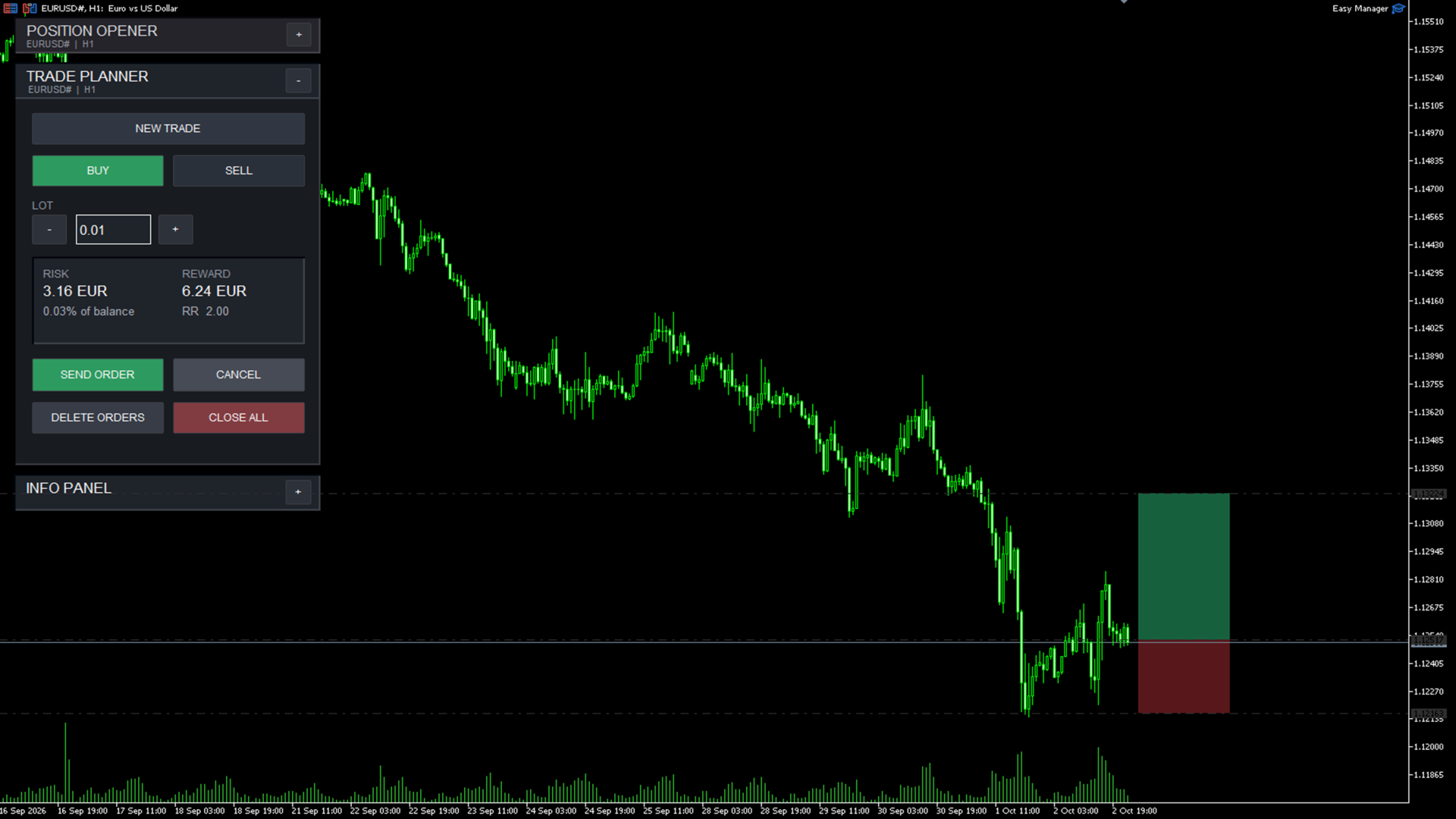
Used to plan a trade before execution.
-
Define trade direction
-
Set Entry, Stop Loss and Take Profit
-
Visualizes the planned trade on the chart
-
Displays calculated risk and Risk/Reward
-
Allows levels to be adjusted directly from the chart
Position Management
Provides direct control over existing positions.
-
Close individual positions
-
Close all positions for the current symbol
-
Synchronize Stop Loss levels across positions
-
Manage open trades directly from the interface
Pending Order Management
Pending orders can be managed without using the standard MT4 order window.
-
Delete pending orders for the current symbol
-
Review and manage planned orders from the assistant
-
Execute planned setups directly from the interface
Info Panel
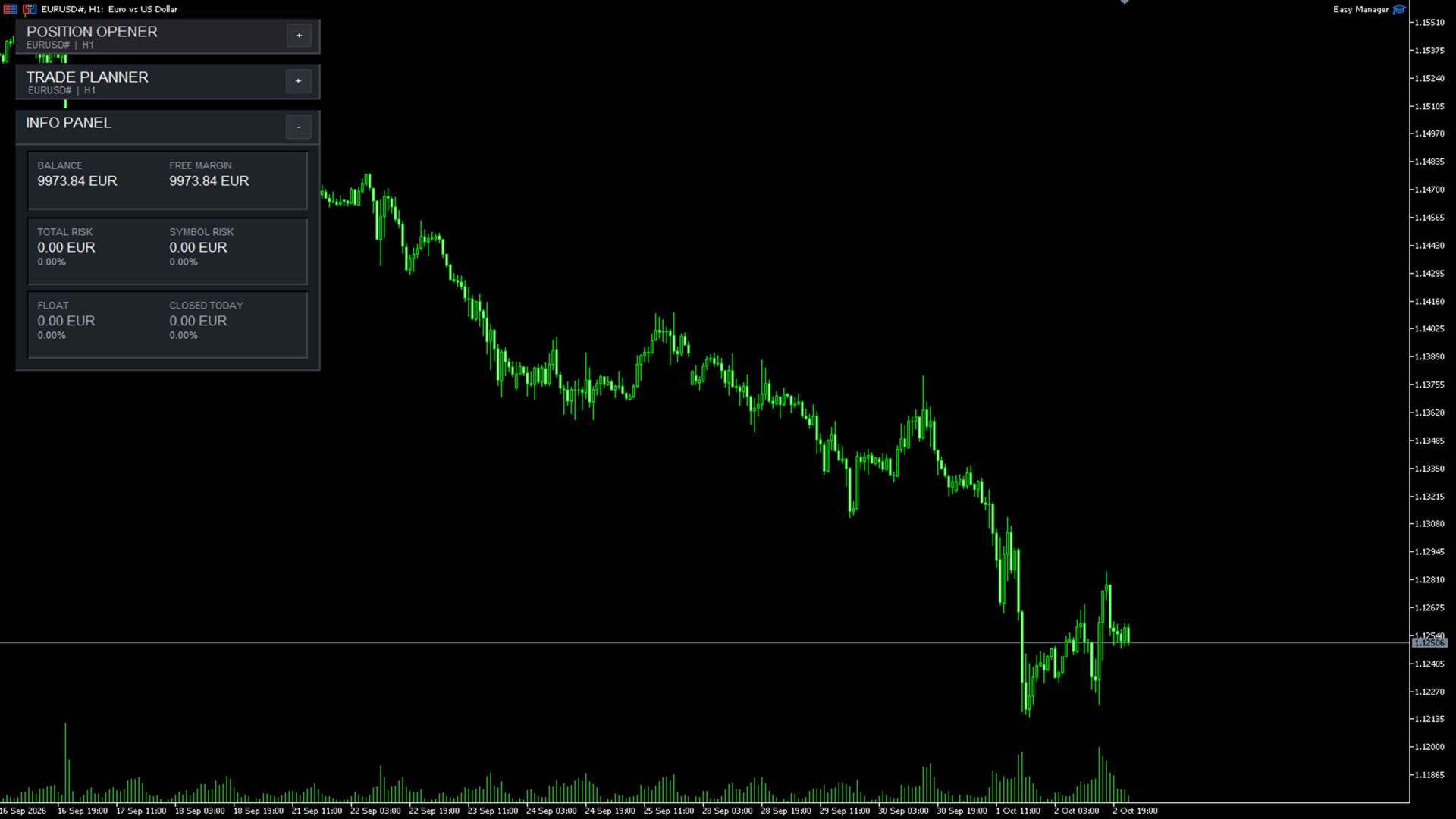
Provides a clear overview of account and risk management information.
-
Account balance
-
Free margin
-
Open position information
-
Current risk information
-
Risk shown as money and percentage
-
Trade and account statistics
Chart Integration
Easy Manager is designed to work directly with the active chart.
-
Displays the current symbol and timeframe
-
Uses chart objects for visual trade planning
-
Trade levels can be adjusted interactively
-
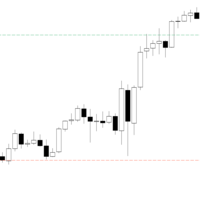
ATR-based levels can be visualized directly on the chart
-
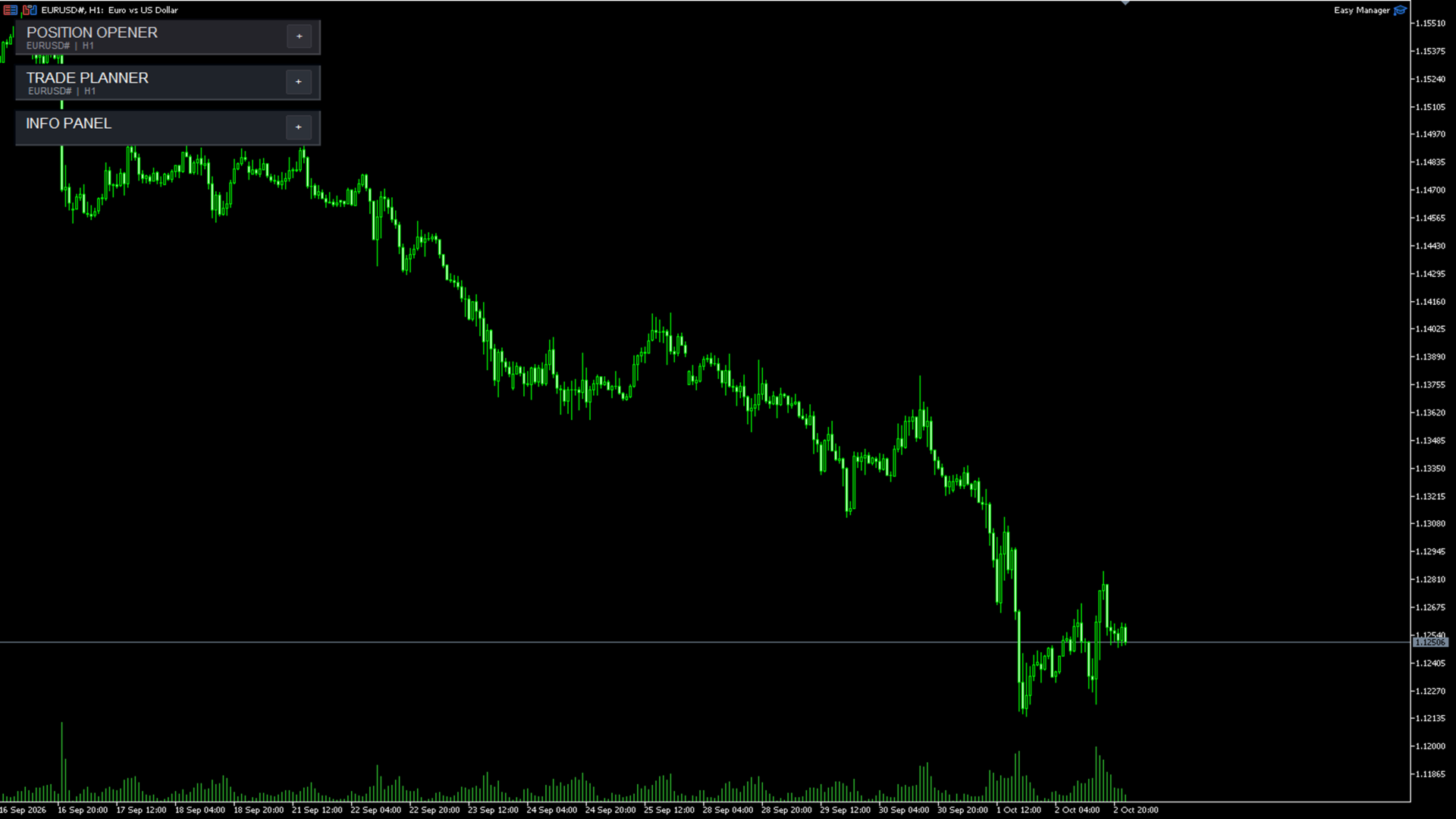
Panel sections can be collapsed to reduce screen space
Interface
The interface is divided into logical sections so that trade planning, execution, account information, and position management remain separated and easy to access.
Easy Manager focuses on making trade management a clear, visual, and straightforward process without unnecessary interface elements.