MultiScanFX MT4
- Experts
-
Fernando Jose Anton
 Investor and Trader – Technology Enthusiast
Forex EA Researcher and Developer
Instructor at SENAI (National Service for Industrial Training) – SC - Version: 1.0
- Activations: 20
⚠ Important: For the best results, the configuration should be used as shown in the example below:
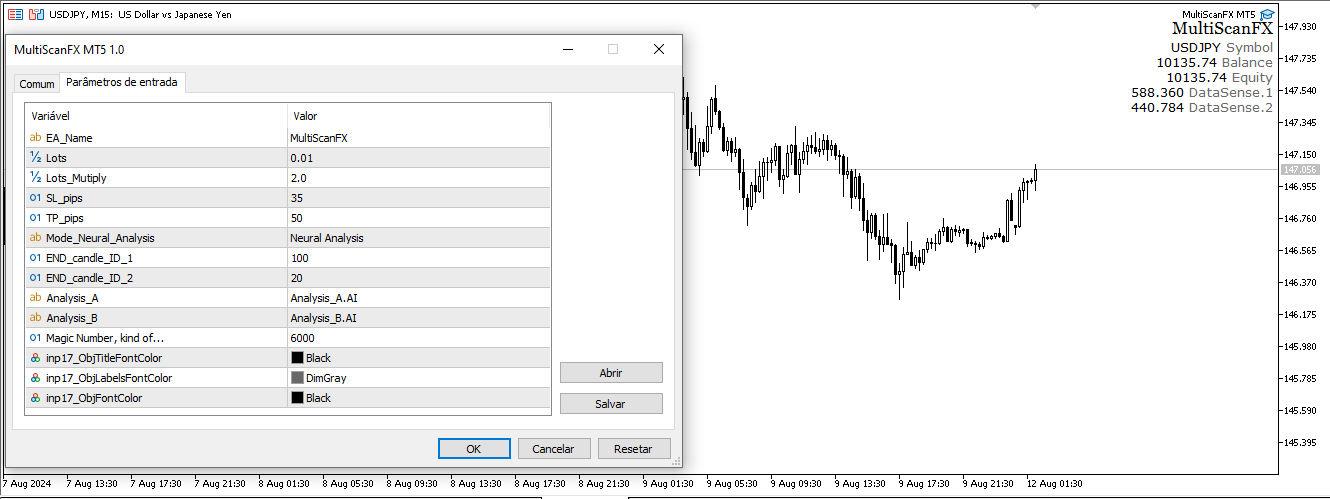
Example 1 - USDJPY - Timeframe M5 - Account $5,000 USD
This configuration works well for proprietary desk testing.
EA Name: MultiScanFX
Lots: 0.01
Lot_Multiplication: 1.7 / 2.0
SL_pips: 35
TP_pips: 50
END_candle_ID_1: 100
END_candle_ID_2: 20
Magic Number: 6000
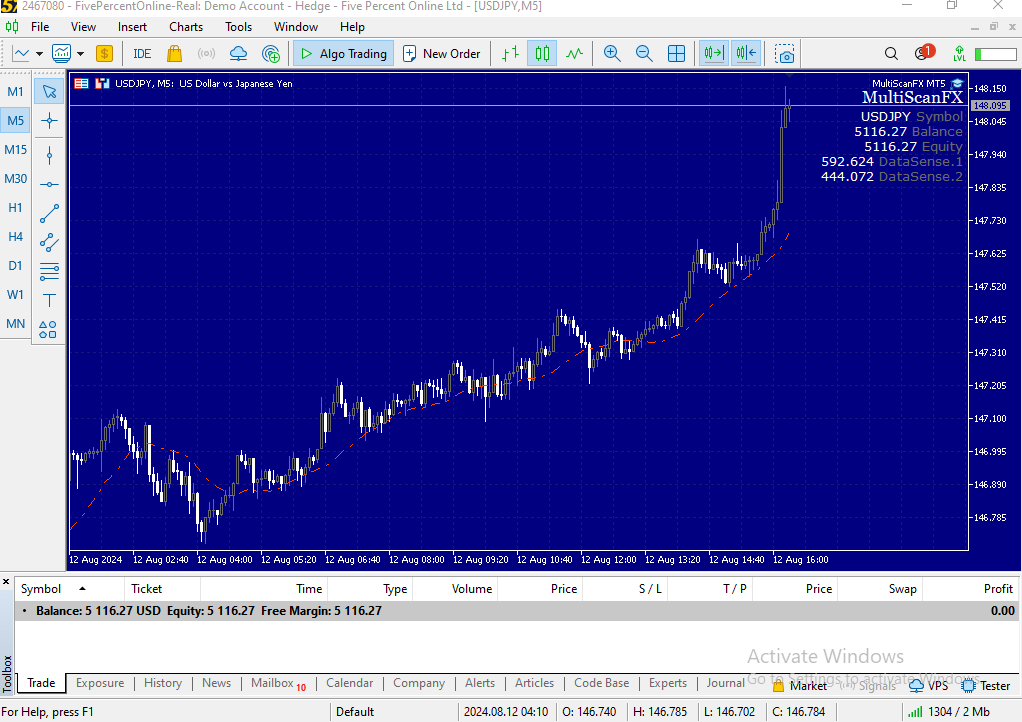
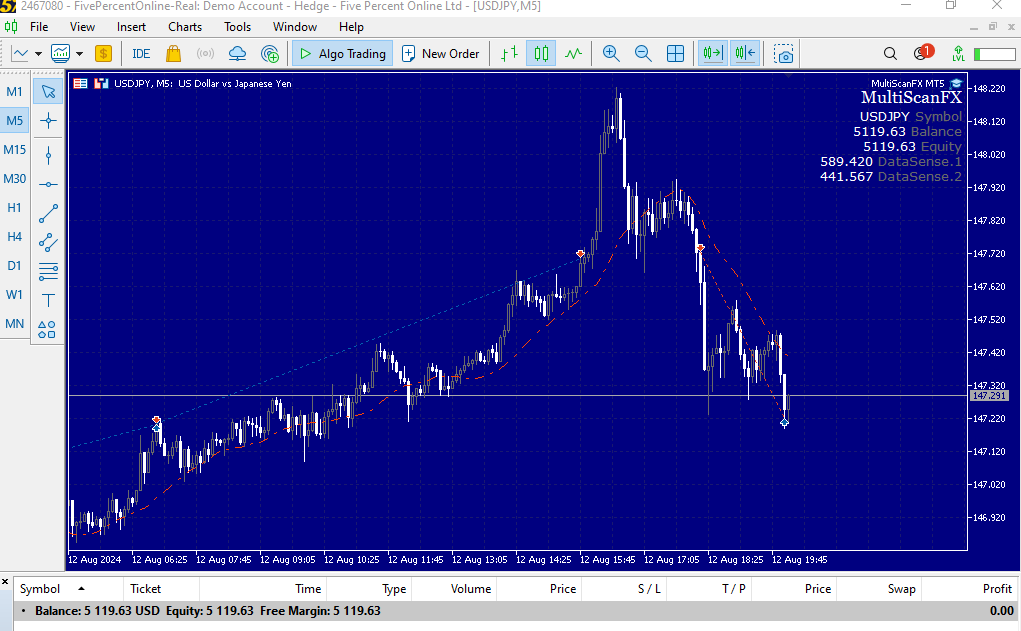
MultiScanFX - It is an intuitive Expert Advisor (EA) designed to scan large amounts of data in real-time and analyze them using the internal logic of the DataSense system. This system helps make the best decisions for entries and works alongside data configured in the parameters.
Features:
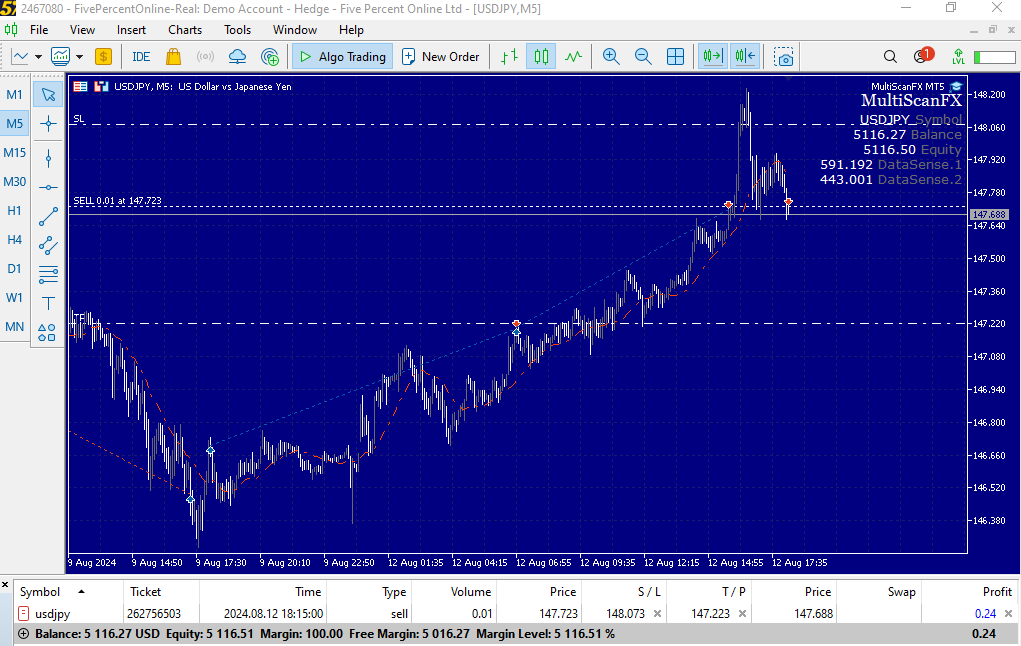
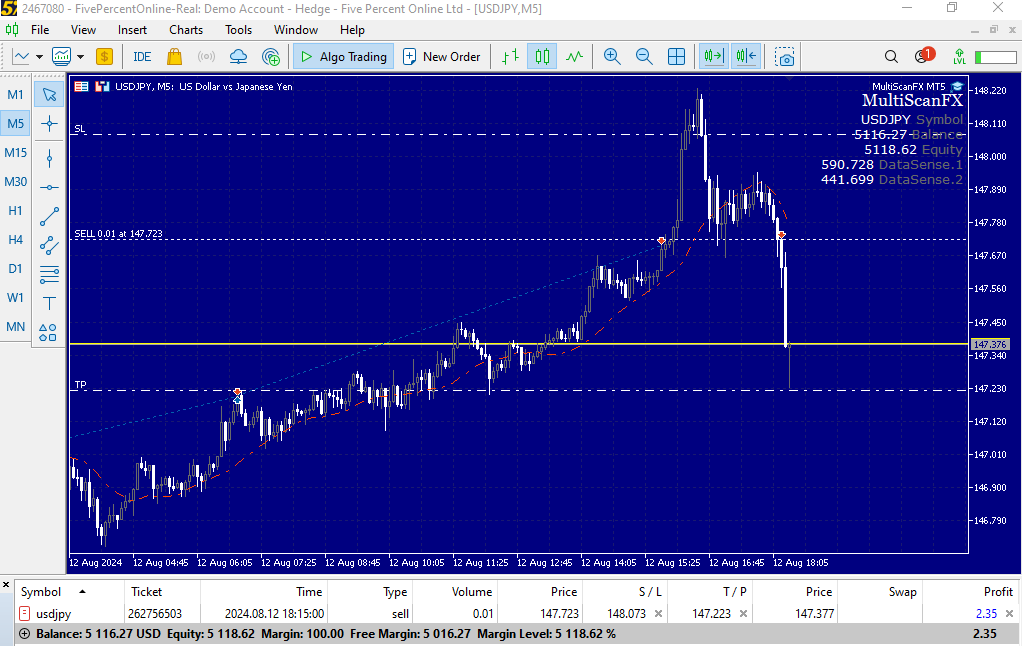
- Take and Stop: The trades have configurable Take Profit (TP) and Stop Loss (SL) levels, allowing the EA to be used in proprietary desk tests that require these parameters.
- Automatic Operations: Entries are automatically made by the EA based on the data analyzed by DataSense.
- Simple Setup: The setup of the EA is simplified, as most parameters for its operation are internal and do not require manual adjustments, ensuring the algorithm can efficiently execute analysis.
MultiScanFX Settings:
- EA Name: Name of the EA.
- Lots: Lot size used for the trades.
- Lot_Multiply: Multiplier that increases the lot size for the next operation if the previous one resulted in a loss.
- SL_pips: Stop Loss size in pips.
- TP_pips: Take Profit size in pips.
- END_candle_ID_1: Number of candles used in analysis by DataSense 1.
- END_candle_ID_2: Number of candles used in analysis by DataSense 2.
- Magic Number: Identification number for the EA. If you use more than one EA on the same platform, this number must be different for each one.
Note: The colors of the quadrants representing certain data on the chart can be changed according to the user's preference.
Recommended Asset:
We recommend using MultiScanFX with the USD/JPY currency pair. This asset has shown excellent results in our evaluations and optimizations.
Before using any EA on a real account, it is crucial to run it on a demo account for a more detailed analysis. This procedure is advised because backtests do not always reflect real performance. Although it is possible to test MultiScanFX on other assets, we strongly recommend USD/JPY due to its consistent performance in backtests and operations on proprietary desk test accounts.