Infinity Ai Pro
- 专家
- 版本: 2.86
- 激活: 20

Infinity AI Pro
Engineered and Refined With AI-Assisted Development — Built for XAUUSD (Gold) Traders
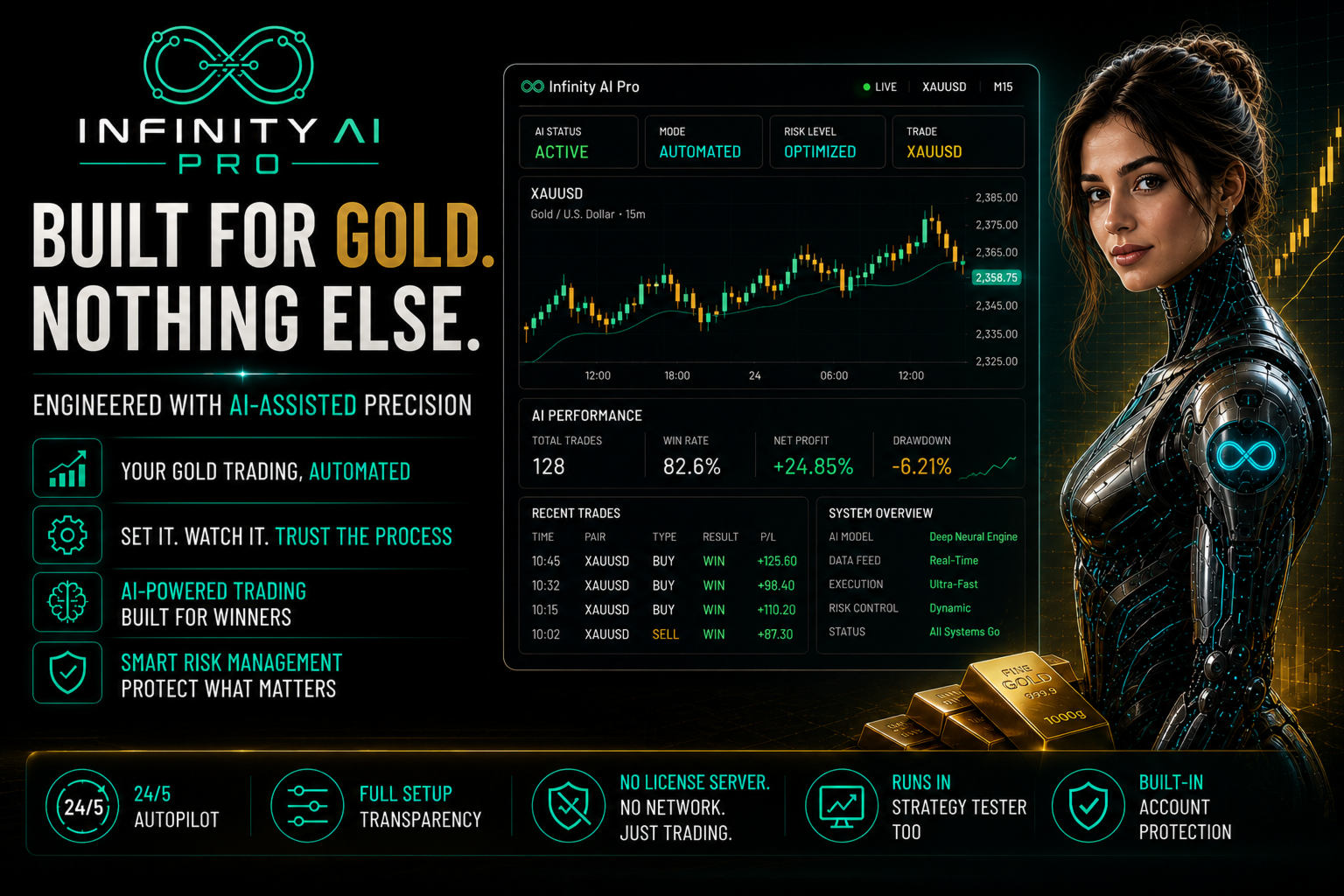
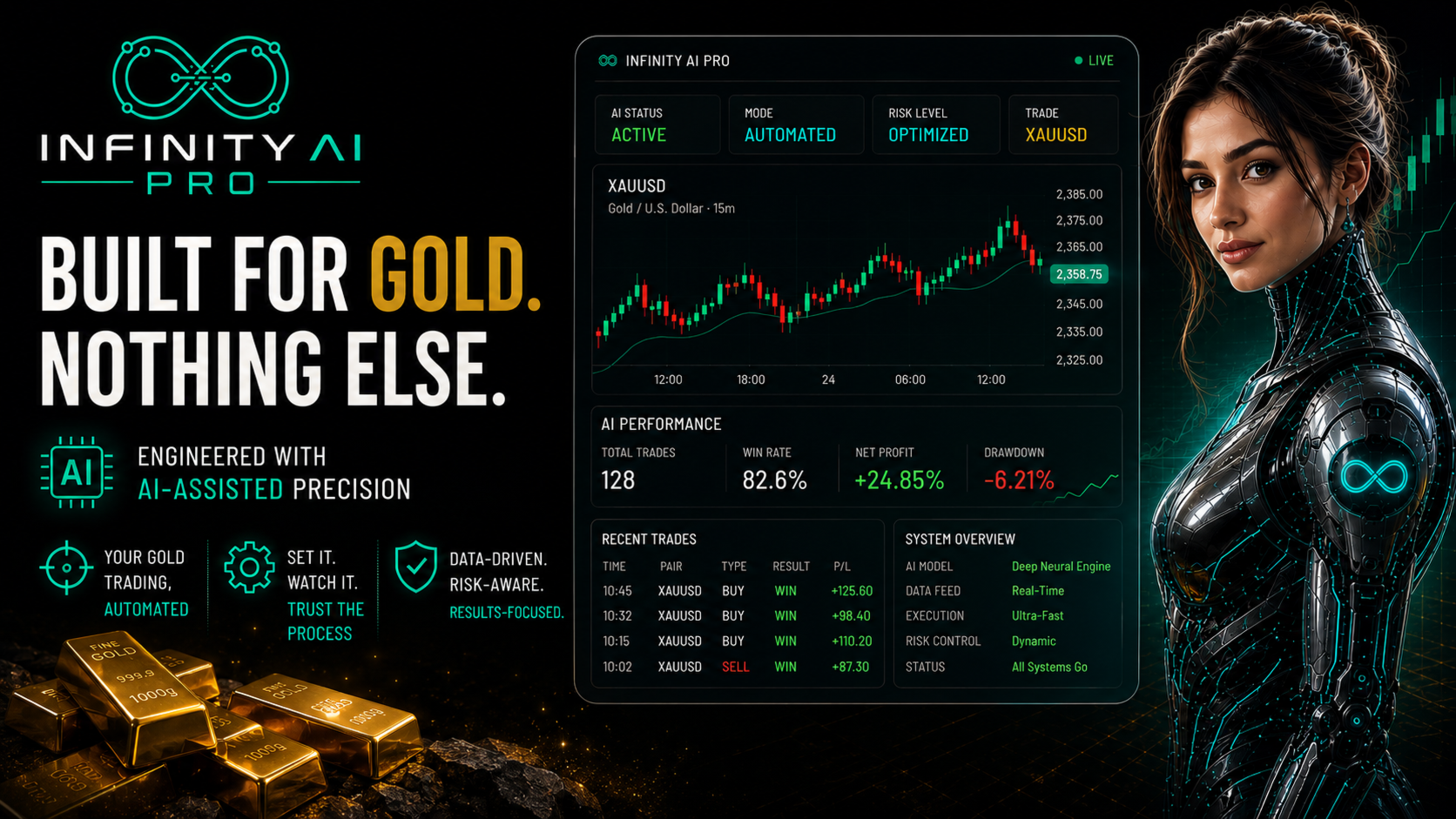
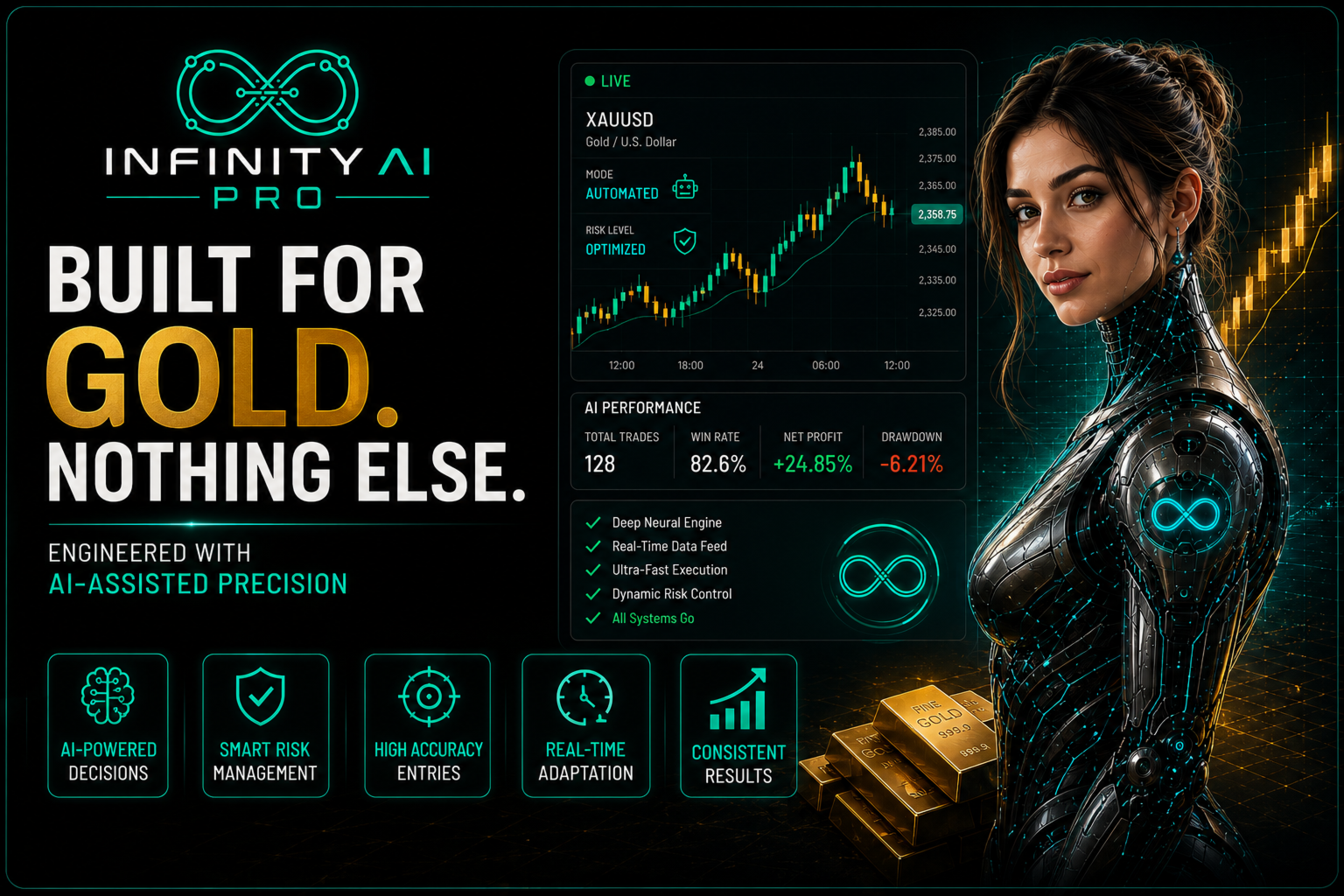
InfinityAIPro is a fully automated Expert Advisor built specifically for Gold on a 2-decimal quote. Every setting, every safeguard and every threshold was shaped through AI-assisted research, extensive internal testing and real trading conditions — not guesswork. Gold moves fast, and InfinityAIPro was built to keep up with it.
Why Traders Choose InfinityAIPro
- One instrument, done properly – built and tuned specifically for XAUUSD, not adapted from a generic multi-symbol template.
- AI-Assisted Engineering – every parameter, every safeguard, refined through AI-assisted analysis and rigorous testing before it ever reached a live chart.
- Built-in account protection – account-level safeguards are part of the core logic, not an afterthought bolted on.
- Adaptive risk controls – the EA reads market conditions and adjusts its own behaviour instead of running on fixed rules that ignore what price is actually doing.
- Execution-aware – built to work with real broker conditions, real spreads and real execution rules, not a perfect simulation.
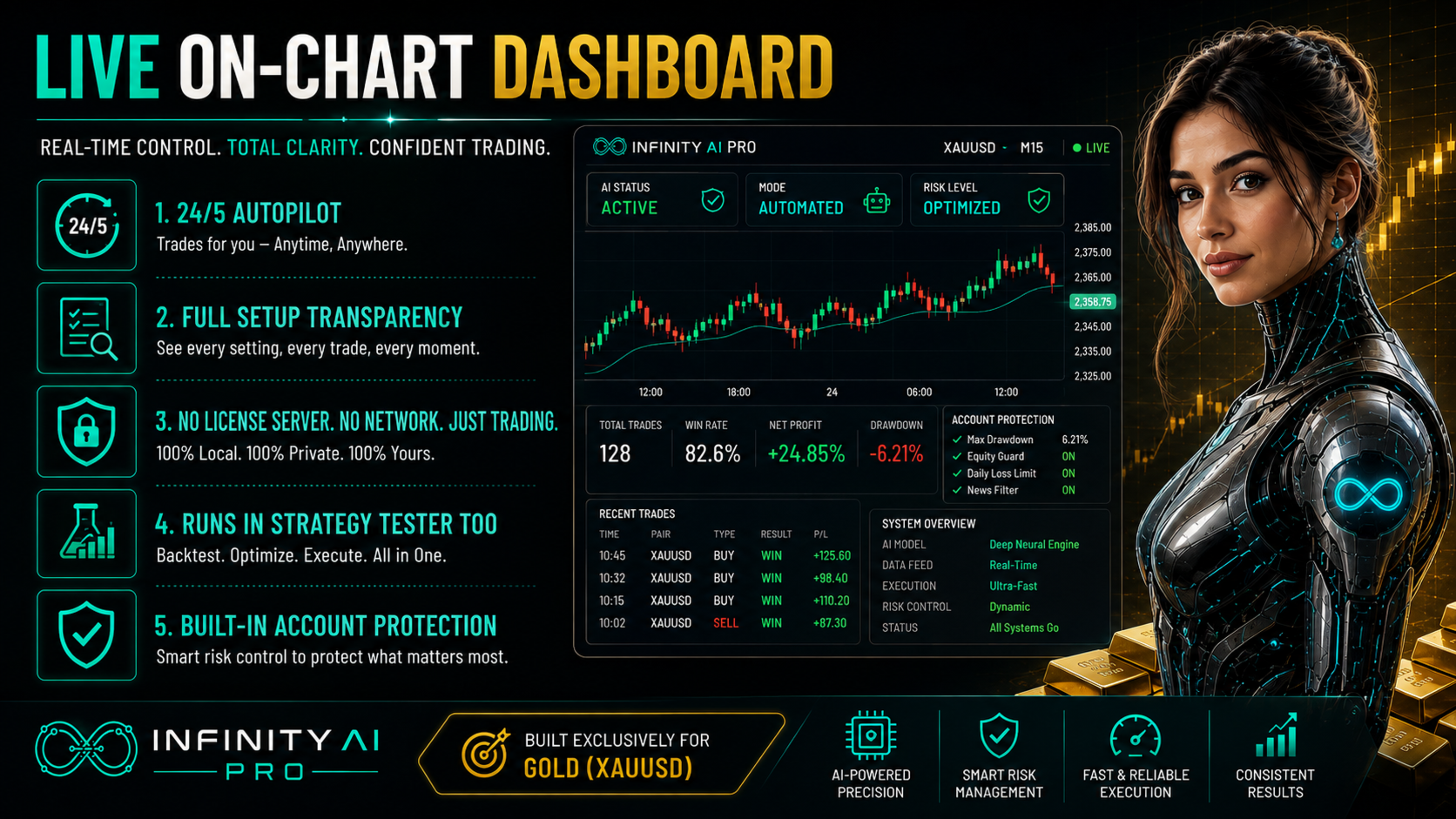
- Nothing hidden, nothing external – no license server, no third-party API, no network dependency of any kind. Everything runs locally, inside your own terminal, fully visible in the Strategy Tester.
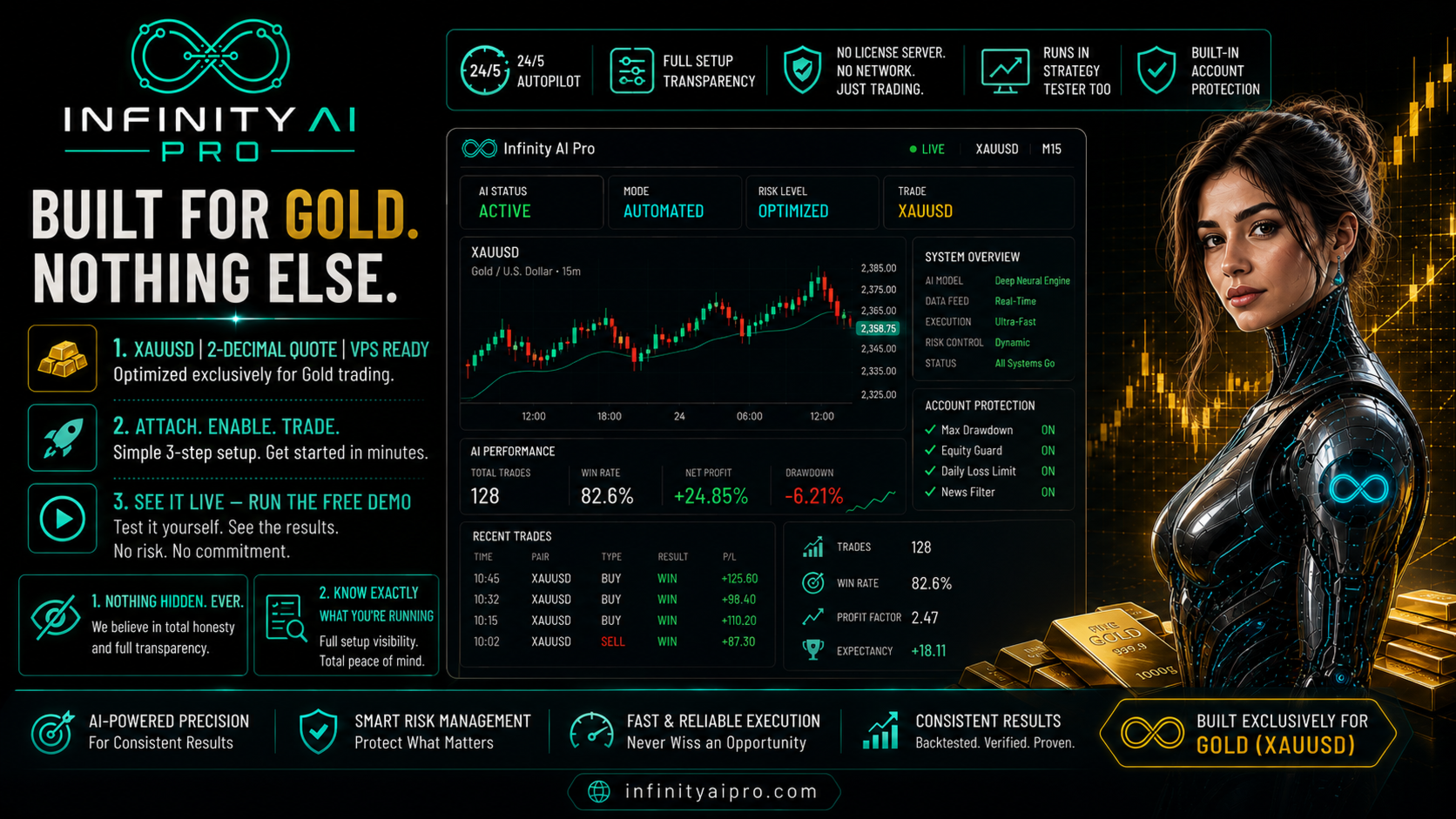
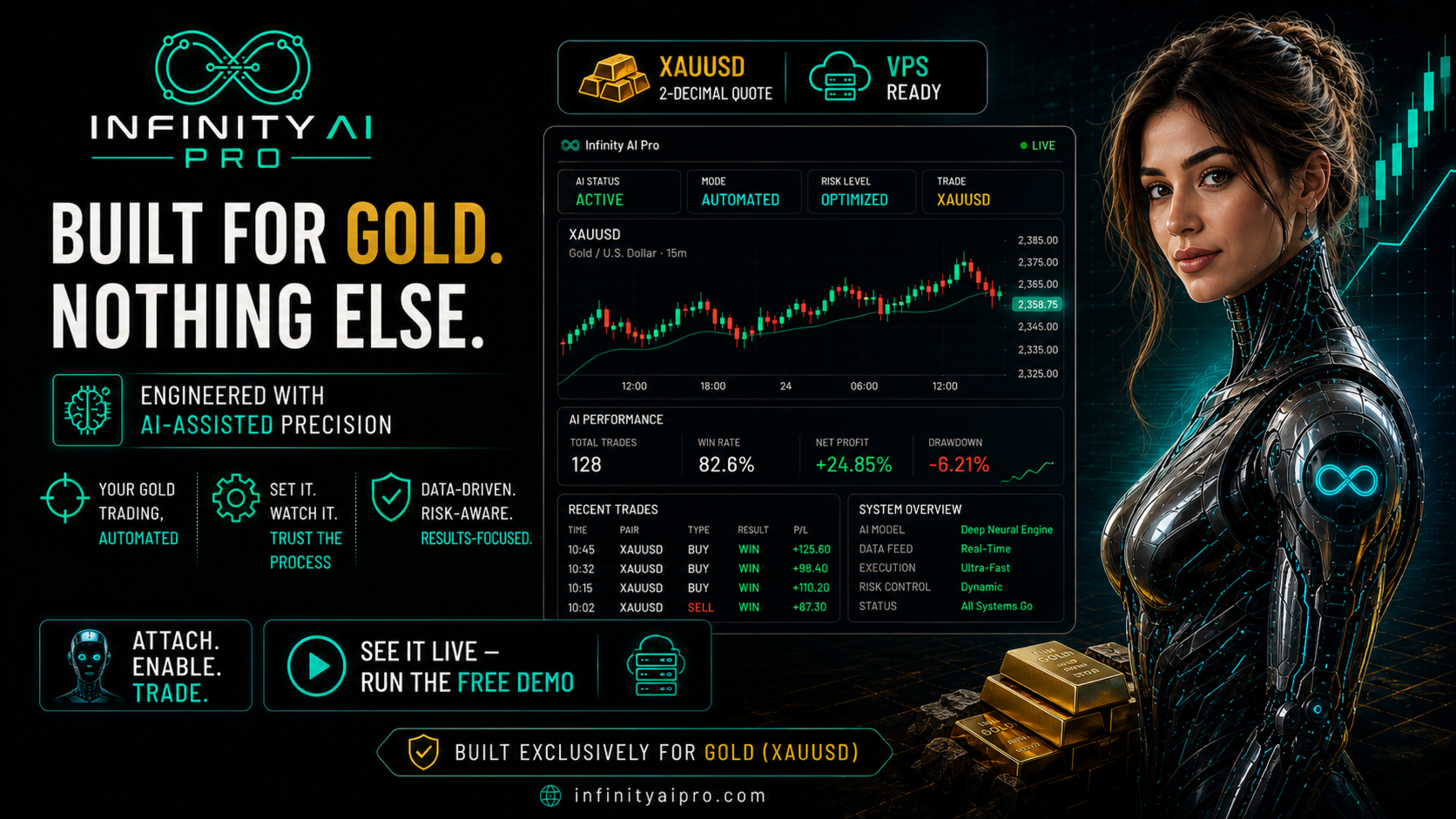
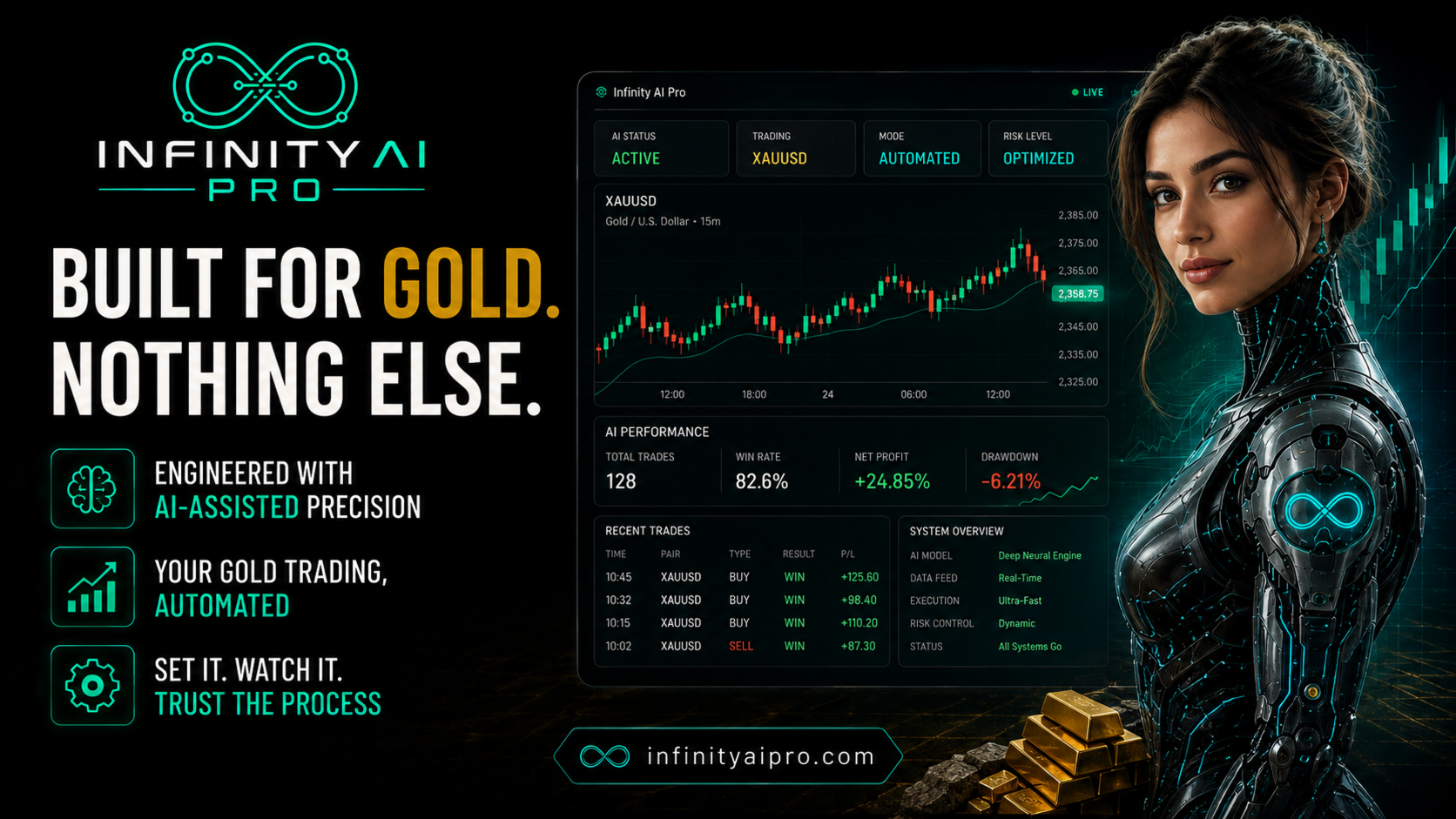
- A live dashboard, not a black box – floating P&L, drawdown, open book and account status, all on your chart in real time.
| Get the Setup Right InfinityAIPro was engineered and tested on a specific configuration. Match it below, and you're running it exactly as it was built. |
Recommended Setup
| Item | Recommended |
|---|---|
| Symbol | XAUUSD (Gold), 2-decimal quote |
| Account balance | 100,000 account units or more |
| Leverage | 1:1000 |
| Hosting | VPS, for continuous 24/5 uptime |
Below this configuration, or on another symbol, the EA still trades — it does not refuse to. It simply shows an on-chart notice whenever your account or symbol differs from the setup it was engineered on, so you always know exactly what you're running.
For hosting, any reliable VPS built for MetaTrader works. Message us through mql5.com if you'd like our own tested VPS recommendation included with your setup guide.
Short Setup Guide
| 1. Attach InfinityAIPro to an XAUUSD chart (2-decimal quote broker). 2. Enable Algo Trading in the toolbar and allow live trading for the EA. 3. Set your base lot size in the General input group. 4. Turn on Tools > Options > Notifications for account-health alerts on your phone. 5. Run it on a VPS and let the dashboard do the watching. |
| Get the Full User Guide After you buy or rent InfinityAIPro, message us directly through mql5.com for the complete step-by-step User Guide and Setup Guide. |
Inputs
Client-facing settings are kept deliberately simple:
- Base Lot – your starting lot size.
- Scale Lots By Balance – off by default, so position sizing stays consistent with how the EA was tested.
- Show Panel – toggles the on-chart dashboard.
- Show Setup Notice – toggles the on-chart setup notice; account-health information is always written to the terminal journal regardless of this setting.
- Candle colour inputs for chart appearance.
Risk Disclaimer
Trading foreign exchange, gold and other leveraged instruments carries a high level of risk and may not be suitable for every investor. Past results, backtests and Strategy Tester reports do not guarantee future performance. The built-in account safeguards described above reduce certain risks but do not eliminate the possibility of loss, including the loss of your entire trading capital. Use only risk capital that you can afford to lose, test thoroughly on a demo account before trading live, and confirm that the EA is compatible with your broker’s execution rules, spread and leverage before use. This product is a decision-support and execution tool; it is not investment advice, and no profit is promised, implied or guaranteed.