Virtual SL TP Trailing Pro
- Utilità
-
The Hung Ngo
 Hi, I’m Ngo The Hung — a Senior Developer focused on algorithmic trading systems for MetaTrader 4 & 5.
 - Versione: 1.30
- Aggiornato: 30 giugno 2026
- Attivazioni: 10
Virtual SL TP Trailing Pro – Client-Side Stop Loss / Take Profit and Trade Management
Looking for MetaTrader 4 version? It is available separately in the Market: Virtual SL TP Trailing Pro MT4
Public channel: CLICK HERE
Virtual SL TP Trailing Pro is a trade management utility for MetaTrader that keeps Stop Loss (SL) and Take Profit (TP) levels on the client side instead of sending them to the trading server. It is designed to help you manage exits in a structured way using a clear on-chart panel and visible price levels.
The utility does not predict market direction and it does not make trading decisions for you. It cannot remove the risk of loss. It only follows the rules that you configure for your positions. You remain fully responsible for every trade and for all final results.
A detailed user guide, including screenshots and a demonstration version for both MT4 and MT5, is available in the following article on MQL5:
Virtual SL TP Trailing Pro – User Guide and Demo (MT4 & MT5)
What the Utility Does
When you attach the utility to a chart, it starts monitoring open positions (and, if you allow it, pending orders) for the selected symbol or for a list of symbols. For trades that do not have exit levels, the tool can assign virtual SL and TP according to your distance settings. For trades that already have exits, it can track profit and move the virtual SL according to break-even or trailing rules.
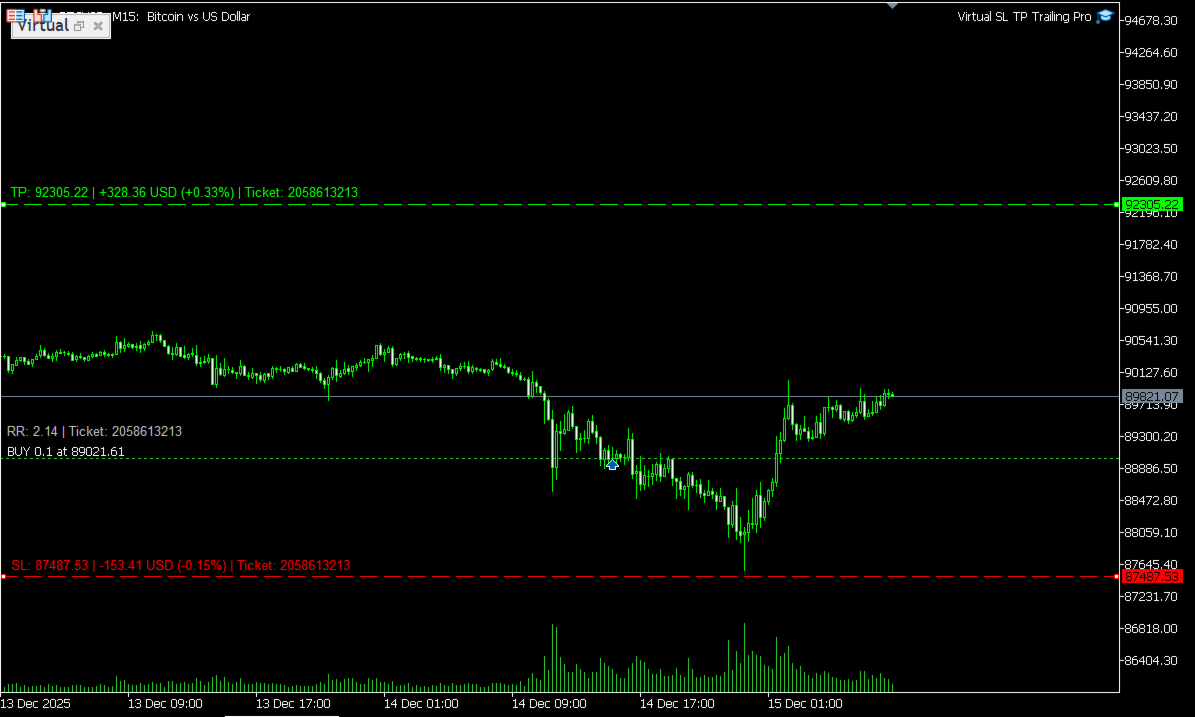
Virtual SL and TP levels are stored in local files and drawn on the chart as editable lines. If the terminal or your VPS is restarted, the utility reads the saved data and restores management for the positions that are still open. The tool does not open new orders and it does not change position size. It only closes positions or modifies their exits when your virtual levels or conditions are reached.
Key Features
- Virtual SL and TP: Stop Loss and Take Profit levels are kept hidden from the broker and processed on the client side only.
- Automatic assignment: Optional automatic SL/TP assignment for new positions that are opened without exit levels.
- Break-even logic: Move SL to the entry price after price moves in your favour by a configurable distance, with an optional profit offset.
- Two trailing modes: Risk–reward trailing based on R-multiples, and Average True Range (ATR) trailing that adapts to current volatility.
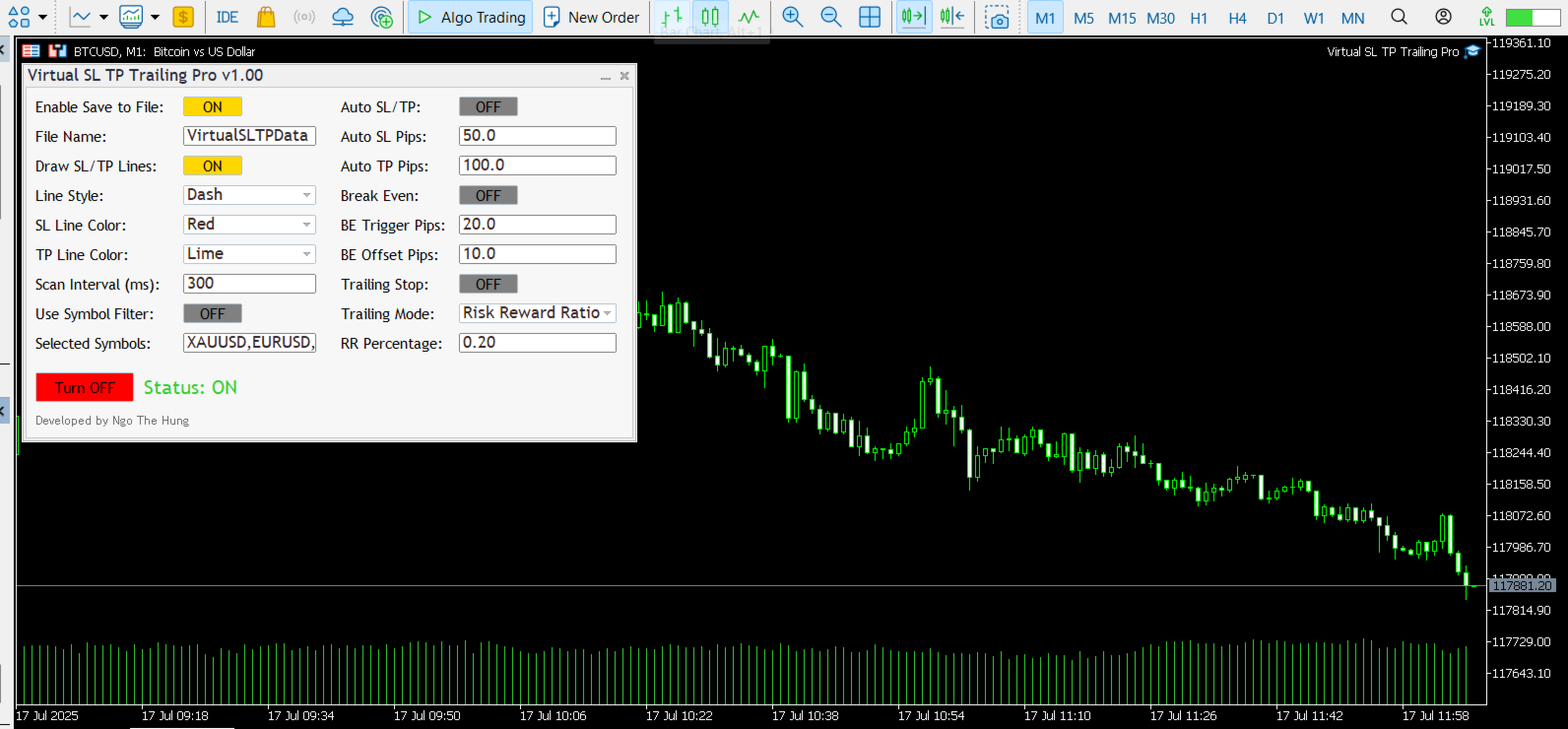
- Compact on-chart panel: Manage modules, change settings and adjust visibility directly from a simple graphical panel.
- Persistent state: Save and restore virtual SL/TP, break-even and trailing states across terminal restarts.
- Symbol filters: Apply management only to the current symbol or to a selected group of symbols when you run several strategies in parallel.
How It Works in Practice
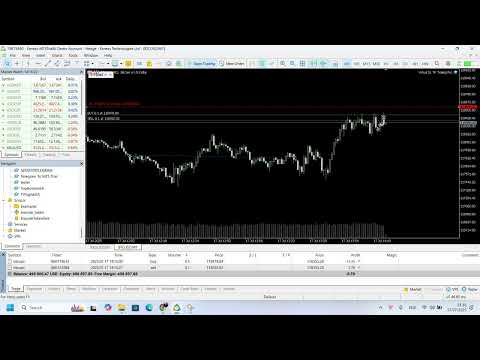
The on-chart panel shows the active modules and the main parameters for the current chart. You can choose whether the tool should manage only positions that already exist, or also attach virtual exits to new trades as soon as they appear. Virtual SL and TP lines can be dragged directly on the chart if you want to adjust levels manually.
For break-even management, you define a profit trigger and an optional offset. When price reaches the trigger, the virtual SL is moved to the new level and the utility continues to track the position. For risk–reward trailing, you define the initial risk in points and one or more R-levels where the stop should be moved. For ATR-based trailing, the stop distance is calculated from the current ATR value so that the distance automatically expands or contracts when volatility changes.
The utility can be used on any symbol that your broker provides, including Forex pairs, indices, commodities, stocks and Contracts for Difference (CFDs). Trade execution, spreads, swaps and all account conditions are fully controlled by your broker. The utility only manages exits according to your rules.
Important Notes
Because all SL and TP levels are virtual, the terminal or VPS must stay online for protection to work. If the platform is closed, disconnected or the EA is removed from the chart, the broker will not see any SL or TP levels and cannot close trades on your behalf. If you need server-side protection, you can still place classical SL/TP together with the virtual logic or keep a separate risk limit on the broker side.
Getting Started
- Download and install the utility from the Market.
- Open the chart of the symbol that you want to manage and attach the utility.
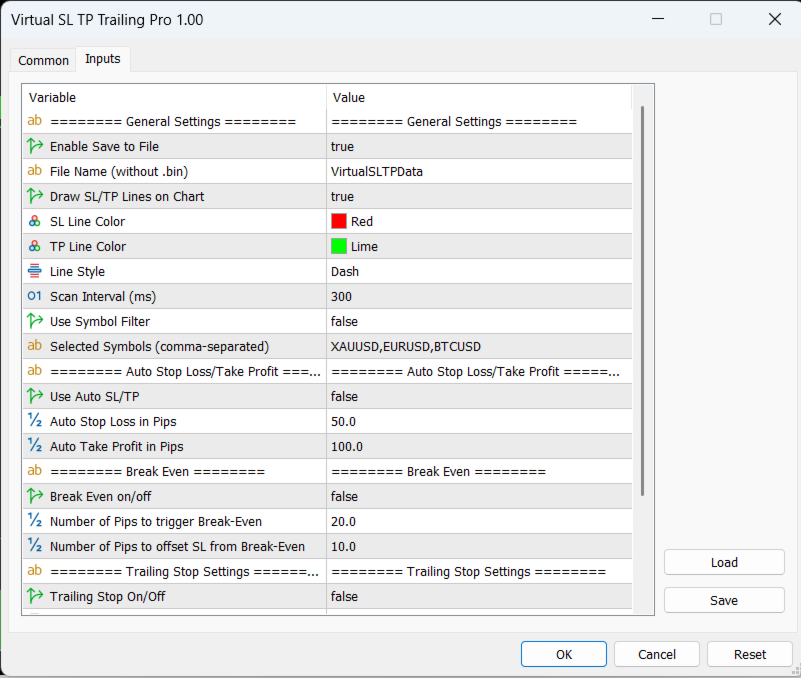
- Set your preferred distances, trailing mode and symbol filters in the Inputs and confirm that the on-chart panel shows the expected values.
- Keep the platform or VPS running so that the utility can monitor and manage positions in real time.
Support and Documentation
All buyers receive free updates and technical support for the current product. Suggestions that improve stability, safety or clarity are implemented whenever possible.