
MT5 Send To Telegram
- Experts
-
The Hung Ngo
 Hi, I’m Ngo The Hung — a Senior Software Developer specializing in algorithmic trading systems for MetaTrader 4 and MetaTrader 5.
 - Versione: 2.50
- Aggiornato: 9 marzo 2026
- Attivazioni: 10
MT5 Send To Telegram – Real-Time Trade Alerts & Monitoring for Telegram
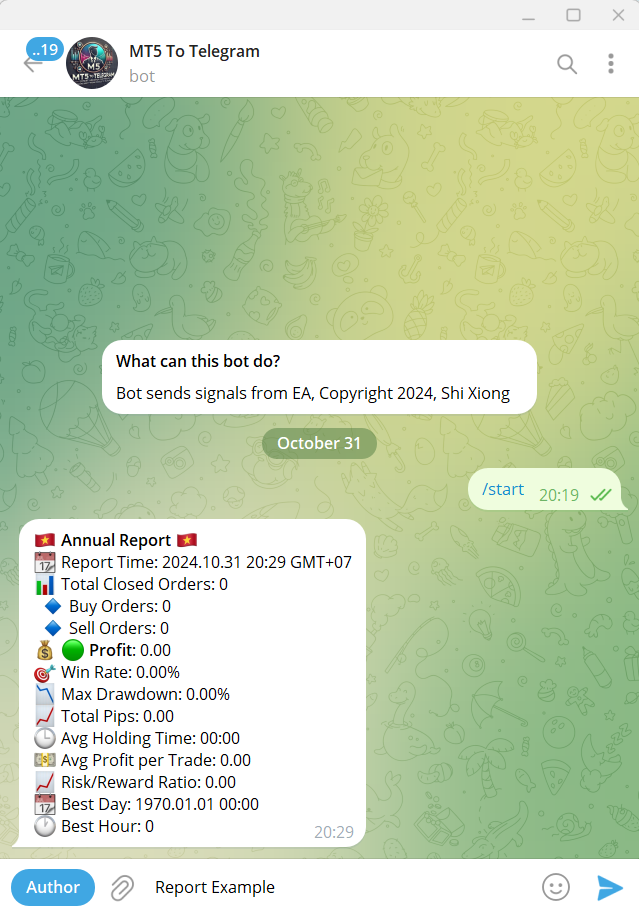
MT5 Send To Telegram EA is a read-only monitoring and notification utility for MetaTrader 5. It sends clean, real-time trading activity from your MT5 account to Telegram, so you can stay informed from anywhere on mobile or desktop.
Safe by design: this EA does not open, close, modify, or manage trades. It only monitors your account, sends alerts, and replies to supported read-only Telegram requests.
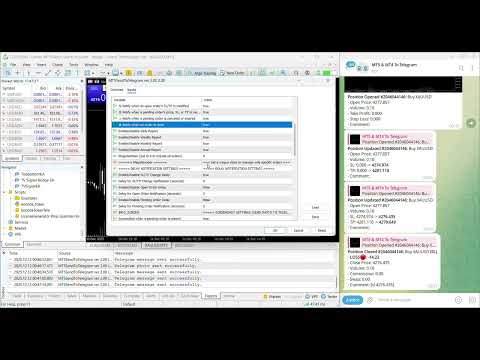
Receive alerts for new positions, closed trades, pending orders, SL/TP changes, screenshots, and scheduled performance summaries. A built-in delay engine can combine rapid updates into fewer, cleaner messages to reduce noise while keeping the important context.
New in v2.50: when you use YOUR_OWN_BOT, the EA can answer practical Telegram requests on demand, such as account snapshot, open positions, pending orders, risk overview, current day/week/month/year counters, and EA status. An optional quick keyboard gives one-tap access to the most useful monitoring actions.
Public channel: CLICK HERE
Full setup, user guide and download demo trial: Step-by-step user guide (blog on MQL5.com)
Need the MetaTrader 4 version? MT4 Send To Telegram
Main Features
- Real-time trade alerts: positions opened/closed, SL/TP changes, and pending orders placed/modified/executed/canceled.
- Telegram Requests / Commands (v2.50): in YOUR_OWN_BOT mode, ask the EA for /account, /positions, /pending, /risk, /today, /week, /month, /year, /status, /help.
- Optional quick keyboard: one-tap access to the most useful monitoring actions directly inside Telegram.
- Protected interaction: commands are accepted only from the configured ChatTarget / topic, and replies return to the same chat/topic.
- Multi ChatTarget support: send notifications to multiple Telegram chats/groups/channels (comma- or new-line-separated).
- Telegram Topics support: route messages to a specific forum topic using -100xxxxxxxxxx:TopicID.
- Threaded trade messages: SL/TP updates and closing alerts can reply to the original open-trade message for a cleaner “one thread per trade” log.
- Optional screenshots: automatically attach a chart screenshot for selected events.
- Enhanced screenshots (optional): draw Entry / SL / TP levels on the chart before capturing for clearer trade documentation.
- Unified delay system: combine fast consecutive updates into fewer, cleaner notifications.
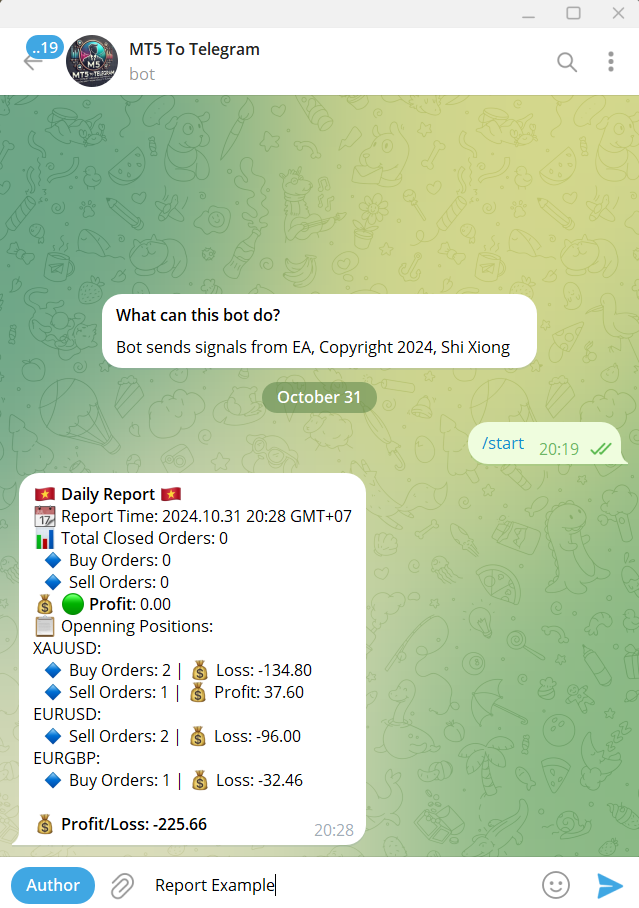
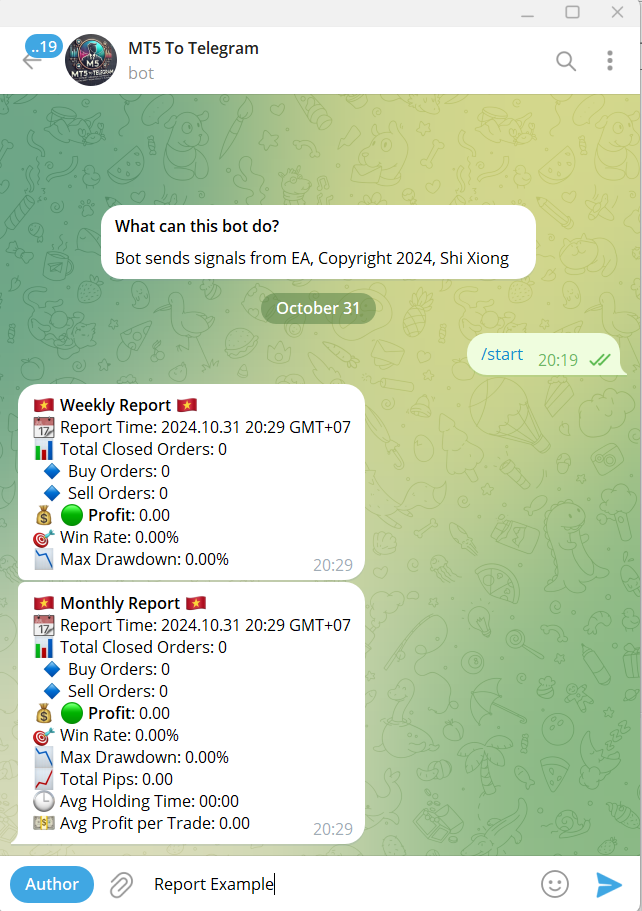
- Auto performance reports: daily, weekly, monthly, and annual summaries with key account statistics.
- Account safety alerts (optional): warnings for margin level, drawdown / daily loss, spread, and connection / trading status.
- Filter by strategy (Magic Number): monitor all trades (Magic = 0) or only one strategy / EA.
- Custom templates: edit message text using simple formatting and placeholders.
Telegram Connection (2 Modes)
- Mode 1 — Default Bot (fast personal setup):
Set TokenChoice = DEFAULT, then enter ChatTarget (your Telegram username, with or without @, or t.me/username). - Mode 2 — Your Own Bot (recommended for channels, groups, and Telegram Requests):
Set TokenChoice = YOUR_OWN_BOT and paste your bot token into YourToken. Then set ChatTarget as:- Numeric Chat ID (recommended): -100xxxxxxxxxx for groups/channels, or a positive ID for private chats.
- Public username: @channelusername (or t.me/channelusername) for public channels/supergroups.
- Forum Topics (optional): use -100xxxxxxxxxx:TopicID to post inside a specific topic.
- Multiple targets: enter several ChatTargets separated by commas or new lines.
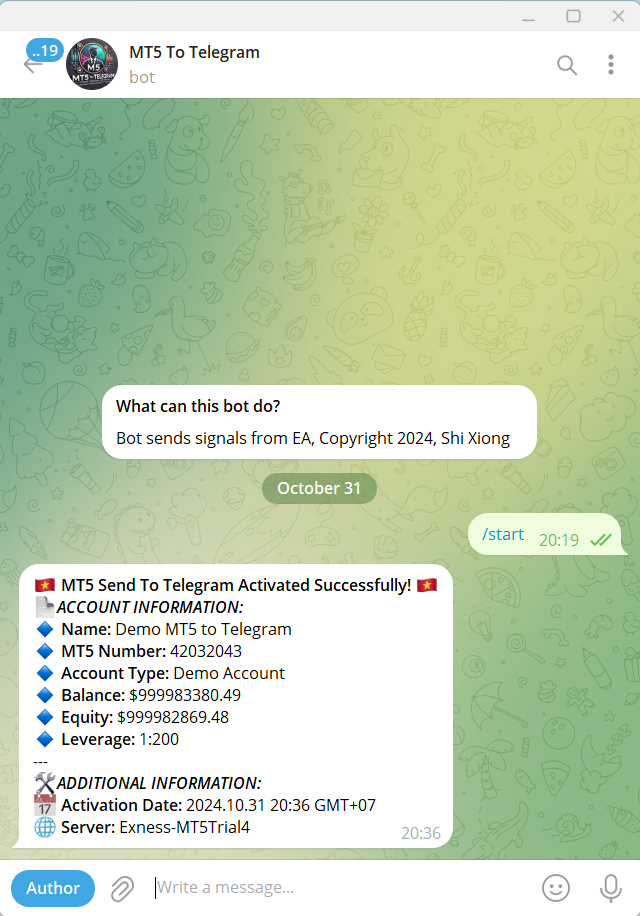
- Optional verification: enable Enable Chat ID Verification to send a test message on initialization and confirm your setup.
Important: Telegram Requests / Commands are available only in YOUR_OWN_BOT mode. For the best experience, use one dedicated bot for this EA.
Who Is It For?
- Manual traders who want reliable trade visibility on mobile
- Telegram channel owners who need structured trade logs
- EA users monitoring one or multiple strategies from one terminal
- Prop-firm traders who want optional account safety warnings and cleaner compliance-style logging
- Traders who want both automatic alerts and on-demand Telegram account queries
How To Use
- Attach the EA to any chart (one chart per terminal is enough).
- Select your bot mode (TokenChoice) and set ChatTarget (single or multiple targets).
- (Optional) Set a Magic Number to filter which trades are tracked.
- Enable the alert types you want (entries, exits, SL/TP, pending orders, screenshots, reports, safety alerts).
- If you use YOUR_OWN_BOT and want interactive Telegram Requests, enable that module and then send /menu or /help from Telegram.
- Keep MT5 running (VPS is recommended for 24/7 monitoring and notifications).
Strategy Tester Compatibility
To comply with Market verification rules, basic logic is included for Strategy Tester only. Live Telegram messaging and request polling are intended for normal chart usage, not for Strategy Tester.
Disclaimer
This EA does not open or manage trades. It only sends notifications and supported read-only replies based on your account activity. Please test thoroughly before using in a live environment. Trading involves risk.






























































I'm using the product to get access to my favourite chart view in MT5 when I have no access to my VPS. I open an pending order far away and it sends me a screenshot with my indicators. Would be even better if I could send a command in my mobile Telegram for receiving a screenshot instead of opening the order but it works well und seller is friendly and helpful. So I can recommend the product and author.