ORB Framework
- Experts
- Version: 1.0
- Activations: 5

ORB Framework - Opening Range Breakout, built to be tested before it is traded
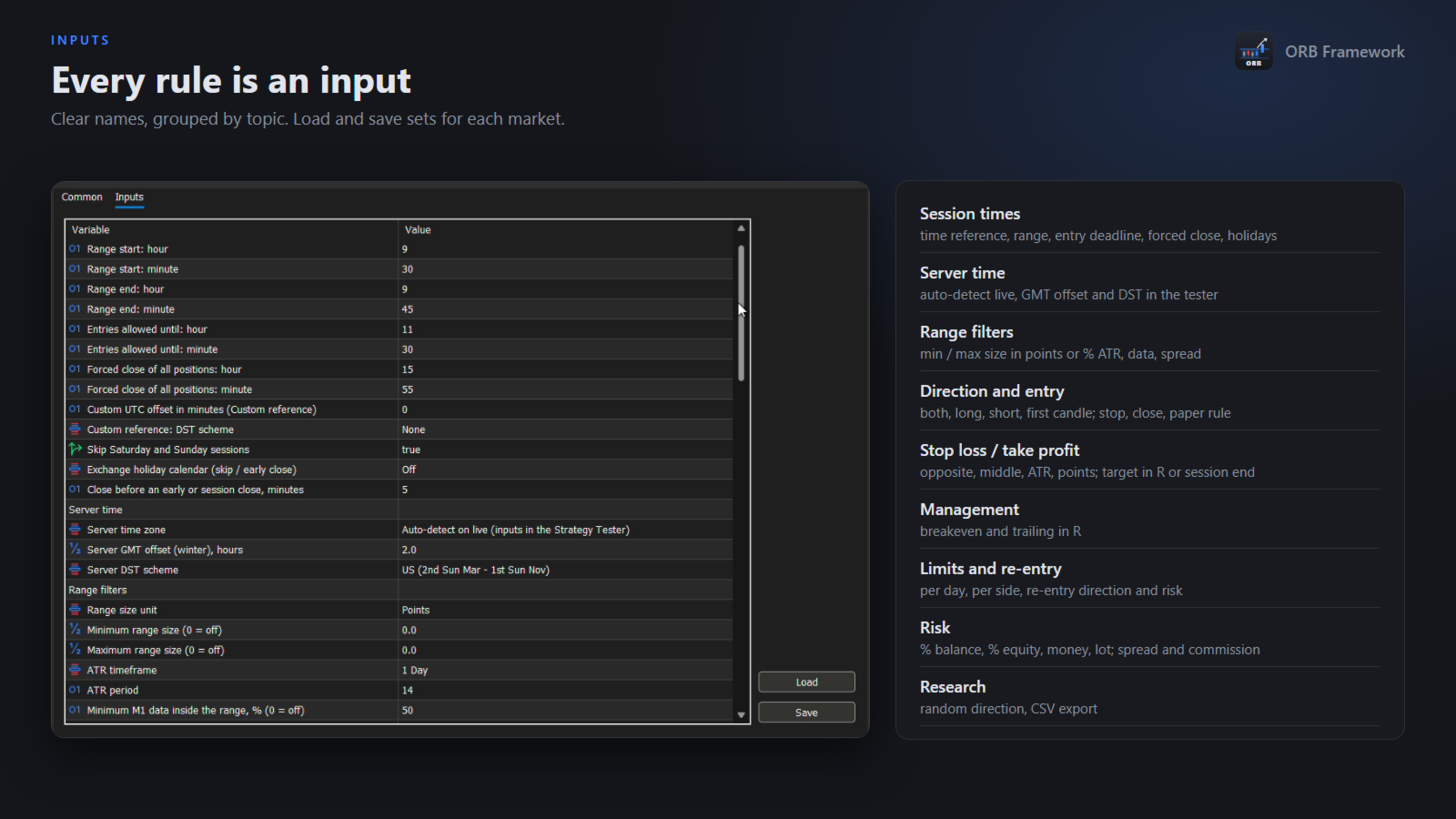
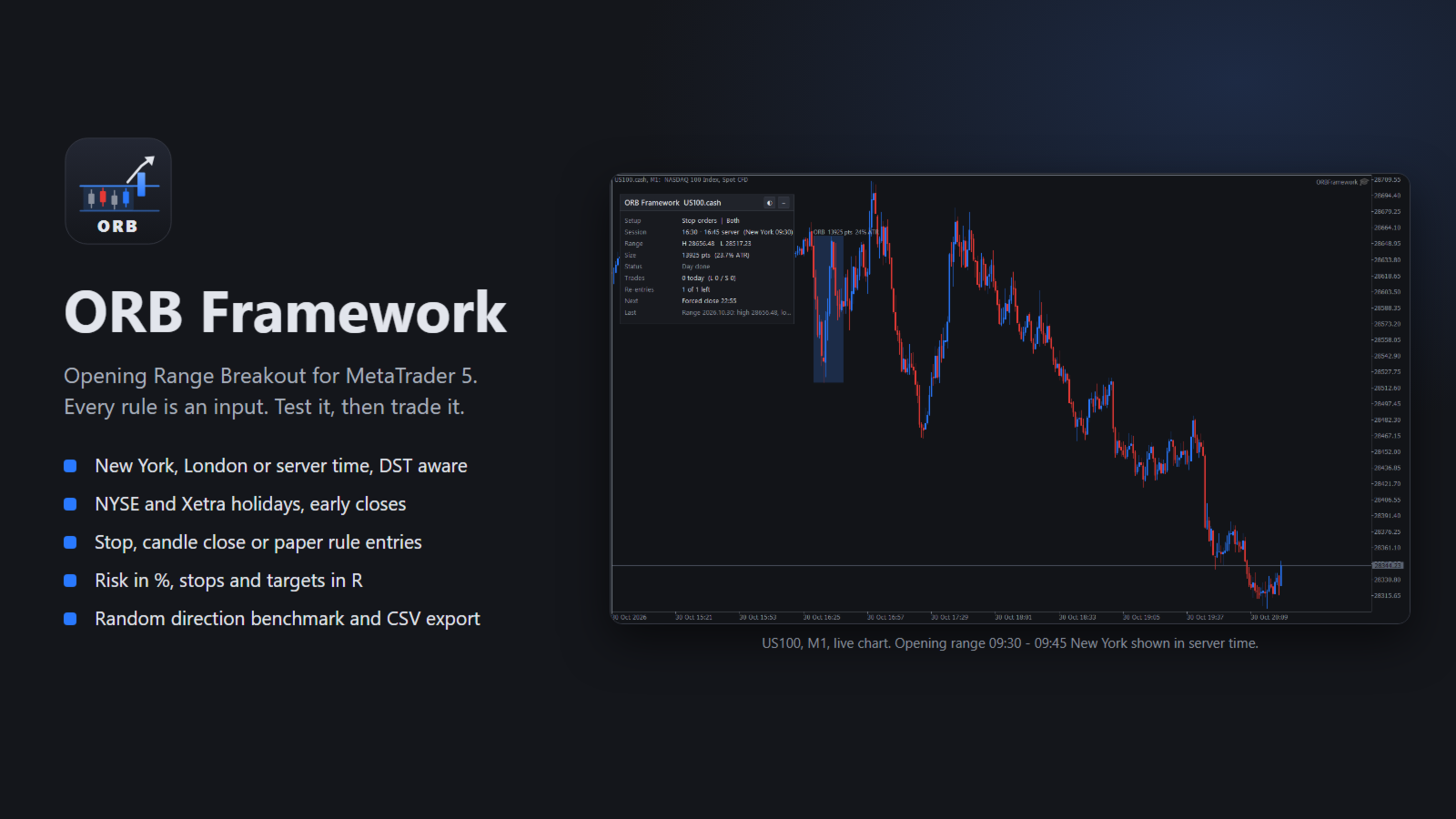
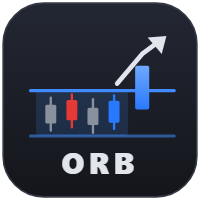
ORB Framework automates the Opening Range Breakout: it measures the high and the low of the first minutes of a session, then trades the breakout of that range. Every part of the method is an input, so you can rebuild the classic ORB variants, test your own idea in the Strategy Tester and run exactly the same logic live.
It is a framework, not a black box. It does not promise profits and it is not optimized for you. It gives you the tools to find out, honestly, whether an opening range breakout works on your market and your broker.
SESSION TIMES THAT ARE ALWAYS RIGHT
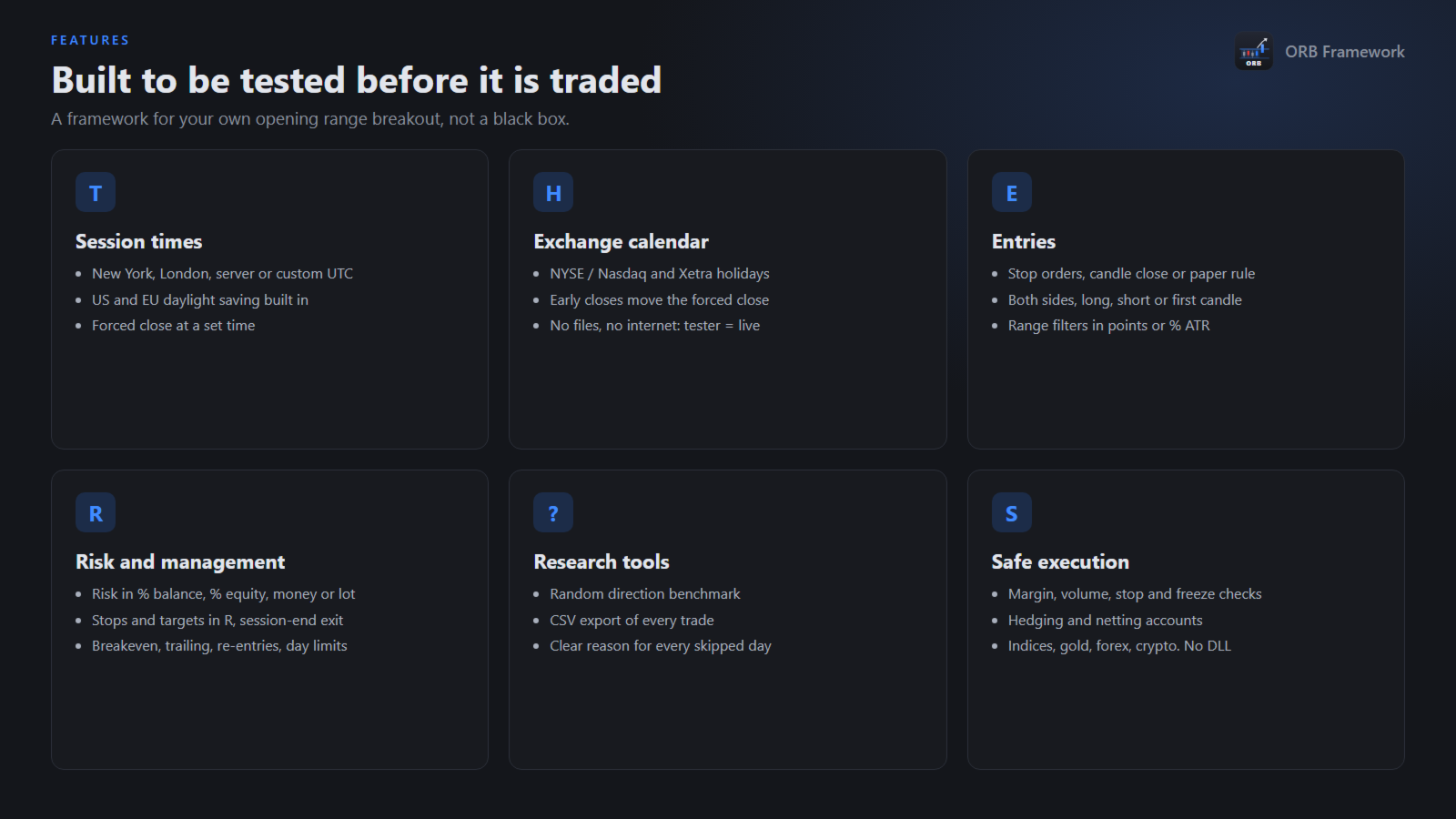
- Set the session in New York, London, server or a custom UTC time. The EA converts it to your broker's server time.
- Daylight saving time is handled for the US and for Europe, including the weeks when the two are out of step.
- Exchange holiday calendar for NYSE / Nasdaq and Xetra: holidays are skipped, early closes (13:00 New York) move the forced close earlier.
- No calendar files and no internet access: the rules are built in, so the Strategy Tester and the live chart behave the same.
ENTRIES
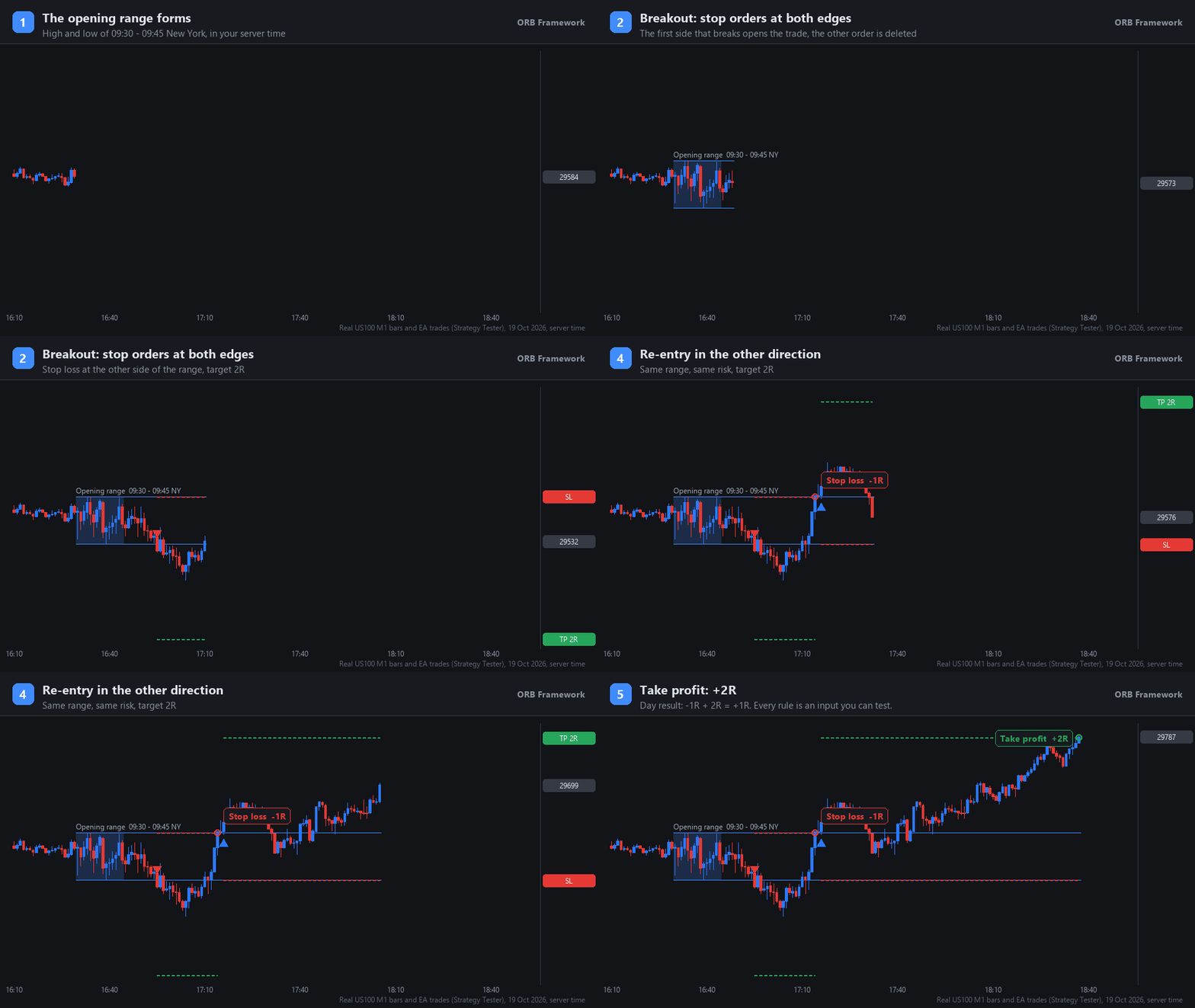
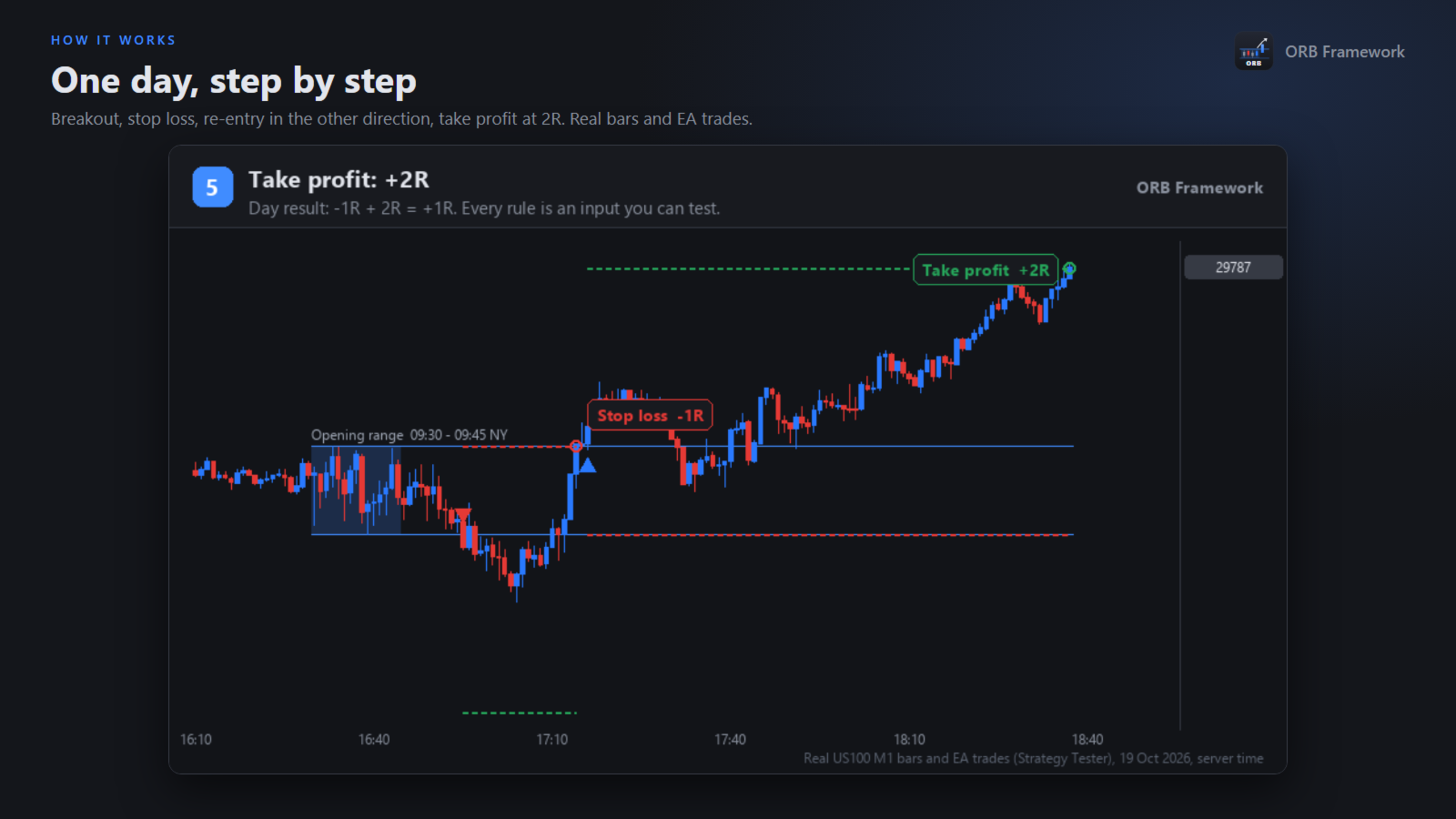
- Stop orders at the range edges (one cancels the other).
- Candle close beyond the range, on a timeframe you choose.
- Paper rule: market entry at the open of the candle after the range, in the direction of the range candle.
- Direction: both sides, long only, short only, or the direction of the first candle.
- Range filters in points or in % of ATR, minimum data inside the range, maximum spread.
RISK AND TRADE MANAGEMENT
- Risk per trade in % of balance, % of equity, a fixed amount or a fixed lot.
- Stop loss at the opposite side, the middle of the range, an ATR multiple or fixed points.
- Take profit in R, close at the session end, or both (first one wins).
- Breakeven and trailing stop in R.
- Limits per day: total, long and short trades; re-entry after a stop in the same, the opposite or both directions.
- Forced close at a set time, before the session or an early close.
RESEARCH TOOLS
- Random direction mode: replaces the direction rule with a coin flip, so you can check whether your rule adds anything over chance.
- CSV export of every trade (range, spread, entry, stop, exit, result in R) for your own statistics.
- Clear journal messages that explain every skipped day and every rejected order.
ON THE CHART
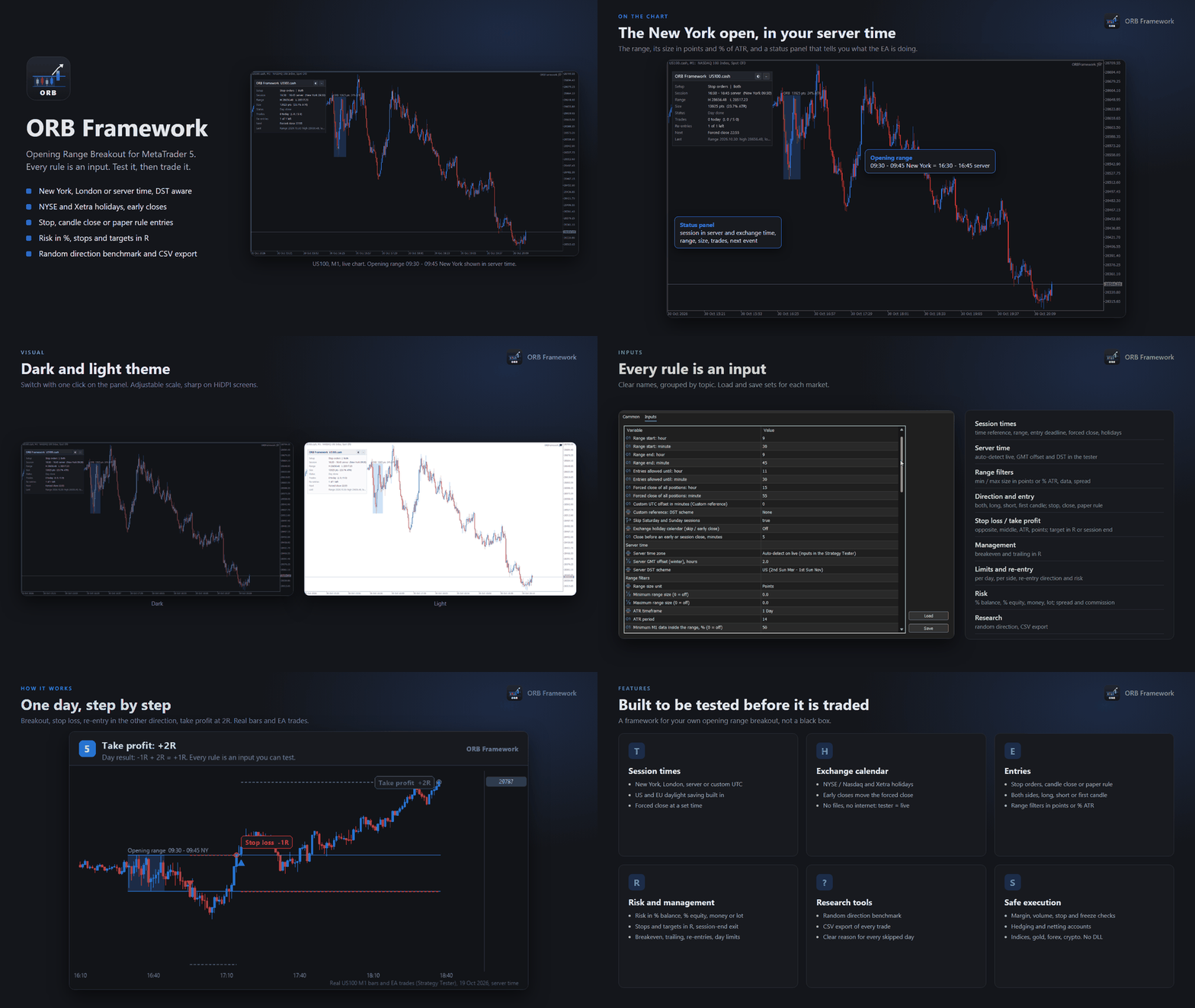
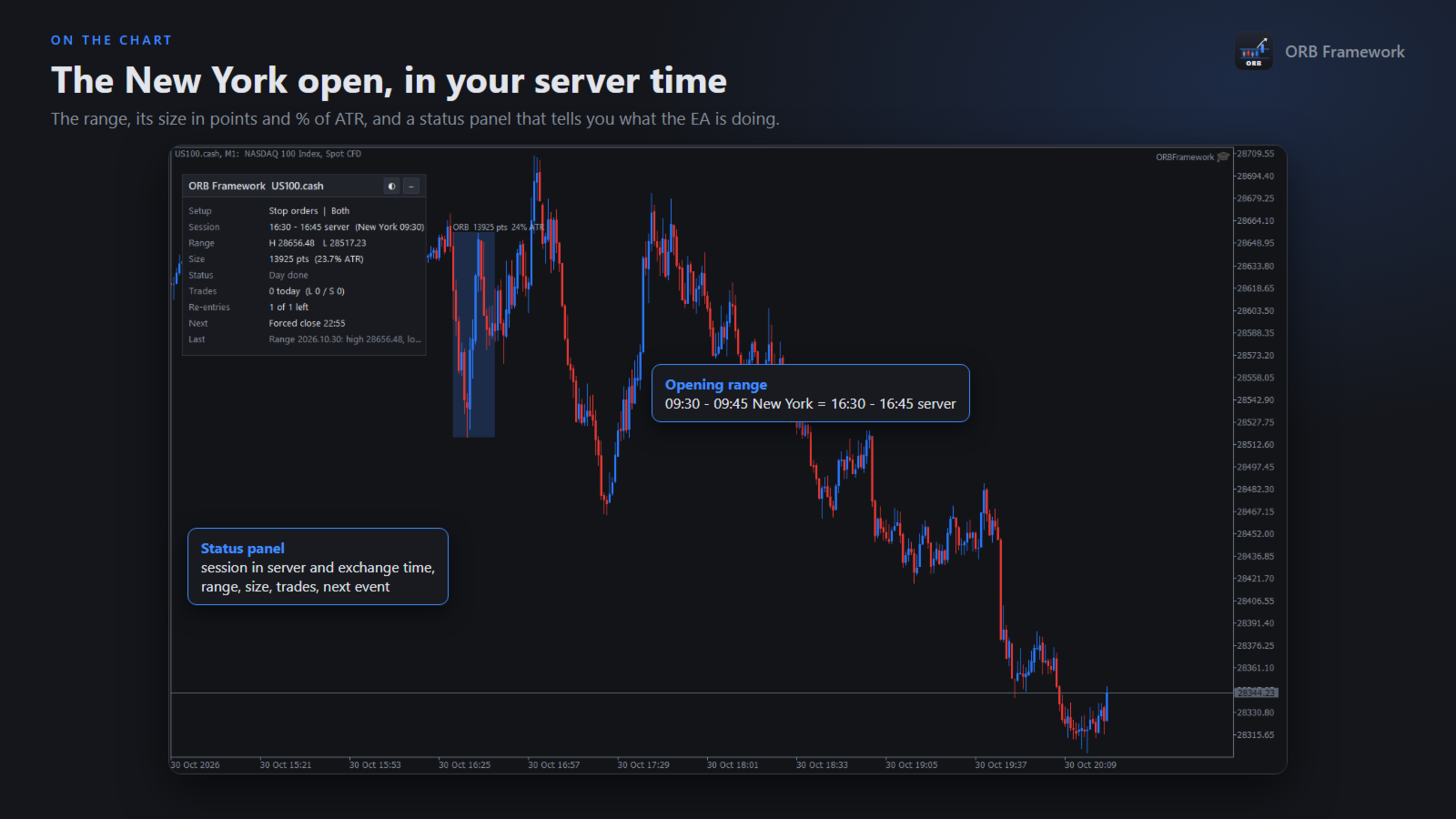
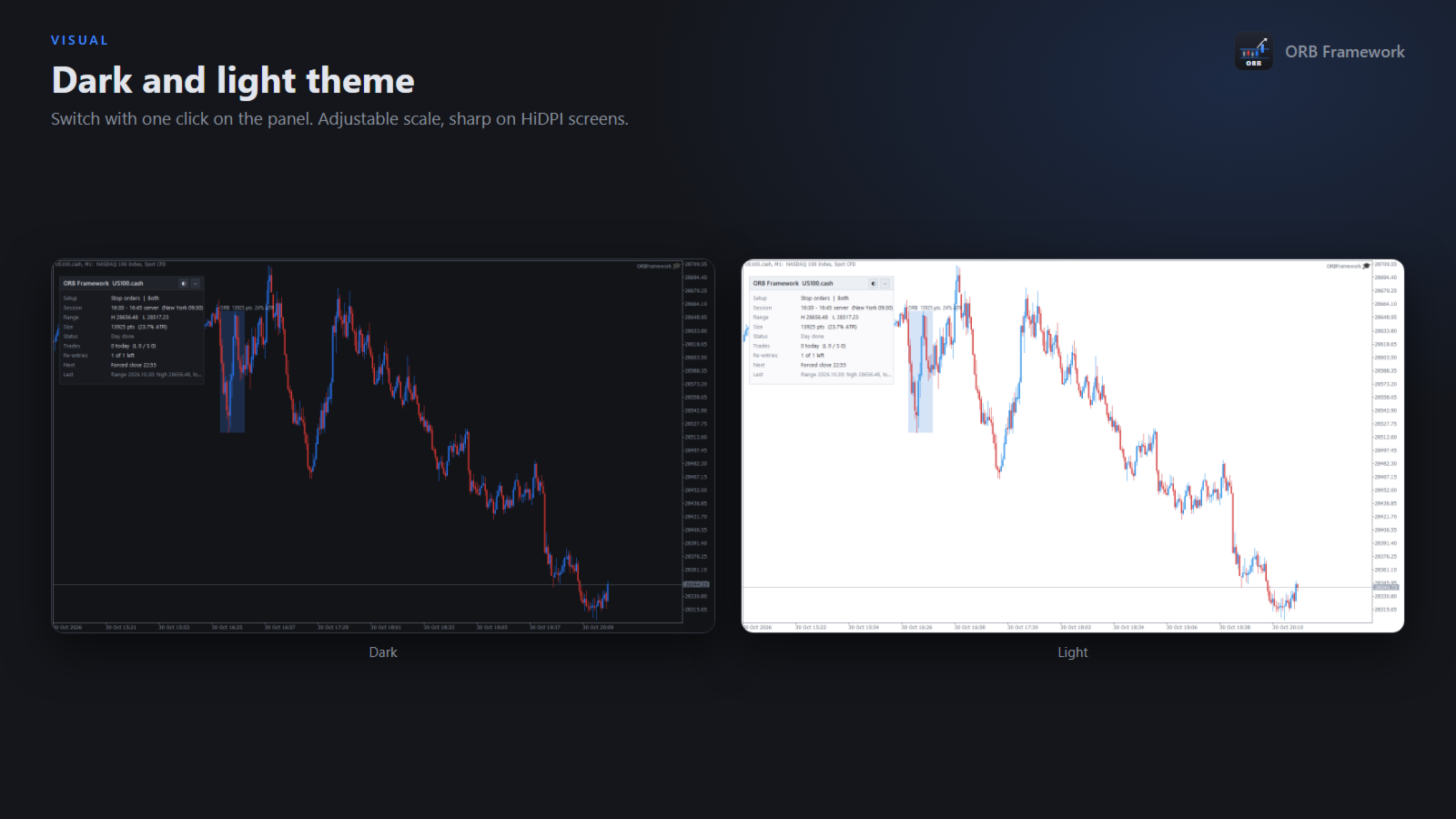
- Status panel: setup, session in server and exchange time, range, size, status, trades, next event. Dark and light theme, adjustable scale, HiDPI aware.
- Past ranges drawn on the chart, with entry, stop and target lines.
SAFE EXECUTION
- Checks volume limits, free margin, stop and freeze levels, filling mode and trading permissions before every order.
- A day is skipped with a clear reason instead of sending an invalid order.
- Works on hedging and netting accounts, on indices, gold, forex and crypto CFDs. No DLL.
HOW TO START
1. Attach the EA to any chart of the symbol (the timeframe does not matter).
2. Choose the time reference and the session times of your market, for example New York 09:30 - 09:45 for US indices.
3. In the Strategy Tester, set the server GMT offset and DST scheme of your broker. On a live chart the server time zone is detected automatically.
4. Test with 1 minute OHLC for quick comparisons and confirm the final settings with real ticks.
IMPORTANT
Backtest results are not a promise of future results. Opening range breakouts can stop working for long periods. Test on your own broker data, keep a part of the history out of the optimization, and start on a demo account.