Order Block Mitigation Tracker MT5
- Indicators
-
Svitlana Zhyliaieva
 ✅ About AlgoLab
AlgoLab is an independent team of MQL developers and traders building tools for MetaTrader 4 and MetaTrader 5. We create indicators and Expert Advisors with a focus on clean charts, clear logic and practical everyday use.
✅ What We Build - Version: 1.1
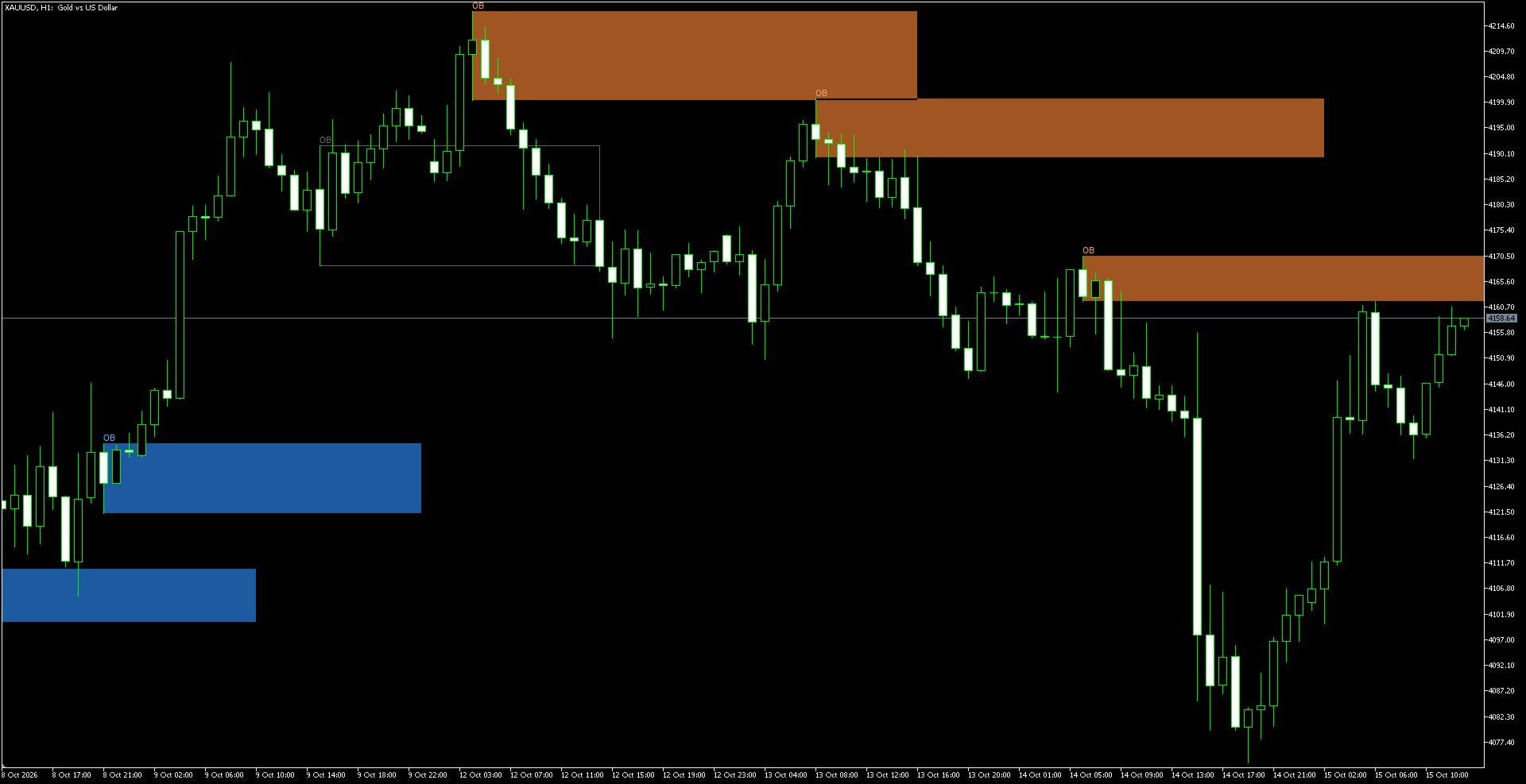
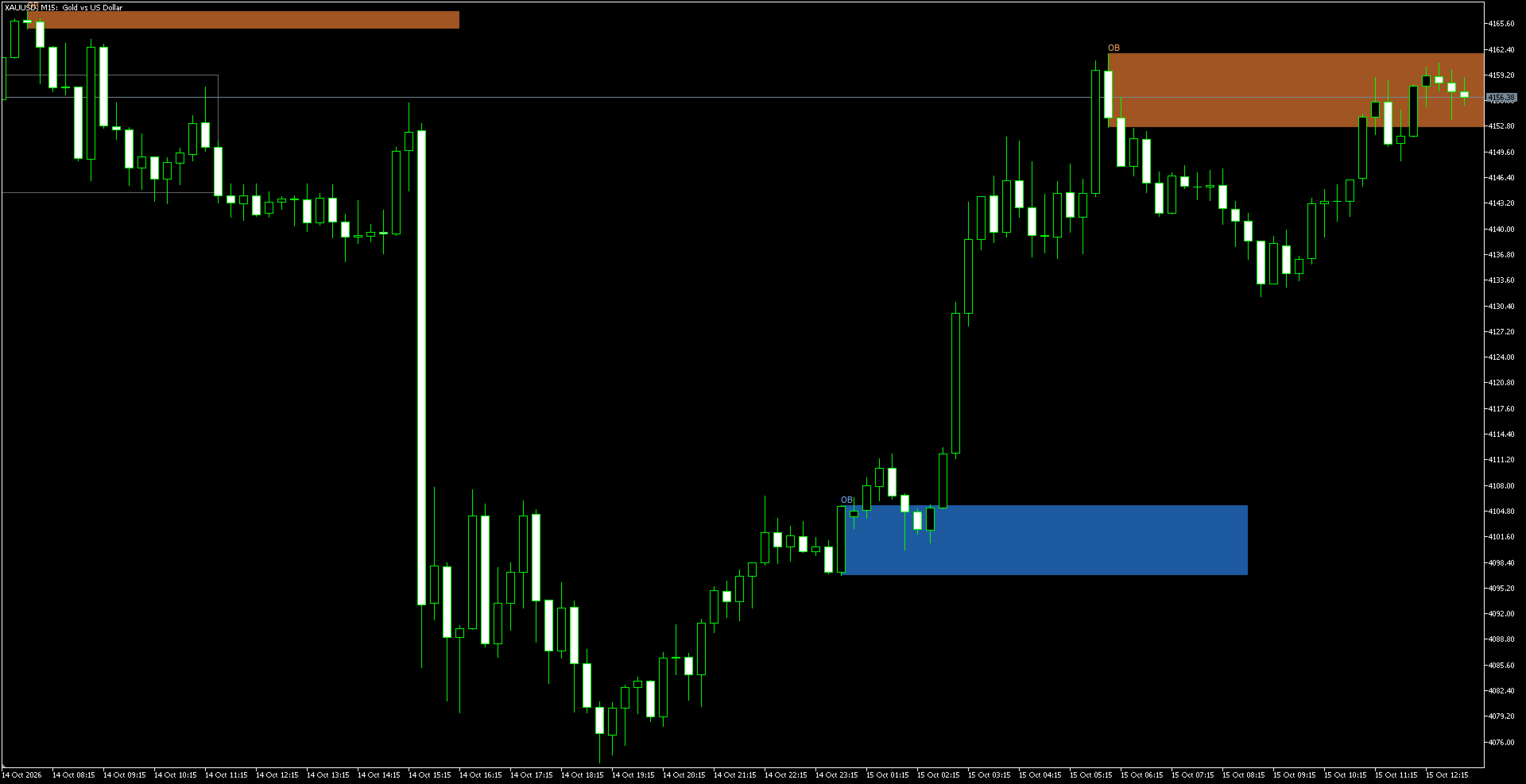
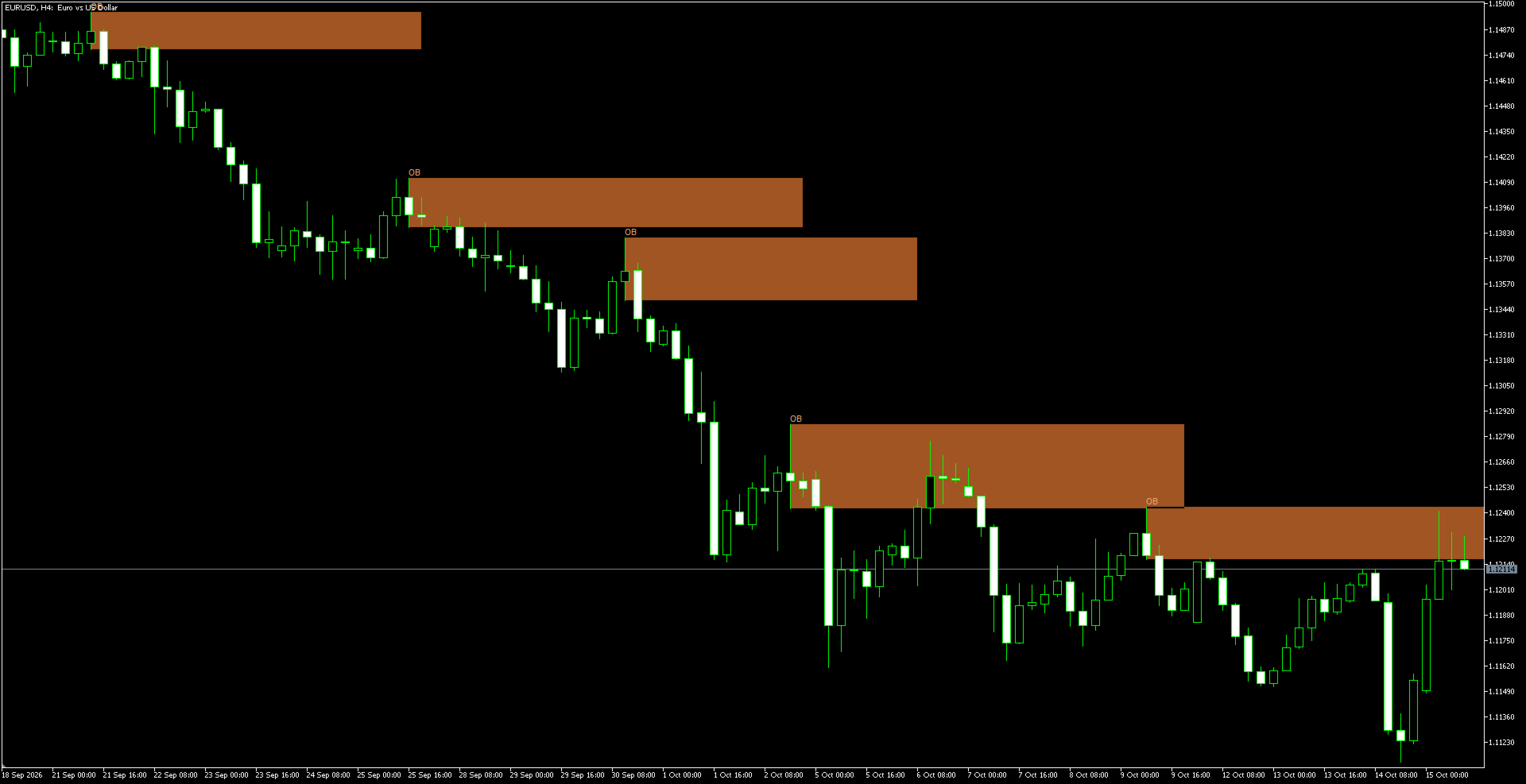
Order Block Mitigation Tracker finds Order Blocks and draws them on the chart as colored zones. An Order Block is the candle where the move that broke the market structure started: the lowest candle before a bullish break or the highest candle before a bearish break. Many traders watch these areas as possible places where price may react when it returns. The indicator marks the block, extends it to the right and follows what price does with it: the block stays open until price mitigates it.
Features
- Bullish blocks - the candle with the lowest low between the broken swing high and the candle that broke it
- Bearish blocks - the candle with the highest high between the broken swing low and the candle that broke it
- Break by the candle CLOSE - a wick that only touches a swing does not count as a break
- Choose which breaks create blocks - all breaks, only CHoCH (against the trend, possible reversals) or only BoS (with the trend)
- Block size - the full candle range (high to low) or only the candle body (open to close)
- Block style - filled blocks or outline only (the outline is useful when several blocks overlap)
- Three mitigation rules - wick through the block, close through the block, or first touch
- Mitigated blocks - either stop at the mitigating candle and turn dim grey, or disappear from the chart
- Blocks are extended to the right for the chosen number of bars
- Bullish and bearish blocks in separate colors; each direction can be switched on or off; optional OB text label
- Alerts for new blocks: pop-up window and/or push notification (off by default); alerts are sent only for new blocks on the live chart, not for the history loaded at start
- Works on any symbol and any timeframe; does not trade and does not use DLLs, files or web requests
How it works
- Everything is calculated on CLOSED bars. A block appears when the candle that breaks the structure closes, and it is not redrawn or moved afterwards.
- A swing is confirmed when it is the highest or the lowest of the chosen number of bars on each side. A break is counted only when a candle CLOSES beyond the last swing. A break in the direction of the current trend is a BoS, a break against it is a CHoCH.
- The Order Block is the candle with the lowest low (bullish) or the highest high (bearish) between the broken swing and the breaking candle, that is, the candle where the move that broke the structure started.
- A block is considered mitigated according to the selected Mitigation rule:
- Wick through the block - the wick of a candle goes through the whole block to its far edge (default)
- Close through the block - a candle closes beyond the far edge of the block
- First touch (price enters the block) - the block is mitigated as soon as price enters it - Stop at mitigation (dim grey block) - the block ends on the candle that mitigated it and is shown in dim grey, so you can see which blocks have already been used. Hide mitigated blocks removes mitigated blocks from the chart, and only open blocks remain.
- A block that has been open longer than Extend block bars after the break stops being tracked; the rectangle stays on the chart as drawn.
Inputs
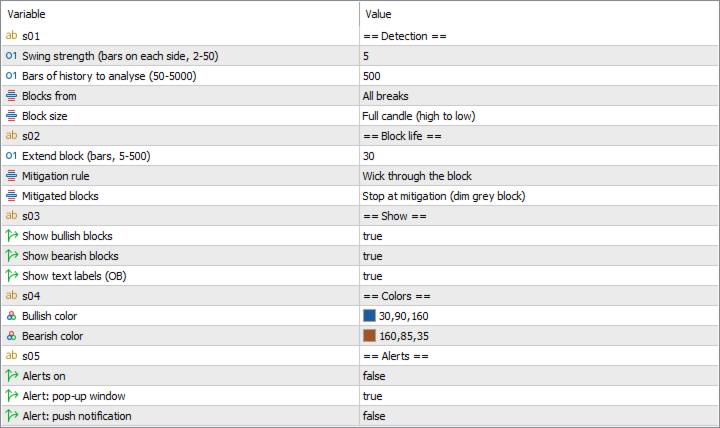
- Swing strength (bars on each side, 2-50) - number of bars on each side of a swing (2-50). Larger values give fewer, more significant blocks. Default: 5
- Bars of history to analyse (50-5000) - how many past bars are analysed when the indicator loads (50-5000). Default: 500
- Blocks from - All breaks / Only CHoCH (against the trend) / Only BoS (with the trend). Default: All breaks
- Block size - Full candle (high to low) / Candle body (open to close). Default: Full candle (high to low)
- Extend block (bars, 5-500) - how far to the right a block is extended, counted from the candle that broke the structure. Default: 30
- Mitigation rule - Wick through the block / Close through the block / First touch (price enters the block). Default: Wick through the block
- Mitigated blocks - Stop at mitigation (dim grey block) / Hide mitigated blocks. Default: Stop at mitigation (dim grey block)
- Show bullish blocks, Show bearish blocks - switch each direction on or off. Default: on
- Show text labels (OB) - the OB label on each block. Default: on
- Block style - Filled / Outline only (only the frame is drawn, useful when blocks overlap). Default: Filled
- Bullish color, Bearish color - colors of the blocks
- Alerts on, Alert: pop-up window, Alert: push notification - alerts for new blocks. Default: off
Notes
- The indicator does not know the trend before the start of the analysed history, so the first break in the loaded history is always a BoS. If the history length changes, the blocks at the oldest part of the chart can change when a CHoCH / BoS filter is used. Blocks on the live chart are not affected.
- A block can appear only after the breaking candle has closed, and a swing is confirmed only after the chosen number of bars, so blocks always appear with a delay. The same candle is used only once per direction.
- Blocks are drawn as chart objects; the indicator has no buffers for use in Expert Advisors.
- The sections in the input window ("== Detection ==" and others) are only headings and have no effect.
- This is an analysis tool, not a trading signal. An unmitigated block does not guarantee that price will return to it or react to it.