Data Panel
- Utilities
- Version: 1.0

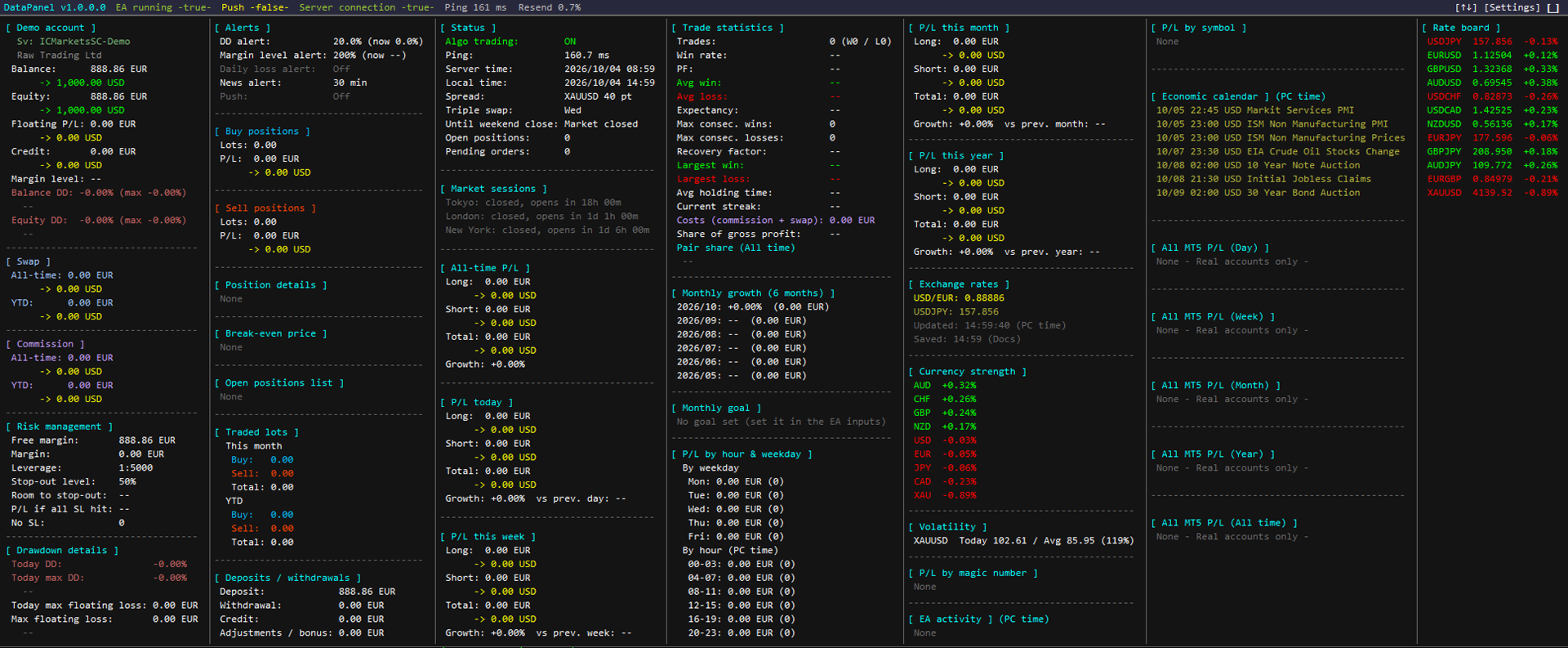
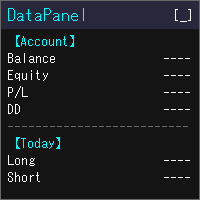
DataPanel shows the state of your account on the chart in a single panel. It never places orders and uses no DLL. I originally made it, with Claude Code, to see at a glance how the accounts running my other EAs are doing. It has grown to show a lot of information, but you can show only what you need, so please adjust it in the settings.
What it shows
- Balance, equity, floating P/L and margin level
- Balance and equity drawdown, with the maximum and the time it happened. Deposits, withdrawals and credit are not counted as drawdown
- P/L for today, this week, this month, this year and all time, split into long and short, with the growth rate
- Win rate, profit factor, expectancy, winning and losing streaks, average holding time, and costs such as swap and commission
- P/L by magic number and by symbol, and the share of each symbol you traded
- Open positions, break-even prices and the distance to stop-out
- An economic calendar (you choose the countries and the importance), today's holidays, a rate board, currency strength and market sessions
- The combined P/L of the real accounts of all MT5 terminals on the same PC (DataPanel must also be running on the other terminals)
How it behaves
- Amounts can be shown in the currency you choose (JPY, USD, EUR and others)
- Each item can be shown or hidden. Hidden items stop updating, so they put no load on the terminal
- The columns and the font size follow the size of the chart
- Items can be reordered with the [↑↓] button
- The language follows your terminal (17 languages)
- Alerts by popup, sound or push notification when drawdown or margin level crosses your limit, and shortly before important news
I tested it on IC Markets Global only. I have not been able to verify it with other brokers.