Chrona EURUSD
- Experts
- Version: 1.0
- Activations: 5

Chrona EURUSD
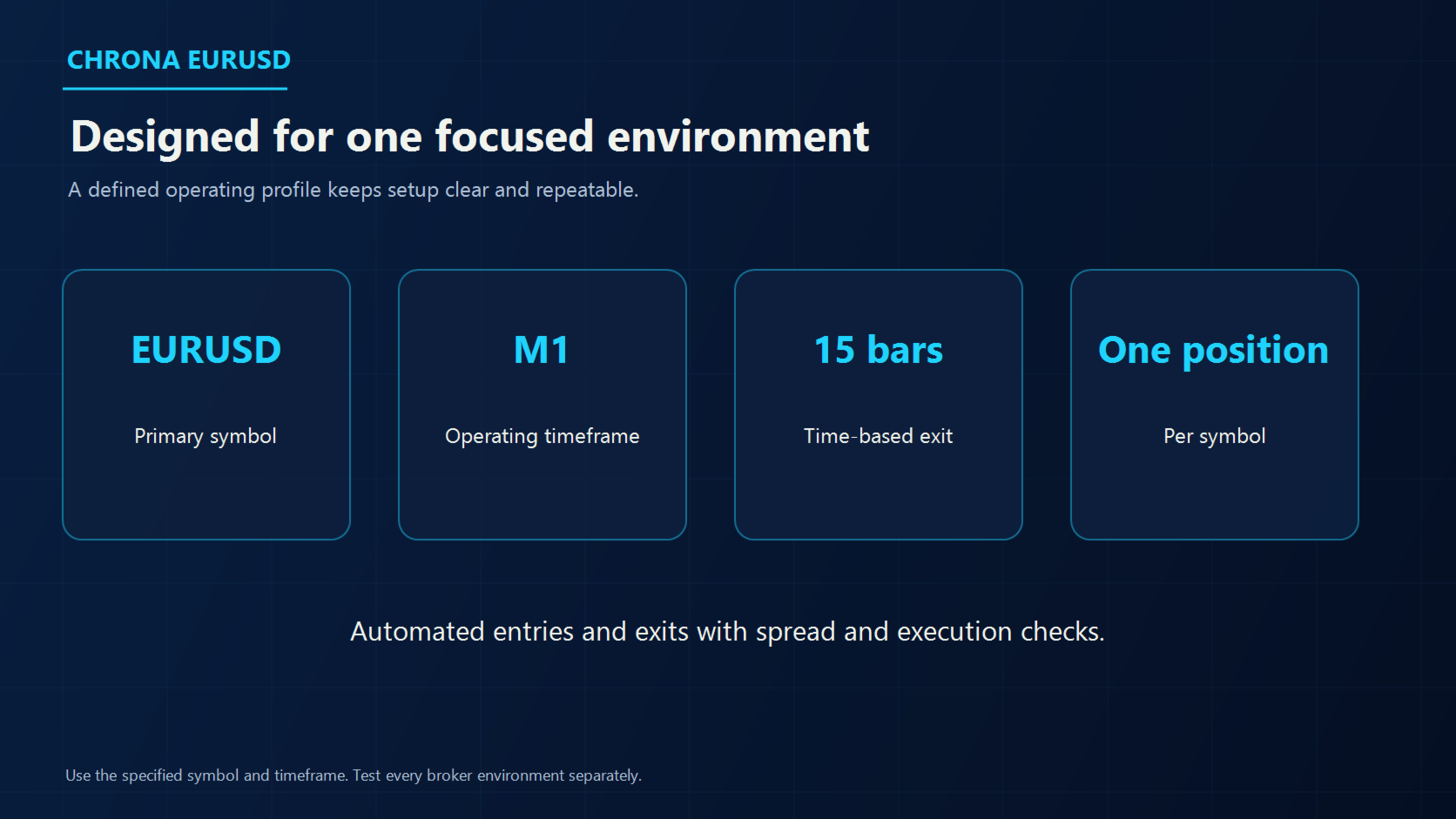
Chrona EURUSD is a fully automated Expert Advisor designed specifically for EURUSD on the M1 timeframe.
The EA uses an internal structured-state model. It evaluates intraday time, weekday, volatility, momentum and the position of the previous completed candle. When an active state is present, the EA can open one long or short market position. The normal exit is time based after 15 completed M1 bars.
Operating profile
- Platform: MetaTrader 5
- Symbol: EURUSD
- Timeframe: M1
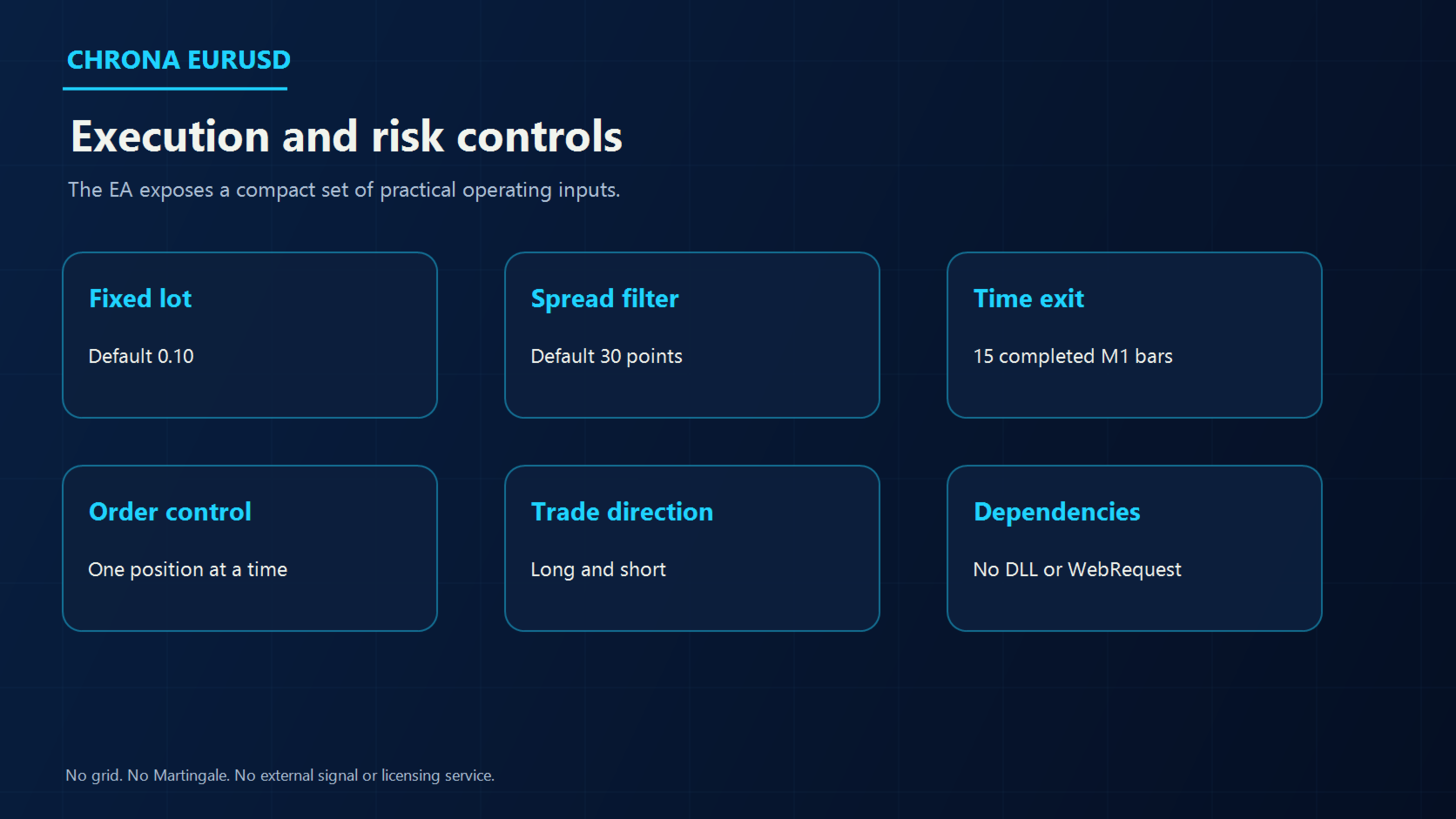
- Position mode: one position at a time per symbol
- Direction: long and short
- Default volume: fixed 0.10 lot
- Default maximum spread: 30 points
- Normal exit: 15 completed M1 bars
- Protective fallback: configurable emergency stop
- External dependencies: no DLL and no WebRequest
- Position structure: no grid and no Martingale
Input parameters
InpFixedLot sets the requested fixed volume. The default is 0.10 lot.
InpMaximumSpreadPoints blocks new entries when the current spread is above the configured number of symbol points. The default is 30 points.
InpEmergencyStopPips sets a distant protective stop. The main position exit is the 15-bar time exit. Test and adjust this value for your account and broker.
InpDeviationPoints sets the permitted order deviation in points.
InpPrintDiagnostics enables or disables terminal diagnostic messages.
Historical Strategy Tester reference
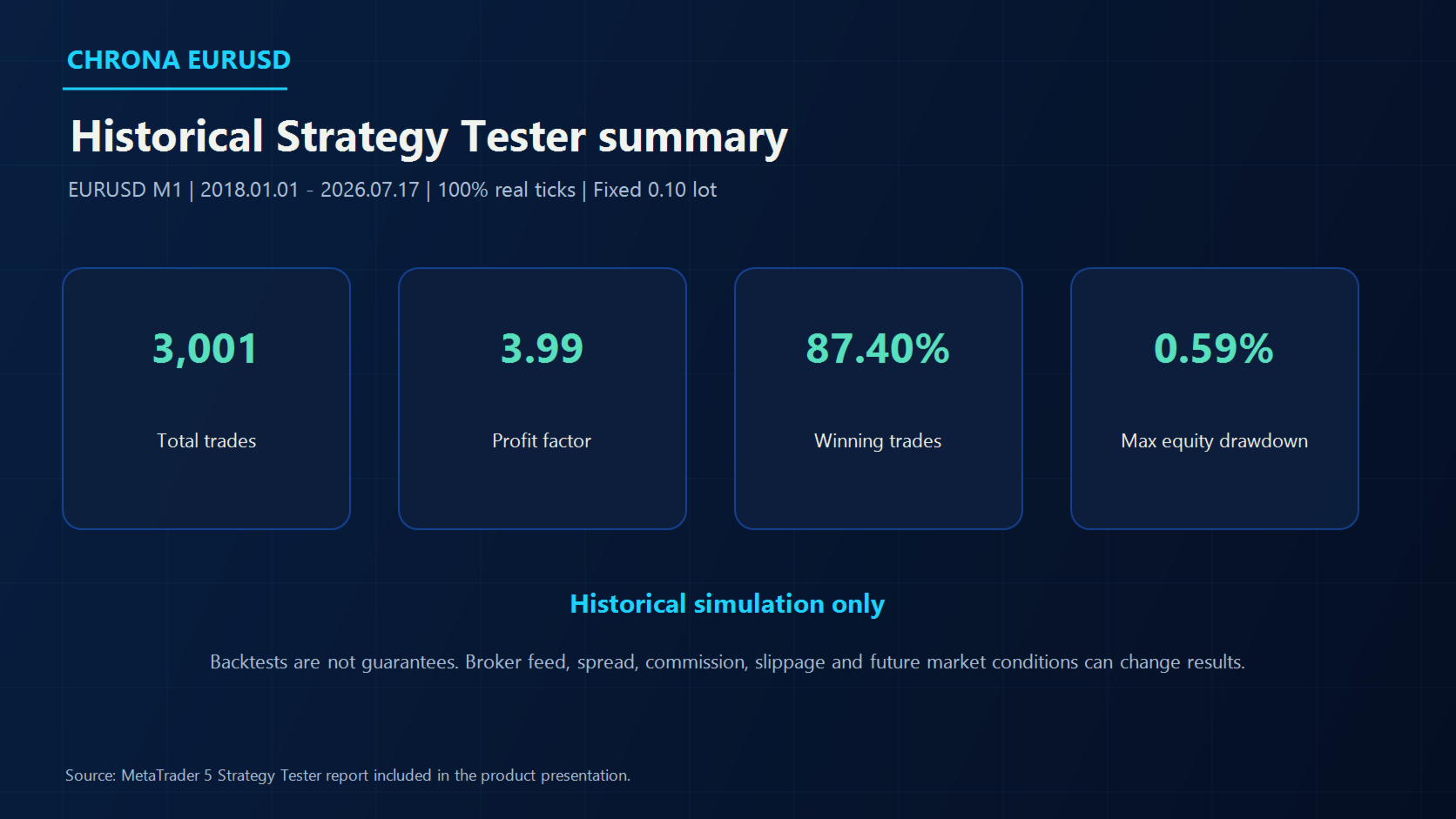
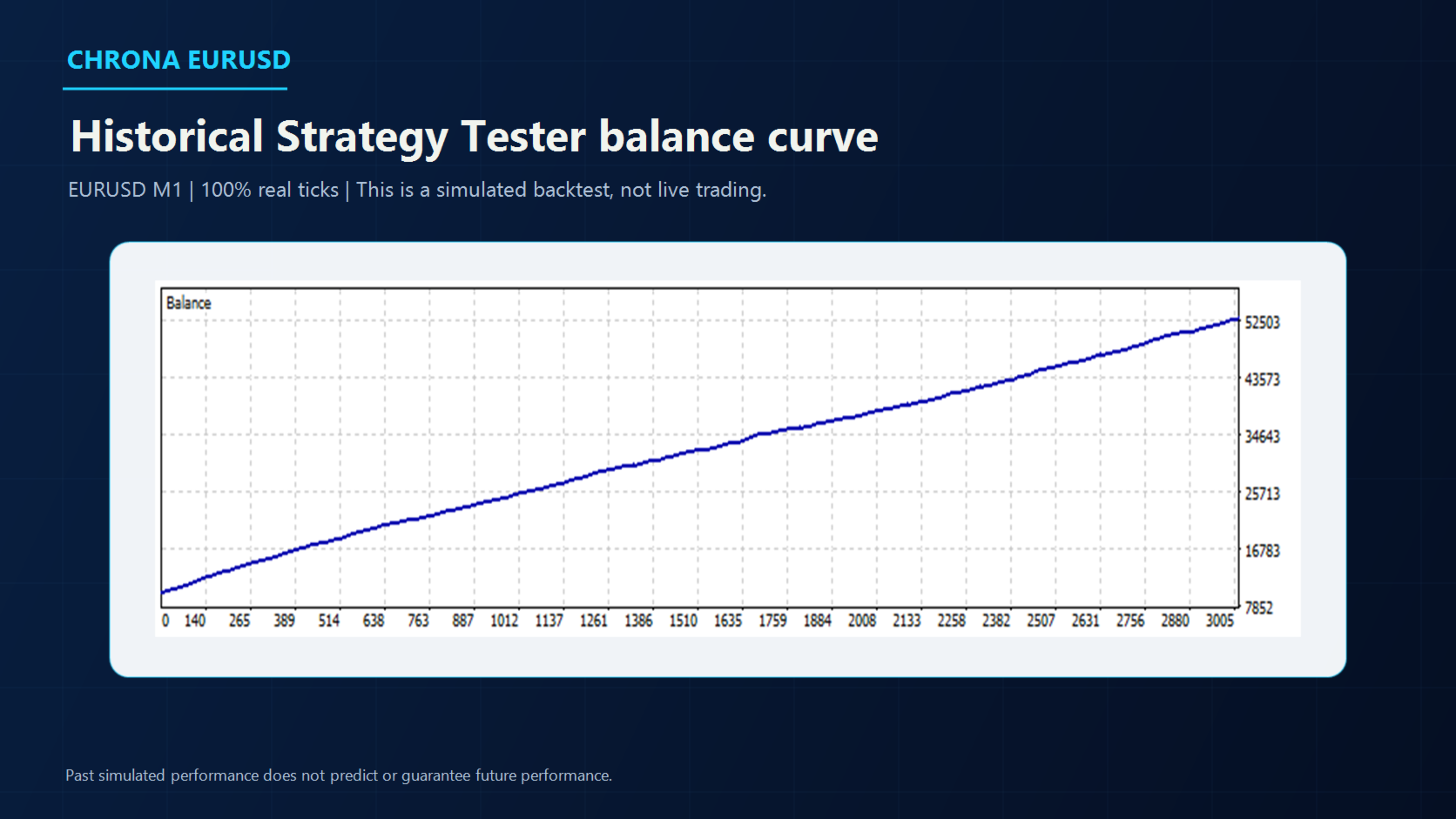
The supplied presentation includes a MetaTrader 5 Strategy Tester run using EURUSD M1 and 100% real ticks from 2018.01.01 through 2026.07.17. The fixed lot was 0.10.
- Total trades: 3,001
- Profit factor: 3.99
- Winning trades: 87.40%
- Maximal equity drawdown: 0.59%
These figures are historical simulated results. They are not live trading results and do not guarantee future performance. Results can change with the broker feed, spread, commission, slippage, latency and future market conditions.
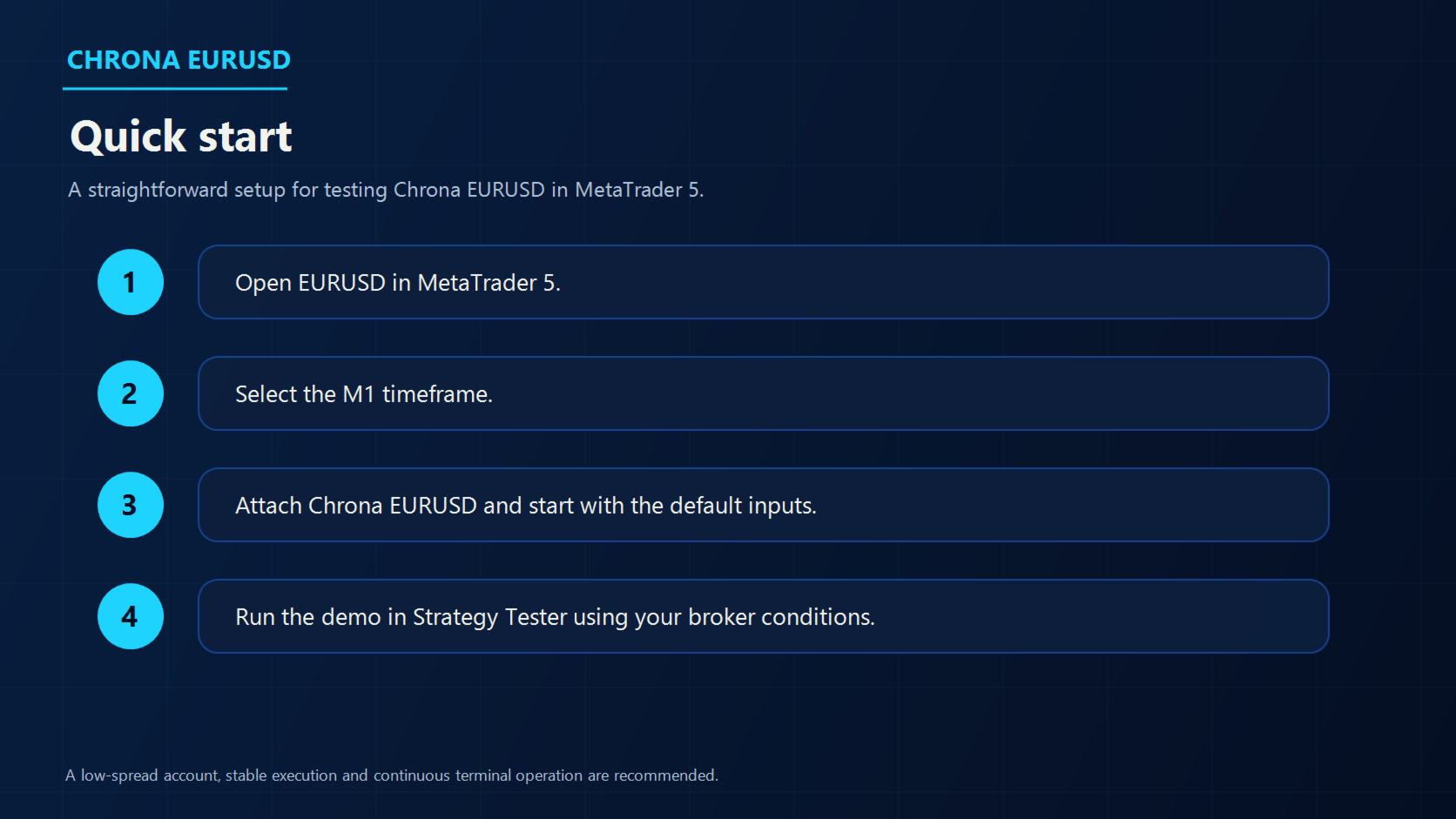
Quick start
- Open EURUSD in MetaTrader 5.
- Select the M1 timeframe.
- Attach Chrona EURUSD to the chart.
- Start with the default inputs in the Strategy Tester.
- Use your broker's spread, commission and execution assumptions.
- Test on a demo account before considering live use.
Environment and risk notes
A low-spread account, stable execution and continuous terminal operation are recommended. A VPS can be useful when the EA is expected to operate continuously.
The default fixed lot is not automatically adjusted to account balance. Select a volume that is appropriate for your account size and risk tolerance.
Chrona EURUSD is designed for EURUSD M1. Other symbols and timeframes are not part of the default operating profile and should be tested independently.
Trading and backtesting involve risk. Do not trade funds you cannot afford to lose.