Backtest Trade Simulator
- Utilities
- Version: 2.3

Backtest Trade Simulator (BTS) — Manual simulation panel for MT4/MT5
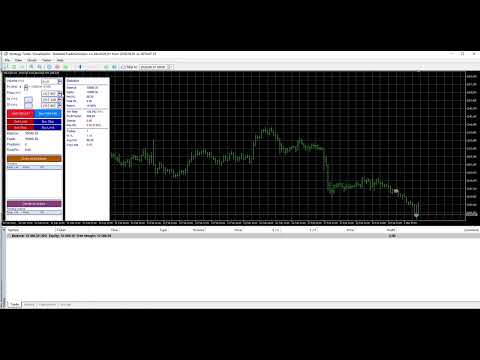
Utility for MetaTrader 4 and MetaTrader 5. Use it in the Strategy Tester Visual mode to place and manage simulated market and pending orders on historical data. The product does not open trades automatically, is not investment advice, and does not guarantee any live or future trading results.
Intended use
- Practice manual trading workflow inside the Strategy Tester
- Check pending prices, volume, and optional stop-loss / take-profit levels
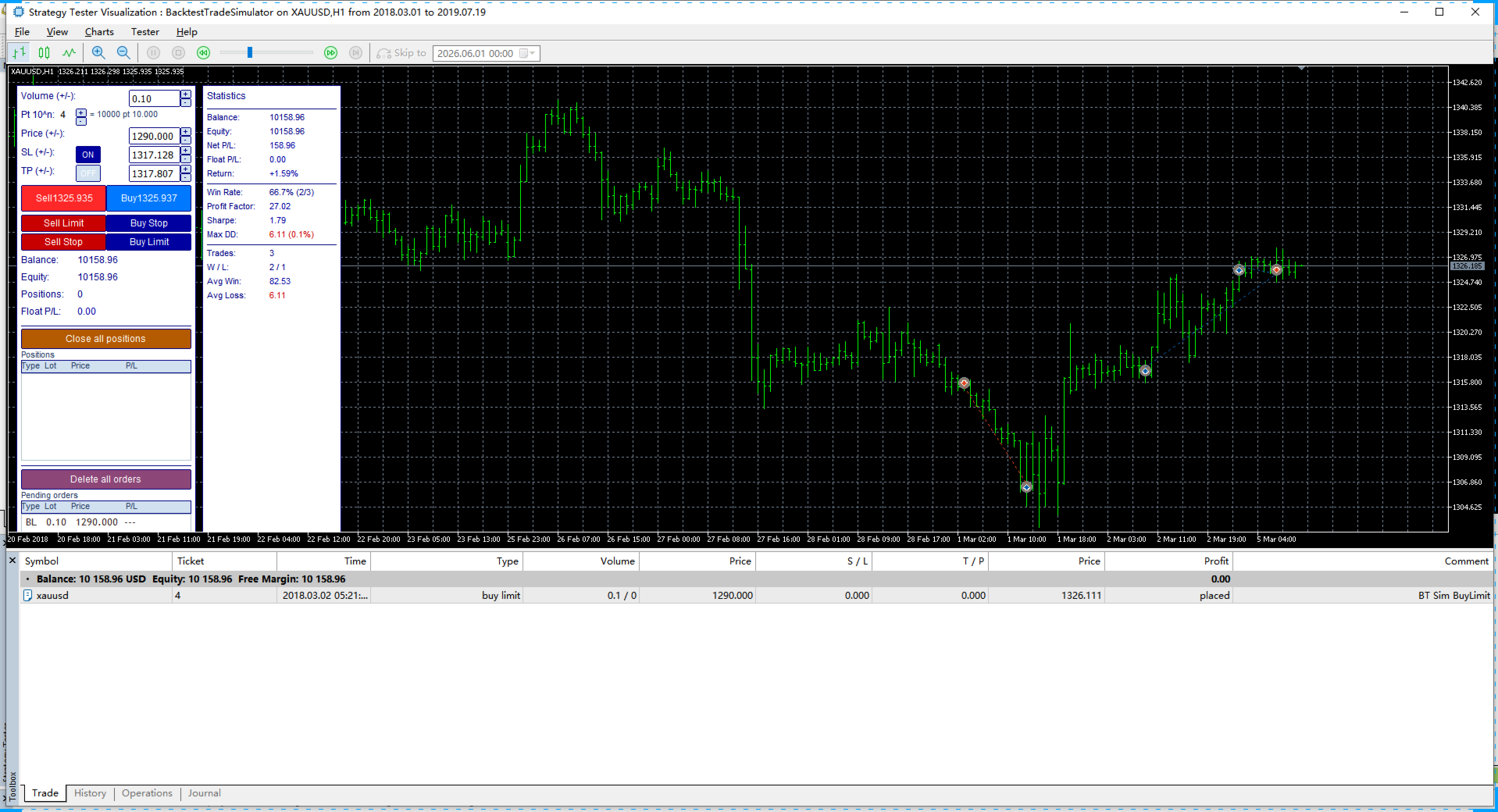
- Review simulated trade statistics (win rate, profit factor, maximum drawdown, etc.)
Important notice
- All orders and statistics are generated in the tester simulation only; live account results may differ
- The panel relies on chart objects and tester events; enable Visual mode as described below
Recommended Strategy Tester settings
MT5
- Modelling: 1 minute OHLC or Open prices only
- Enable Visual mode (visual mode with chart display)
MT4
- Model: Open prices only
- Enable Visual Mode
Main features
- Volume, price, stop-loss price, take-profit price: read-only fields with +/- step buttons; step size is controlled by Pt 10^n (step = 10^n × Point)
- Stop-loss and take-profit can be switched ON/OFF independently; when OFF, orders are sent without SL/TP
- Market Buy / Sell; Buy Limit, Sell Limit, Buy Stop, Sell Stop
- Close all positions; Delete all orders
- Position and pending-order lists; Statistics panel on the right
- Optional: position size from account risk percent (InpRiskPercent > 0 and stop-loss enabled)
- Optional: trailing stop (InpUseTrailing)
- Chart horizontal lines for open price, SL, and TP when applicable
Main input parameters
InpMagic — magic number for simulated orders
InpSlippage — slippage in points
InpDefaultLot — default volume
InpDefaultSlPts / InpDefaultTpPts — initial SL/TP price offset from Bid in points (panel defaults only)
InpRiskPercent — risk per trade as % of balance (0 = use panel volume)
InpUseTrailing / InpTrailingPts — trailing stop on/off and distance in points
InpDefaultPricePow — price step power n (step = 10^n points)
InpFilterMagic — if true, lists and stats include only orders with this EA magic/comment
Usage tips
- Market orders: set volume, then click Buy or Sell
- Pending orders: set Price, then click the corresponding Limit/Stop button
- Double-click Buy/Sell to copy current Ask/Bid into the Price field
- Double-click volume/price/SL/TP fields to edit values
Support
For installation or usage questions, contact the author via MQL5 private message.