LevelsHunter Pro
- Indicators
- Version: 1.0
- Activations: 5

What it is
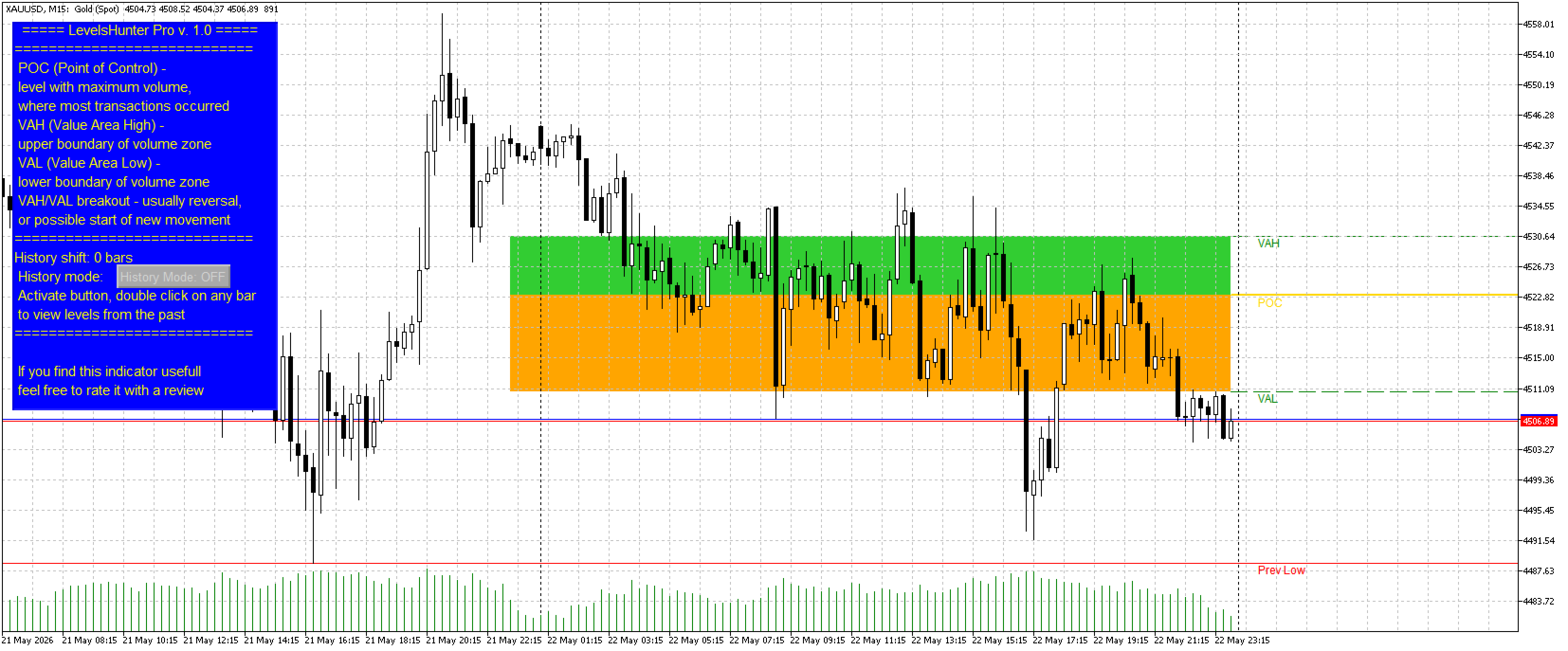
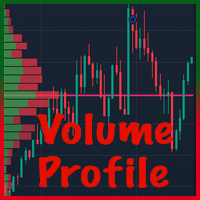
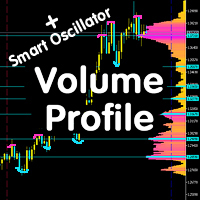
LevelsHunter Pro is a volume profile indicator that not only shows current POC, VAH and VAL levels but also allows you to go back in time and see where these levels were at the moment of any past trade.
This is not a tool for guessing on the chart. It is for cold analysis of what has already happened.
Why a trader needs this
The problem: Most indicators only show "here and now". You close a trade and want to analyse the mistake — but the levels have already moved. You can't tell whether the POC was above or below your entry. You can't tell why price bounced or broke through a level.
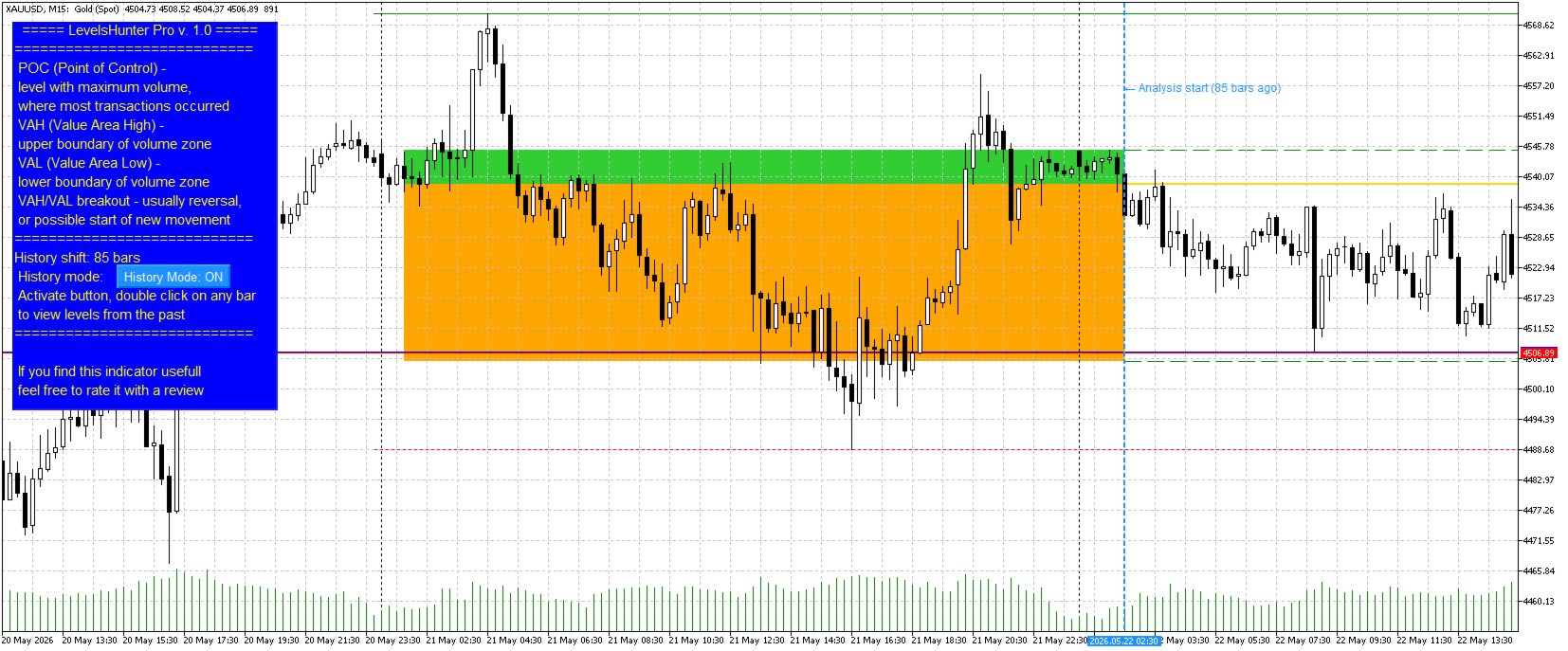
The solution: LevelsHunter Pro records levels on every bar. You simply click on any candle in history and see exactly what the volume profile looked like at that moment.
How to use in trading
1. Improving real-time entries
You see a buy signal. Price approaches the POC or VAH level. What do you do?
Turn on History Mode and quickly check how price behaved at this same level an hour ago or yesterday. If price bounced off POC an hour ago — the level works. If it broke through — better stay away.
A concrete strategy example:
You trade VAH breakout to the upside. Price is testing VAH. You click on the same candle (or a similar situation an hour ago) and check:
-
Was there volume on the breakout?
-
Did price bounce or consolidate?
If the breakout was false historically and there was no volume — the current breakout is likely false too. You skip the trade and save your deposit.
An hour later, price indeed falls. You just avoided a loss, spending 5 seconds on verification.
2. Analysing closed trades
You opened a trade. It closed at stop or take profit. Instead of guessing what went wrong, you go back to the entry bar.
What you will see:
-
Was POC above or below the entry price
-
Was price inside the Value Area (VAH-VAL) or outside
-
Was there a level touch before entry (false breakout)
This allows you to objectively evaluate signal quality and adjust your strategy.
3. Strategy verification
You have a trading system that gives breakout signals. Take 20-30 past trades and check each one.
What you will see:
-
How many signals were false
-
Whether false signals were related to lack of volume at POC
-
Which timeframes work better
No more "it seems" or "by eye" — only numbers and facts.
4. Learning and post‑mortem
You see a beautiful entry on the chart. Click on the entry candle — and see the levels. You understand why the entry was correct.
Over time, you develop visual memory: you start recognising good patterns in real time.
What the Pro version gives
| Feature | What it does |
|---|---|
| Unlimited history | Go back to any bar in history (free version limited to 100 bars) |
| Double‑click on candle | Click — marker moves, levels recalculate. No need to dig into settings |
| History Mode button | Turn on — analyse the past. Turn off — watch current market |
| Value Area fill | Visual separation of VAH‑POC and POC‑VAL zones (light green and light orange) |
| Draggable marker | You can not only click but also drag the marker with the mouse |
| All free version features | POC, VAH, VAL, previous day levels, adjustable analysis depth, information panel |
Why this is better than the free version
The free version is a great tool for current analysis. But it is limited to 100 bars into the past and does not give the main thing: the ability to learn from your trades.
The Pro version turns the indicator from a "light bulb that glows" into a full analytical tool. You stop guessing — you start knowing why a trade worked or not.
What you get for $30
$30 is an amount you won't even notice. In many countries, it's the price of two pizzas or three cups of coffee at a café.
But unlike pizza and coffee, LevelsHunter Pro stays with you forever. You use it every day. It helps protect your deposit and find better entry points.
$30 is one stop‑loss that you avoid thanks to proper analysis.
Who this is for
-
Scalpers and day traders — end‑of‑day trade analysis
-
Swing traders — checking signals on higher timeframes
-
Strategy developers — backtesting ideas on historical levels
-
Beginners — fast learning from real examples
In a nutshell
LevelsHunter Pro is a volume profile that remembers the past. You click on any candle — and see the POC, VAH and VAL levels exactly at that moment.
No guessing. Only facts.