
Algotrade Nexus
- Experts
-
Nurettin Polat
 Hello, my name is Nurettin Polat. I am 40 years old and specialize in developing well-coded, highly efficient Expert Advisors (EAs) and trading utilities exclusively for the MQL5.com Market. My mission is to deliver highly practical tools at incredibly competitive prices, backed by outstanding user
 - Version: 7.98
- Updated: 22 October 2026
- Activations: 5
AlgoTrade Nexus
AlgoTrade Nexus is a comprehensive, fully automated Expert Advisor for MetaTrader 5. It is built around a dynamic breakout engine and mathematical loss recovery algorithms. The system does not rely on simple guesswork; instead, it uses price action, advanced indicator confirmations, and zone recovery math to manage trades and mitigate risk.
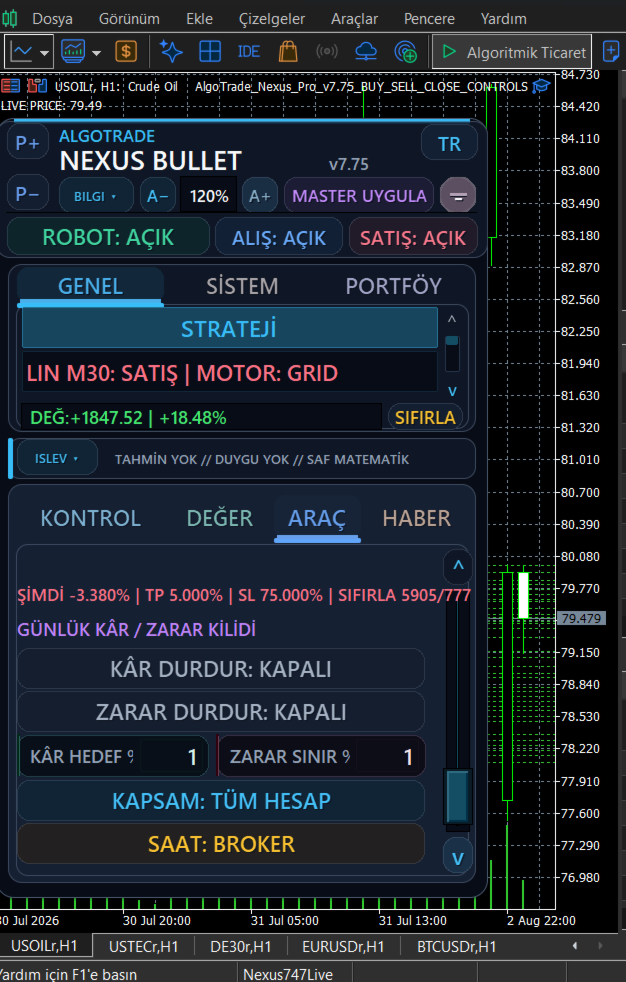
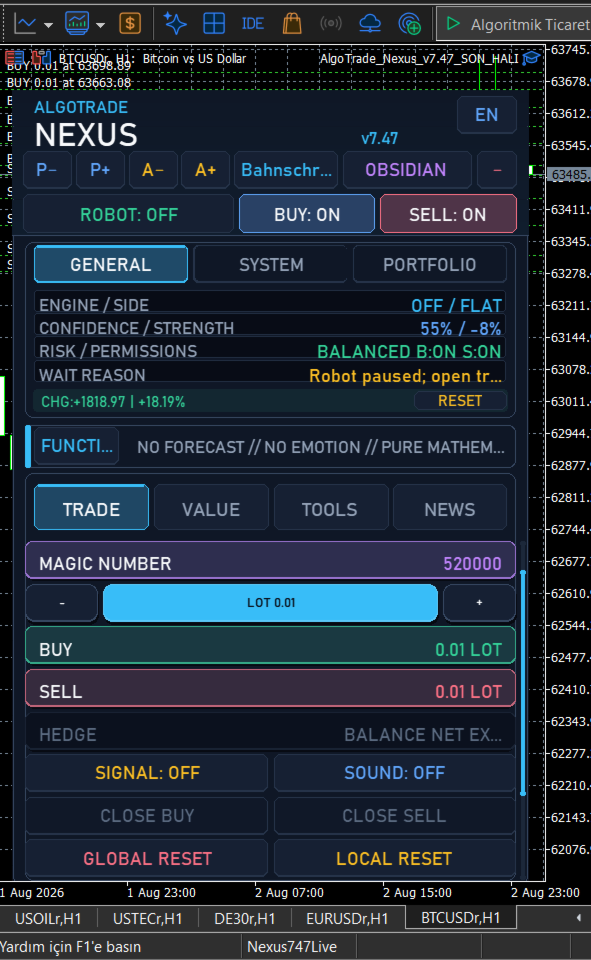
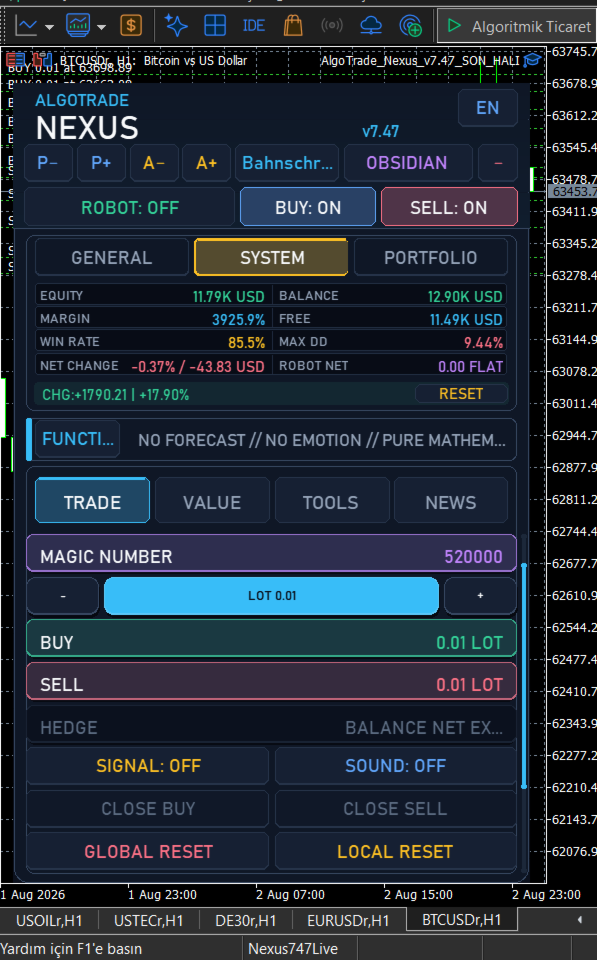
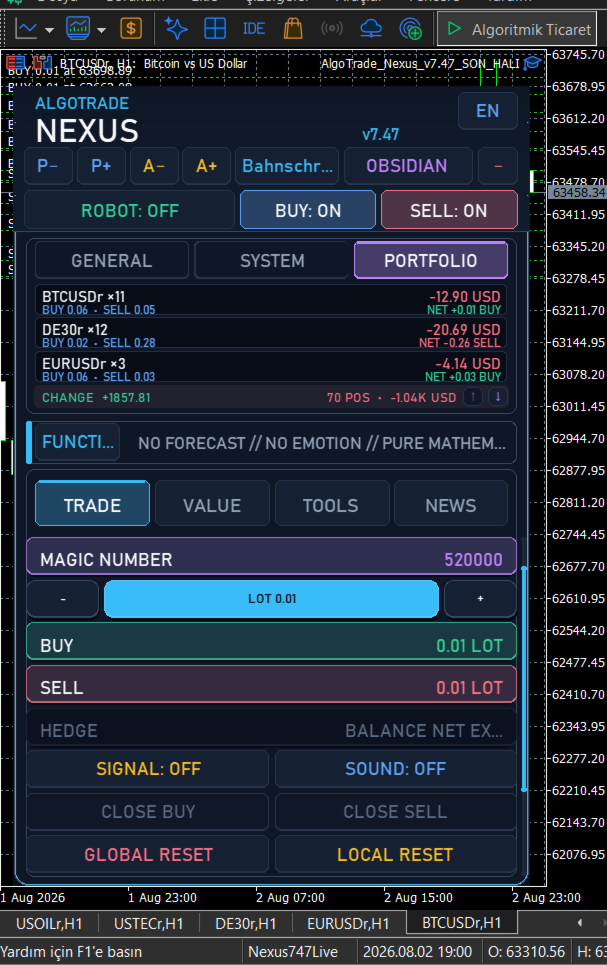
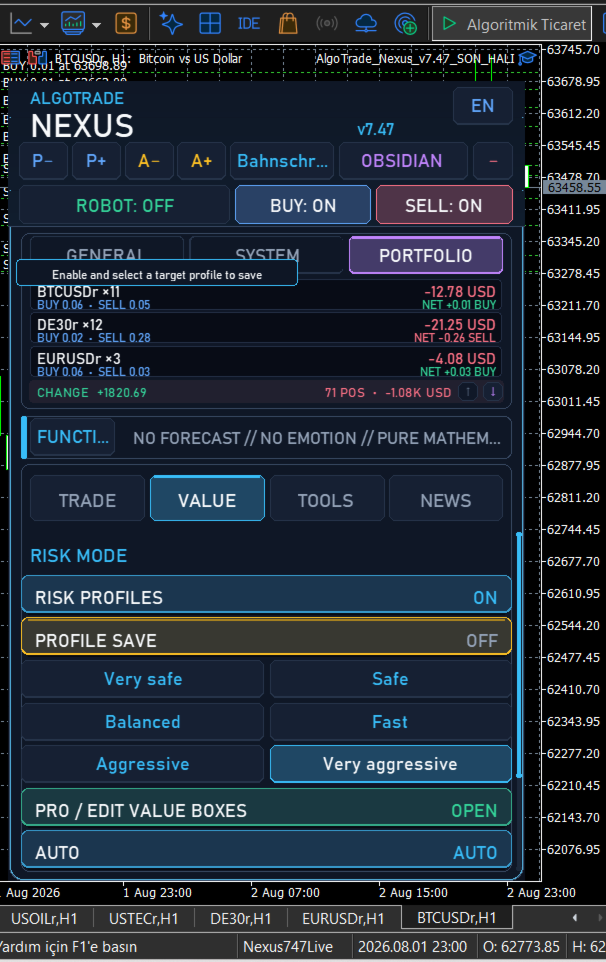
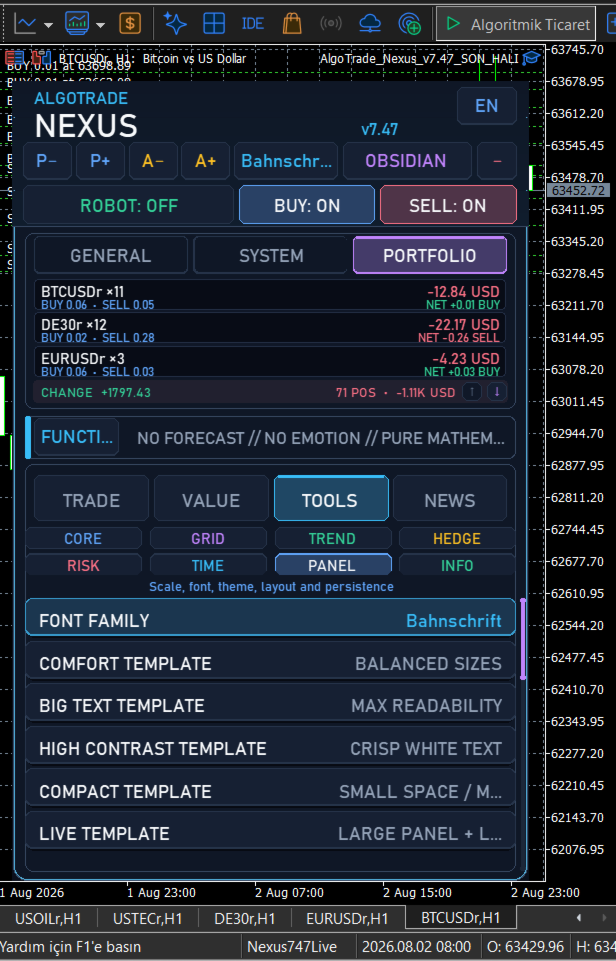
The EA features a fully interactive on-chart panel available in 8 languages (English, Turkish, Russian, Hindi, Chinese, French, Arabic, and Persian), allowing you to monitor and control all system states directly from your chart.
Core Trading Engines
The Expert Advisor uses a multi-faceted approach to market entry and direction filtering.
-
First Breakout Engine: Calculates dynamic support and resistance zones using either an ATR multiplier or a fixed percentage distance from an anchor price.
-
Ichimoku Angle Hybrid: Analyzes cloud structure and calculates the mathematical slope of the price action to filter out flat markets.
-
VOMB (Volatility Momentum Breakout): Combines Donchian Channels, Keltner Channels, and ATR to identify high-momentum breakouts.
-
Linear Regression: Uses R-squared thresholds to determine the statistical strength of a trend before entering.
-
Standard Indicators: Optionally utilizes EMA, RSI, MACD, and ZigZag for traditional trend verification.
Risk Management and Protection
Capital preservation is managed through several layers of automated protection.
-
Spread and Slippage Filter: Constantly monitors market spread and execution slippage, pausing entries if values exceed your defined safety limits.
-
Global Equity Protection: Closes all trades and halts the system if a specific global profit or loss percentage is reached.
-
Drawdown (DD) Auto Hedge: Automatically locks the account by opening a net-hedge position if the overall drawdown reaches your predefined critical threshold.
-
Time Limit Reset: Automatically closes aging positions if they remain open beyond a specified time limit, freeing up margin.
Trade Management and Recovery
Instead of traditional static stop losses, the system uses dynamic management and zone recovery mathematics.
-
Zone Recovery Math: When a breakout fails, the system can calculate precise lot multipliers to open counter-positions, aiming to close the entire basket at a combined Virtual Take Profit.
-
Virtual Take Profit (VTP): Take profit levels are calculated dynamically and stored in the EA's memory, hiding your actual exit targets from the broker.
-
Quantum Trailing Reset: An advanced trailing mechanism that locks in profits. As your equity grows, the system tightens the trailing tolerance to protect accumulated gains.
-
Toxic Trade Reset: Automatically identifies and cuts the heaviest losing side of a grid to rebalance the basket and reduce margin pressure.
Advanced Automation
-
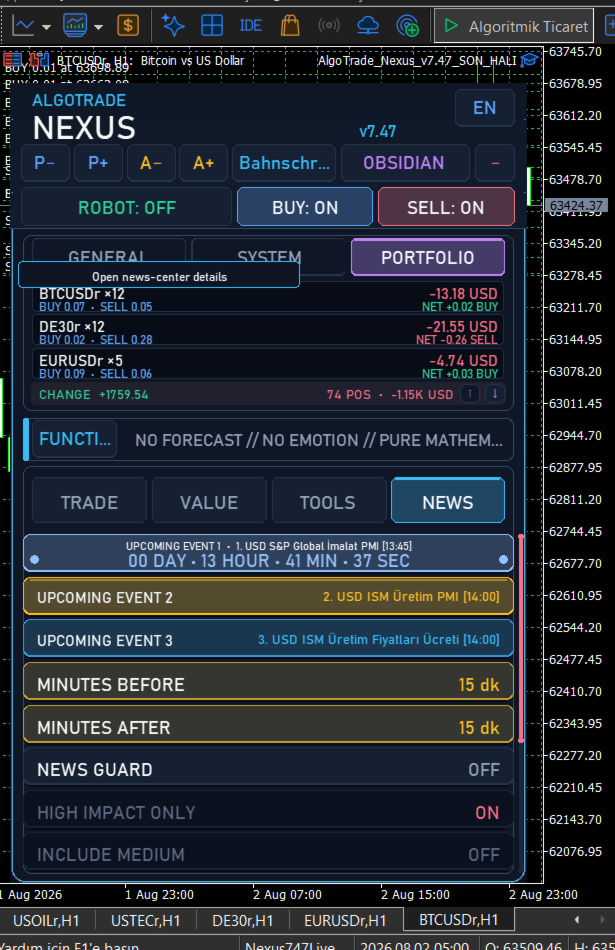
Integrated News Filter: Connects directly to the MT5 Economic Calendar. It can pause trading, prevent new entries, or even automatically hedge open positions before high-impact events.
-
Dynamic Trend Hedge: Opens partial counter-trades when the trend direction suddenly reverses, protecting the main basket.
-
Weekly Scheduler: Define exact trading hours and sessions for every day of the week.
Key Parameter Blocks
General Settings
-
Global Profit Pct: The percentage of equity gain to trigger a total basket close.
-
Global Loss Pct: The hard stop limit for total account drawdown.
-
Max Allowed Spread: Maximum acceptable spread to allow trade execution.
Ultimate Breakout Settings
-
Breakout Distance Mode: Choose between ATR-based or Percentage-based distance calculations.
-
Breakout ATR Period: The period for the ATR distance calculation.
-
Zone Recovery Lot Multiplier: The volume multiplier used when opening recovery positions.
News Filter Settings
-
Only High Impact: Restrict the filter to only react to high-impact economic events.
-
Minutes Before/After: The time window to pause trading around news releases.
-
Currency Filter: Specific currencies to monitor for news events.
Support and Feedback
For any questions, setup assistance, or technical support, please contact me directly through the MQL5 private messaging system or leave a message in the Product Comments section. All support is provided exclusively within the MQL5.com platform.



























User didn't leave any comment to the rating