
Autorithm AI
Autorithm AI
• SpreadAdjustment: Spread-Anpassungsfaktor (Standard: 2)
• TradeIdentifier: Handelskommentar (Standard: AUTORITHM)
• Wochenendschutzsystem
• ActivateWeekendShield: Schutz für Positionen am Wochenende aktivieren
• FridayCloseHour: Stunde zum Schließen von Positionen am Freitag (0–23)
• FridayCloseMinute: Minute zum Schließen von Positionen am Freitag (0–59)
• Intelligenter Nachrichtenfilter • EnableNewsProtection: Nachrichtenschutzsystem aktivieren
• PreNewsStopMinutes: Vor Nachrichten Ereignissen nicht handeln (Minuten)
• PostNewsStopMinutes: Nach Nachrichten Ereignissen wieder handeln (Minuten)
• FilterLowImpactNews: Nachrichten mit geringer Auswirkung filtern
• FilterMediumImpactNews: Nachrichten mit mittlerer Auswirkung filtern
• FilterHighImpactNews: Nachrichten mit hoher Auswirkung filtern
• MonitoredCurrencies: Zu überwachende Währungen (Standard: USD, EUR, GBP, JPY, XAU)
• Dynamisches Trailing-System • EnableTrailingStop: Trailing Stop aktivieren
• TrailingTrigger: Gewinnschwelle zur Aktivierung (Pips)
• TrailingDistance: Abstand zum aktuellen Preis (Pips)
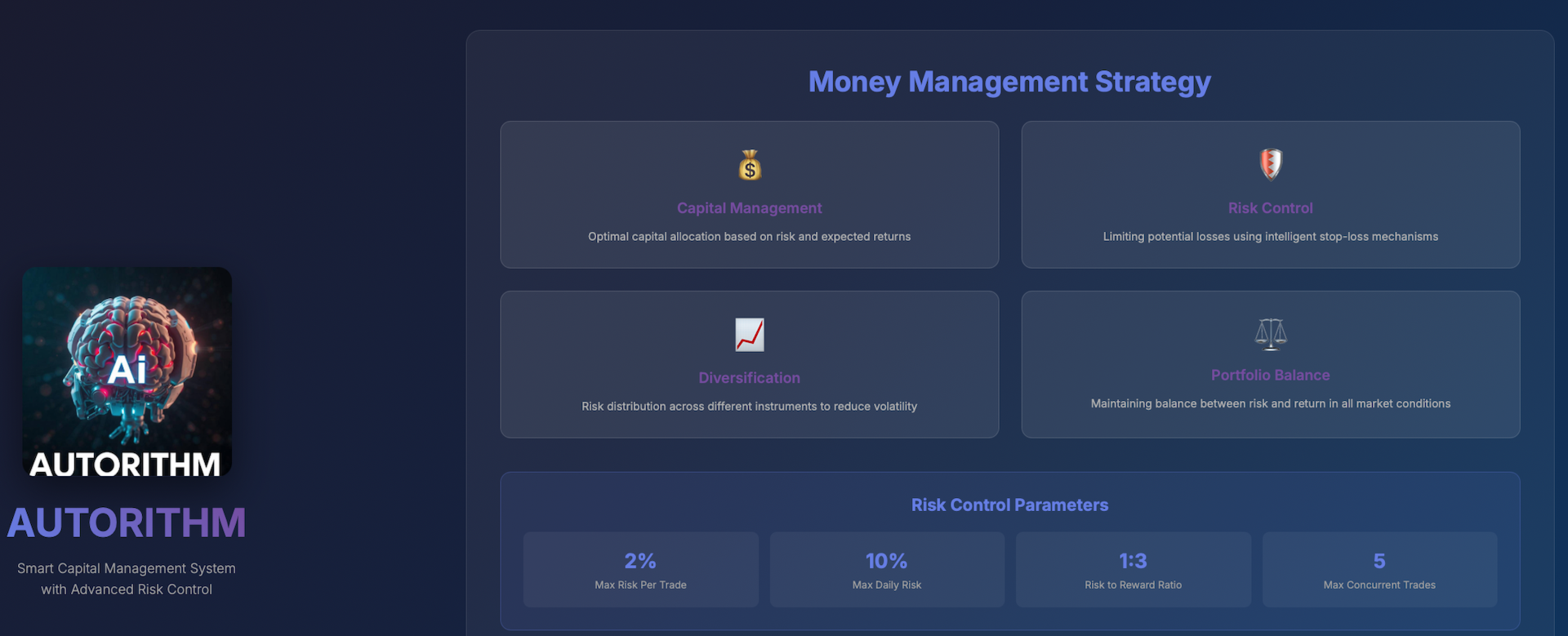
• Kapitalschutzschild • RiskPercentage: Kontorisiko pro Trade in Prozent (Standard: 1,0 %)
• UseAutoLotSizing: Automatische Lotberechnung aktivieren
• FixedLotSize: Feste Lotgröße bei deaktivierter automatischer Berechnung
• Marktvolatilitätsschutz • EnableVolatilityProtection: Handelsfilter basierend auf Volatilität aktivieren
• MaxVolumeMultiplier: Maximale Volumenspitze • MaxPriceChange: Maximal akzeptierte Preisänderung (Pips)
• VolumeLookbackPeriod: Analysezeitraum für Volumen (Kerzen) • MaxExecutionSlippage: Maximales Ausführungsslippage (Punkte)
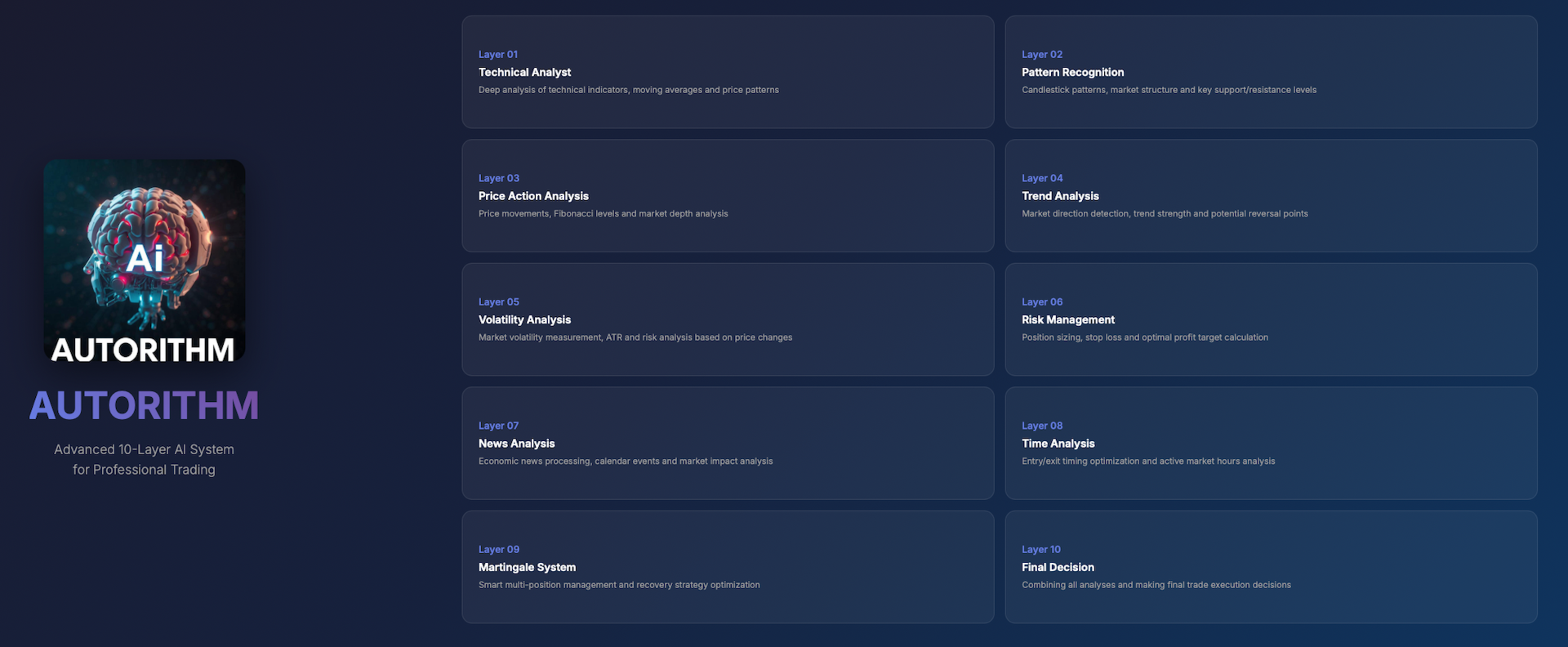
• Erweitertes KI-Martingale-System • MartingaleProfitTargetPips: Gewinnziel zum Schließen aller Positionen (Pips)
• MartingaleLossTargetPips: Verlustgrenze zum Schließen aller Positionen (Pips)
• MartingaleMultiplier: Volumenerhöhungsfaktor für nachfolgende Orders
• MartingaleMaxOrders: Maximale Anzahl aufeinanderfolgender Orders (3–8 empfohlen)
• MartingaleOrderSpacingPips: Abstand zwischen Martingale-Orders (Pips)
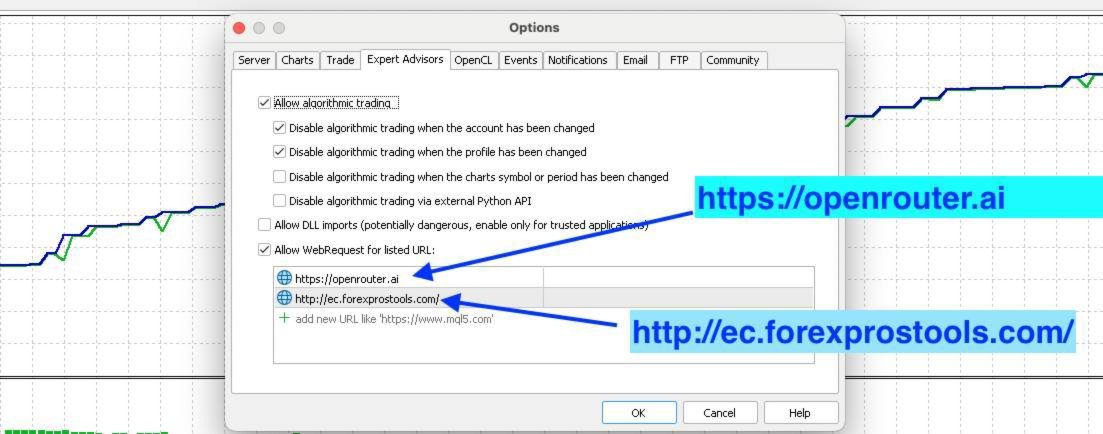
Befolgen Sie diese Anleitung für eine erfolgreiche Installation.
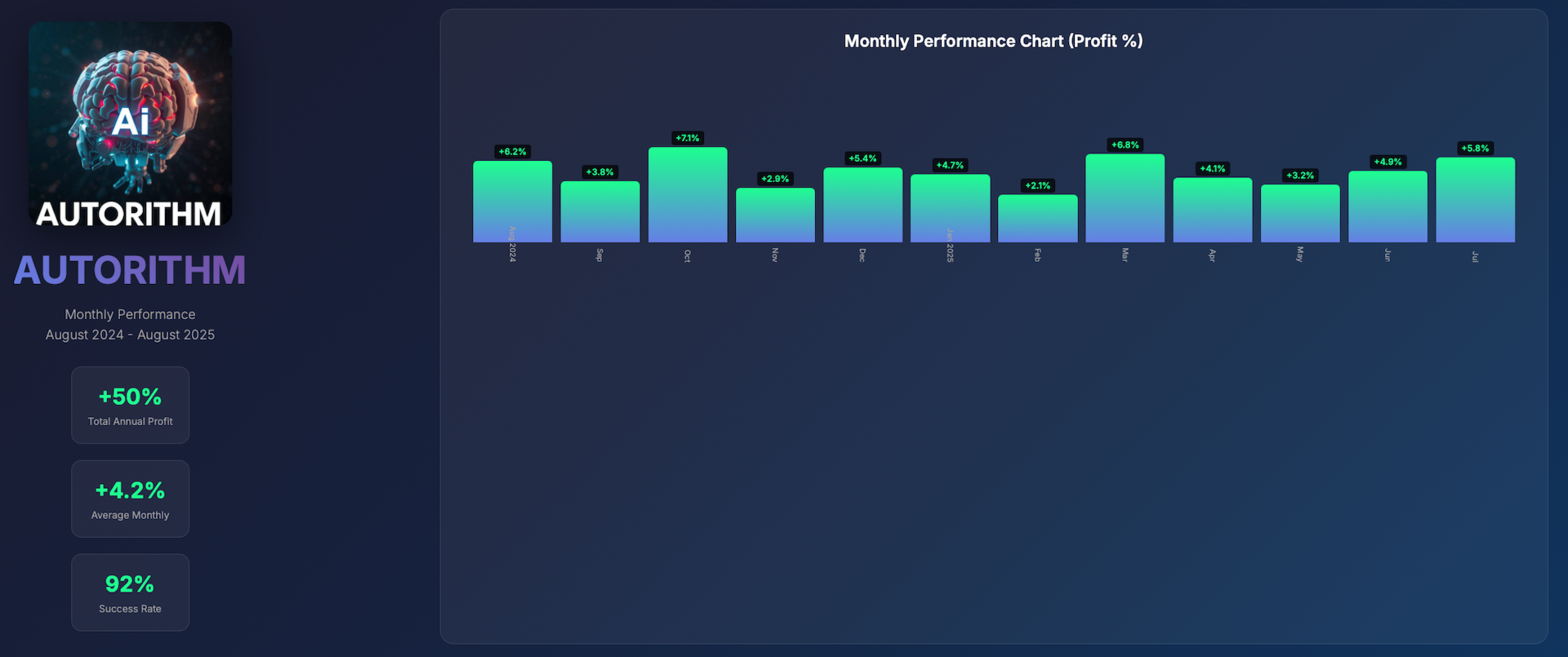



































After 2 months of using the bot correctly, with an initial balance of 564.39, today the account size is 1711.84. I have tripled my account! Excellent source of passive income. Zaha has provided the optimal settings to use for the bot, do follow and make use of it as much as possible. Looking forward to my next milestone with this bot :D