Vladislav Andruschenko
- i love my job at https//expforex.com/
- Ukraine
- 313287
|
14+ years
experience
|
44
products
|
2346
demo versions
|
|
93
jobs
|
0
signals
|
0
subscribers
|
👋 Welcome to Expforex
I’m Vladislav, a professional MQL4/MQL5 developer creating MetaTrader tools since 2007.
Expforex develops practical trading solutions for MetaTrader 4 and MetaTrader 5:
Expert Advisors, trading panels, trade copiers, risk-control utilities, account reports, testing tools and automation systems.
✅ MetaTrader development since 2007
✅ Tools for MT4 and MT5
✅ Documentation, video guides and product support
✅ Professional utilities for traders, developers and money managers
━━━━━━━━━━━━━━━━━━━━
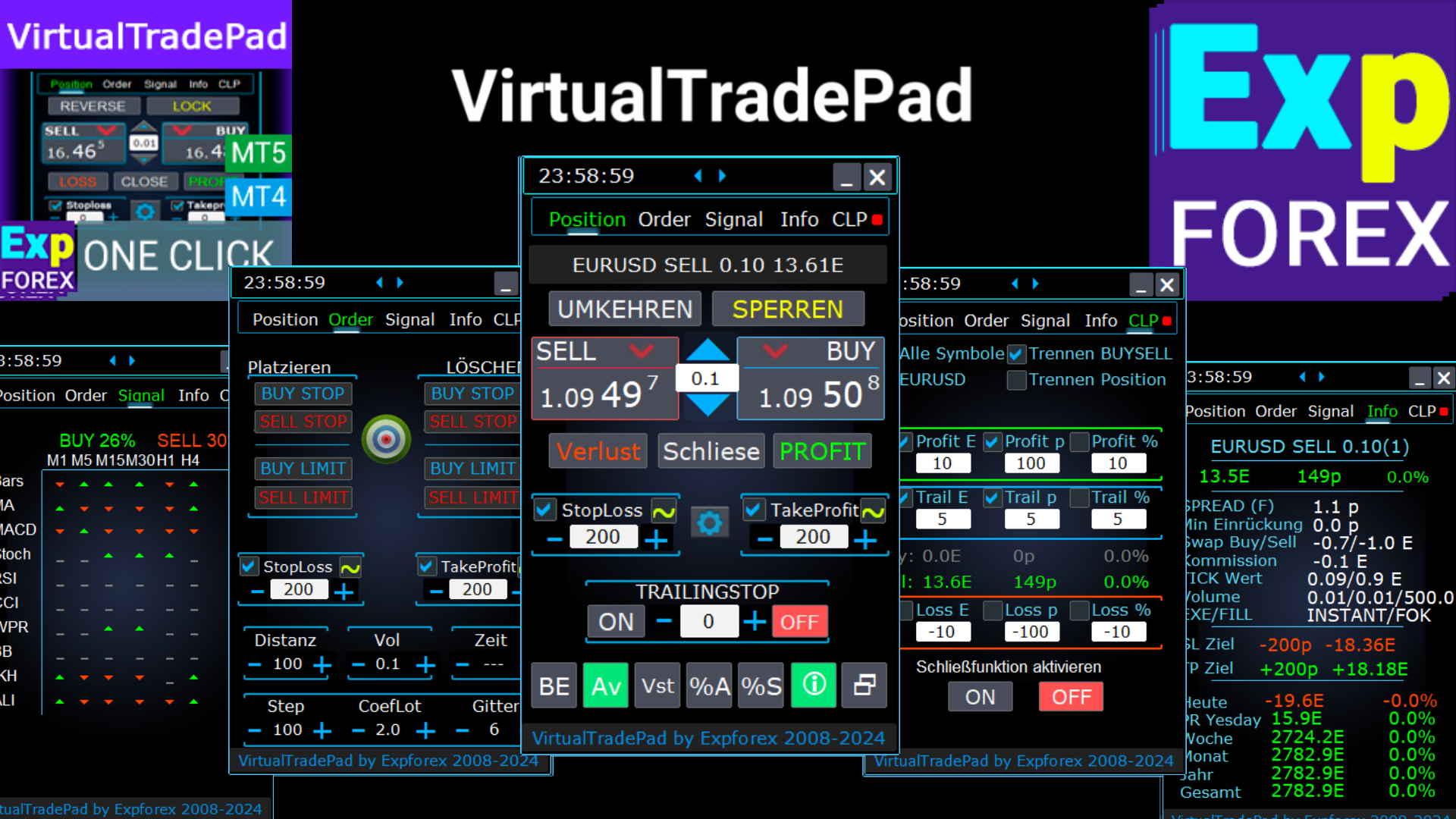
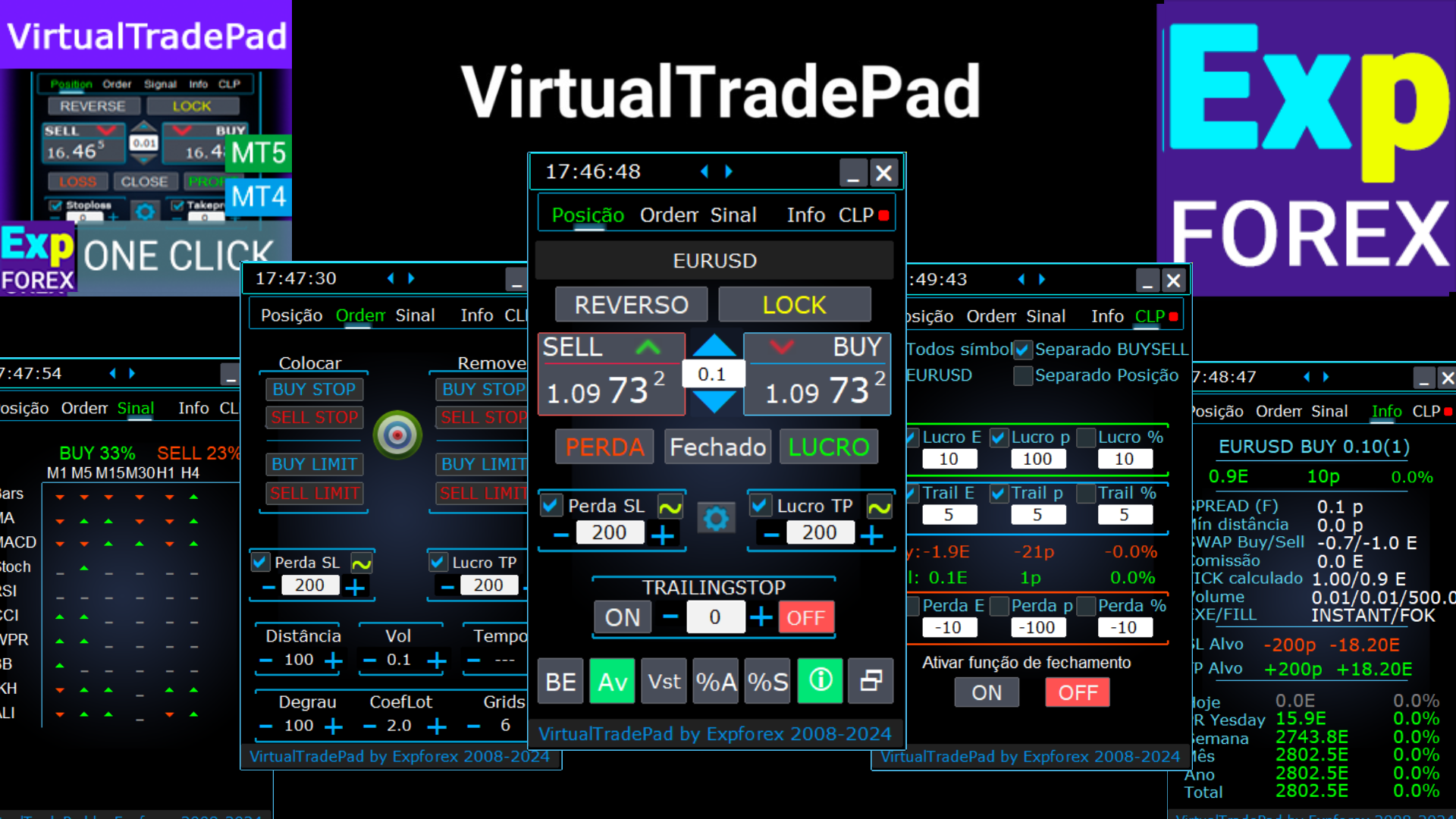
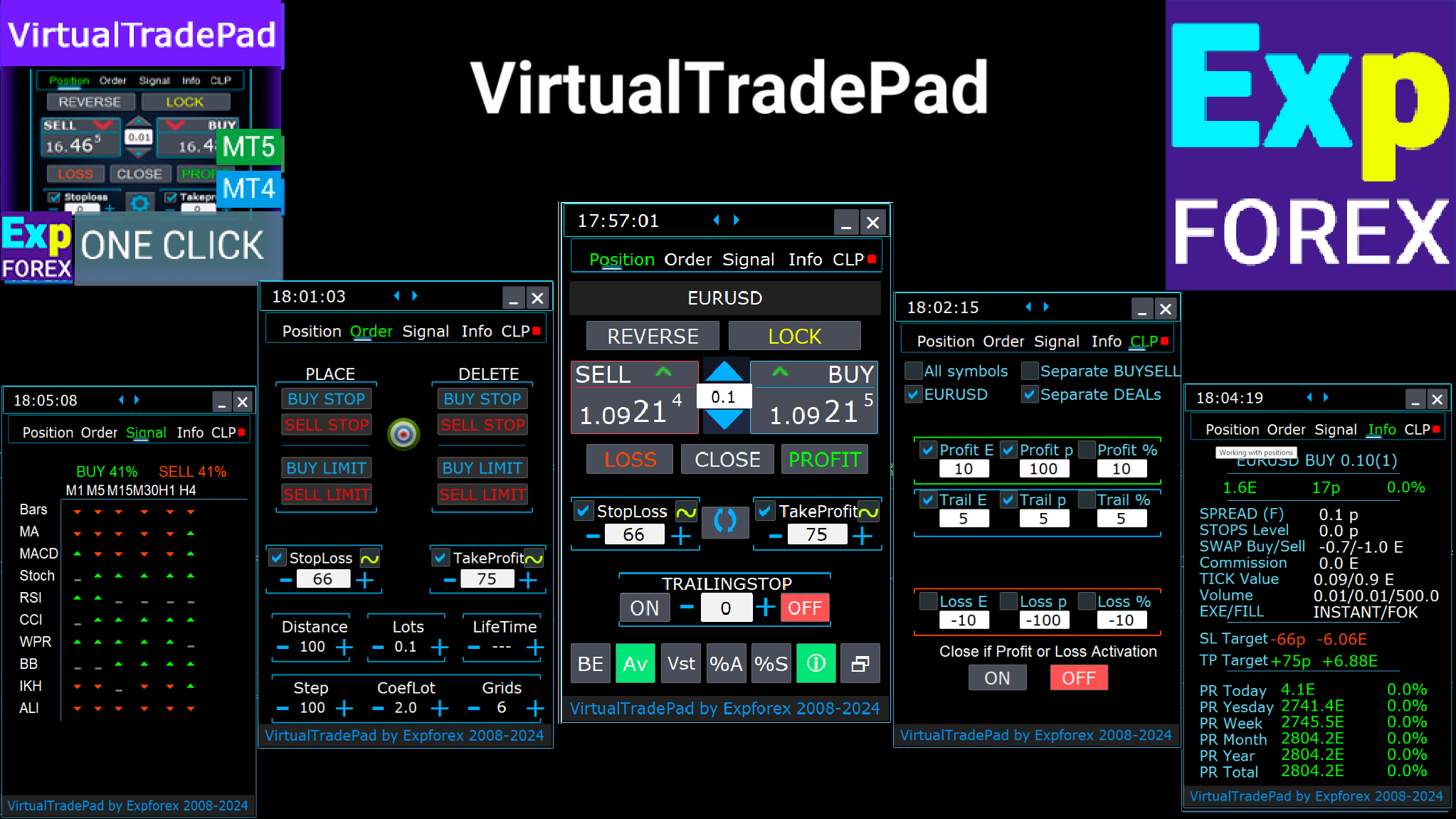
⭐ VirtualTradePad PRO SE — Premium MetaTrader Trading Workspace
Professional manual trading panel for MT4 and MT5 with chart-based control, position management, order tools, partial closing, averaging, signal workspace, testing preparation and advanced trading modules.
https://expforex.com/vtpprosehero/
━━━━━━━━━━━━━━━━━━━━
🌐 Official Expforex website https://www.expforex.com/
🚀 Complete Expforex product hub https://www.mql5.com/en/blogs/post/755532
🛒 All products on MQL5 Market https://www.mql5.com/en/users/vladon/seller#products
📘 All MQL5 guides https://www.mql5.com/en/users/vladon/blog
━━━━━━━━━━━━━━━━━━━━
💬 Questions, ideas or need help?
I always recommend starting with the full guide and product documentation — most answers, examples and setup details are already explained there.
If you need personal help with a product, please write your question in the Comments section of the exact product page. This makes it easier to check the product version, settings, screenshots and logs, and give a more accurate answer.
Your feedback, ideas and trading scenarios also help improve Expforex products.
━━━━━━━━━━━━━━━━━━━━
🔗 Social links
📢 MQL5 Channel https://www.mql5.com/en/channels/expforex
▶️ YouTube https://www.youtube.com/Expforex
📘 Facebook https://www.facebook.com/ExpForex/
𝕏 X / Twitter https://x.com/expforex
📱 Telegram https://t.me/Expforex
🎵 TikTok https://www.tiktok.com/@expforex
📧 Contact https://expforex.com/contacts/
I’m Vladislav, a professional MQL4/MQL5 developer creating MetaTrader tools since 2007.
Expforex develops practical trading solutions for MetaTrader 4 and MetaTrader 5:
Expert Advisors, trading panels, trade copiers, risk-control utilities, account reports, testing tools and automation systems.
✅ MetaTrader development since 2007
✅ Tools for MT4 and MT5
✅ Documentation, video guides and product support
✅ Professional utilities for traders, developers and money managers
━━━━━━━━━━━━━━━━━━━━
⭐ VirtualTradePad PRO SE — Premium MetaTrader Trading Workspace
Professional manual trading panel for MT4 and MT5 with chart-based control, position management, order tools, partial closing, averaging, signal workspace, testing preparation and advanced trading modules.
https://expforex.com/vtpprosehero/
━━━━━━━━━━━━━━━━━━━━
🌐 Official Expforex website https://www.expforex.com/
🚀 Complete Expforex product hub https://www.mql5.com/en/blogs/post/755532
🛒 All products on MQL5 Market https://www.mql5.com/en/users/vladon/seller#products
📘 All MQL5 guides https://www.mql5.com/en/users/vladon/blog
━━━━━━━━━━━━━━━━━━━━
💬 Questions, ideas or need help?
I always recommend starting with the full guide and product documentation — most answers, examples and setup details are already explained there.
If you need personal help with a product, please write your question in the Comments section of the exact product page. This makes it easier to check the product version, settings, screenshots and logs, and give a more accurate answer.
Your feedback, ideas and trading scenarios also help improve Expforex products.
━━━━━━━━━━━━━━━━━━━━
🔗 Social links
📢 MQL5 Channel https://www.mql5.com/en/channels/expforex
▶️ YouTube https://www.youtube.com/Expforex
📘 Facebook https://www.facebook.com/ExpForex/
𝕏 X / Twitter https://x.com/expforex
📱 Telegram https://t.me/Expforex
🎵 TikTok https://www.tiktok.com/@expforex
📧 Contact https://expforex.com/contacts/



Vladislav Andruschenko
·
1
Vladislav Andruschenko
2024.03.13
-Added type of position for monitoring. Parameter TypeofDealsToShow (All deals, Only Buy, Onle Sell)
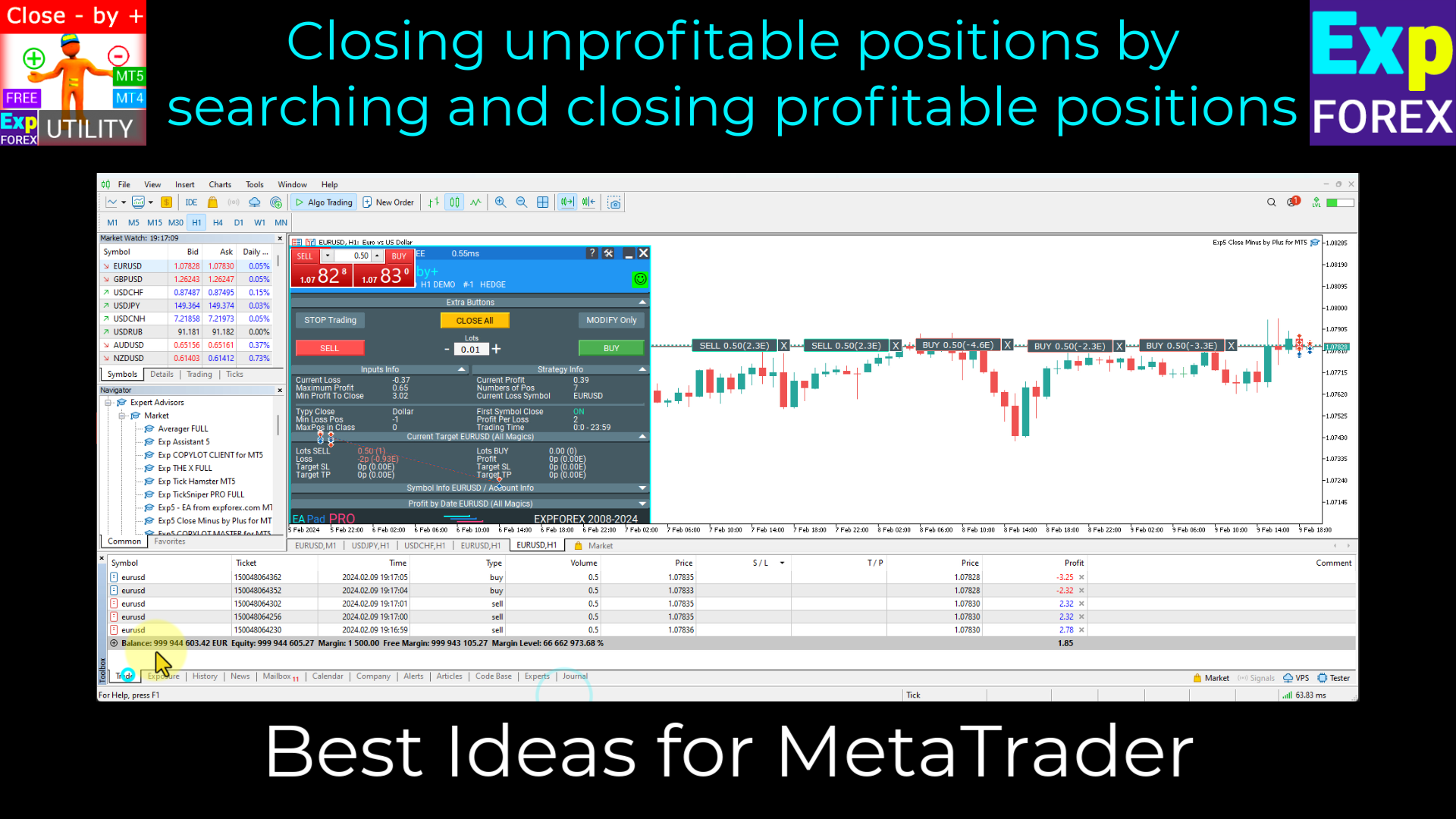
-Added information about profit from closed positions to the chart. The information is displayed for each bar of the current timeframe. You can change the timeframe to see the result of trading on a certain bar of the current timeframe. If several positions/deals are closed on one bar of the current timeframe, the trading result is summarized and the total information for a certain bar is displayed. The information is updated when the next position/deal is closed. Settings: ShowInfoClosedPositionSize = Size of text labels; If 0 - text labels are not shown; PLUS_Color = Color of the plus value; MINUS_Color = Color of minus value;
-Added information about profit from closed positions to the chart. The information is displayed for each bar of the current timeframe. You can change the timeframe to see the result of trading on a certain bar of the current timeframe. If several positions/deals are closed on one bar of the current timeframe, the trading result is summarized and the total information for a certain bar is displayed. The information is updated when the next position/deal is closed. Settings: ShowInfoClosedPositionSize = Size of text labels; If 0 - text labels are not shown; PLUS_Color = Color of the plus value; MINUS_Color = Color of minus value;
Vladislav Andruschenko
·
1
Vladislav Andruschenko
2024.03.13
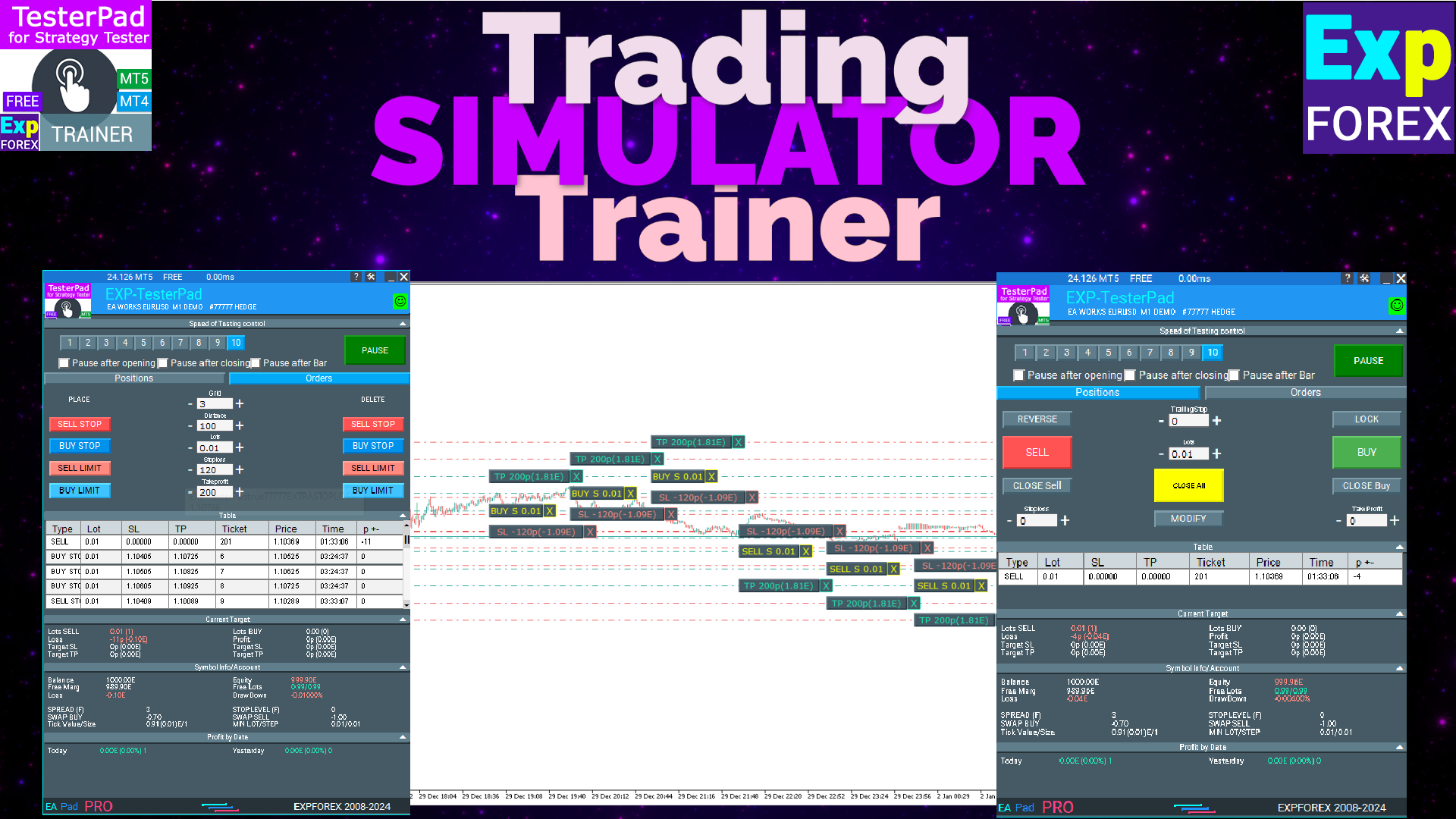
-Corrected the speed of the panel in the strategy tester. Attention! Events in the strategy tester are processed only when a new tick is created. If a new tick (minimum price movement) is not created, then the panel waits for the next tick. -Corrected the error of clearing the chart from unused order labels.
https://expforex.com/sdm_downloads/download-testerpad/
https://expforex.com/sdm_downloads/download-testerpad/