Vladislav Andruschenko
4.5 (1214)
  • Information
14+ years
experience
44
products
2346
demo versions
93
jobs
0
signals
0
subscribers
👋 Welcome to Expforex

I’m Vladislav, a professional MQL4/MQL5 developer creating MetaTrader tools since 2007.

Expforex develops practical trading solutions for MetaTrader 4 and MetaTrader 5:
Expert Advisors, trading panels, trade copiers, risk-control utilities, account reports, testing tools and automation systems.

✅ MetaTrader development since 2007
✅ Tools for MT4 and MT5
✅ Documentation, video guides and product support
✅ Professional utilities for traders, developers and money managers

━━━━━━━━━━━━━━━━━━━━
⭐ VirtualTradePad PRO SE — Premium MetaTrader Trading Workspace
Professional manual trading panel for MT4 and MT5 with chart-based control, position management, order tools, partial closing, averaging, signal workspace, testing preparation and advanced trading modules.
https://expforex.com/vtpprosehero/

━━━━━━━━━━━━━━━━━━━━
🌐 Official Expforex website https://www.expforex.com/
🚀 Complete Expforex product hub https://www.mql5.com/en/blogs/post/755532
🛒 All products on MQL5 Market https://www.mql5.com/en/users/vladon/seller#products
📘 All MQL5 guides https://www.mql5.com/en/users/vladon/blog

━━━━━━━━━━━━━━━━━━━━
💬 Questions, ideas or need help?

I always recommend starting with the full guide and product documentation — most answers, examples and setup details are already explained there.

If you need personal help with a product, please write your question in the Comments section of the exact product page. This makes it easier to check the product version, settings, screenshots and logs, and give a more accurate answer.

Your feedback, ideas and trading scenarios also help improve Expforex products.

━━━━━━━━━━━━━━━━━━━━
🔗 Social links

📢 MQL5 Channel https://www.mql5.com/en/channels/expforex
▶️ YouTube https://www.youtube.com/Expforex
📘 Facebook https://www.facebook.com/ExpForex/
𝕏 X / Twitter https://x.com/expforex
📱 Telegram https://t.me/Expforex
🎵 TikTok https://www.tiktok.com/@expforex
📧 Contact https://expforex.com/contacts/
Vladislav Andruschenko
Оцените мое новое видео: https://youtu.be/Ffx9abclYqE
Vladislav Andruschenko
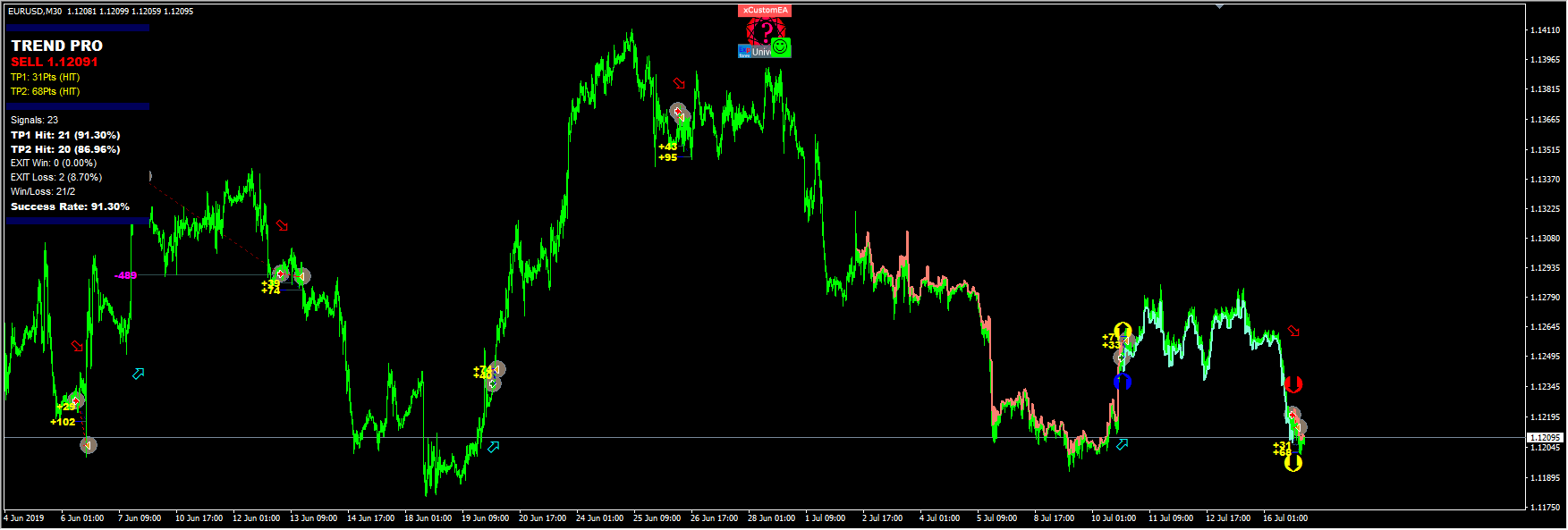
Universal Expert Advisor on Custom Indicators:
🆕 The xCustomEA MetaTrader 4: https://www.mql5.com/en/market/product/32115
🆕 The xCustomEA MetaTrader 5: https://www.mql5.com/en/market/product/32116
====================================================================================
-. Добавлено уведомление (Alert ) если указанный индикатор не найден!
Советник проверит существование индикатора и выдаст сообщение о том, что индикатор не найден с просьбой проверить правильность имени!
====================================================================================
1. Функция ControlNewBarforSIGNAL Изменена:
Добавлены значения:
ControlNewBarforSIGNALType = 1 = True smallest TF of the settings: Новый режим!
Советник выбирает самый маленький ТаймФрейм, который был задан параметрами TF_IndSigToTrade1, FILTER_TF_IndSigToTrade1, FILTER_TF_IndSigToTrade2....
В таком режиме советник проверяет сигнал не на текущем установленном ТаймФрейме, а на ТаймФрейме получения сигнала от индикаторов!
Этот режим полезен для тех, кто использует TF_IndSigToTrade1, FILTER_TF_IndSigToTrade1, FILTER_TF_IndSigToTrade2, отличных от Current (Текущего).
ControlNewBarforSIGNALType = 2 = True current bar of the current TF: Старый режим!
В таком режиме советник проверяет сигналы каждый новый бар текущего ТаймФрейма!
Если Вы используете TF_IndSigToTrade1, FILTER_TF_IndSigToTrade1, FILTER_TF_IndSigToTrade2, отличных от Current (Текущего), то результаты на каждом ТаймФрейме могут быть разными.
Советуем устанавливать советник на ТаймФрэйм M1!
ControlNewBarforSIGNALType = 1 = False: Не использовать контроль нового бара для определения сигнала!
Внимание: При выключенном состоянии, советник проверяет сигналы каждый новый тик! Могут быть задержки при тестировании и оптимизации!

====================================================================================
2. Добавлена переменная ControlNewBarforOpenbySignal:
ControlNewBarforOpenbySignal=true: Старый режим! Открывать позиции по сигналу только каждый новый текущий бар, текущего ТаймФрейма!
Советник открывает позиции, если есть сигнал, только при наступлении нового бара текущего ТаймФрейма!
ControlNewBarforOpenbySignal=false: Новый режим! Открывать позиции по сигналу каждый новый бар от ТаймФрейма сигнала!
Советник открывает позиции, если есть сигнал, сразу при обнаружении сигнала.
Этот режим полезен для тех, кто использует TF_IndSigToTrade1, FILTER_TF_IndSigToTrade1, FILTER_TF_IndSigToTrade2, отличных от Current (Текущего).
Vladislav Andruschenko
Профессиональный отчет вашего счета БЕСПЛАТНО
📖 ExtraReportPad MT4: https://www.mql5.com/ru/market/product/15056
📖 ExtraReportPad MT5: https://www.mql5.com/ru/market/product/36730

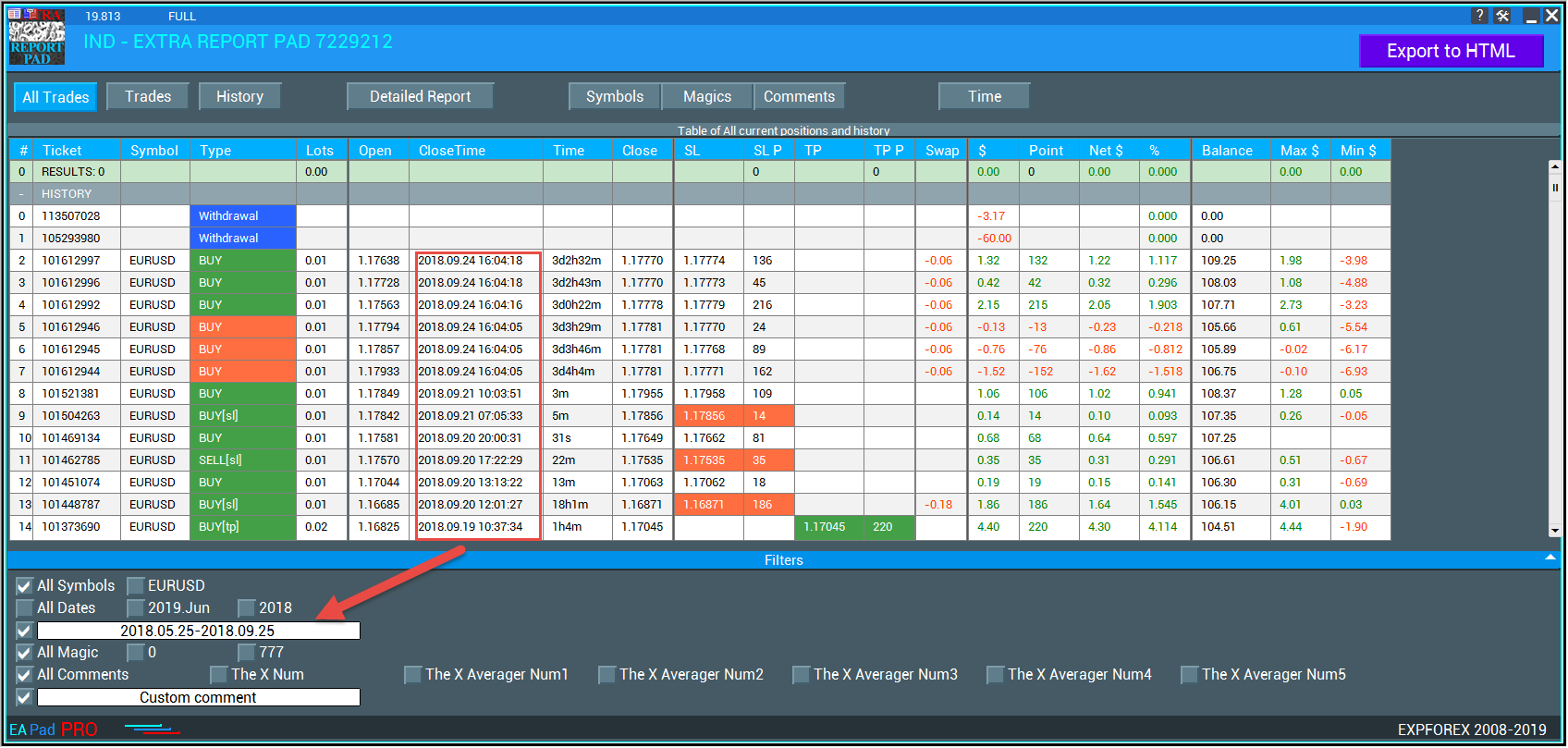
0. Добавлена возможность указывать отчетный период в Фильтрах в формате: yyyy.mm.dd-yyyy.mm.dd
Внимание! Внимательно проверяйте формат запроса даты: yyyy.mm.dd-yyyy.mm.dd, например: 2018.05.25-2018.12.25
1. Добавлена переменная AccountHolderName = Печатать имя владельца счета в HTML!
2. В мт5: Добавлен скроллинг таблицы, с помощью колеса мышки.
(К сожалению, в МТ4 нет функции скроллинга колесом мышки! )
3. В Вкладку Текущие открытые позиции добавлена строка с итогом по всем открытым позициям.
4. Исправлена ошибка обновления списка открытых позиций. Данные пересчитываются при изменении списка открытых позиций.
5. Max и Min баланса , алгоритм обновлен!Индикатор начинает считать с следующего минутного бара после открытия позиции.
6. В статистику открытых позиций добавлено время удержания текущих открытых позиций!
7. Добавлено выбор единицы (валюта депозита, пункты) в столбцы Column_Max и Column_Min.
8. При создании отчета HTML в конец отчета будут добавлены Выбранные фильтры!


0. Added the ability to specify the reporting period in Filters in the format: yyyy.mm.dd-yyyy.mm.dd
   Attention! Carefully check the date request format: yyyy.mm.dd-yyyy.mm.dd, for example: 2018.05.25-2018.12.25
1. Added variable AccountHolderName = Print the name of the account holder in HTML!
2. In MT5: Added scrolling tables using the mouse wheel.
   (Unfortunately, in MT4 there is no function of scrolling with the mouse wheel!)
3. A line has been added to the Current open positions tab with a total statistics of all open positions.
4. Fixed error updating the list of open positions. Data is recalculated when changing the list of open positions.
5. Max and Min balance, the algorithm is updated! The indicator starts to count from the next minute bar after opening a position.
6. In the statistics of open positions added time retention of current open positions!
7. Added unit selection (deposit currency, points) in Column_Max and Column_Min columns.
8. When you create an HTML report, the selected filters will be added to the end of the report!
Vladislav Andruschenko
Thanks to everyone who loves my programs.
For MetaTrader 5 https://www.mql5.com/en/market/mt5?Filter=Vladon
For MetaTrader 4 https://www.mql5.com/en/market/mt4?Filter=Vladon


Please REPOST
Atila R Akdeniz
Atila R Akdeniz 2019.08.13
Great products Vladislav, you deserve it.
Vladislav Andruschenko
Vladislav Andruschenko 2019.08.13
Thank you.
Vladislav Andruschenko
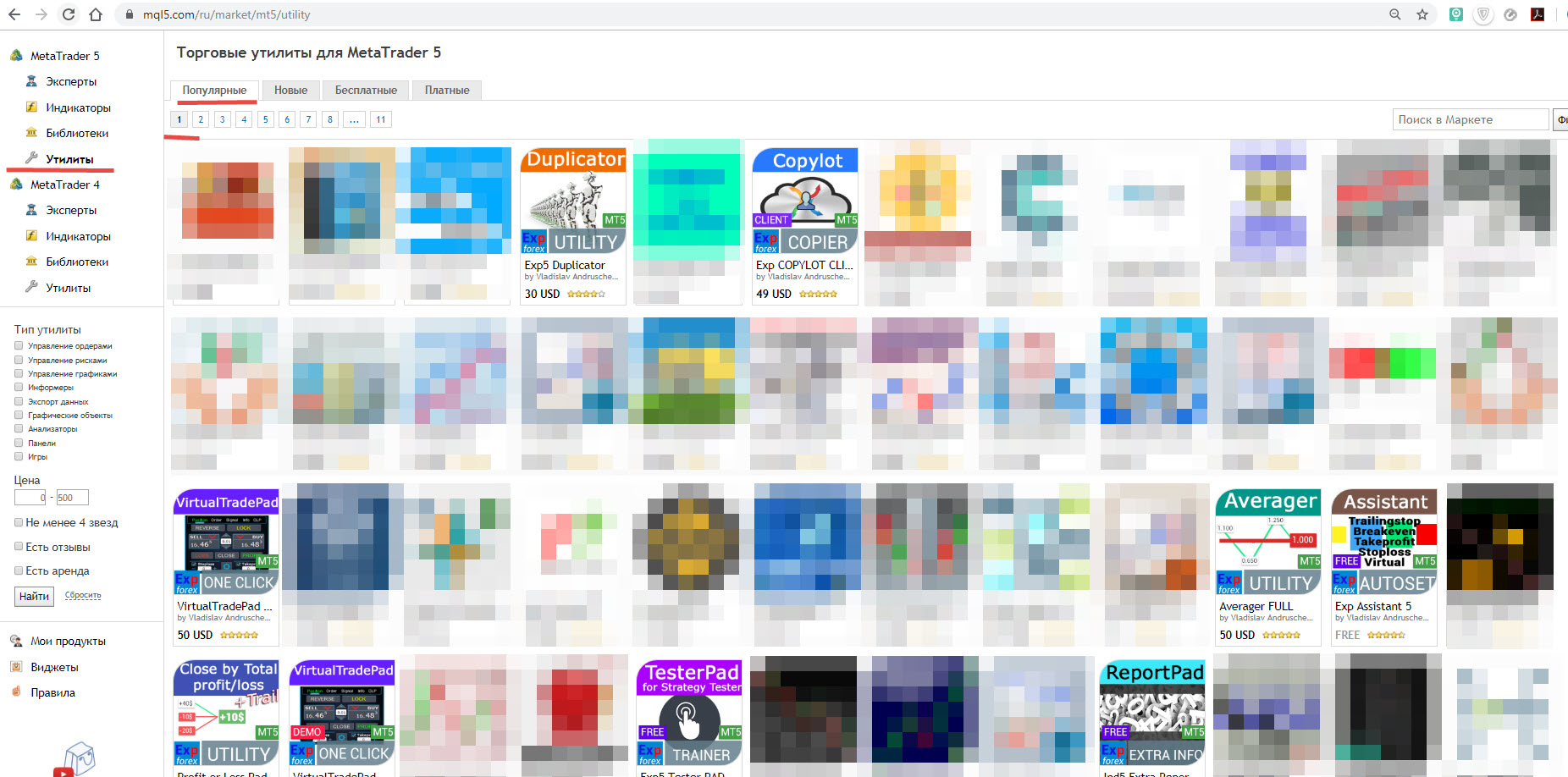
Приятно, что все мои утилиты в топе на первой странице.
Спасибо всем, кто любит мои разработки.
Для MetaTrader 5 https://www.mql5.com/ru/market/mt5?Filter=Vladon
Для MetaTrader 4 https://www.mql5.com/ru/market/mt4?Filter=Vladon

Пожалуйста, сделайте Репост!
Vladislav Andruschenko
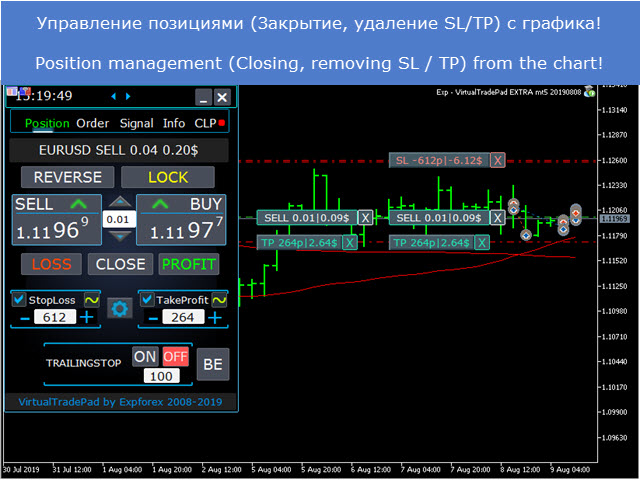
Панель торговли в 1 клик с графика и клавиатуры:
⌨️ VIRTUALTRADEPAD: МТ4: https://www.mql5.com/ru/market/product/2892
⌨️ VIRTUALTRADEPAD: МТ5: https://www.mql5.com/ru/market/product/167
shared product
VirtualTradePad One Click Trading
💎 VirtualTradePad MT4: https://www.mql5.com/ru/market/product/2892 💎 VirtualTradePad MT5: https://www.mql5.com/ru/market/product/167 ↔️↔️↔️ Полная инструкция и руководство пользователя VirtualTradePad : https://www.mql5.com/ru/blogs/post/712612 ↔️↔️↔️ Полная инструкция и руководство пользователя VirtualTradePad : https://www.expforex.com/publ/4-1-0-162

Trading Panel for MetaTrader 5 — professional one-click trading from chart and keyboard A powerful trading panel for active manual trading, designed to open, manage, and close trades far faster and more efficiently than the standard MetaTrader interface. This panel is built for traders who want full control over positions, pending orders, profit management, and trading execution inside one professional workspace. This is not just another utility. It is a complete trading cockpit for MetaTrader

sami.m767
sami.m767 2019.07.28
looks good
Vladislav Andruschenko
Такое впечатление, что все пришли на форекс, как в игровой салон.
Получить удовольствие и пойти по делам.
Форекс - это ТРУДНАЯ РАБОТА!
Думайте......
Vladislav Andruschenko
Left feedback to customer for job Lite version of EXP5 for MT5
Vladislav Andruschenko
Vladislav Andruschenko 2019.07.22
Это было изменение The X в открытом коде.
Программированием других ТЗ и чужих экспертов на заказ не занимаюсь!
Vladislav Andruschenko
🐹 Tick Hamster for MetaTrader 4 & MetaTrader 5 Automatic trading robot with auto-optimized parameters for traders who do not want to spend hours configuring an Expert Advisor. Nothing extra...
Vladislav Andruschenko
🐹 Tick Hamster для MetaTrader 4 & MetaTrader 5 Автоматический торговый робот с автоматически оптимизируемыми параметрами для трейдеров, которые не хотят тратить часы на настройку торгового советника (Expert Advisor). Ничего лишнего...
Vladislav Andruschenko Published product
Reviews: 18
30.00 USD

Tick Hamster for MetaTrader 5 — Fully Automatic Trading Expert Advisor Trading without complicated setup. Tick Hamster for MetaTrader 5 is a fully automated Expert Advisor created for traders who want a simple, ready-to-run solution with automatic internal optimization for any trading symbol. This product is designed for users who prefer a clean start, minimal setup, and a trading system that adapts its internal logic automatically. Install it on a chart, set the lot size, and let the algorithm

Vladislav Andruschenko Published product
Reviews: 13
30.00 USD

Tick Hamster for MetaTrader 4 — Fully Automatic Trading Expert Trading without complicated setup. Tick Hamster is an automated trading Expert Advisor for MetaTrader 4 designed for traders who want a simple, ready-to-run solution with automatic internal optimization. The system is built for users who prefer to start quickly, avoid deep parameter tuning, and use an Expert Advisor that adapts its logic to the current trading symbol. Install it, set your lot size, and let the algorithm work. Tick

Vladislav Andruschenko
Все инструкции обновил до актуальных версий.
Vladislav Andruschenko
🛡 Exp – SafetyLock PRO for MetaTrader 4 & MetaTrader 5 Professional position protection utility that opens opposite pending orders to create a LOCK / HEDGE when the market moves against your trade...
Vladislav Andruschenko
🛡 Exp – SafetyLock PRO для MetaTrader 4 и MetaTrader 5 Профессиональная утилита защиты позиций, которая открывает встречные отложенные ордера для создания LOCK / HEDGE, когда рынок движется против вашей сделки...
Vladislav Andruschenko
📊 Exp – Averager for MetaTrader 4 & MetaTrader 5 Professional Expert Advisor for averaging positions, opening additional trades against the movement and adding positions by trend...
Vladislav Andruschenko
📊 Exp – Averager для MetaTrader 4 и MetaTrader 5 Профессиональный советник для усреднения позиций, открытия дополнительных сделок против движения и добавления позиций по тренду...